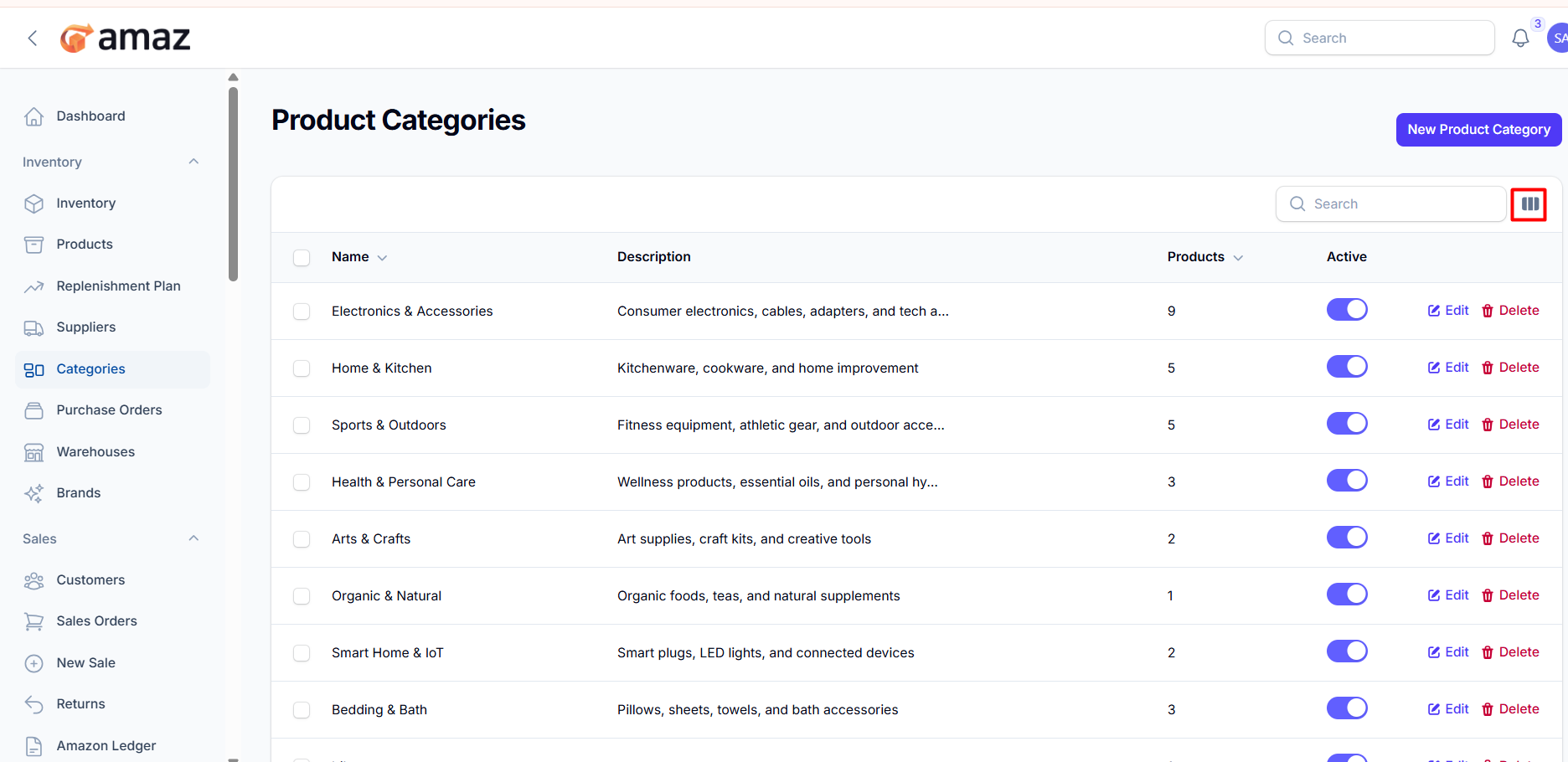
Product Categories
Organize products into categories for easier management.
Location: Sidebar → Inventory → Product Categories
Creating a Category
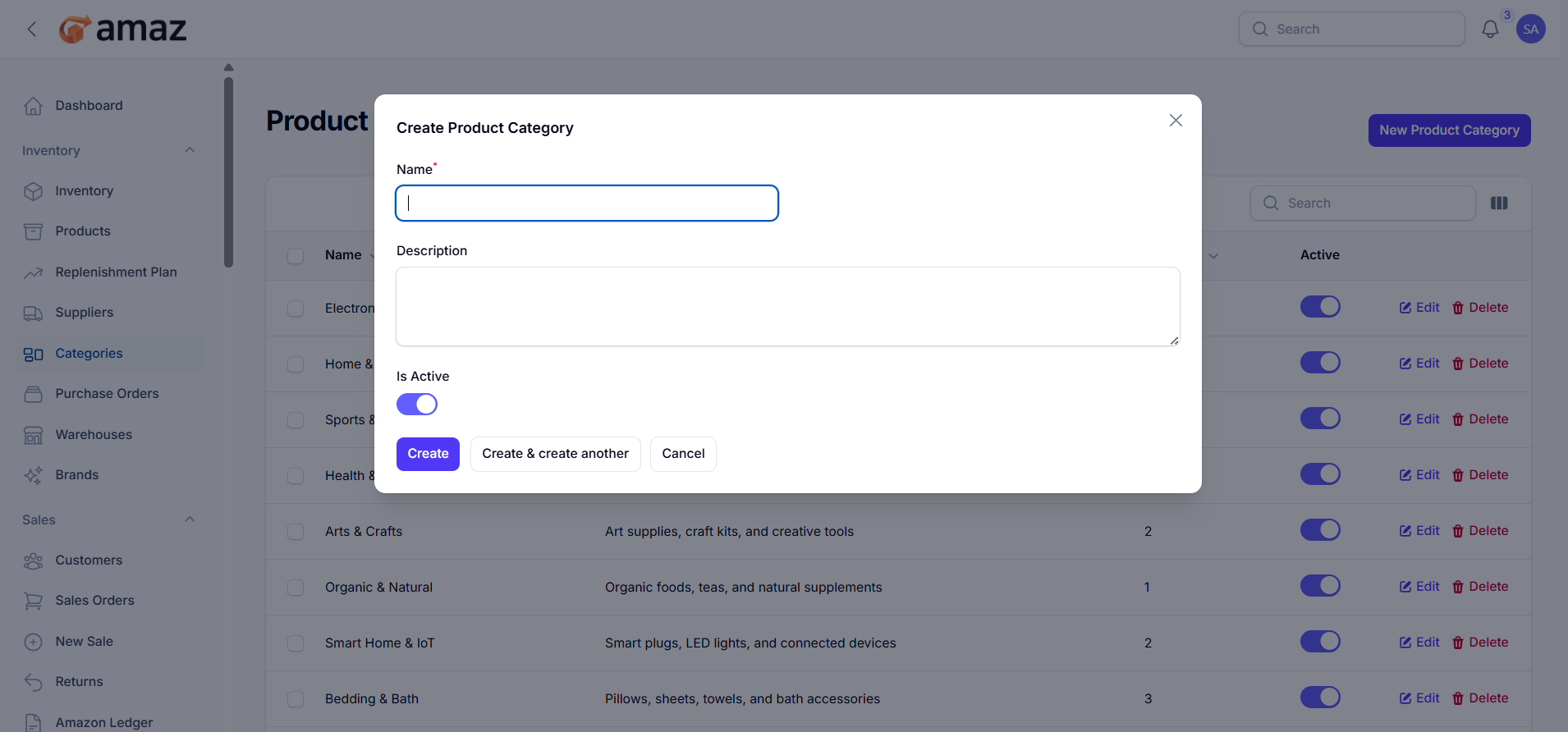
1. Click New Product Category
2. Enter the Name (required)
3. Add a Description (optional)
4. Toggle Active status
5. Click Create
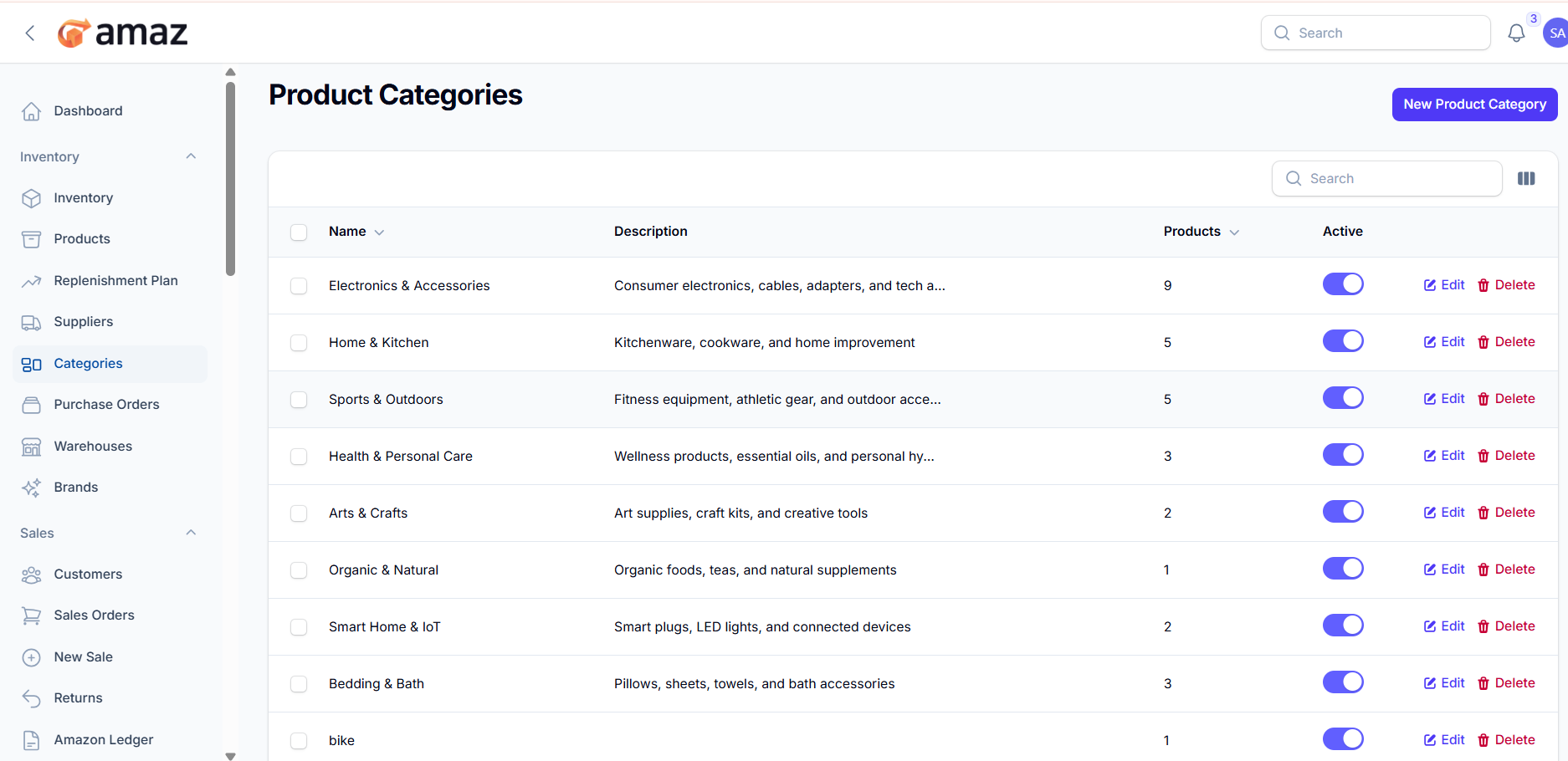
From here you can see the category list with information. Such as:
Name – Name of the category.
Description – Brief details about the category.
Products – Number of products assigned to the category.
Status – Current status of the category (e.g., Active/Inactive).
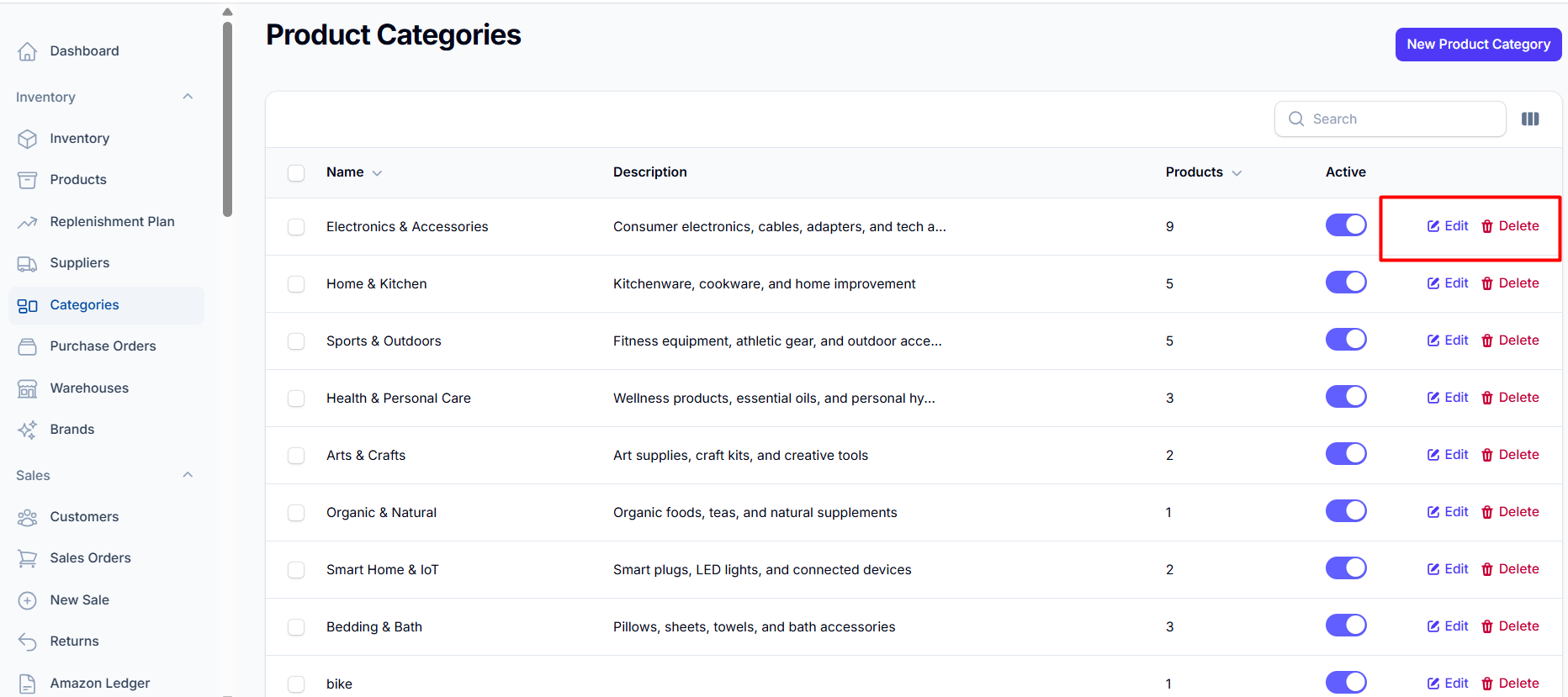
Managing Categories
Edit: Click the edit icon to modify category details
Delete: Click the delete icon (only if no products are assigned)
Toggle Active: Use the toggle to enable/disable categories.
Searching Products Category:
- Use the search box to find product categories.
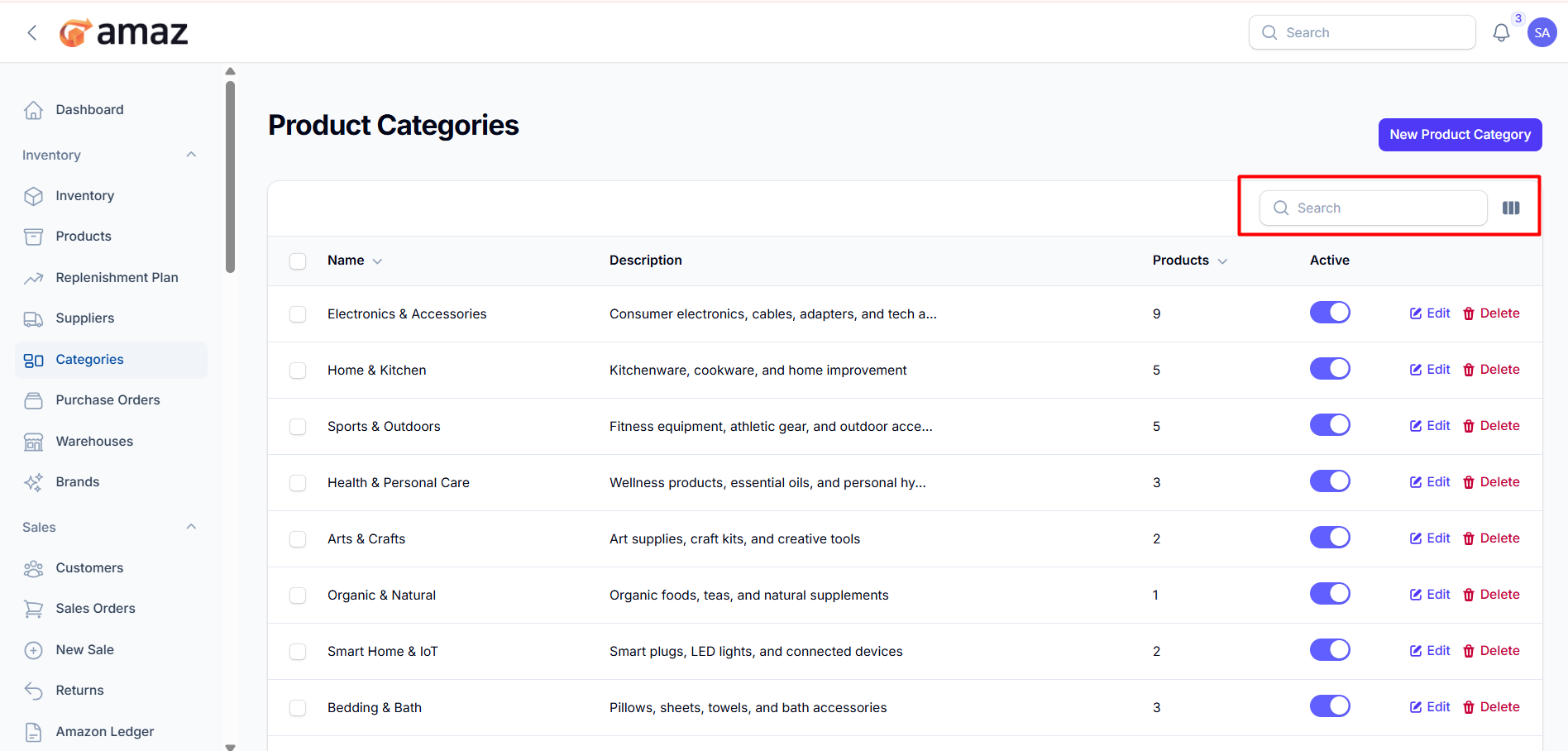
You can control the column from here.