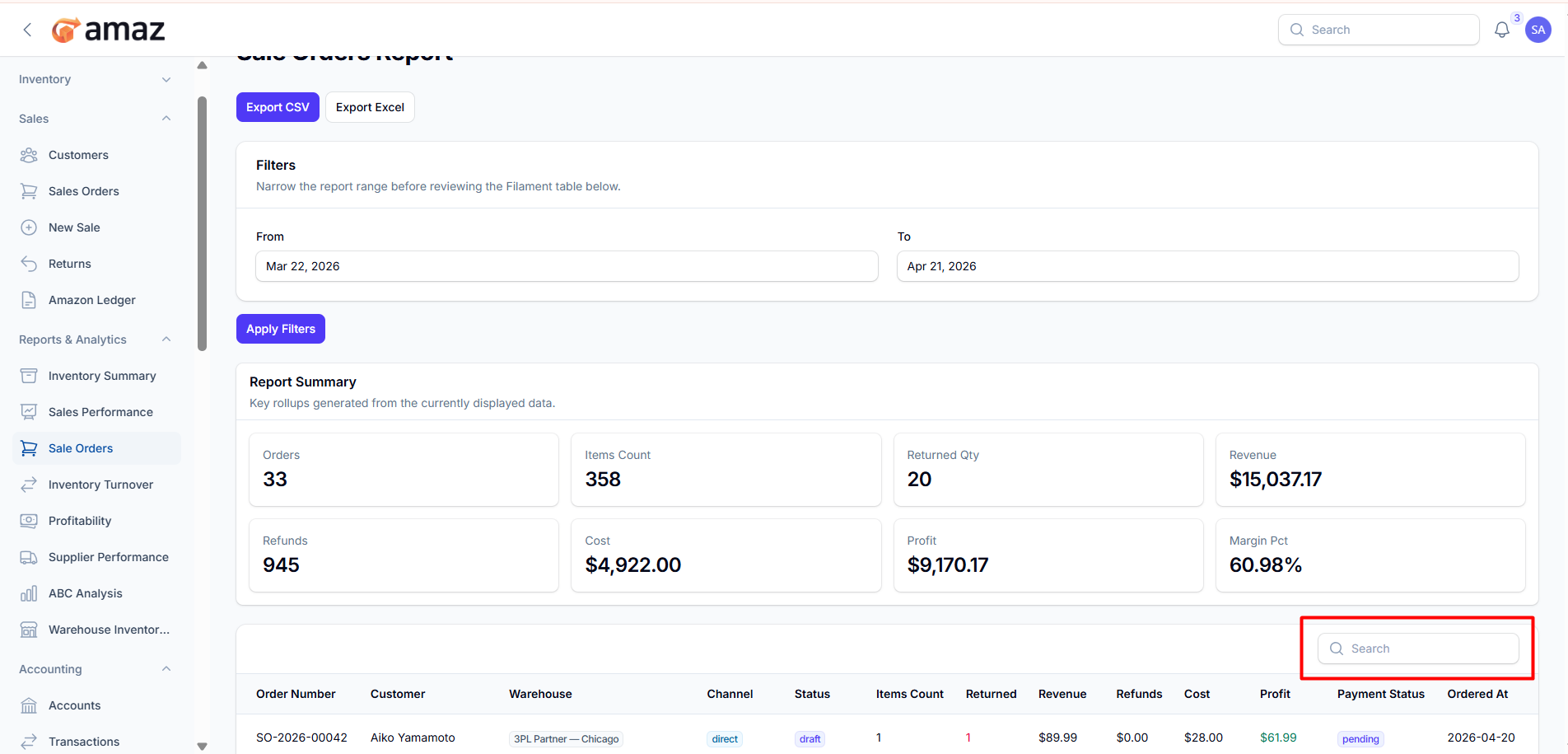
Sale Orders Report
Detailed list of sales orders.
Location: Reports & Analytics → Sale Orders
From here you can view the summary of the report.
Field – Description
Orders – Total number of orders.
Item Count – Total number of items sold.
Returned Qty – Total quantity of returned items.
Revenue – Total sales revenue generated.
Refunds – Total amount refunded to customers.
Cost – Total cost of goods sold.
Profit – Net profit (Revenue − Cost − Refunds).
Margin Percentage – Profit margin expressed as a percentage of reve
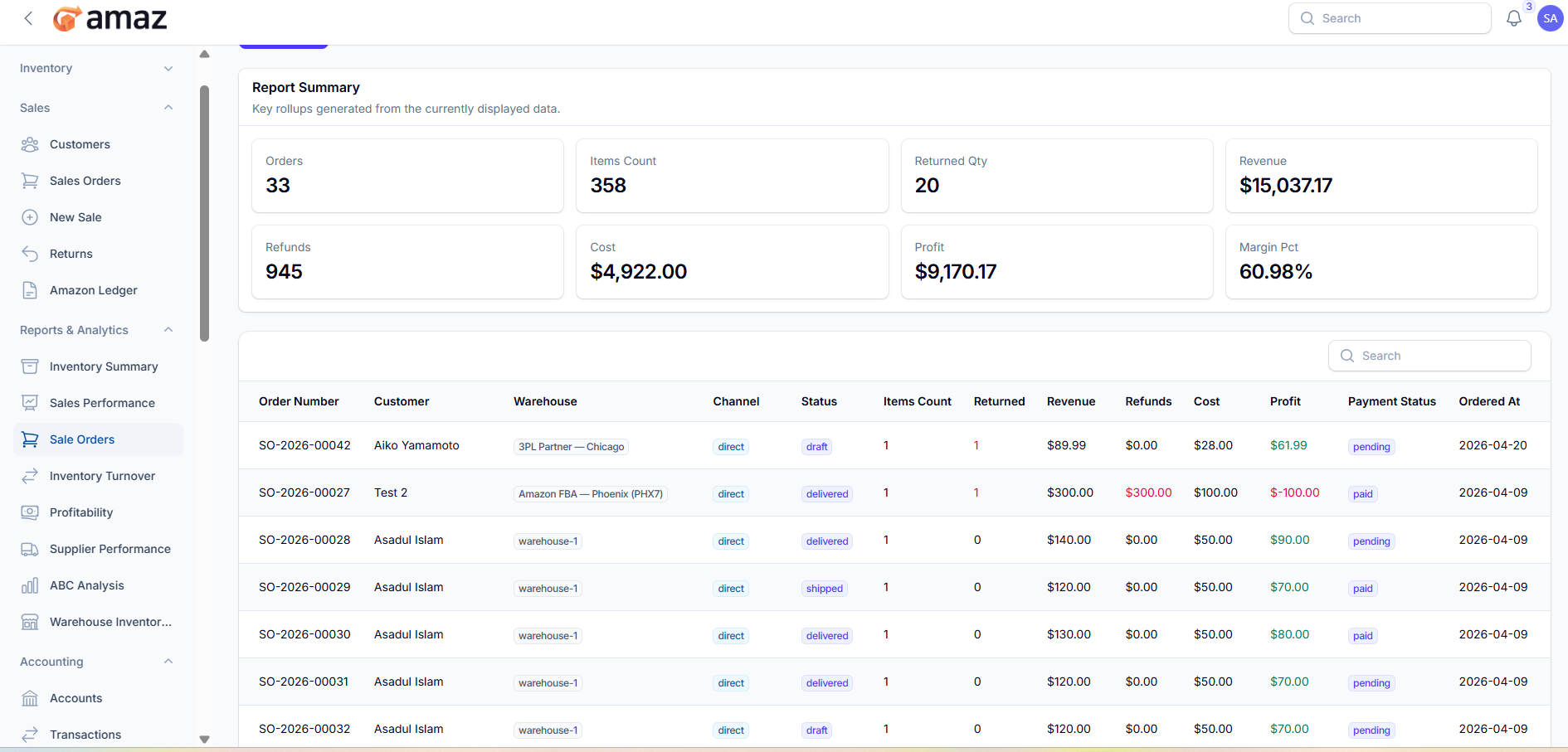
From here you can view all report entries along with detailed information.
Field – Description
Order Number – Unique identifier for the order.
Customer – Name of the customer.
Warehouse – Warehouse from which the order is fulfilled.
Channel – Sales channel (e.g., Direct, Website, Marketplace).
Status – Current status of the order.
Items Count – Total number of items in the order.
Returned – Quantity of items returned.
Revenue – Total revenue generated from the order.
Refunds – Total amount refunded.
Cost – Total cost of goods sold for the order.
Profit – Net profit from the order.
Payment Status – Payment status (e.g., Paid, Unpaid, Partial).
Order At – Date and time when the order was placed.
Export Excel – Download the report in Excel format for detailed analysis and reporting.
Export CSV – Download the report in CSV format for easy data handling and integration.
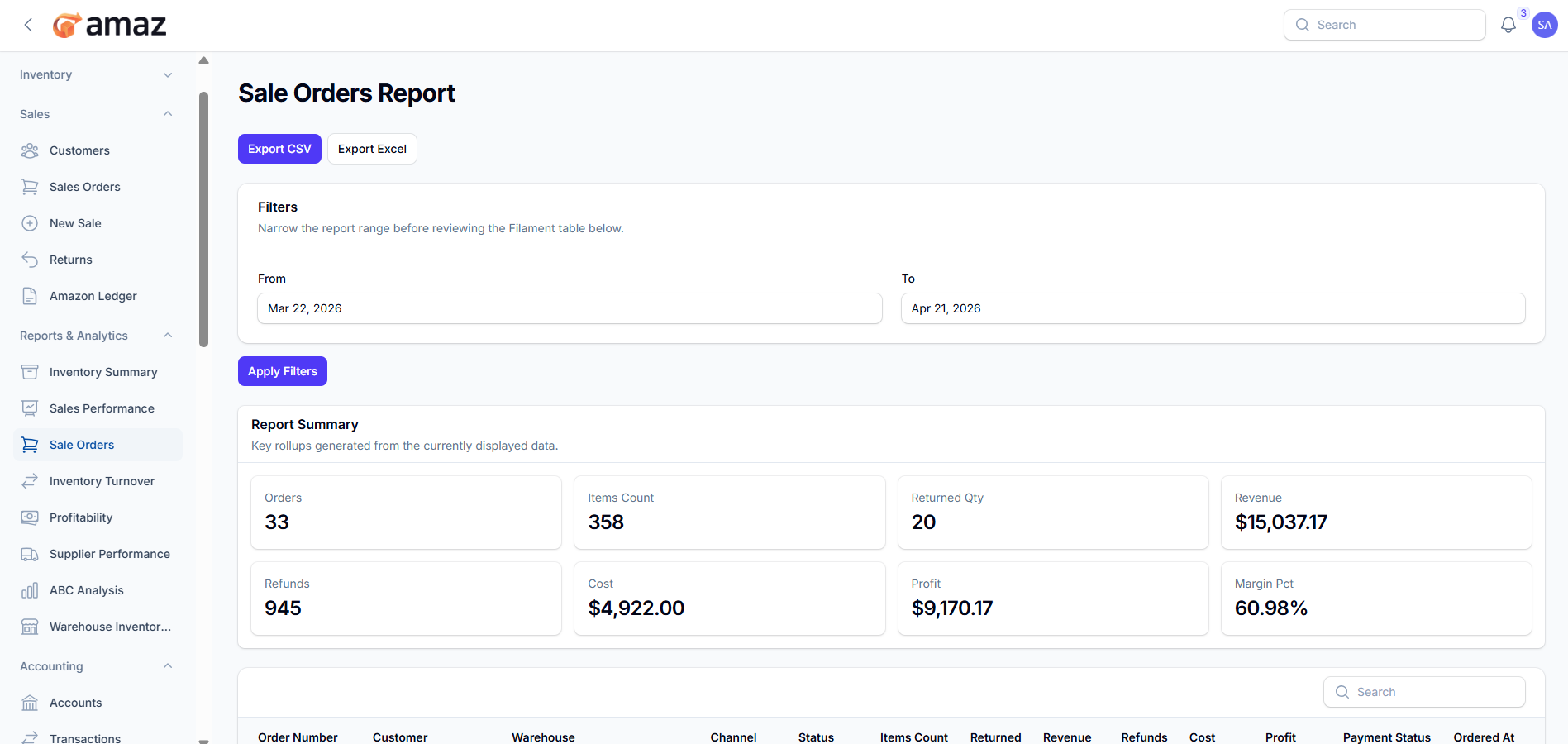
Use the search option to quickly find report records by entering details such as order number, customer name, or channel.