Supplier Performance Report
Evaluate supplier reliability.
Location: Reports & Analytics → Supplier Performance
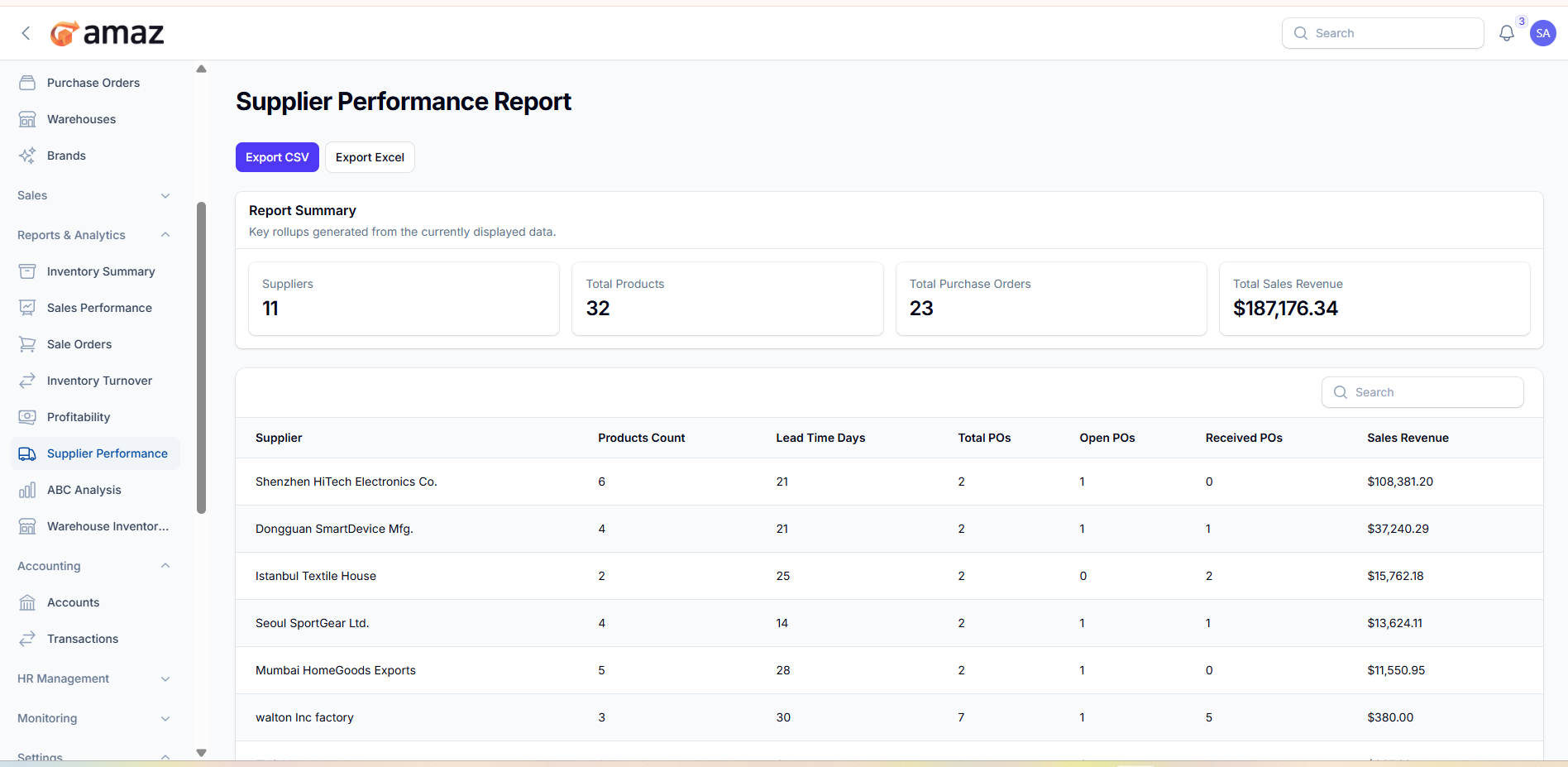
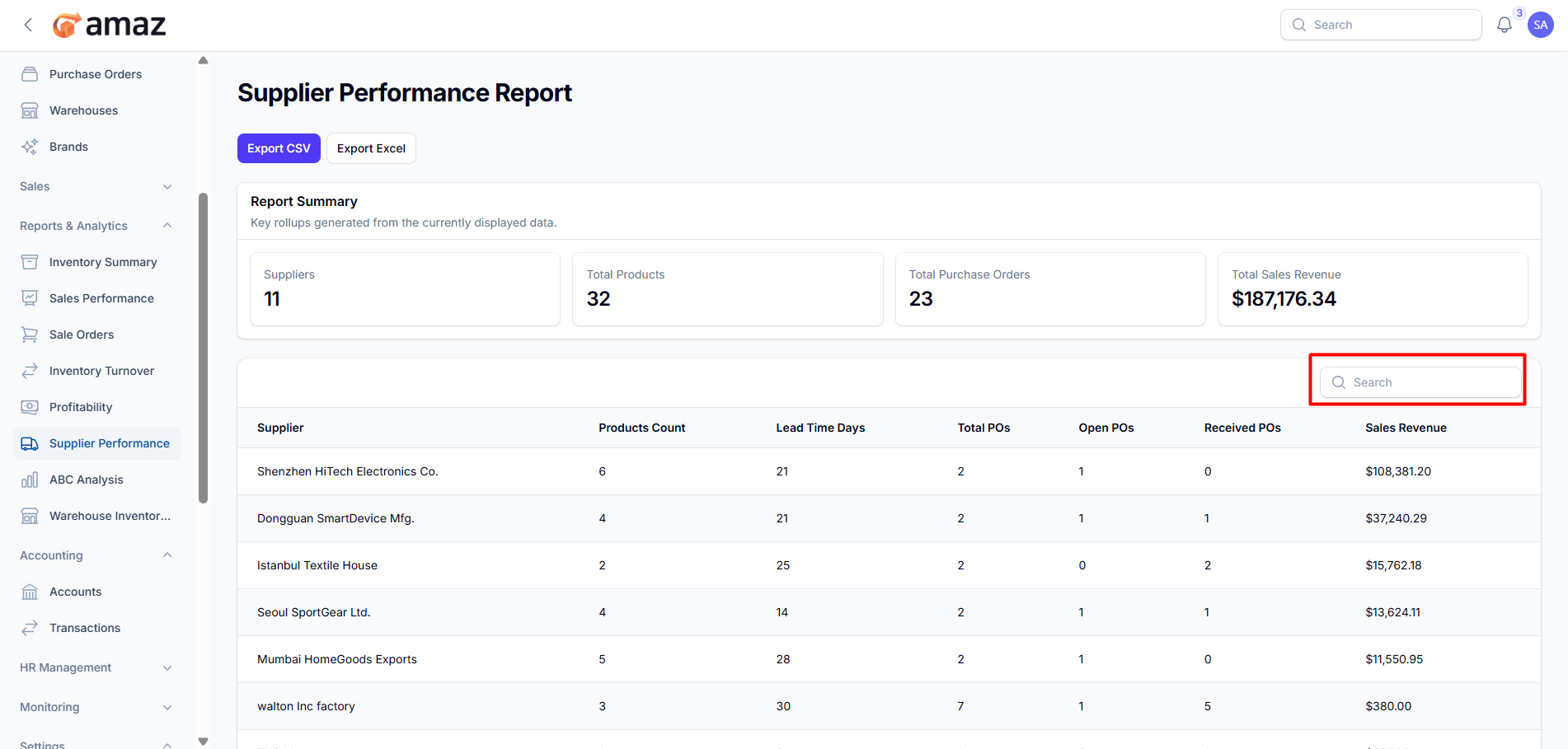
From here you can view the overall report summary.
Field – Description
Suppliers – Total number of suppliers.
Total Products – Total number of products.
Total Purchase Orders – Total number of purchase orders.
Total Sales Revenue – Total revenue generated from sales.
From here you can view all report entries along with detailed information.
Field – Description
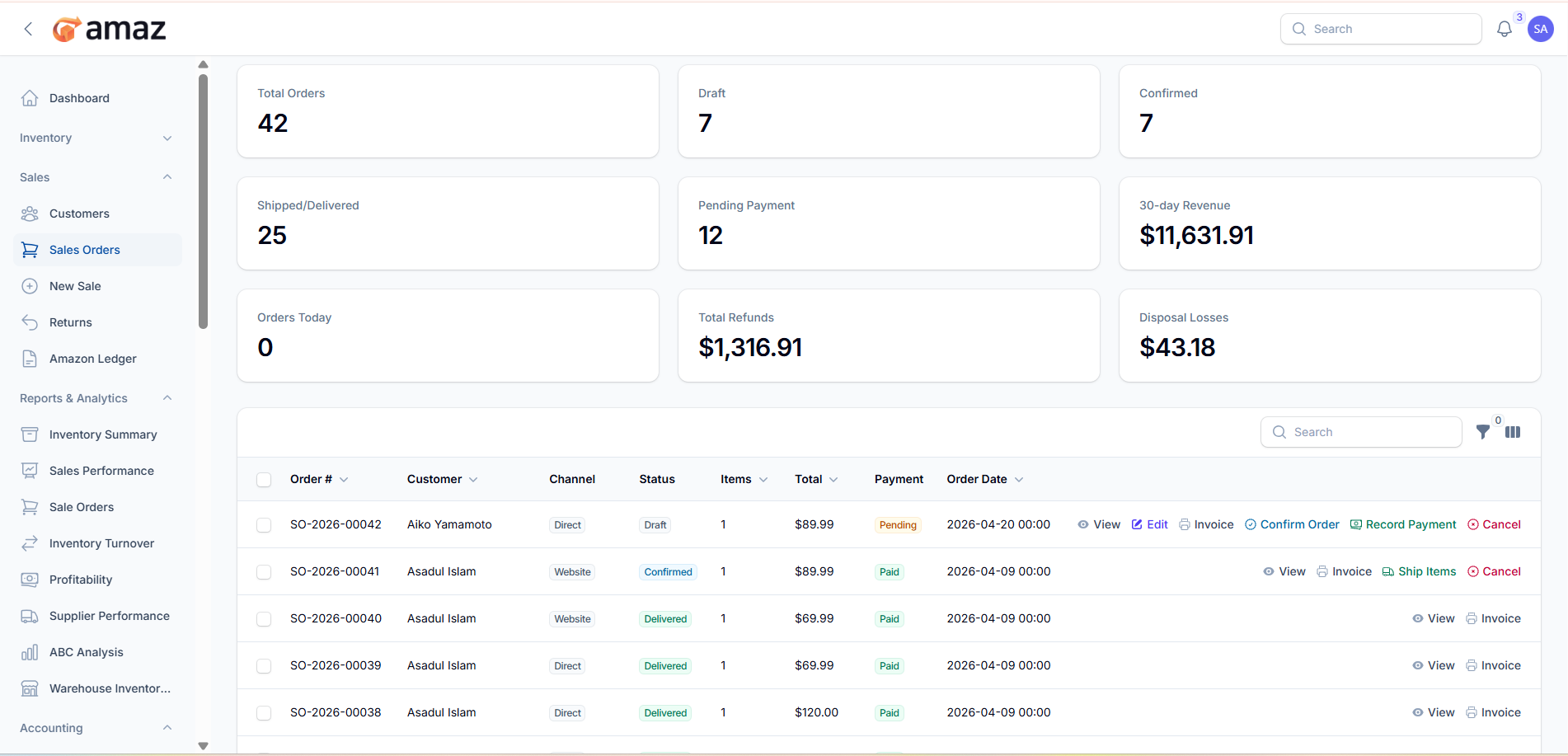
Order No – Unique identifier for the order.
Customer – Name of the customer.
Channel – Sales channel (e.g., Direct, Website, Marketplace).
Status – Current status of the order.
Item – Total number of items in the order.
Total – Total value of the order.
Payment – Payment status (e.g., Paid, Unpaid, Partial).
Order Date – Date when the order was placed.
Export Excel – Download the report in Excel format for detailed analysis and reporting.
Export CSV – Download the report in CSV format for easy data handling and integration.