Warehouse Inventory Summary
Inventory breakdown by warehouse.
Location: Reports & Analytics → Warehouse Inventory Summary
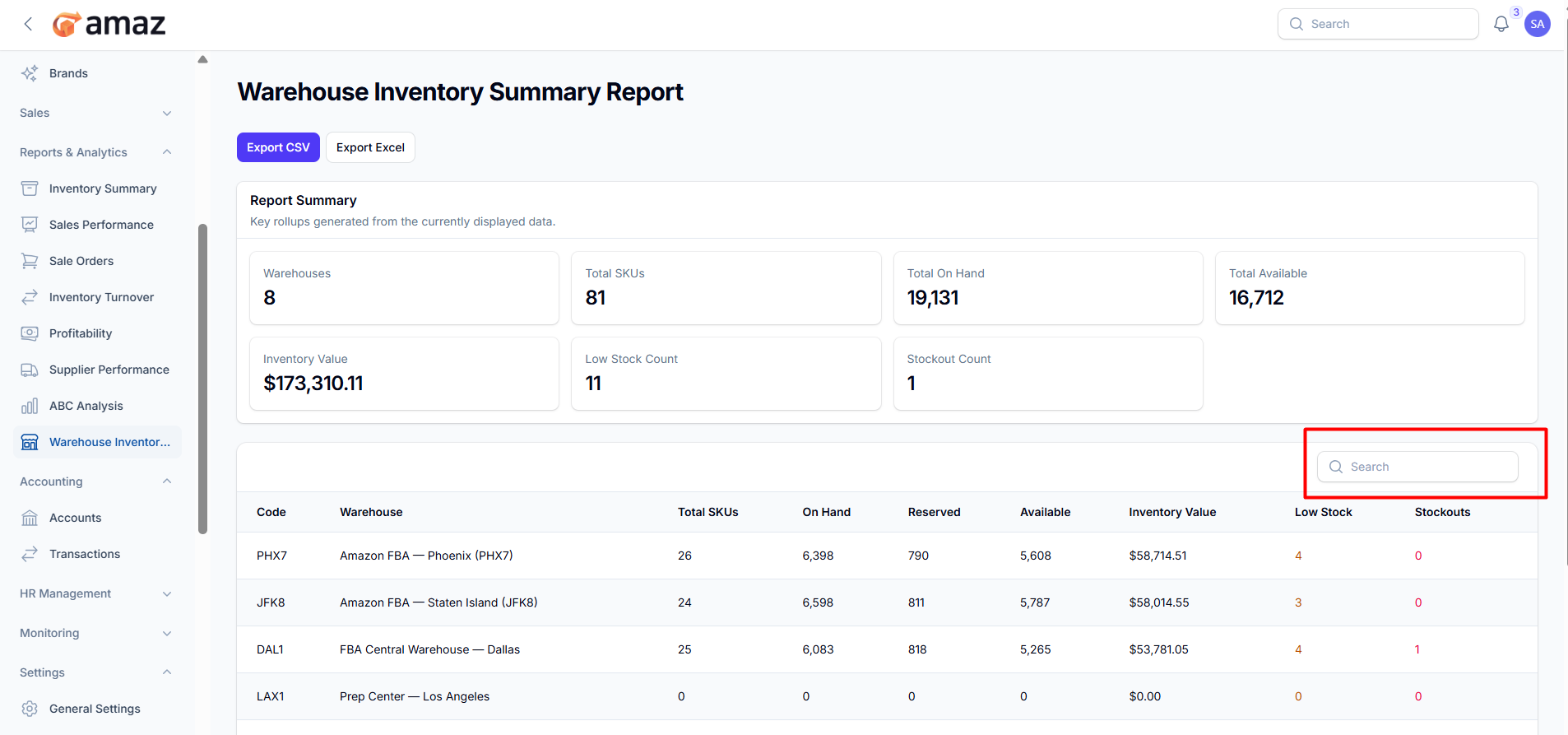
From here you can view the summary of inventory by warehouse.
Field – Description
Warehouse – Name of the warehouse.
Total SKU – Total number of unique products (SKUs) in the warehouse.
Total On Hand – Total quantity of items currently in stock.
Total Available – Quantity available for sale (On Hand − Reserved).
Inventory Value – Total monetary value of the inventory.
Low Stock Count – Number of products below the reorder point.
Stockout Count – Number of products that are out of stock.
From here you can view all warehouse reports along with detailed information.
Field – Description
Code – Unique identifier for the warehouse.
Warehouse – Name of the warehouse.
Total SKUs – Total number of unique products in the warehouse.
On Hand – Total quantity currently in stock.
Reserved – Quantity allocated to pending orders.
Available – Quantity available for sale (On Hand − Reserved).
Inventory Value – Total monetary value of inventory.
Low Stock – Number of products below the reorder point.
Stockouts – Number of products that are out of stock.
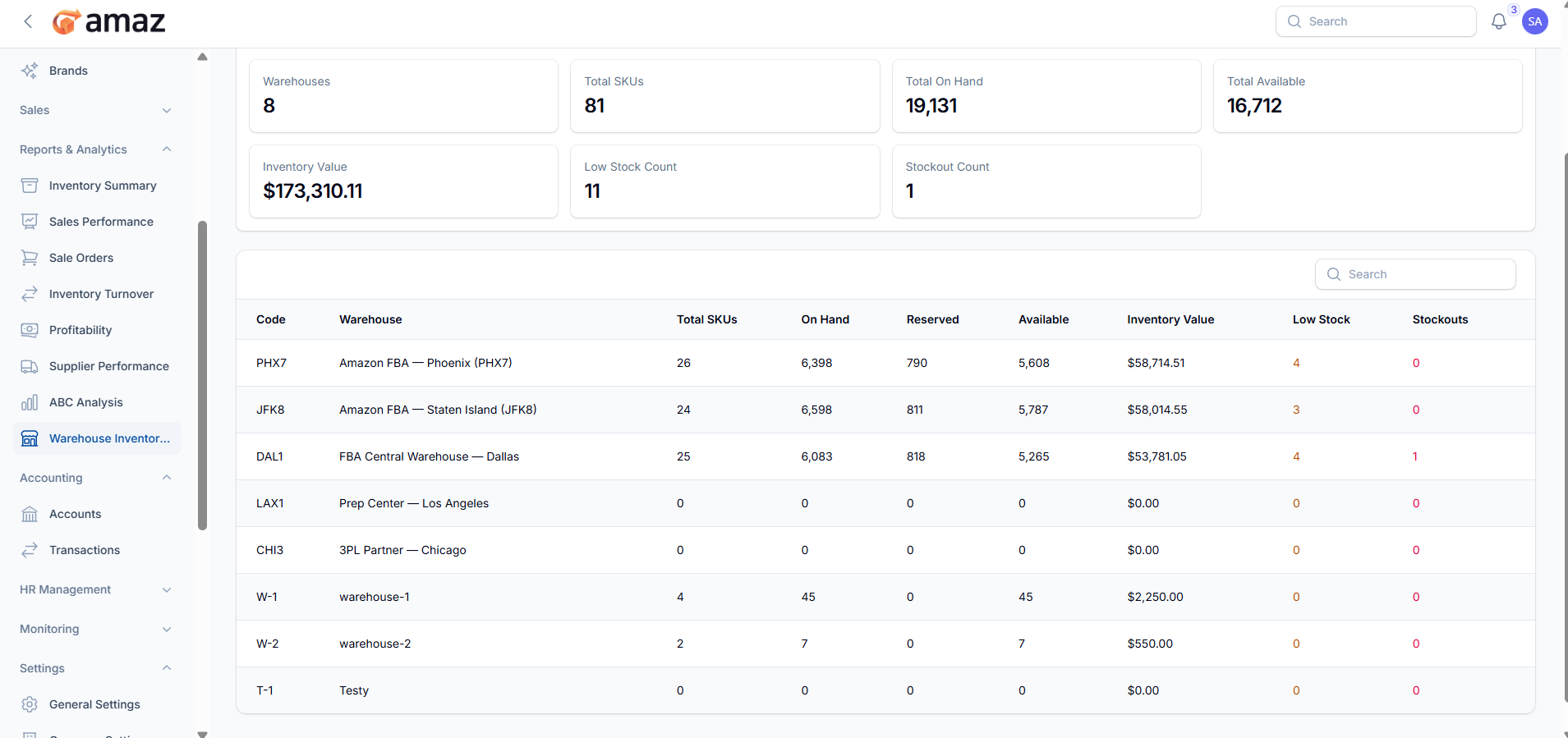
Export to Excel – Download the report in Excel format for detailed analysis and reporting.
Export to CSV – Download the report in CSV format for easy data handling and integration.
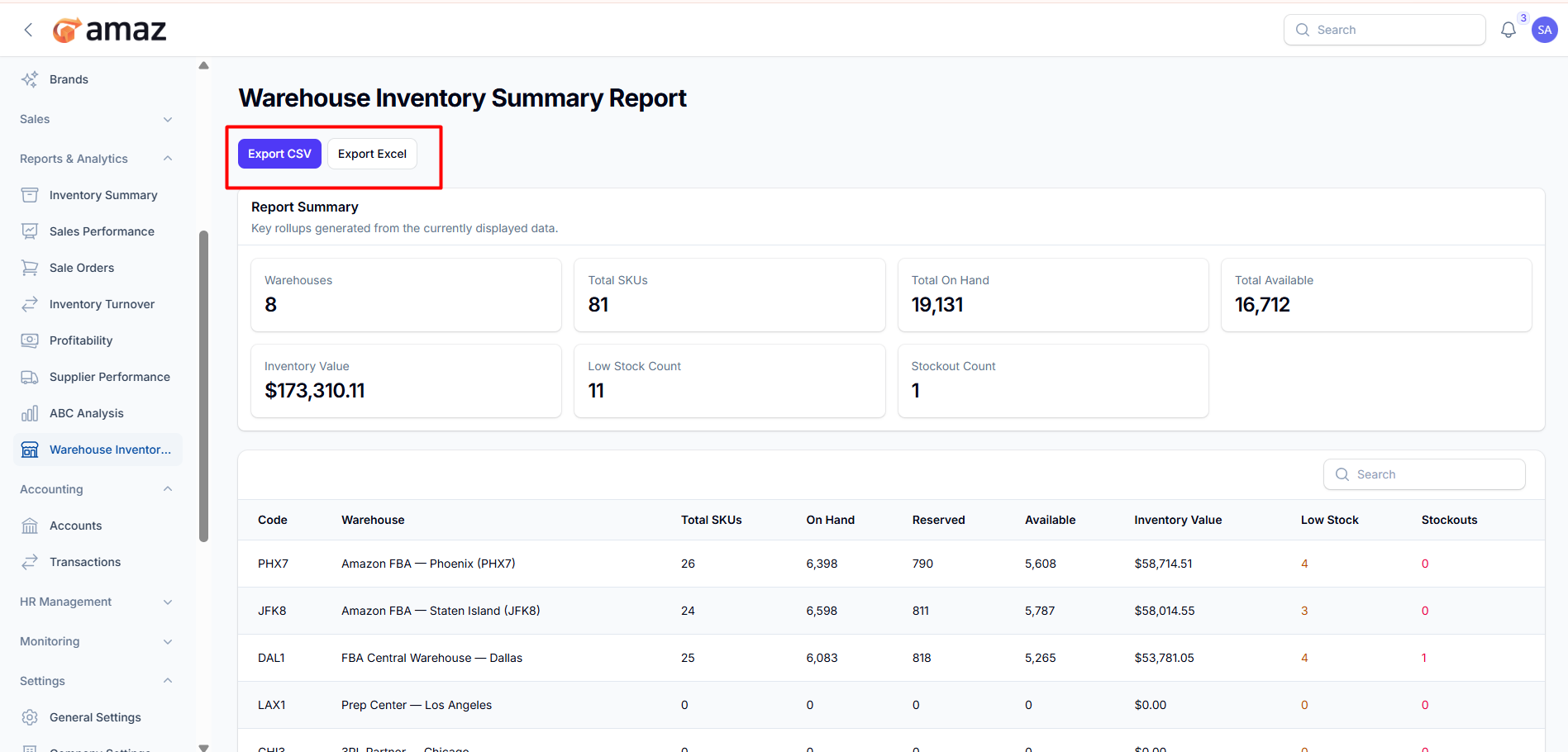
Search:
Use the search option to quickly find records by entering details such as warehouse name, code, or SKU.