Leave Requests
Manage employee leave requests.
Location: Sidebar → HR Management → Leave Requests
Creating a Leave Request
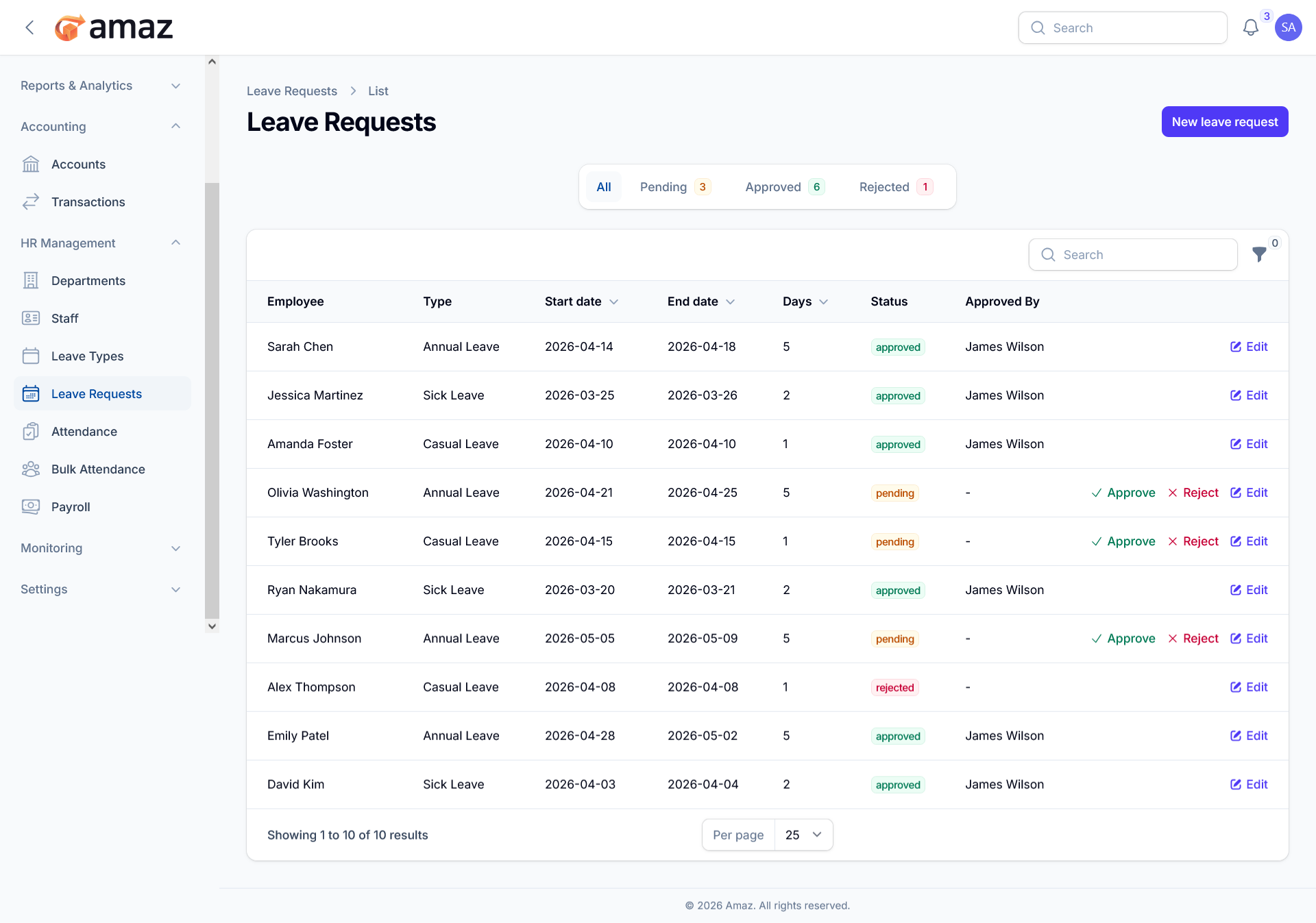
1. Click New Leave Request
2. Fill in:
- Employee
- Leave Type
- Start Date
- End Date
- Reason (optional)
- Status (Pending, Approved, Cancelled, Rejected)
3. Click Create
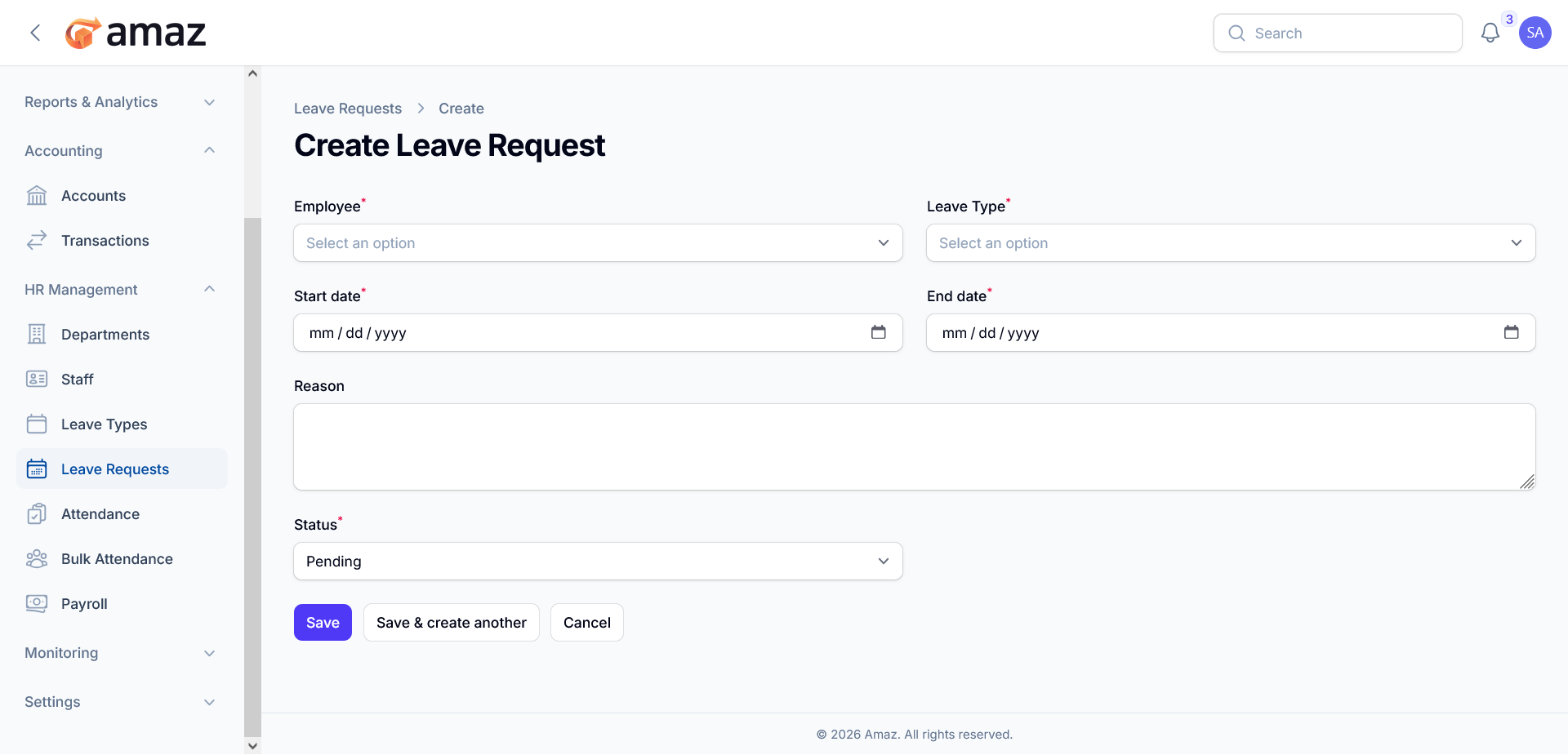
You can find any leave request's details by using the search functionality from the list.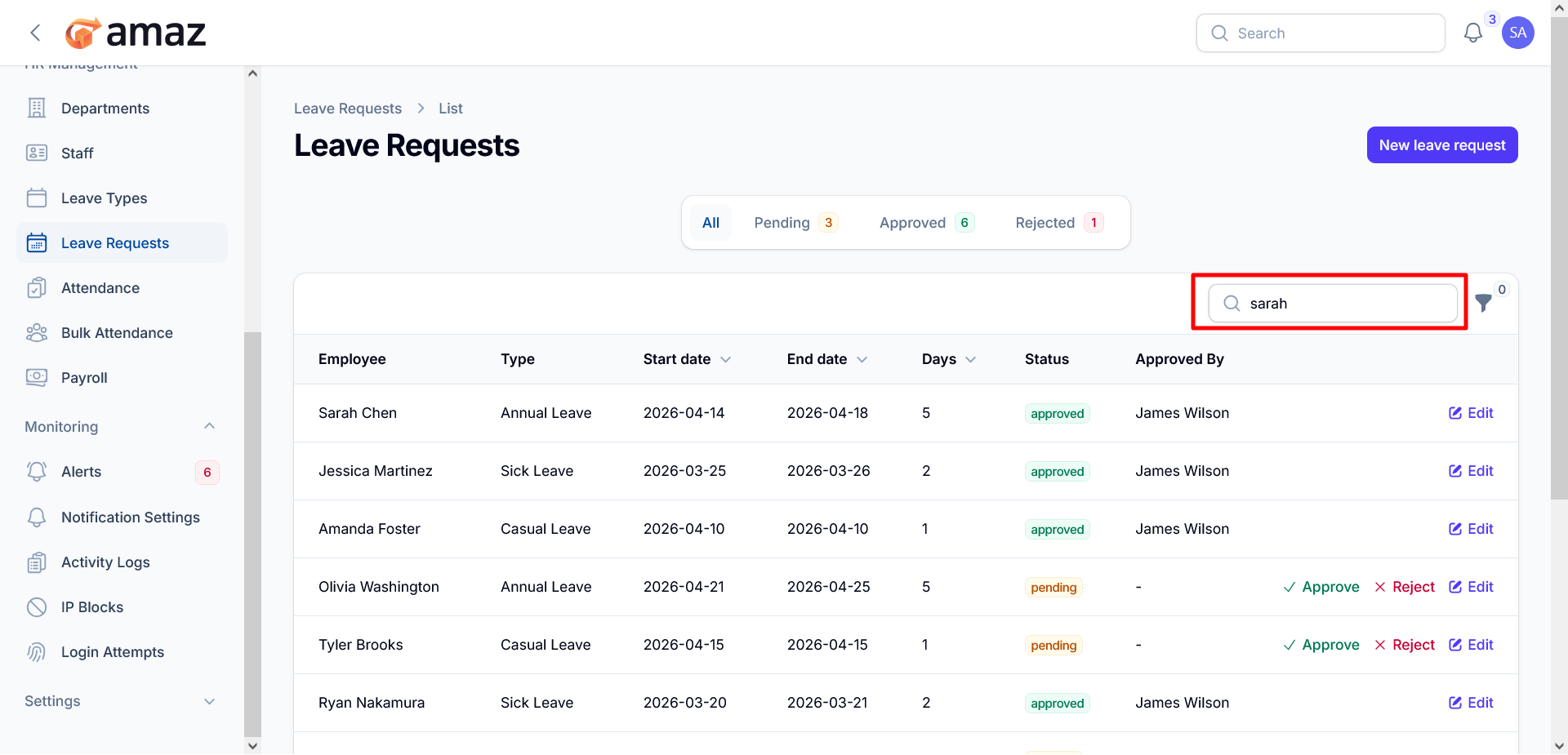 You can filter the data using the Pending, Approve and Reject options for more precise results. Additionally, you can reset all applied filters at any time by clicking the Reset button.
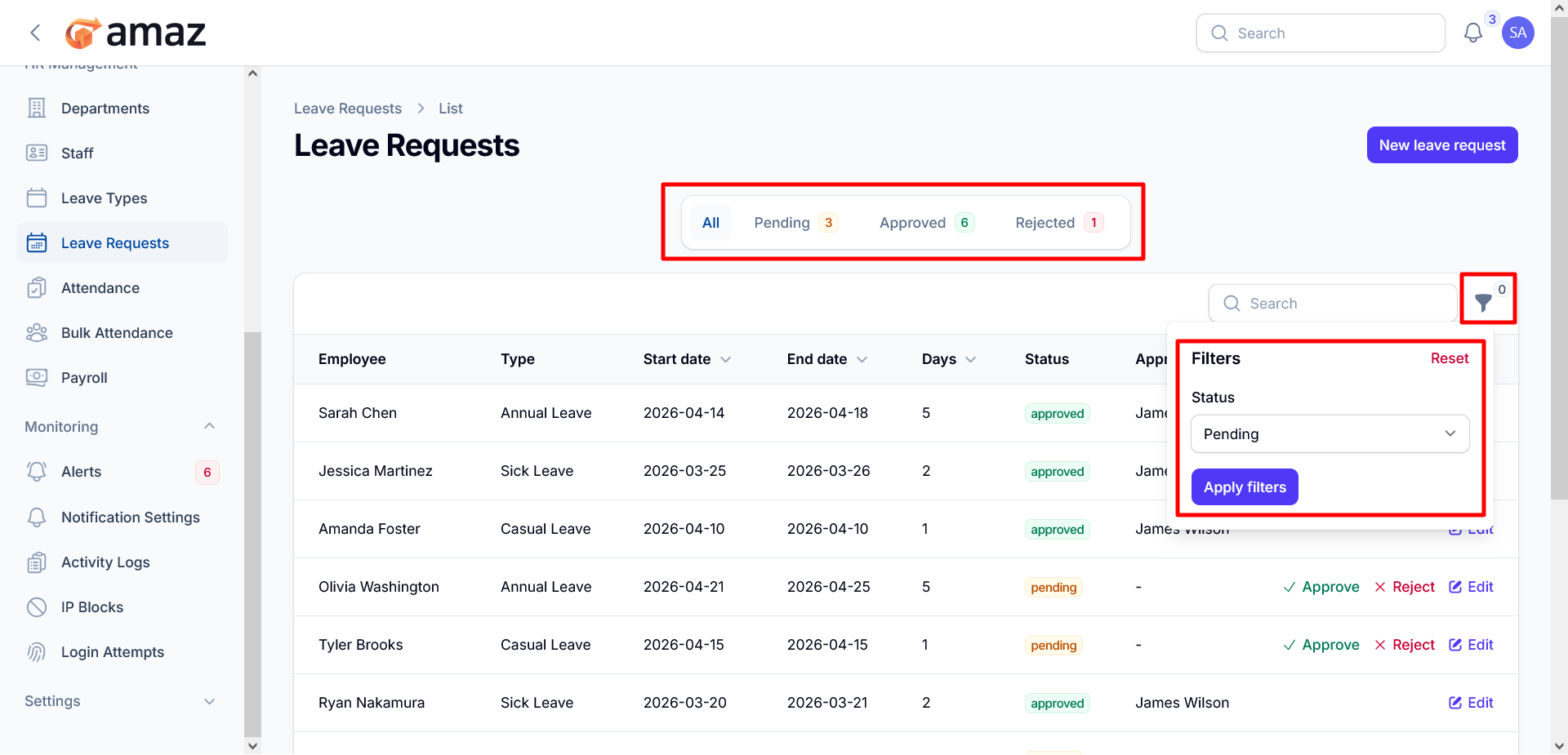 Managing Leave Request
You can Edit, Approve and Reject specific leave request from the list.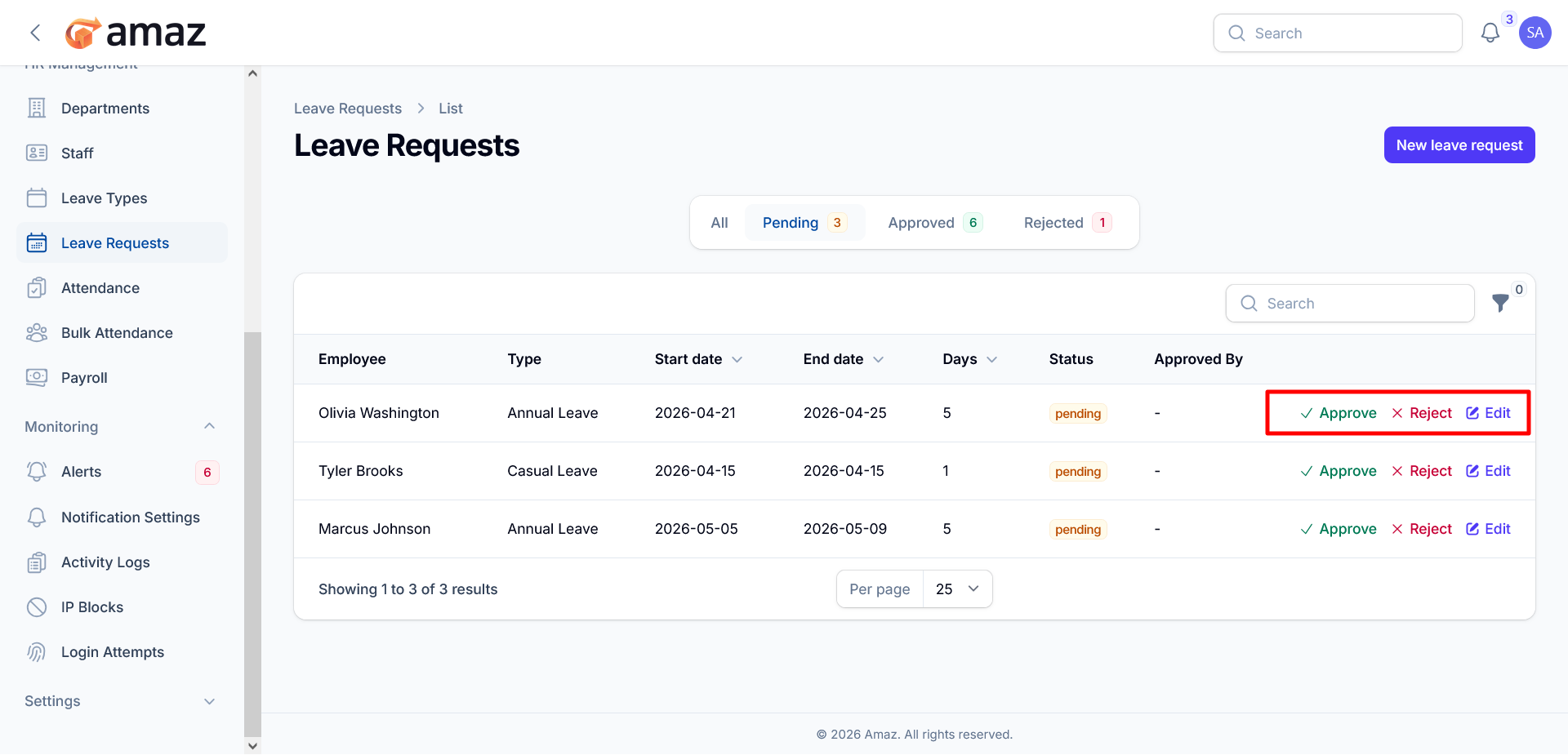 Approving/Rejecting Leave
From the leave request list:
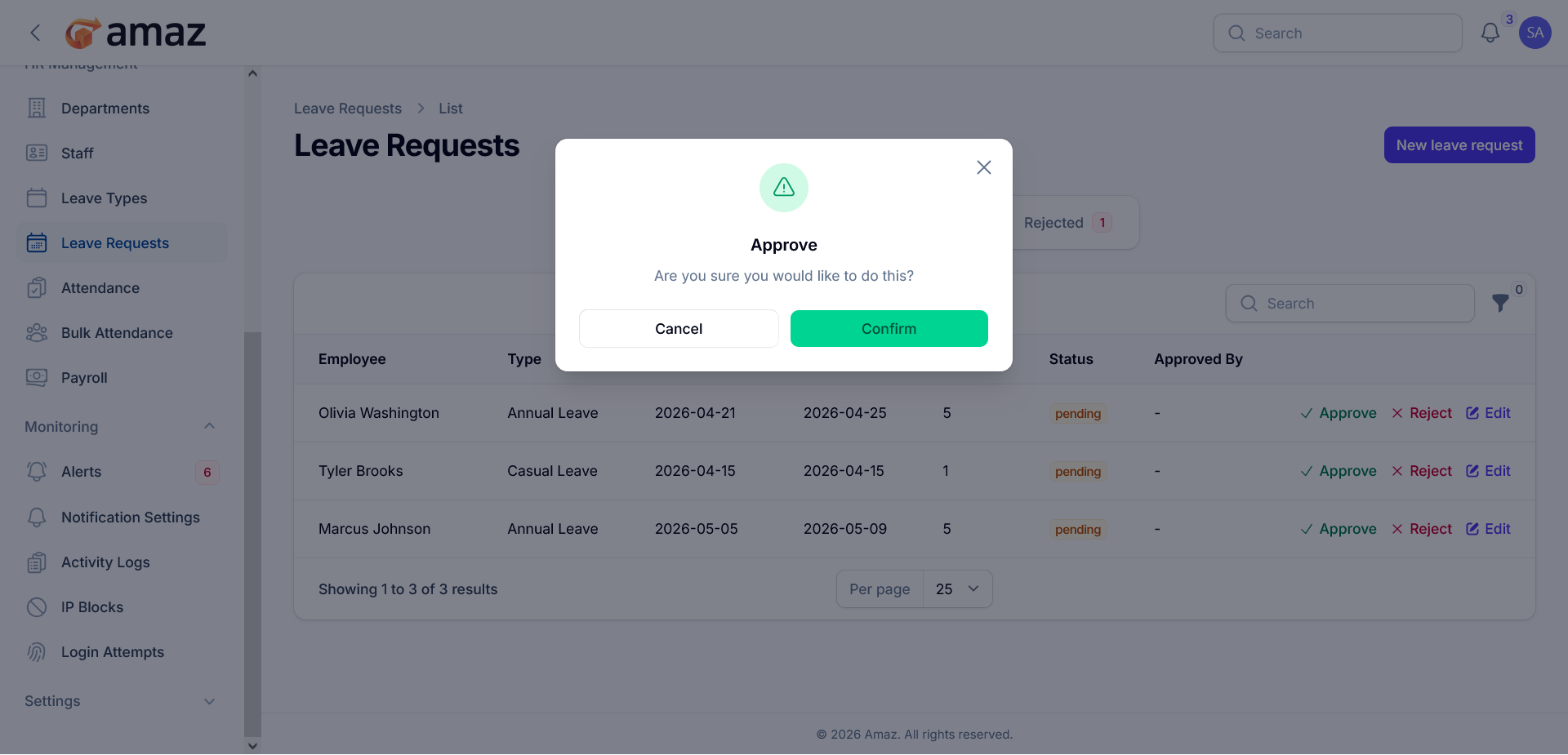
1. Find the pending request
2. Click Approve to approve, or
3. Click Reject and enter a rejection reason
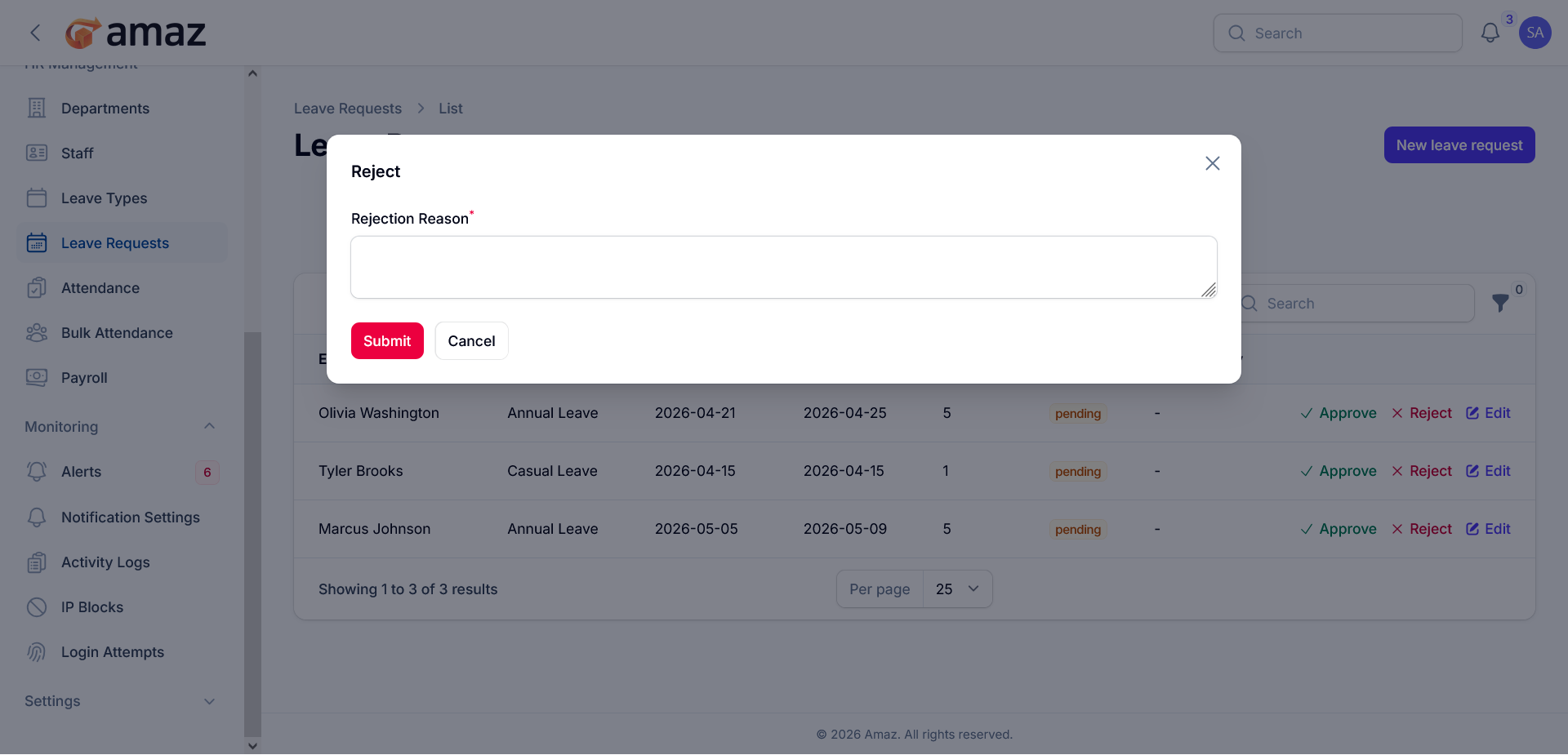
The employee is notified of the decision.
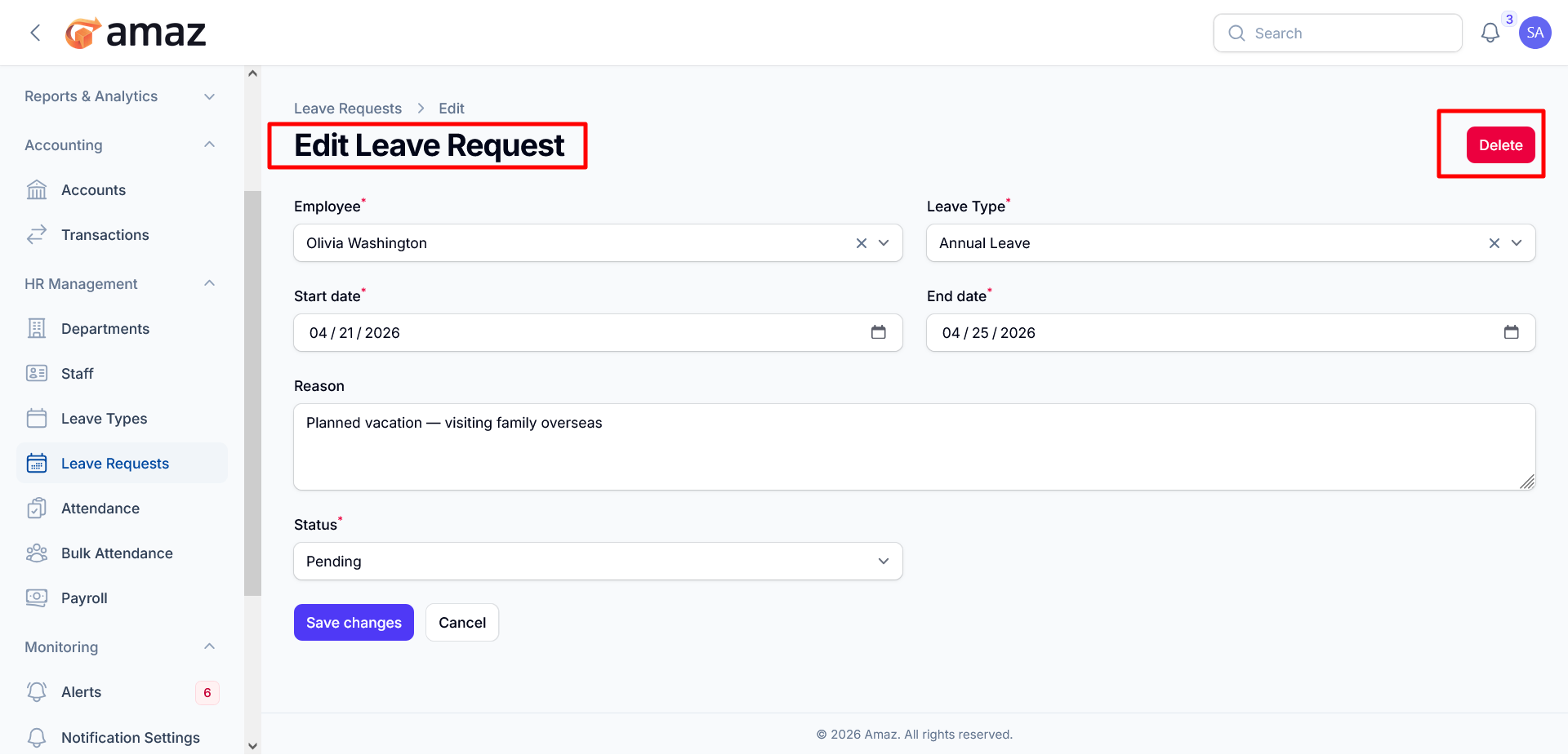
You can also update your pending leave request by clicking the Edit button. also can delete the leave request from edit section.