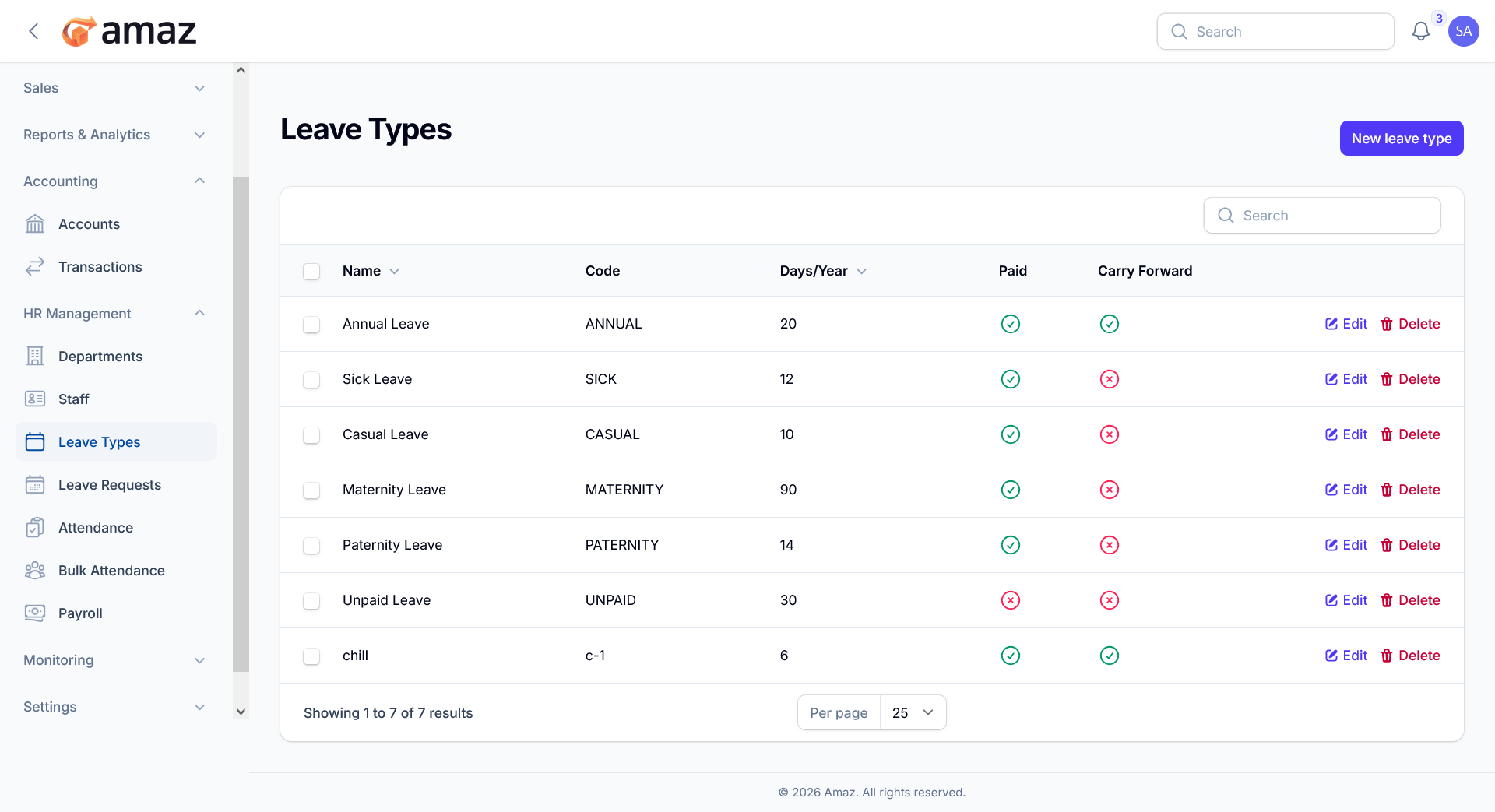
Leave Types
Configure types of leave available to employees.
Location: Sidebar → HR Management → Leave Types
Creating a Leave Type
1. Click New Leave Type
2. Enter:
- Name
- Code
- Days Per Year — Entitled days
- Paid Leave — Toggle for paid/unpaid leave
- Carry Forward — Toggle for carry forward leave
3. Click Create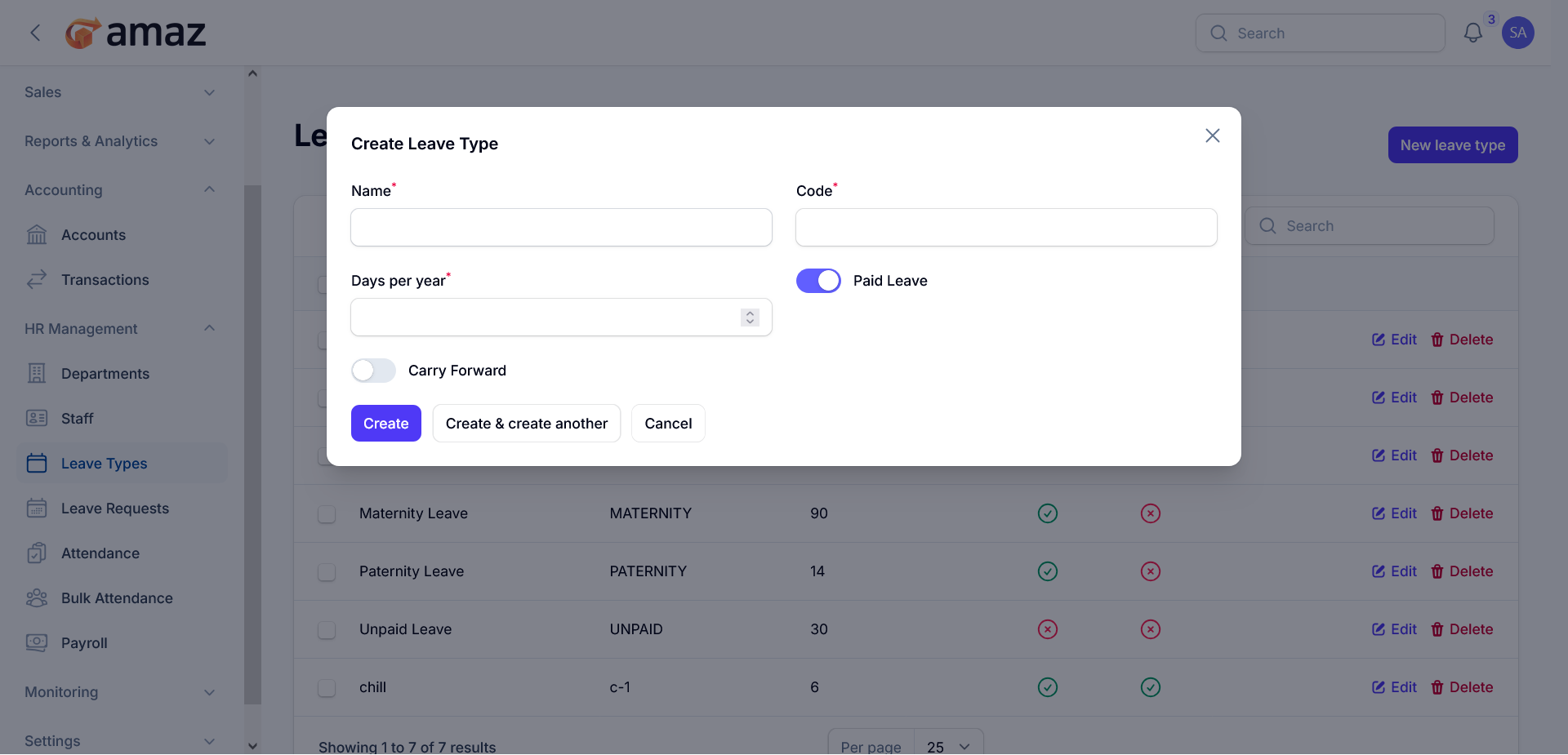
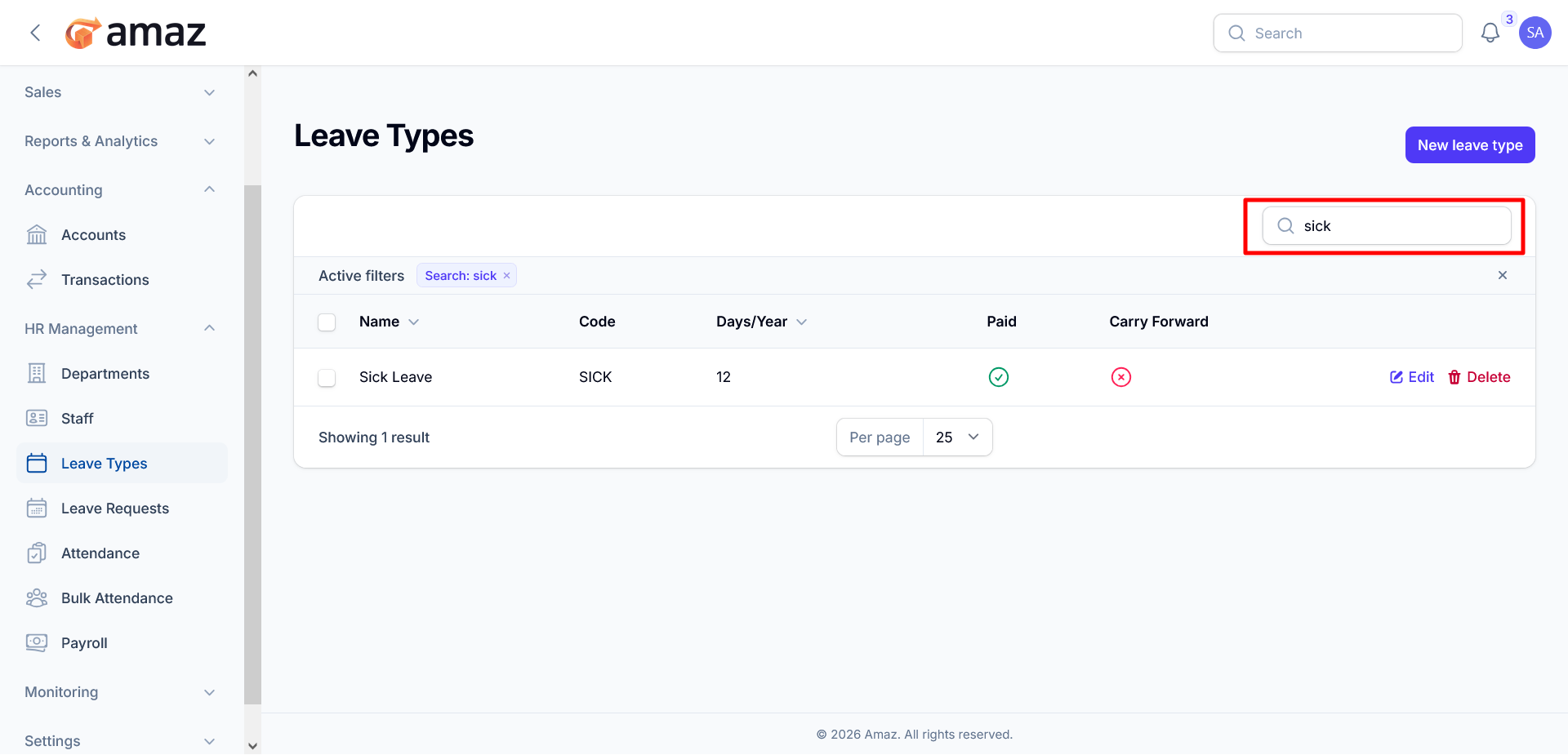
You can find any leave type's details by using the search functionality.
Bulk Actions
You can delete data from the list by clicking the check box field.
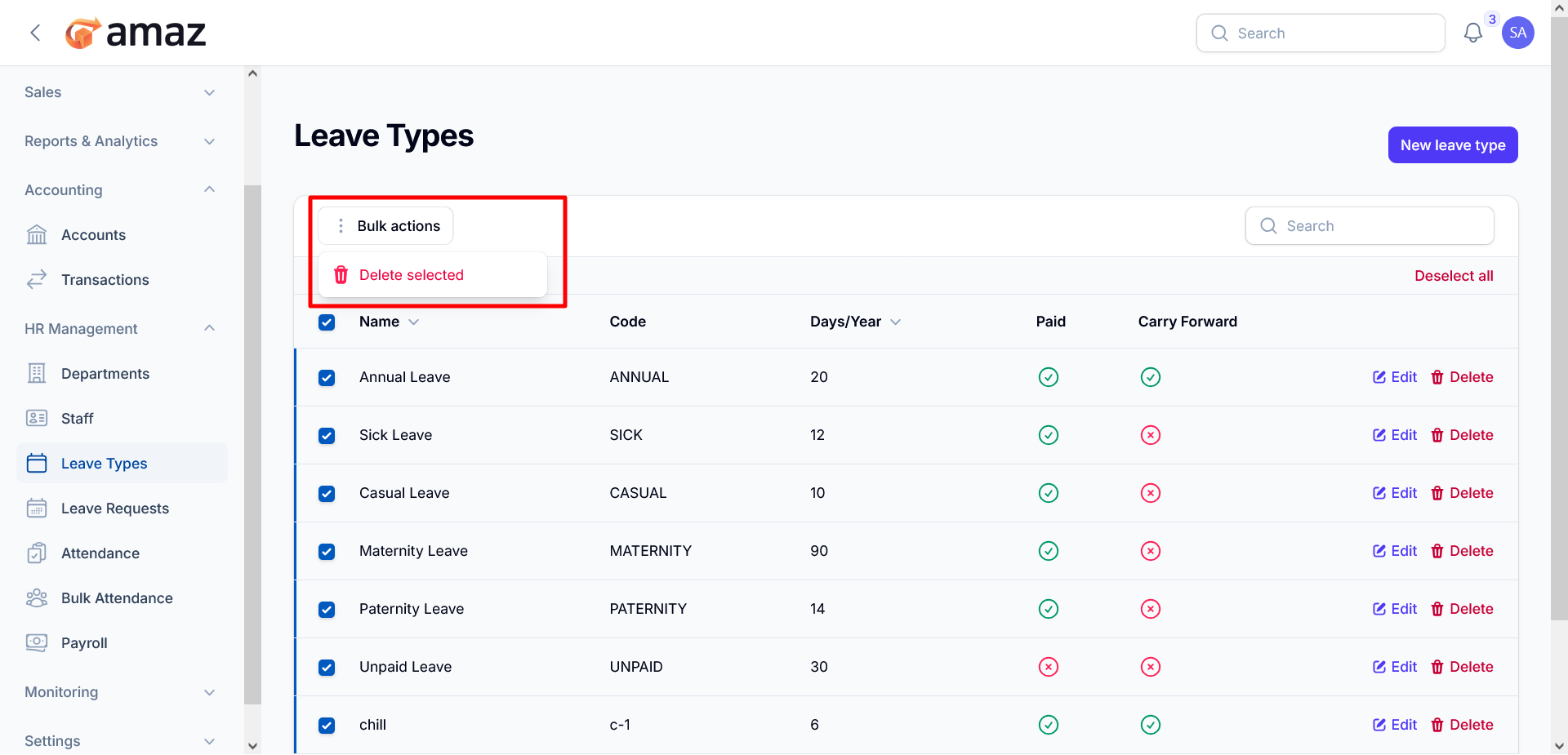 Managing Leave Types
You can Edit and Delete specific leave types from the list.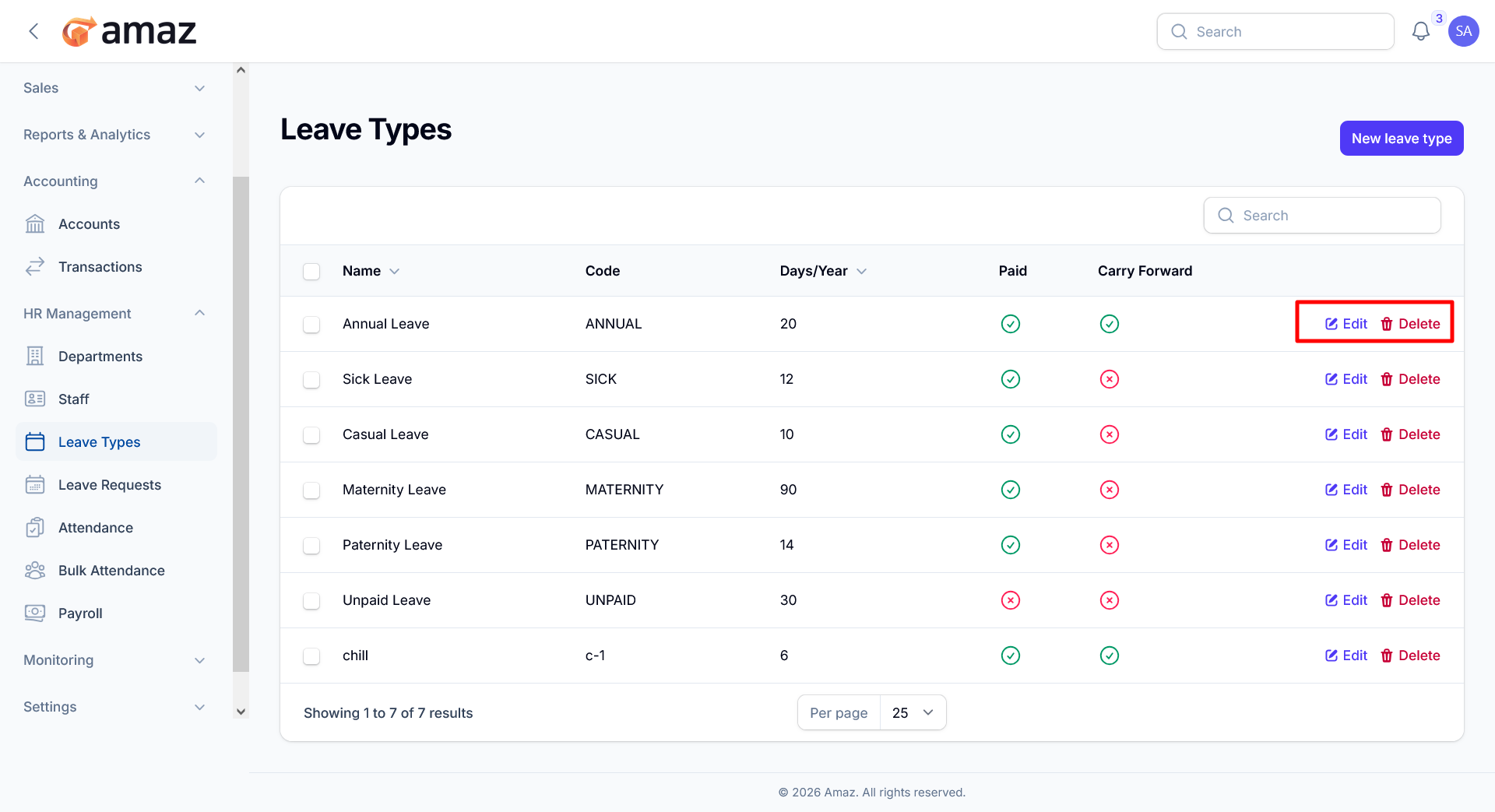 By Clicking the Edit button, You can update the specific leave type's information.
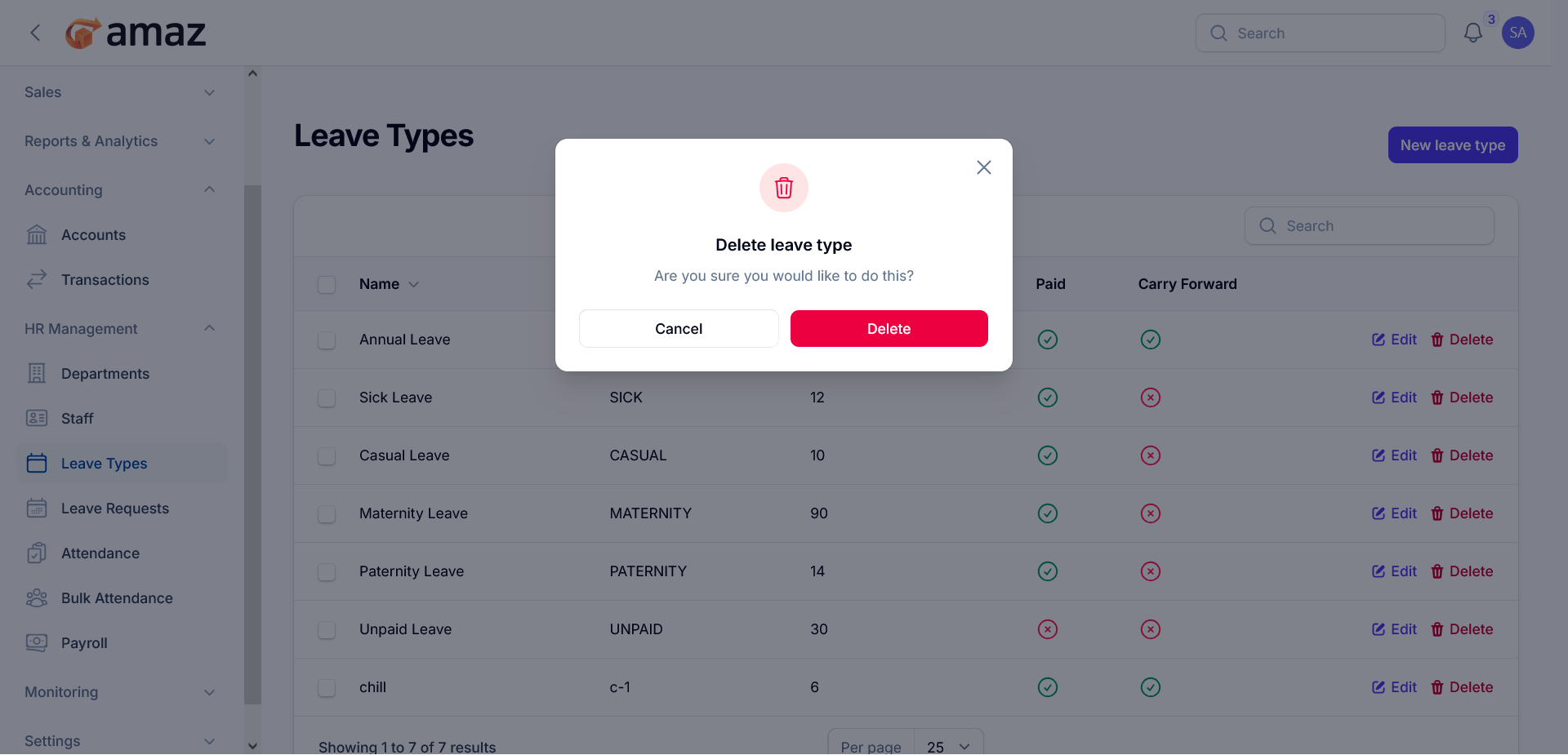
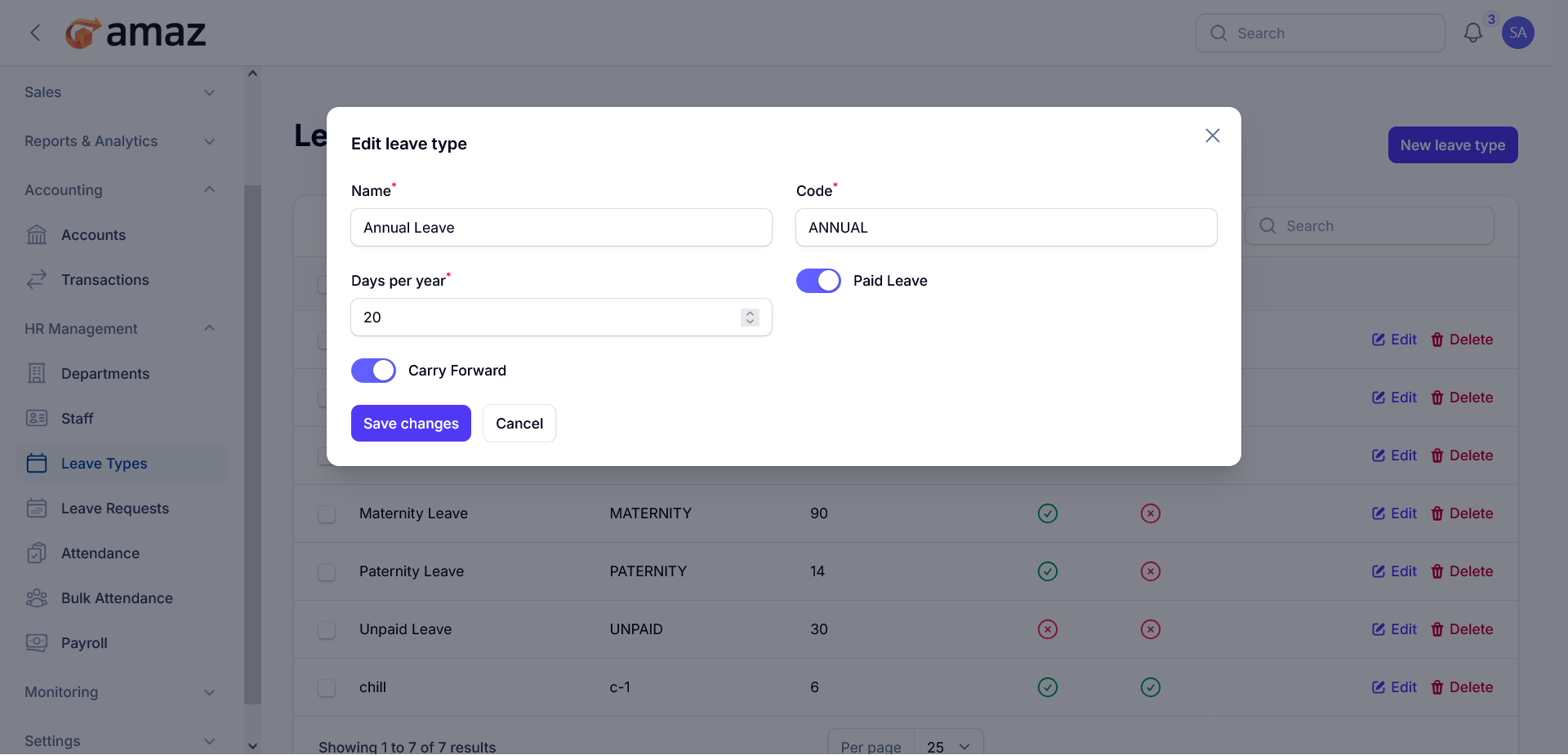 By Clicking the Delete button, You can delete the specific leave types from the list.