Manage and track all purchase orders.
Location: Sidebar → Inventory → Purchase Orders
Summary Overview:
Field – Description
Total – Total number of purchase orders.
Draft – Orders that are not yet finalized.
Pending – Orders awaiting processing or approval.
Overdue – Orders that have passed the expected date.
30-day Spend – Total spending on purchase orders in the last 30 days.
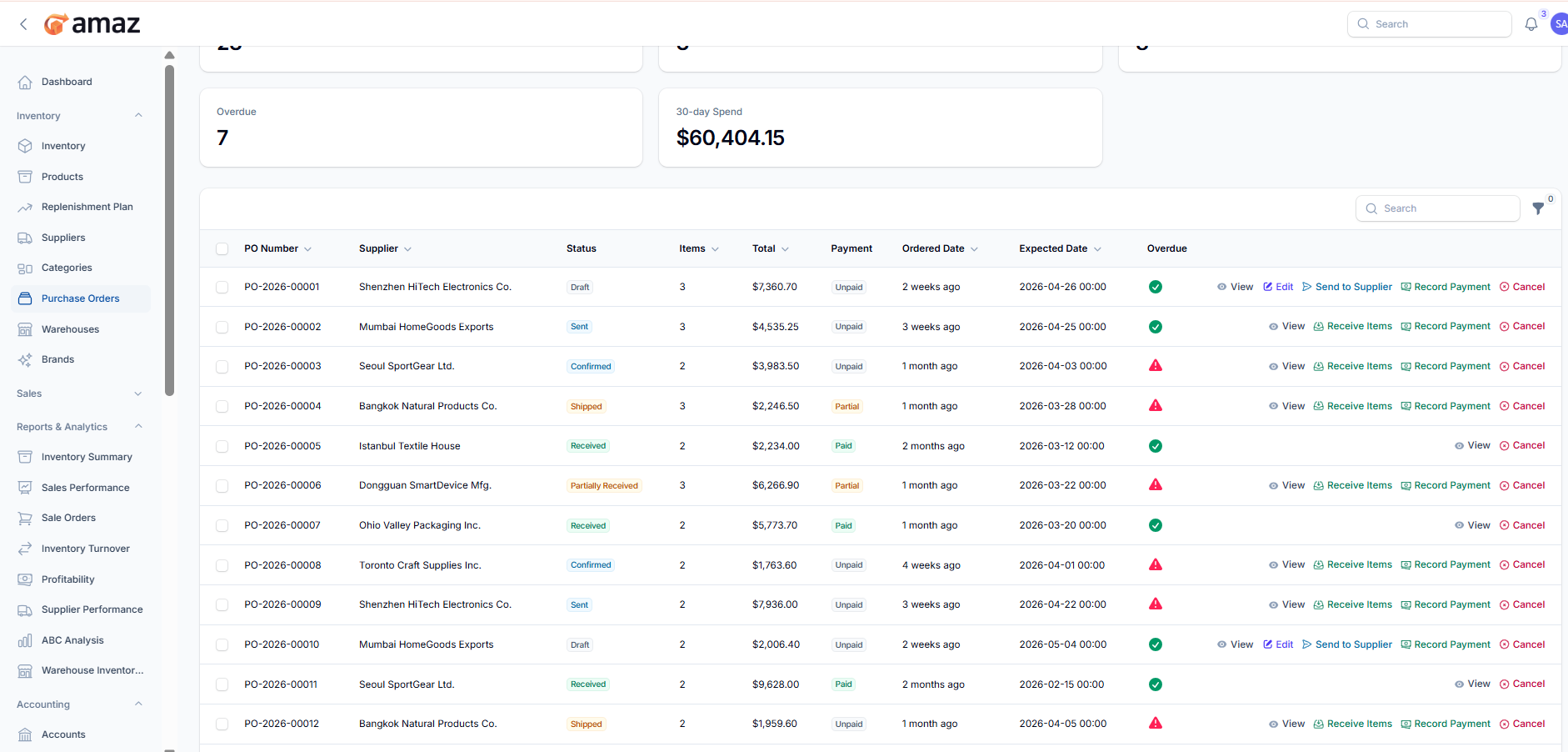
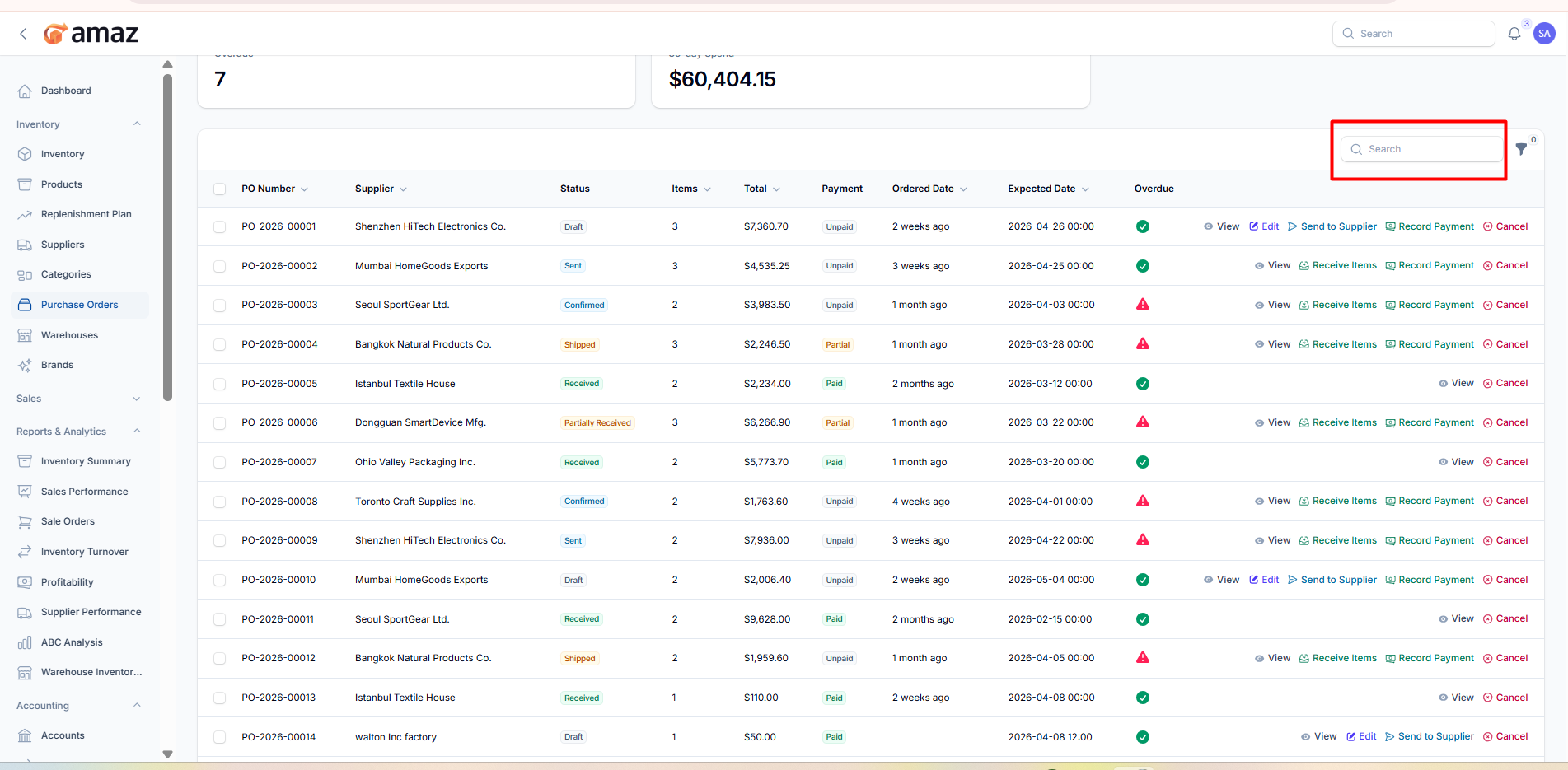
From here you can view all purchase orders with detailed information.
Column – Description
PO Number – Unique purchase order identifier.
Supplier – Supplier name.
Status – Current status (e.g., Draft, Sent, Confirmed, Shipped, Received).
Items – Number of items in the order.
Total – Total order amount.
Payment – Payment status (e.g., Unpaid, Partial, Paid).
Ordered Date – Date when the order was placed.
Expected Date – Expected delivery date.
Overdue – Indicates if the order is overdue.
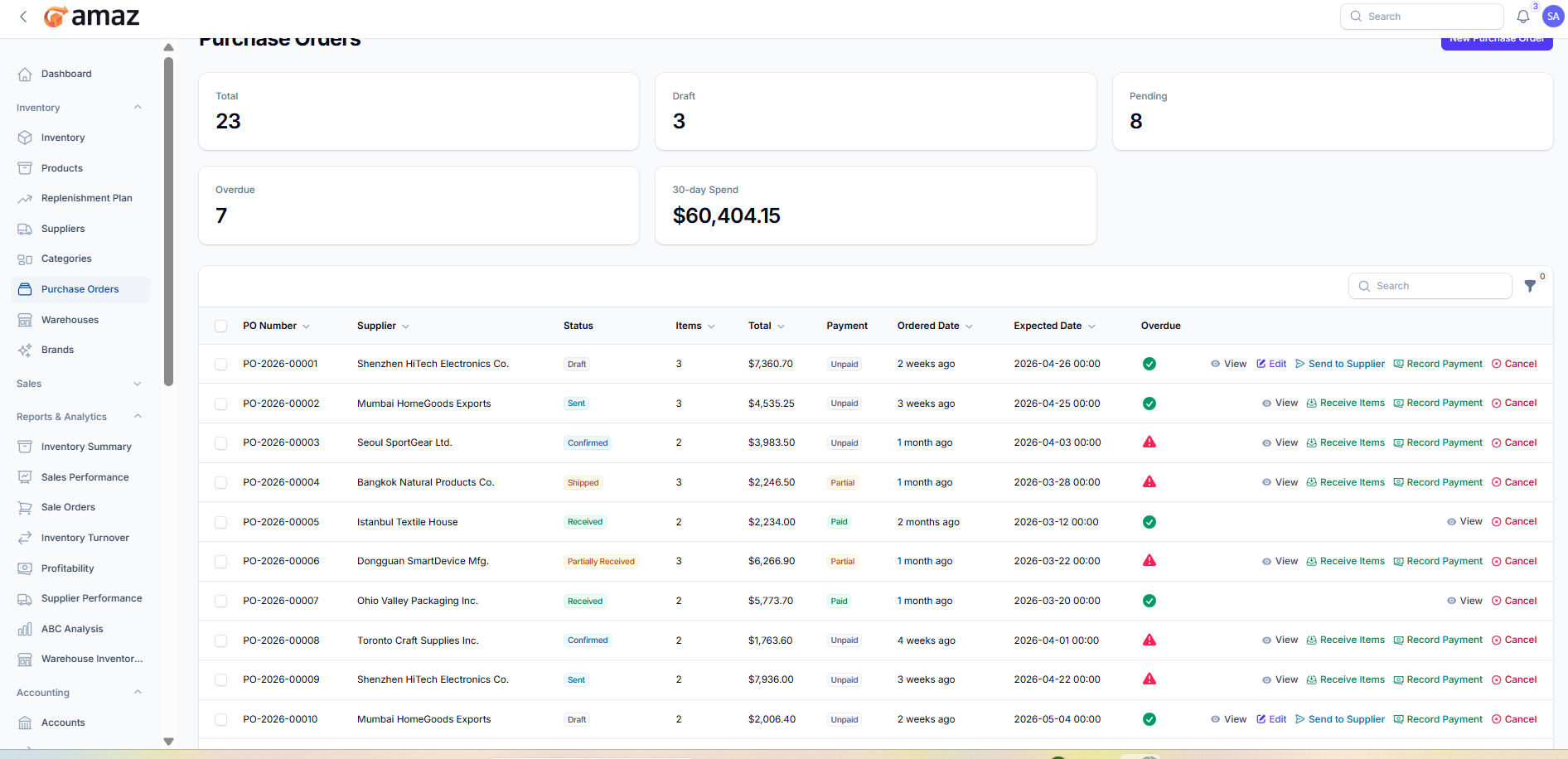
View – View purchase order details.
Edit – Modify the purchase order (available for draft orders).
Send to Supplier – Send the purchase order to the supplier.
Receive Items – Record received items.
Record Payment – Add payment details.
Cancel – Cancel the purchase order.
Create a new purchase order for suppliers.
Location: Sidebar → Inventory → Purchase Orders → Create
Purchase Order Details:Field – Description
Supplier – Select the supplier for this order.
Destination Warehouse – Choose the warehouse where items will be received.
Expected Date – Expected delivery date.
Expected Time – Expected delivery time (optional).
Notes – Add any additional instructions or notes.
Line Items:
Add products to the purchase order.
Field – Description
Product – Select the product to order.
Qty – Enter the quantity.
Unit Cost – Cost per unit.
Line Total – Automatically calculated (Qty × Unit Cost).
Action:
Add to Items – Add the product to the order list.
Order Totals:
Field – Description
Total Items – Total number of products added.
Total Lines – Total number of line items.
Estimated Total – Total estimated cost of the order.
Save – Save the purchase order.
Save & Create Another – Save and open a new form.
Cancel – Discard and exit.


