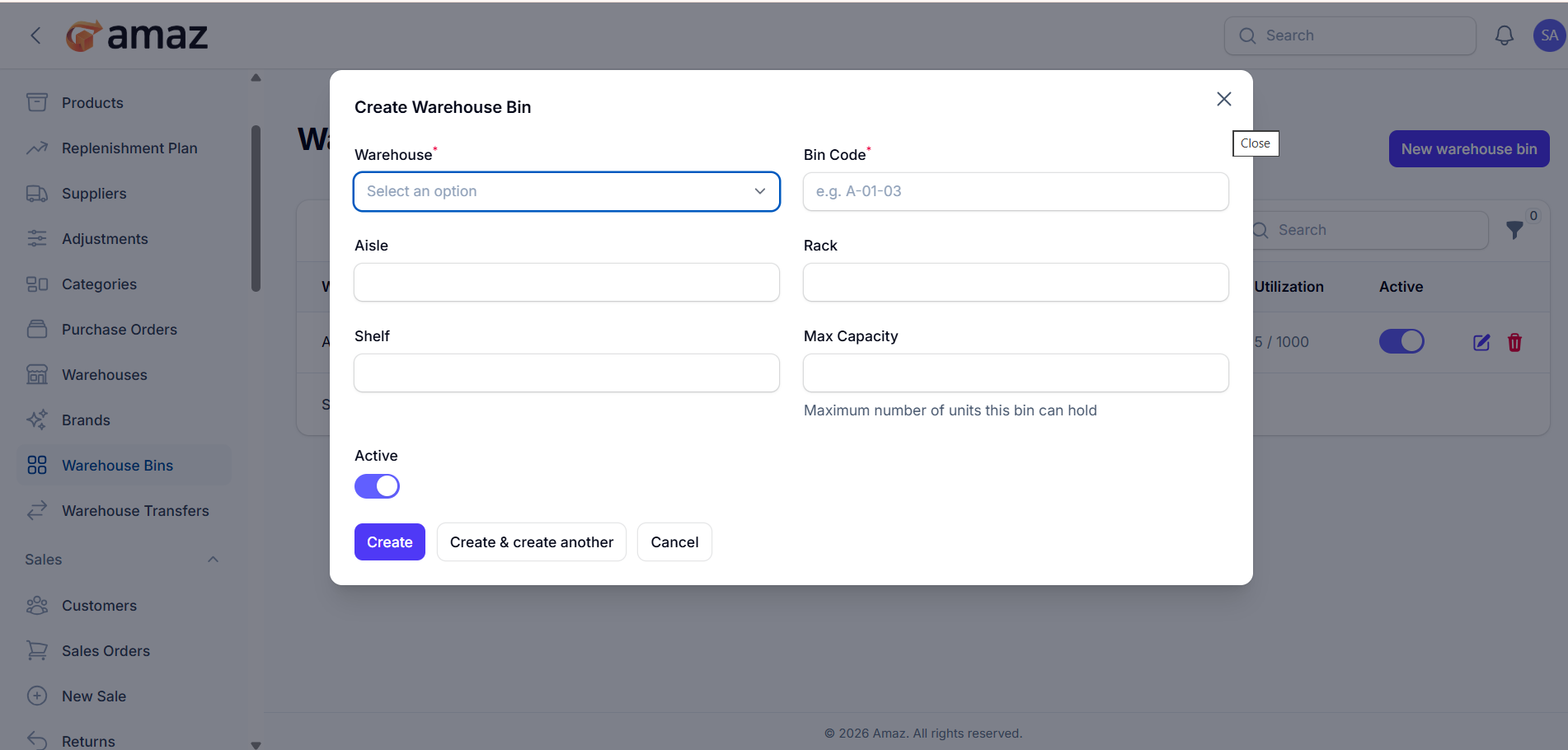
This section allows you to manage storage locations (bins) within a warehouse. Each bin represents a specific physical location where products are stored.
Location: Sidebar → Inventory → Warehouse Bins
Table FieldsWarehouse
The warehouse where the bin is located.
Bin Code
Unique identifier for the bin (e.g., A-01-02-B06).
Aisle
The aisle in the warehouse.
Rack
The rack number within the aisle.
Shelf
The specific shelf level in the rack.
Max Capacity
Maximum storage capacity of the bin.
Products
Number of products currently stored in the bin.
Utilization
Shows how much of the bin capacity is being used (e.g., 5 / 1000).
Active
Indicates whether the bin is active or inactive.
ON → Available for storage
OFF → Not in use.
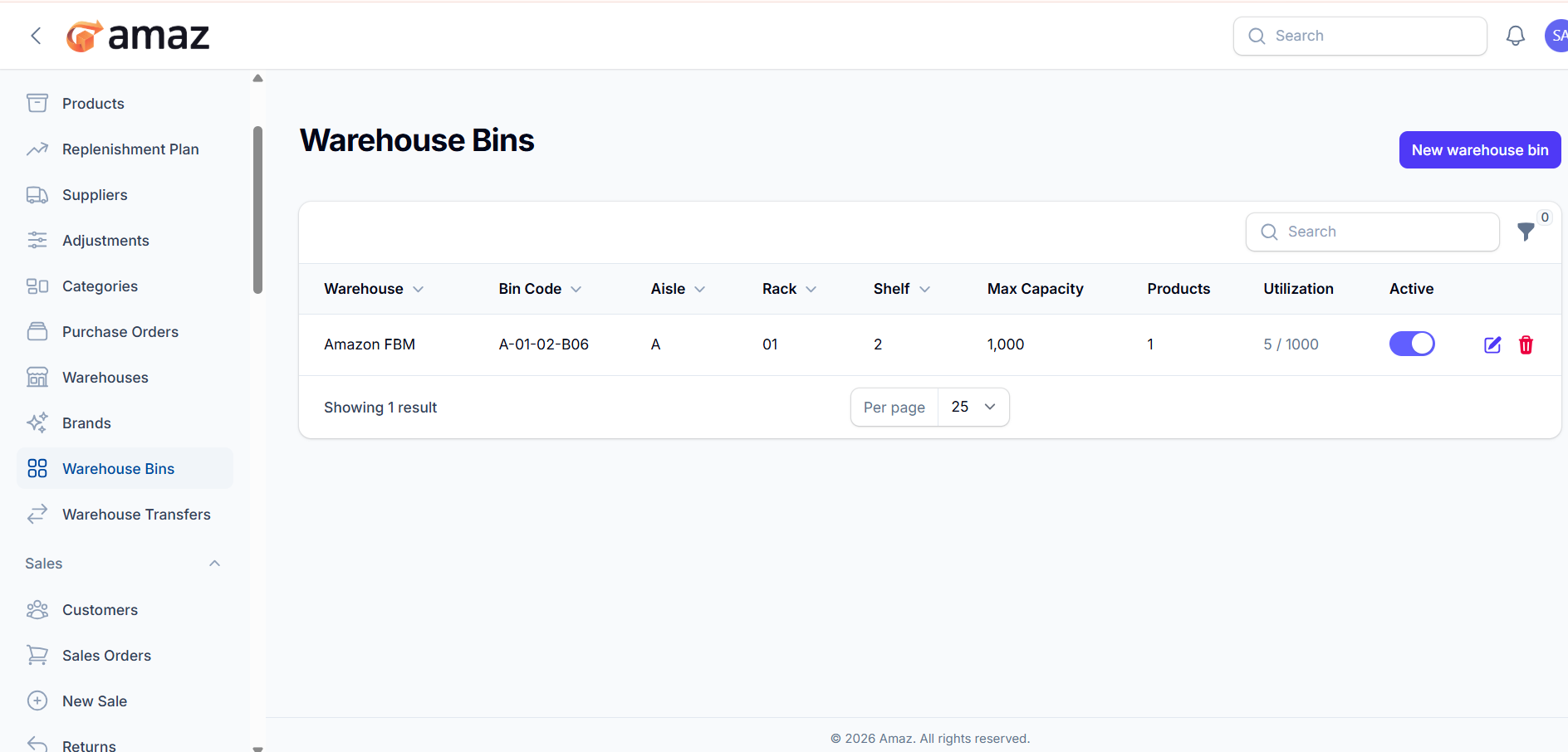
Edit
Update bin details.
Delete
Remove the bin from the system.
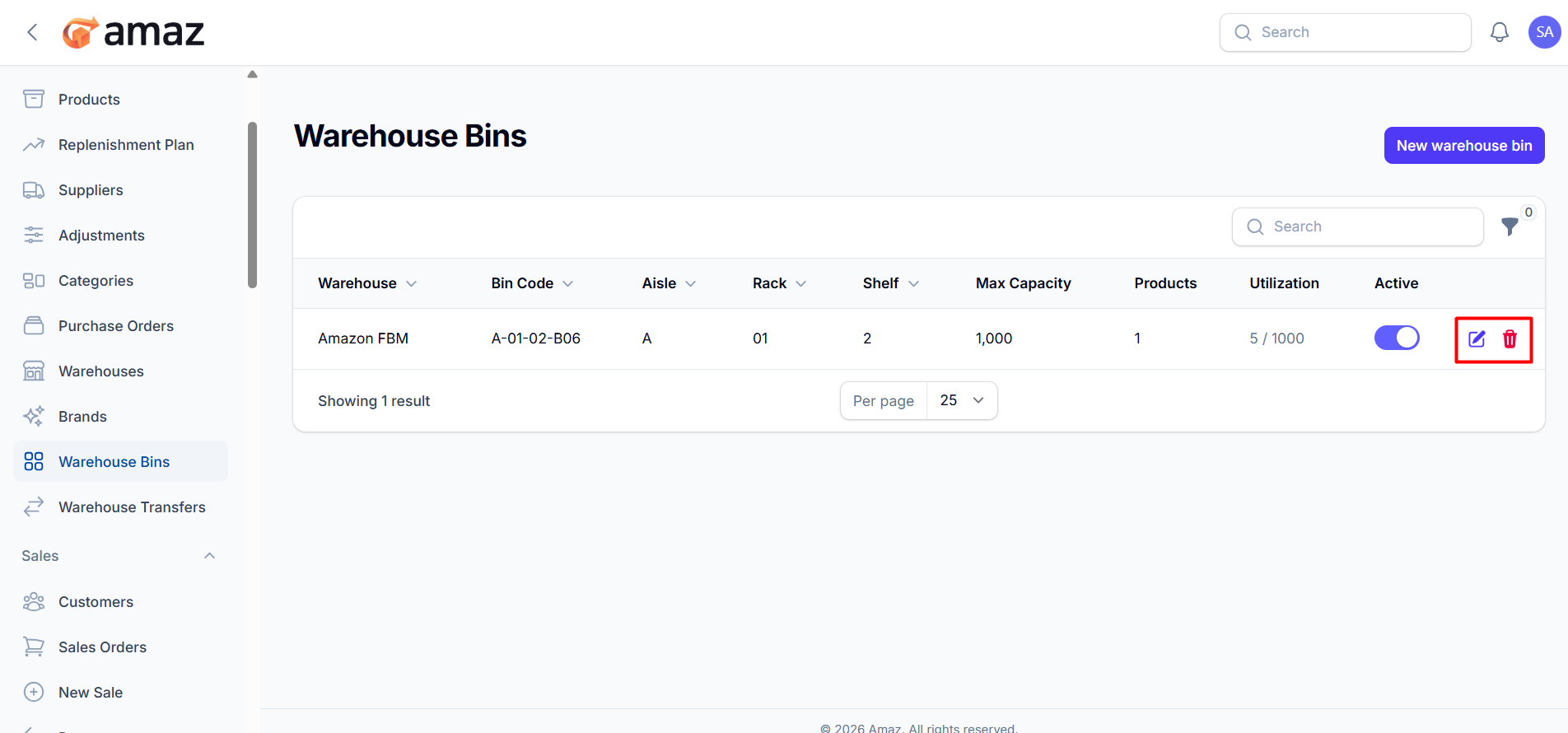
Search
Quickly find bins using keywords.
Filter
Narrow down results based on criteria (if available).
Pagination
Control how many records are displayed per page.
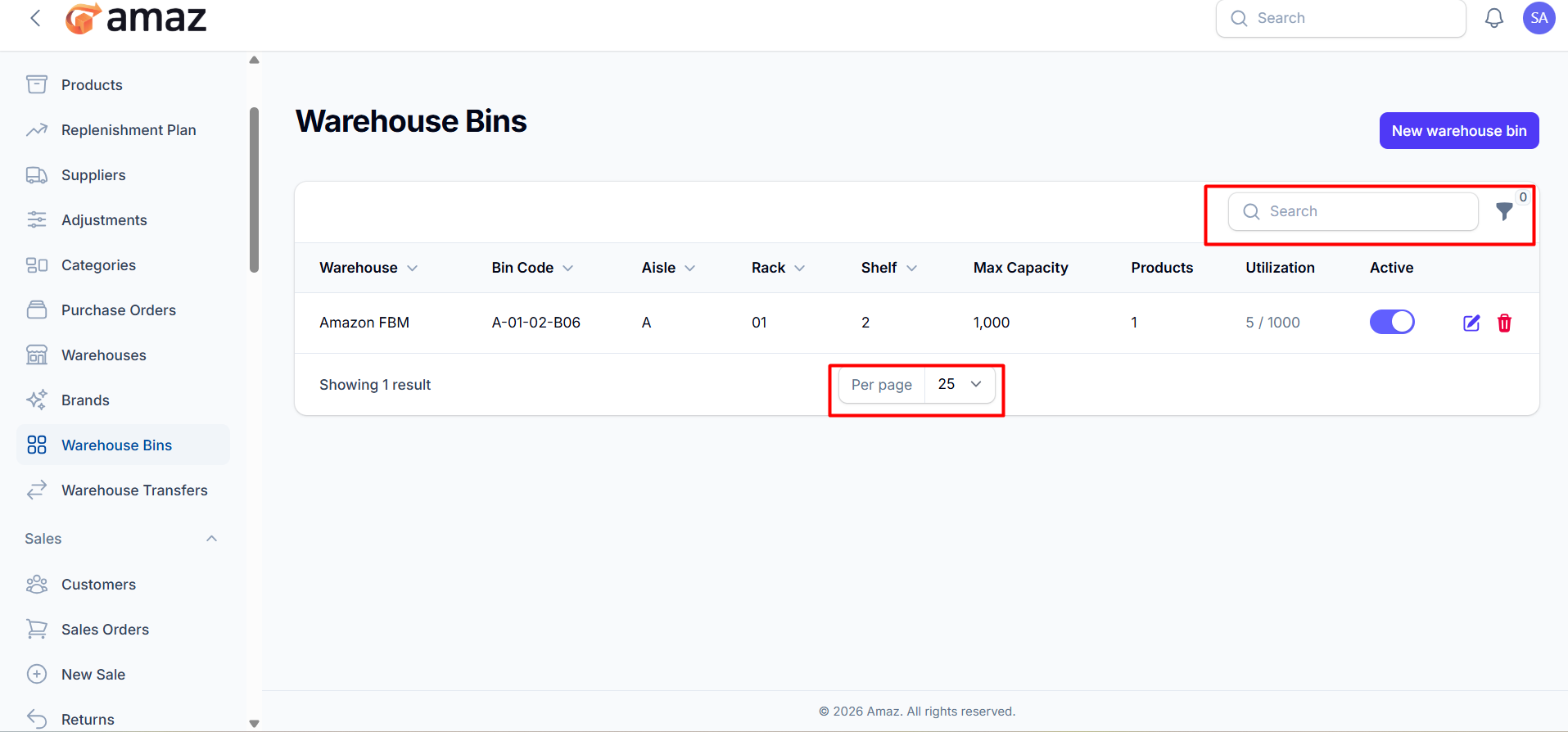
This screen allows you to create a new storage location (bin) inside a warehouse. Bins help organize products efficiently within the warehouse.
Fields DescriptionWarehouse*
Select the warehouse where the bin will be created.
(Required field).
Bin Code*
Unique identifier for the bin (e.g., A-01-03).
This helps locate the bin easily inside the warehouse.
(Required field).
Aisle
Represents the aisle section of the warehouse.
Rack
Defines the rack number within the aisle.
Shelf
Indicates the shelf level within the rack.
Max Capacity
Maximum number of units this bin can hold.
Helps prevent overloading and manage storage efficiently.
Active
Toggle to enable or disable the bin.
ON → Bin is available for use
OFF → Bin is inactive
Create
Saves the new warehouse bin.
Create & create another
Saves the current bin and opens a new form to create another.
Cancel
Closes the form without saving.
Bin Code should follow a structured format (e.g., Aisle-Rack-Shelf) for better organization.
Max Capacity is important for inventory control and utilization tracking.
Only active bins will be available for product storage.