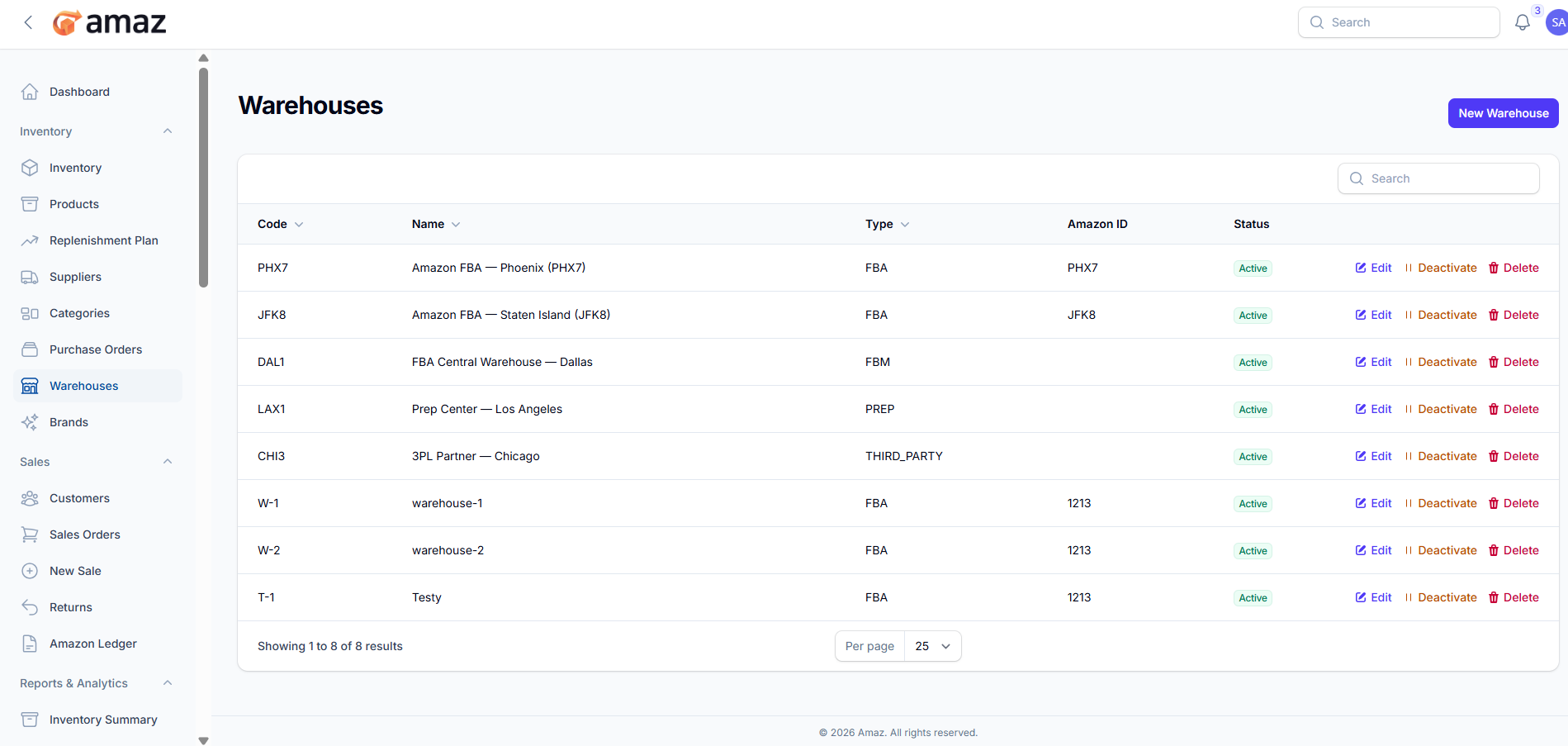
Warehouses
Set up and manage your storage locations.
Location: Sidebar → Inventory → Warehouses
Warehouse Types
Type | Description | Use Case
FBA | Fulfillment by Amazon | Amazon-managed inventory at their fulfillment centers
FBM | Fulfillment by Merchant | Your own warehouse for self-fulfilled orders
PREP | Prep Center | Location for preparing products before shipping to Amazon
Third-Party | 3PL Warehouse | External logistics provider's warehouse
Creating a Warehouse
1. Click New Warehouse
2. Fill in the details:
Field | Description | Required
Name | Warehouse identifier | Yes .
Code | Short code | Yes .
Type | FBA, FBM, PREP, or Third-Party | Yes .
Amazon ID – Amazon warehouse identifier (if applicable). | No
Active | Enable/disable the warehouse | Yes .
3. Click Create.
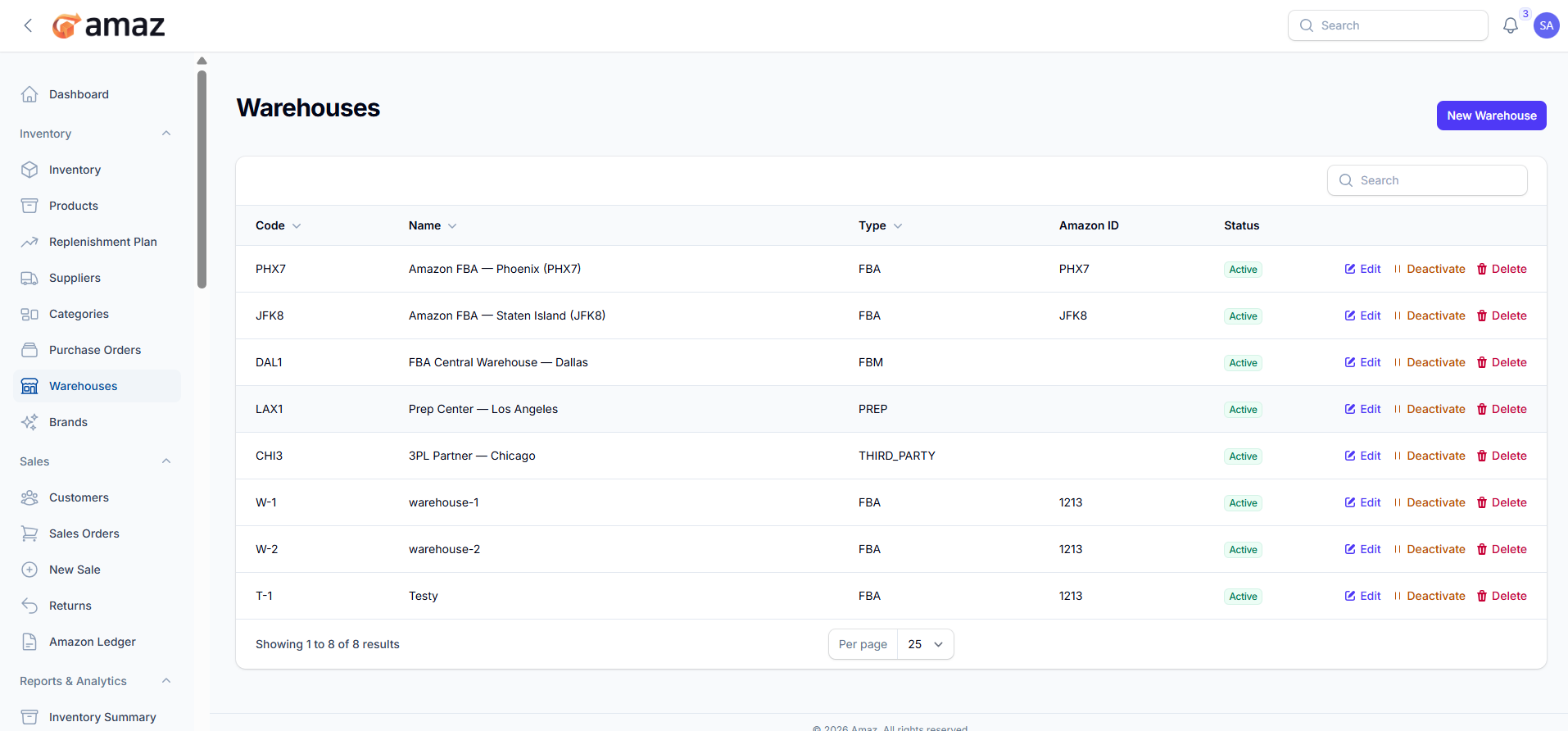
Managing Warehouses
Edit: Update warehouse details.
Toggle Active: Enable or disable a warehouse (inactive warehouses cannot receive new inventory).