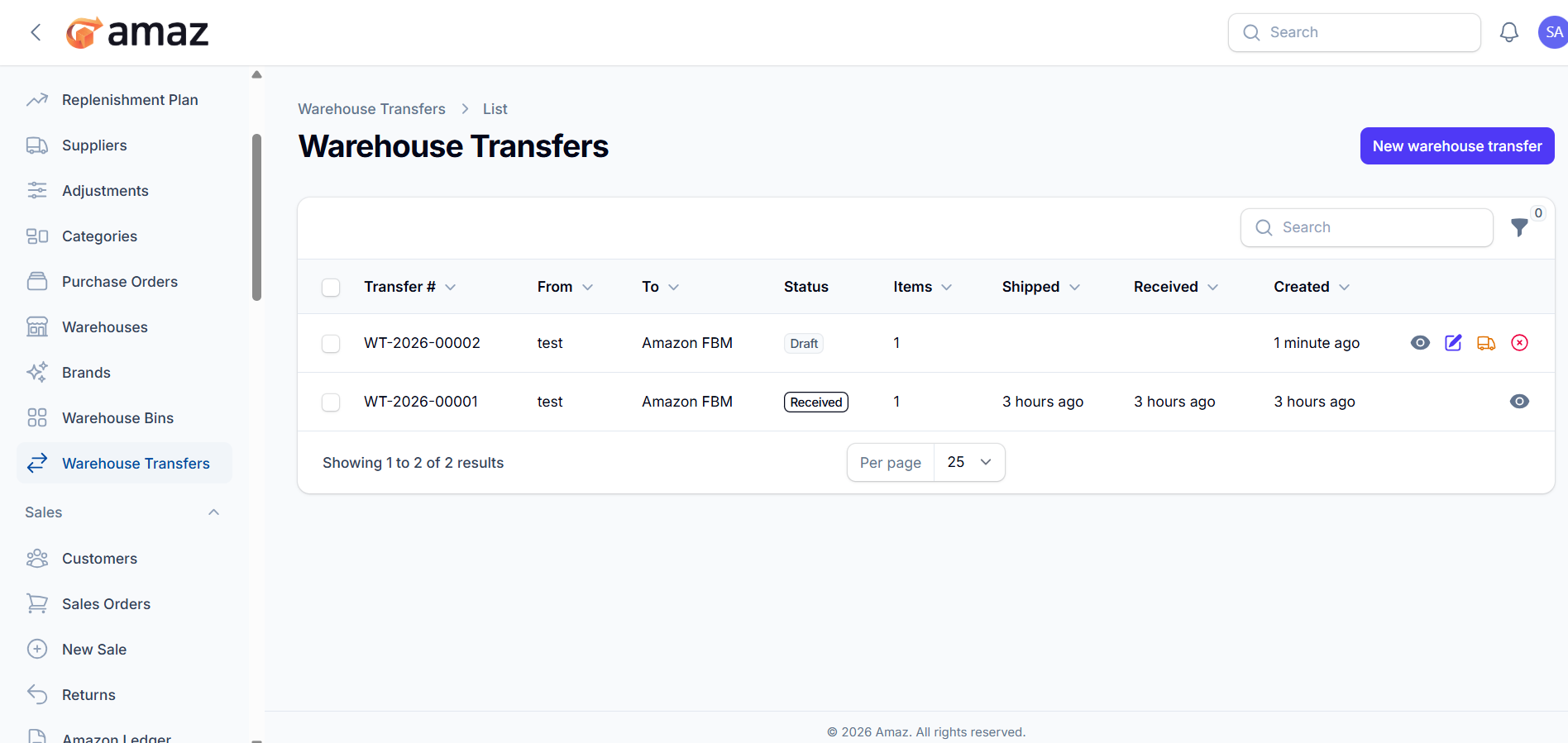
This screen displays all warehouse transfer records and allows you to manage transfer operations.
Location: Sidebar → Inventory → Warehouse Transfers
The Warehouse Transfers list provides a summary of all transfers between warehouses, including their current status and available actions.
Table Columns
Transfer
Unique transfer ID (e.g., WT-2026-00002).
From
Source warehouse from where items are transferred.
To
Destination warehouse receiving the items.
Status
Current state of the transfer:
Draft – Transfer created but not shipped
Shipped – Items dispatched from source warehouse
Received – Items received at destination warehouse
Items
Total number of items in the transfer.
Shipped
Timestamp when items were shipped.
Received
Timestamp when items were received.
Created
Timestamp when the transfer was created.
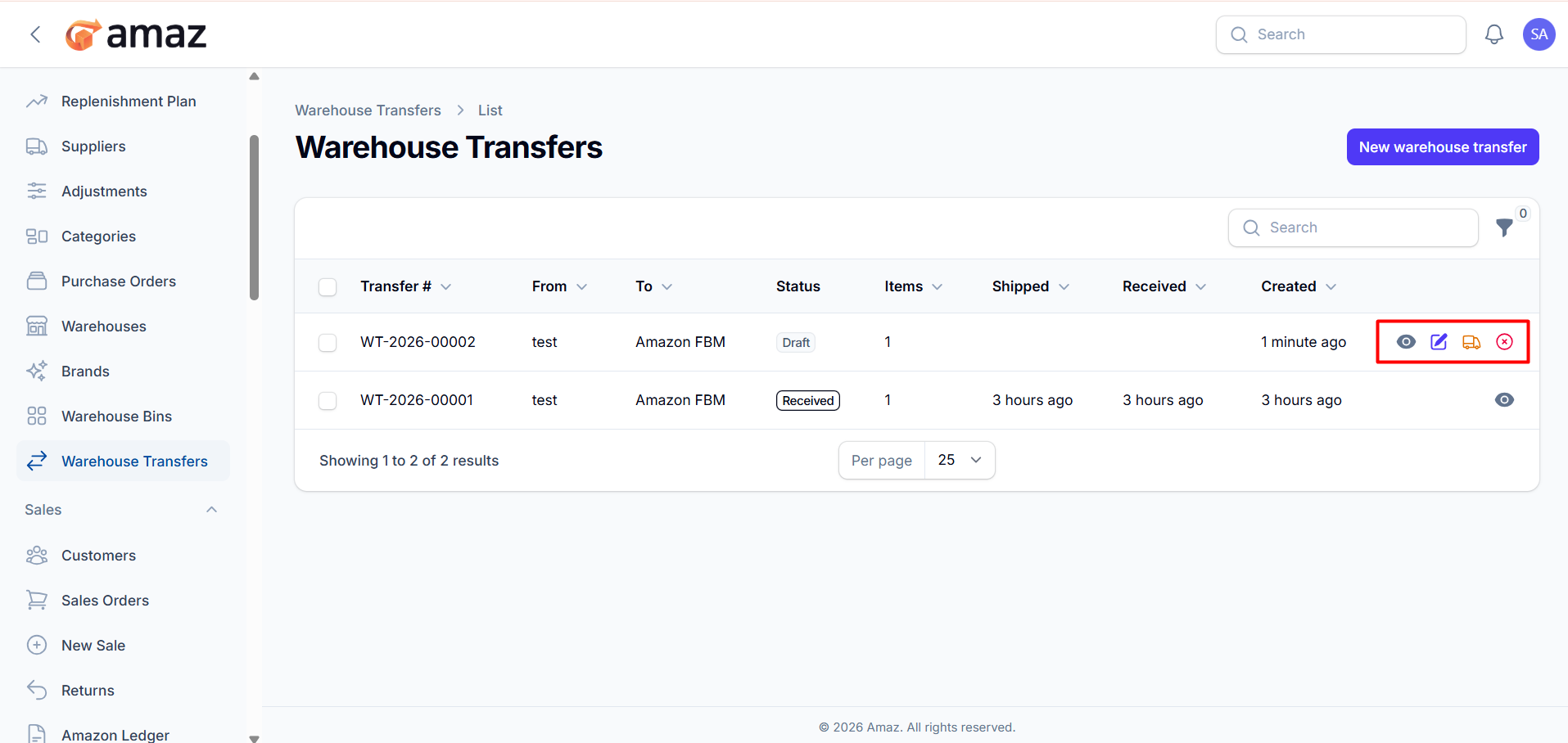
Each transfer row provides the following actions:
View - Opens detailed transfer information.
Edit - Modify transfer details before shipping.
Ship - Marks the transfer as shipped and deducts inventory from the source warehouse.
Cancel - Cancels the transfer.
New warehouse transfer
Create a new transfer between warehouses.
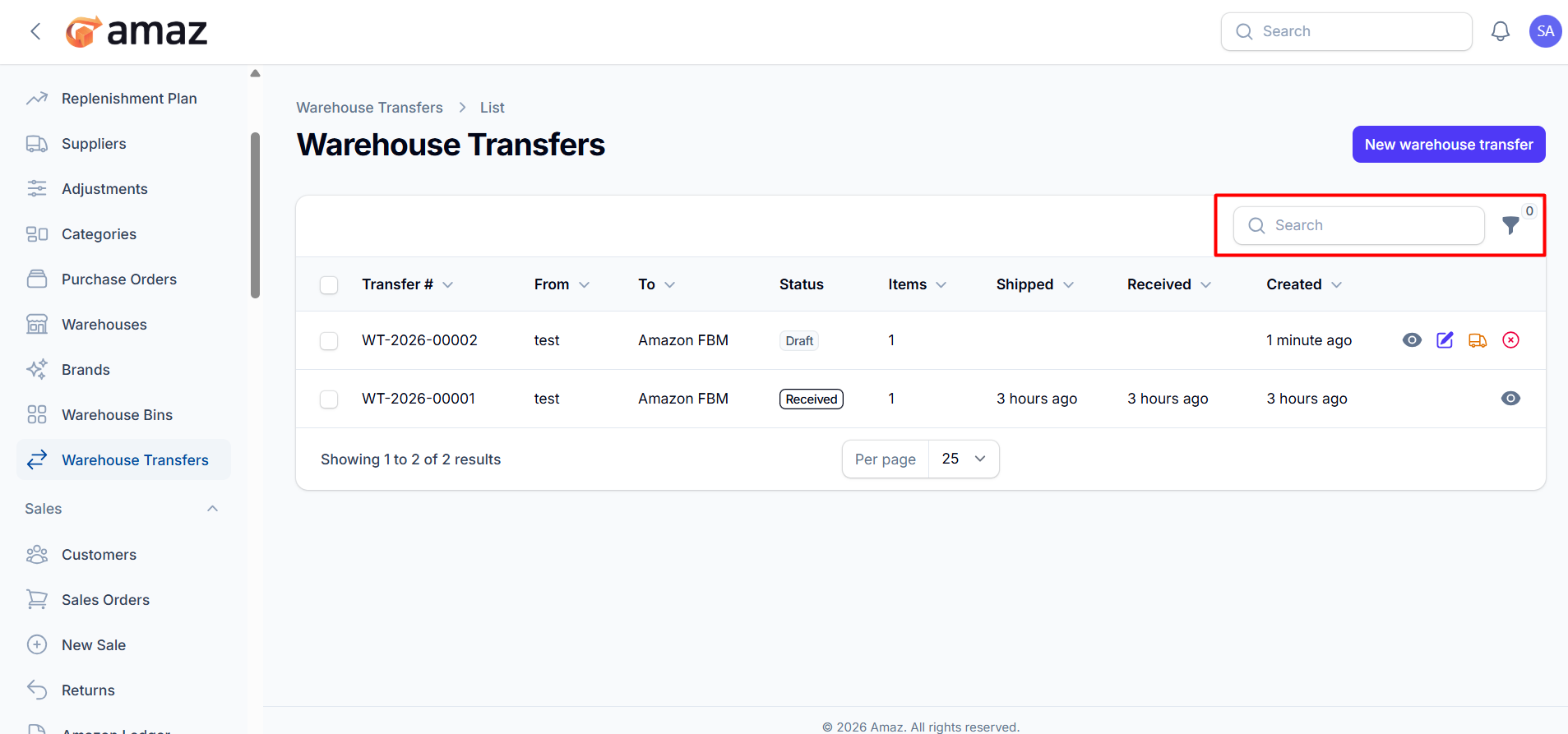
Search
Find transfers using transfer ID or warehouse names.
Filter (icon)
Apply filters such as:
Status.
Only Draft transfers can be edited, shipped, or canceled.
Once marked as Shipped, inventory is deducted from the source warehouse.
Once marked as Received, inventory is added to the destination warehouse.
Completed transfers (Received) are read-only.


