IP Blocks
Block malicious IP addresses.
Location: Sidebar → Monitoring → IP Blocks
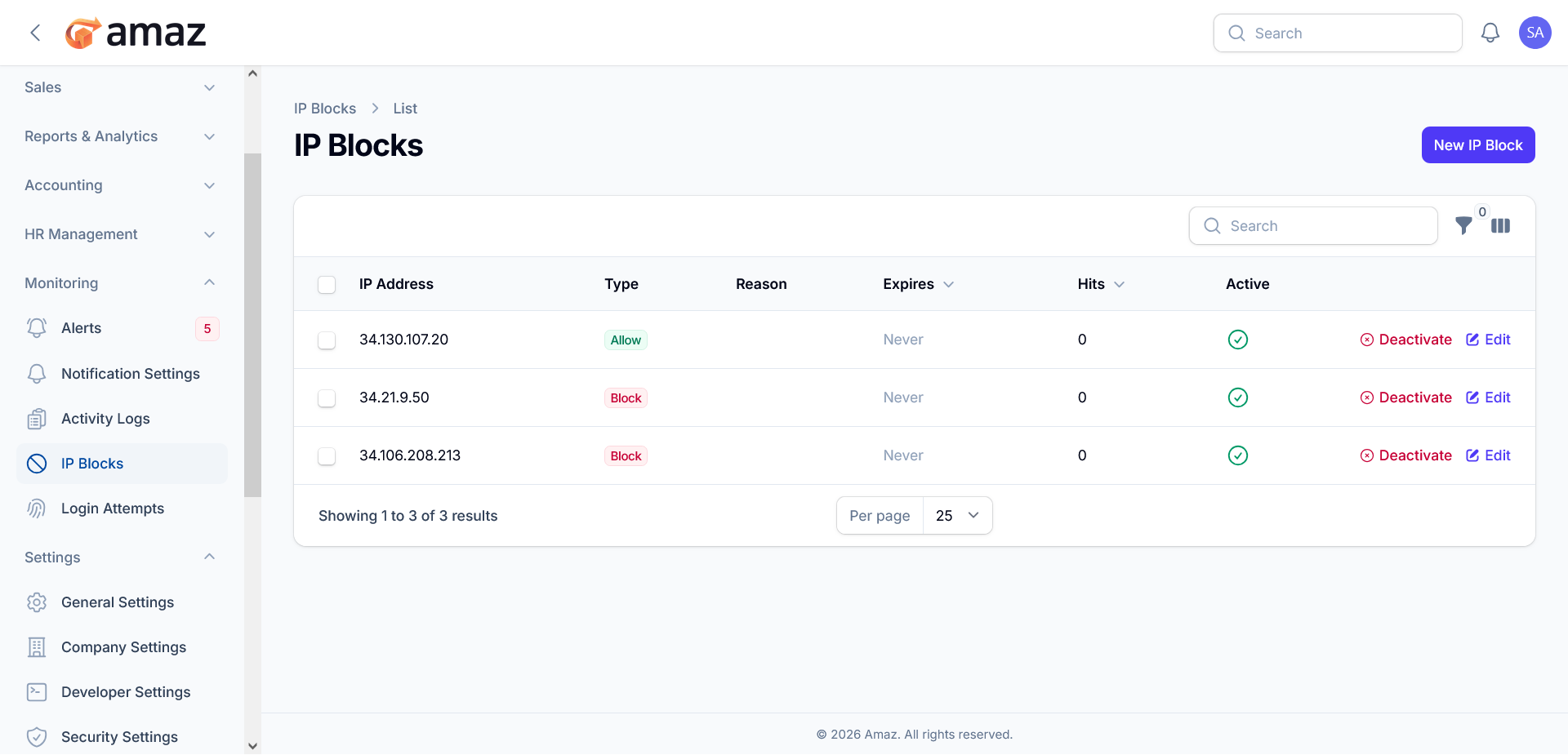
The IP Blocks module enables administrators to control system access by allowing or restricting specific IP addresses. This feature is essential for enhancing security, preventing unauthorized access, and managing network-level permissions.
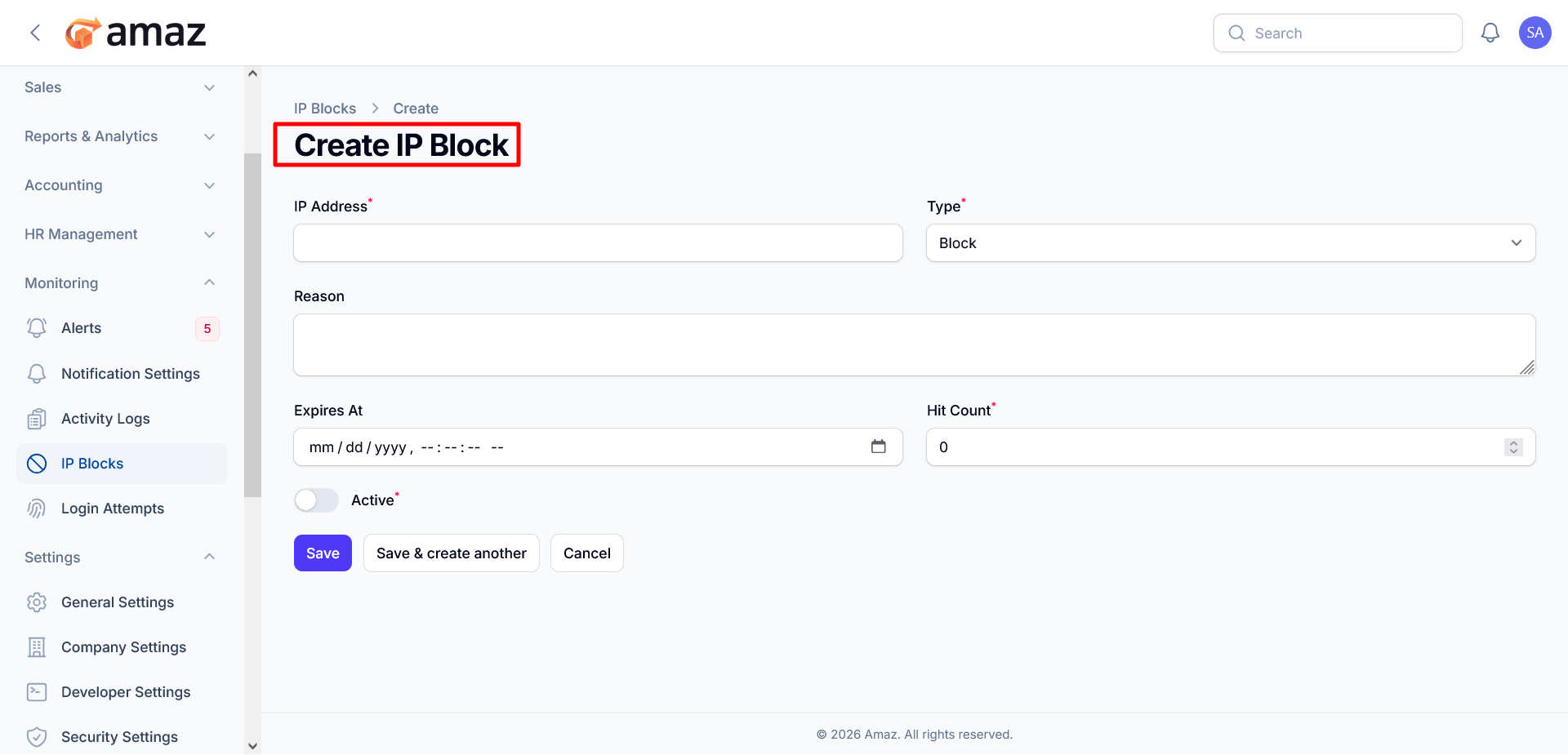
Form Fields
-
IP Address (Required)
Enter the IP address to which the rule will apply. This can be used to either allow or block access.
-
Type (Required)
Specify the rule type:
-
Block – Denies access for the specified IP address
-
Allow – Grants access to the specified IP address
-
Reason (Optional)
Provide a brief description explaining the purpose of the rule (e.g., suspicious activity, trusted source).
-
Expires At (Optional)
Define a date and time when the rule will automatically expire. If left empty, the rule remains active indefinitely.
-
Hit Count (Required)
Indicates how many times the rule has been triggered. This value is typically system-managed but can be initialized if needed.
-
Active (Required)
Toggle to enable or disable the rule upon creation:
-
Enabled – Rule is immediately enforced
-
Disabled – Rule is saved but not applied
Actions
-
Save
Saves the rule and returns to the IP Blocks list.
-
Save & Create Another
Saves the current rule and resets the form to allow quick entry of additional rules.
-
Cancel
Discards any changes and returns to the previous screen.
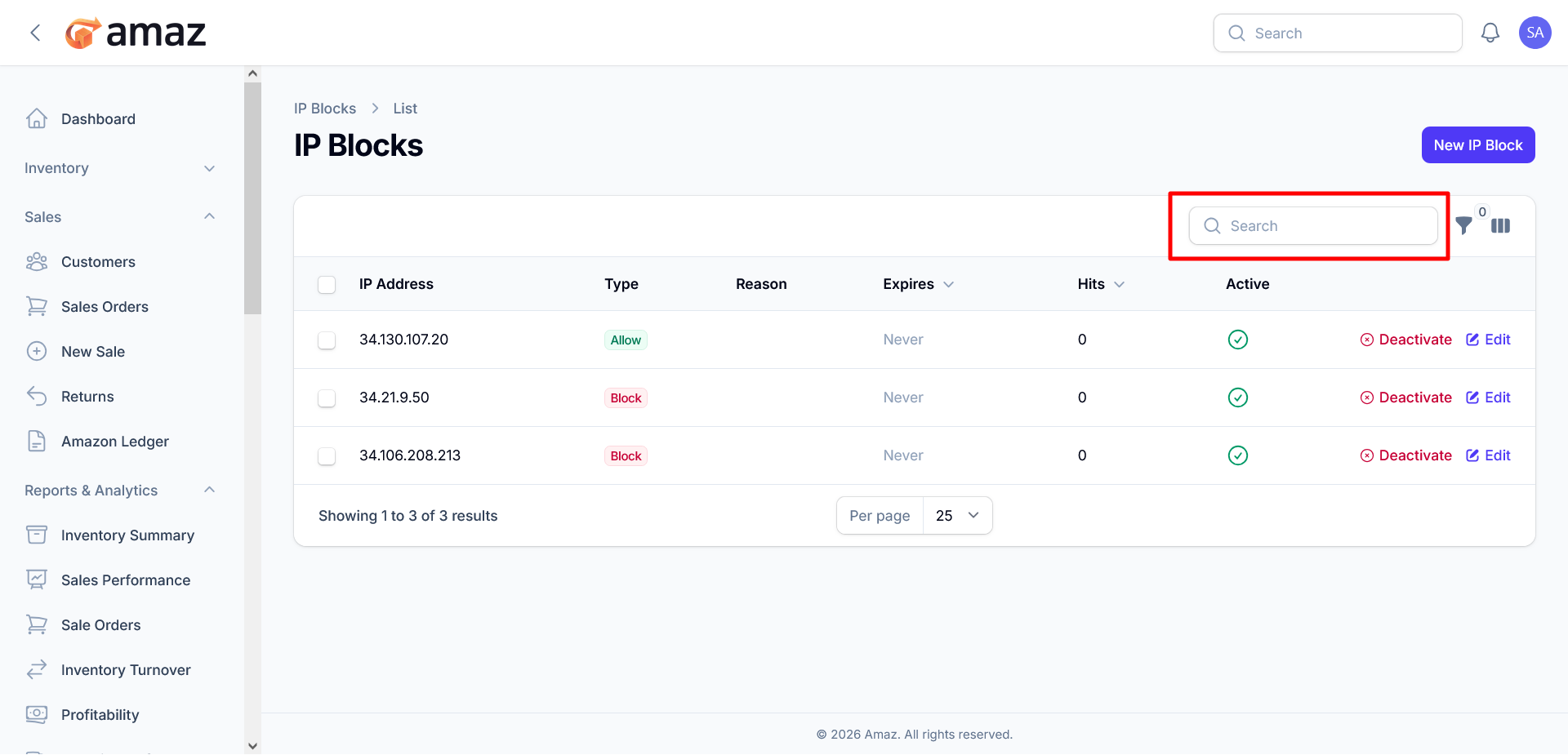
Search: Quickly locate specific IP entries using the search field.
Filter : Refine and customize how records are displayed.
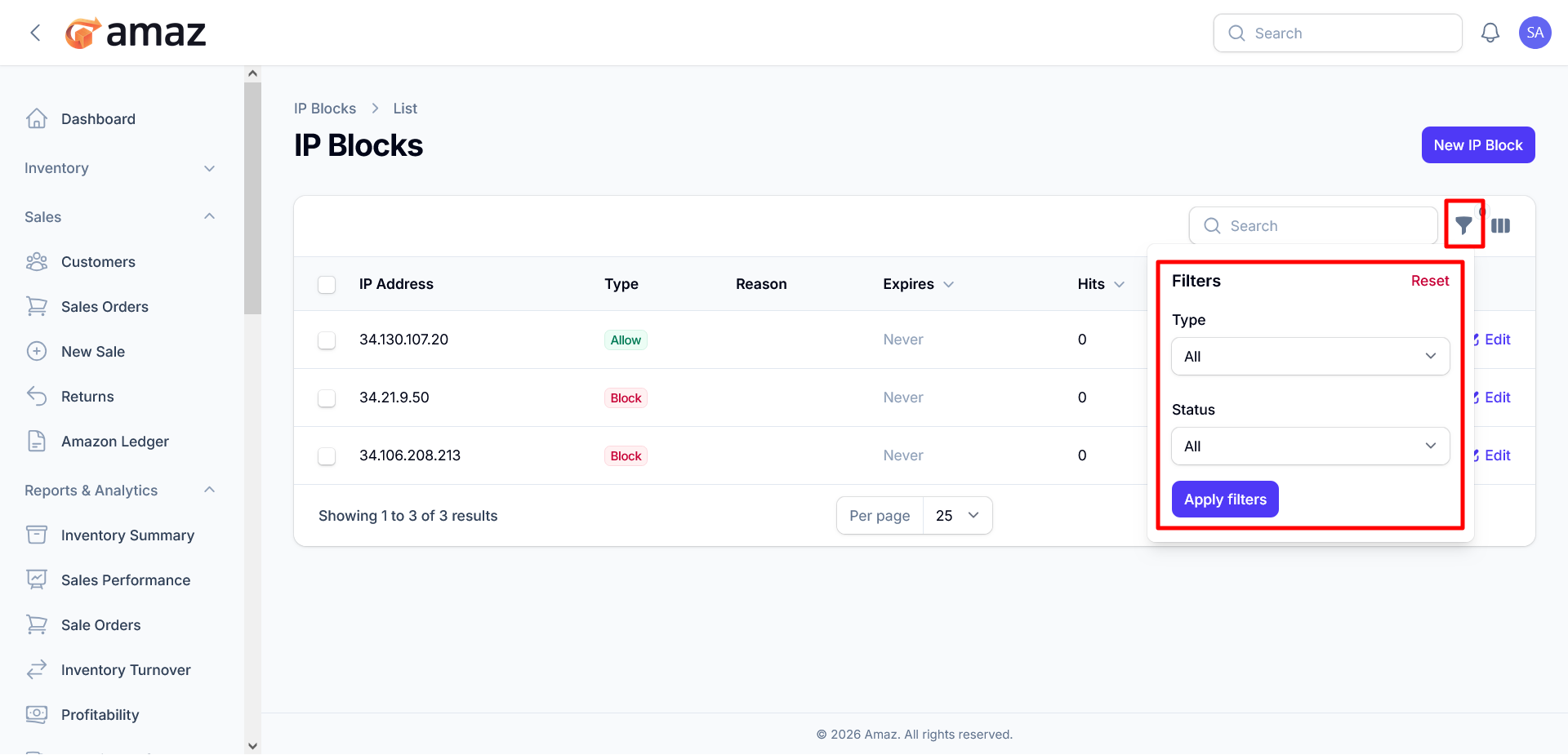
Column Visibility : You can customize the visibility of columns by choosing to show or hide them as needed. Additionally, you can restore the default column settings at any time by clicking the Reset button.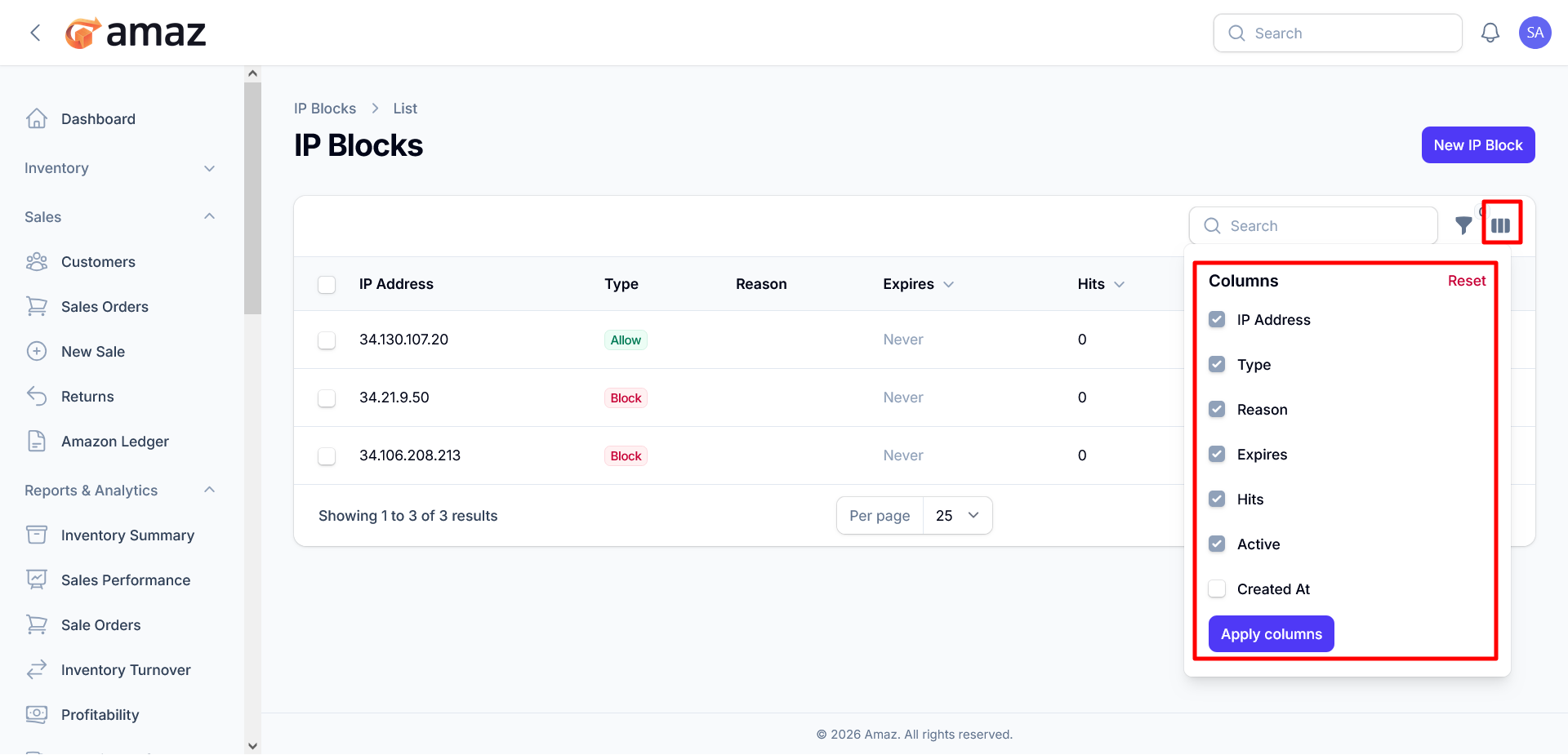
IP Block Table
The table displays all configured IP rules with the following details:
-
IP Address: The target IP address the rule applies to
-
Type: Defines the rule behavior:
-
Allow – Grants access to the specified IP
-
Block – Denies access to the specified IP
-
Reason: Optional description explaining why the rule was created
-
Expires: Indicates when the rule will expire (if applicable)
-
Hits: Number of times the rule has been triggered
-
Active: Status of the rule (active/inactive)
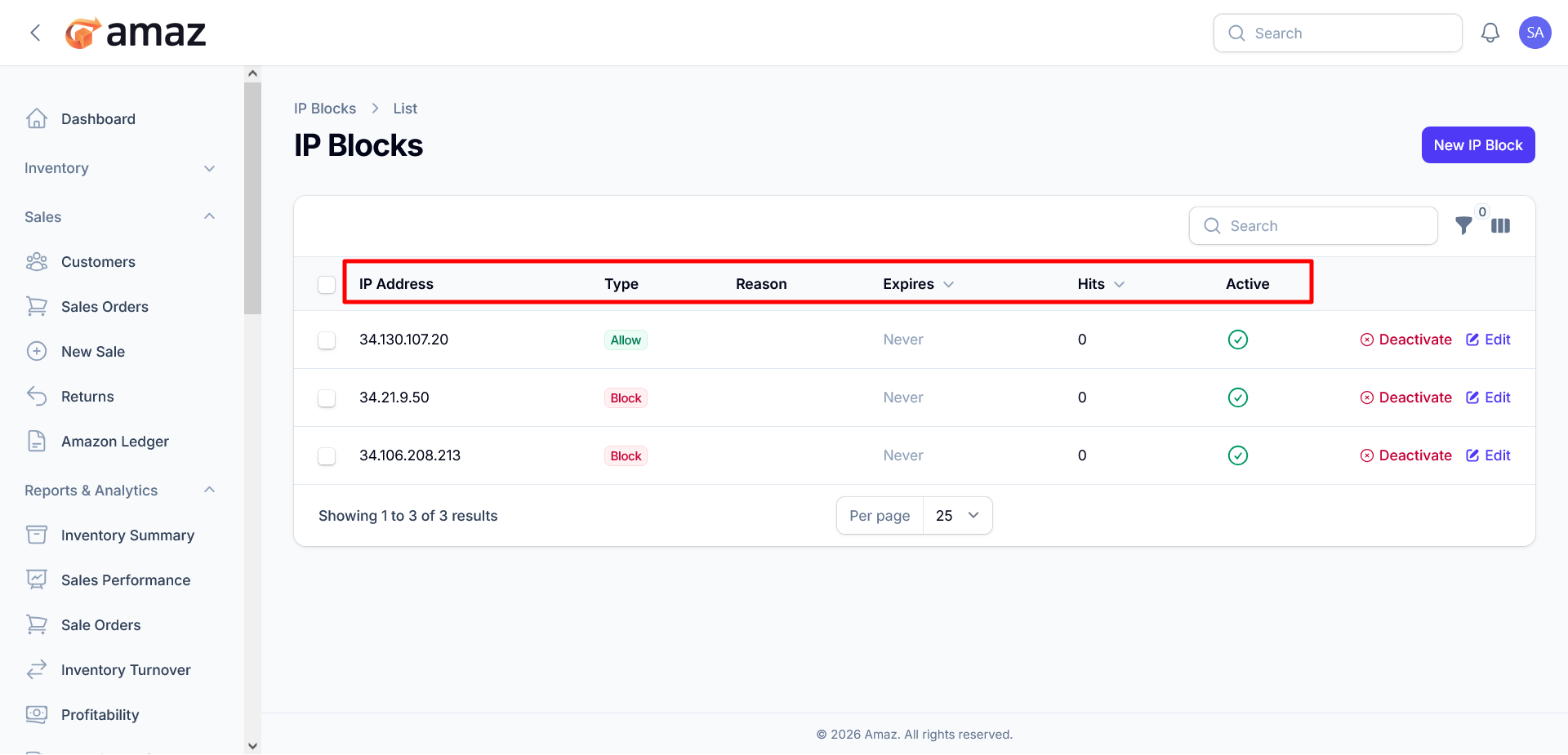
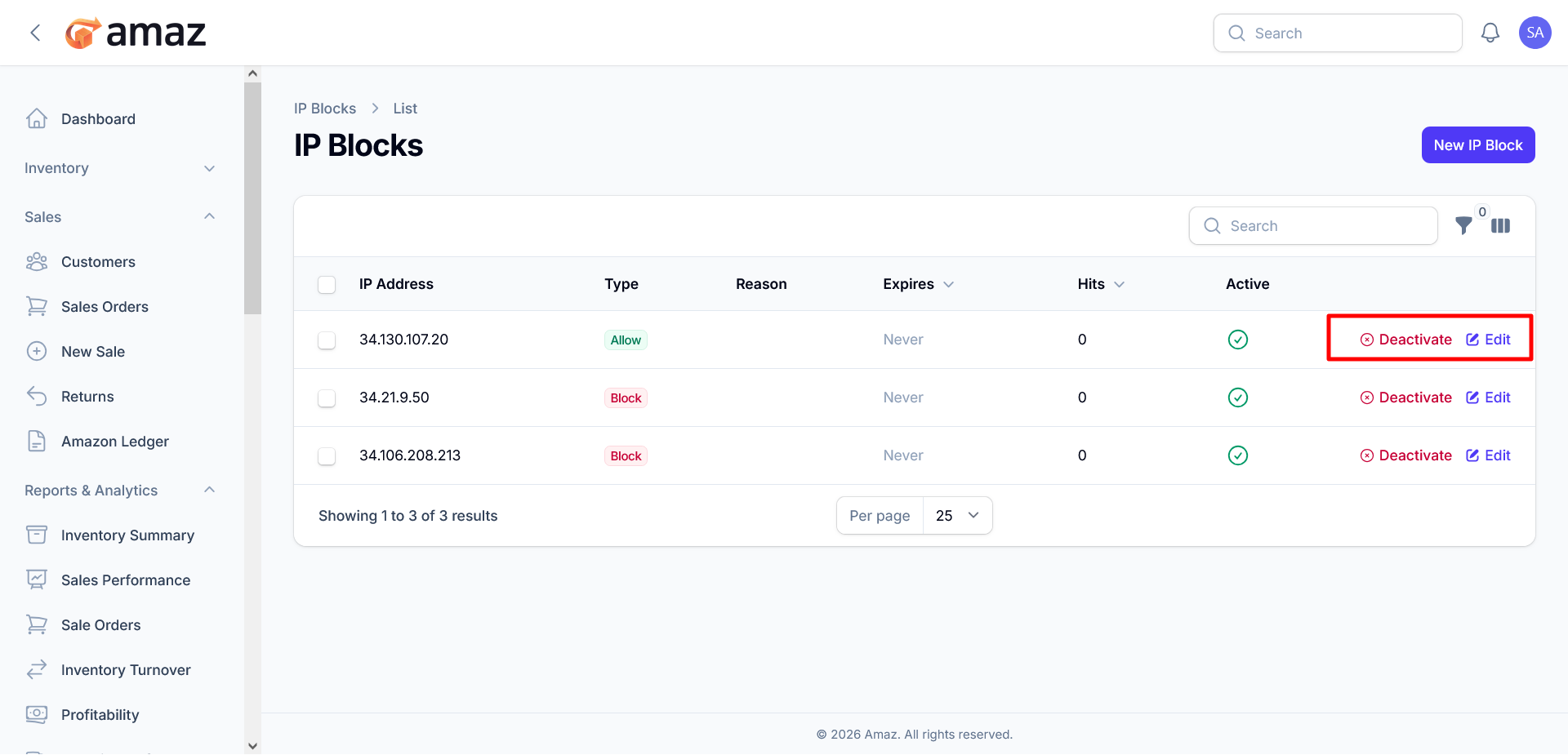
Each IP entry includes the following controls:
- Edit: Modify the rule configuration
- Deactivate: Disable the rule without deleting it