Login Attempts
Monitor authentication attempts.
Location: Sidebar → Monitoring → Login Attempts
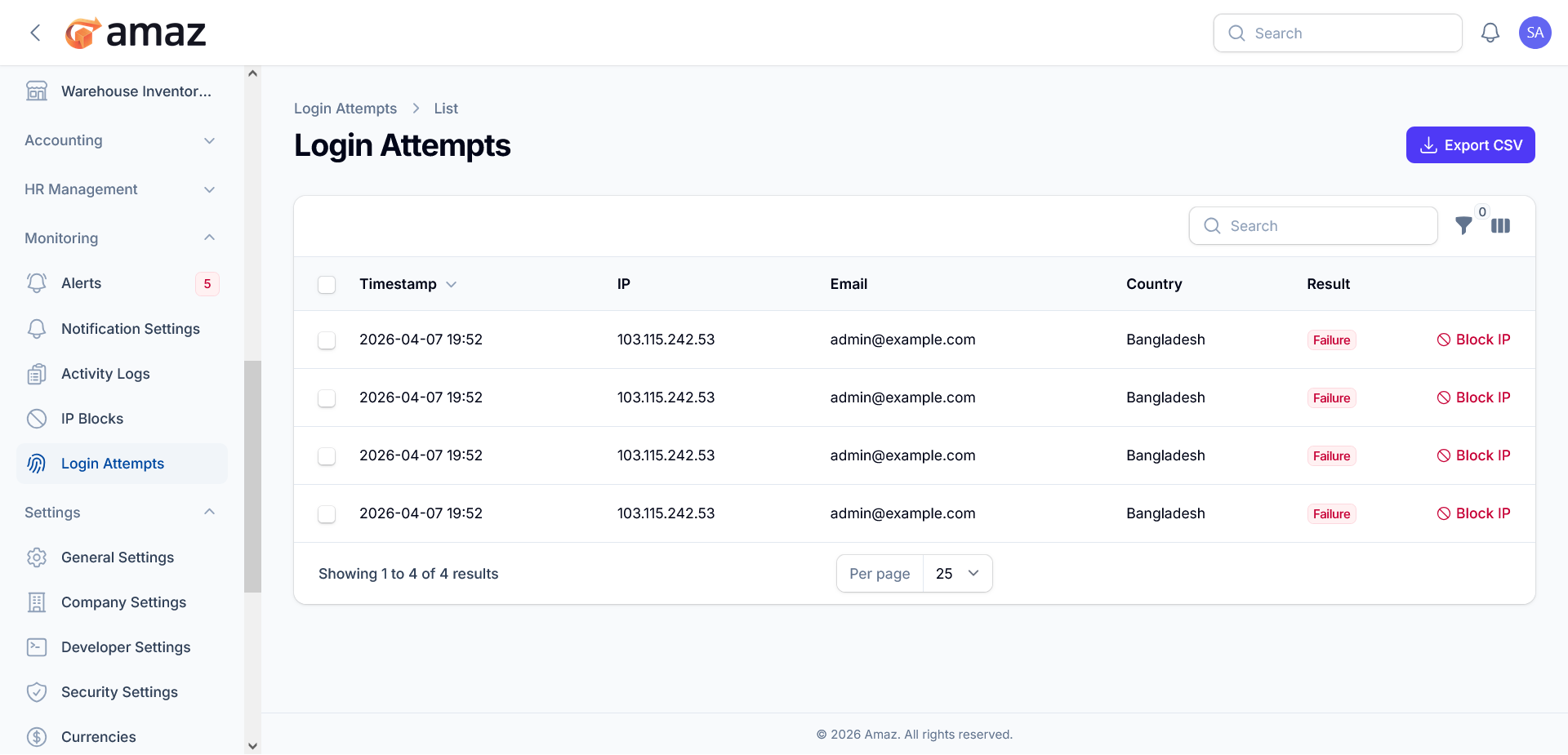
The Login Attempts module provides visibility into all authentication attempts made within the system. It enables administrators to monitor access patterns, detect suspicious behavior, and take proactive security measures.
This page displays a detailed log of both successful and failed login attempts, helping maintain system integrity and support security audits.
Export CSV: Download login attempt records for offline analysis, reporting, or compliance purposes.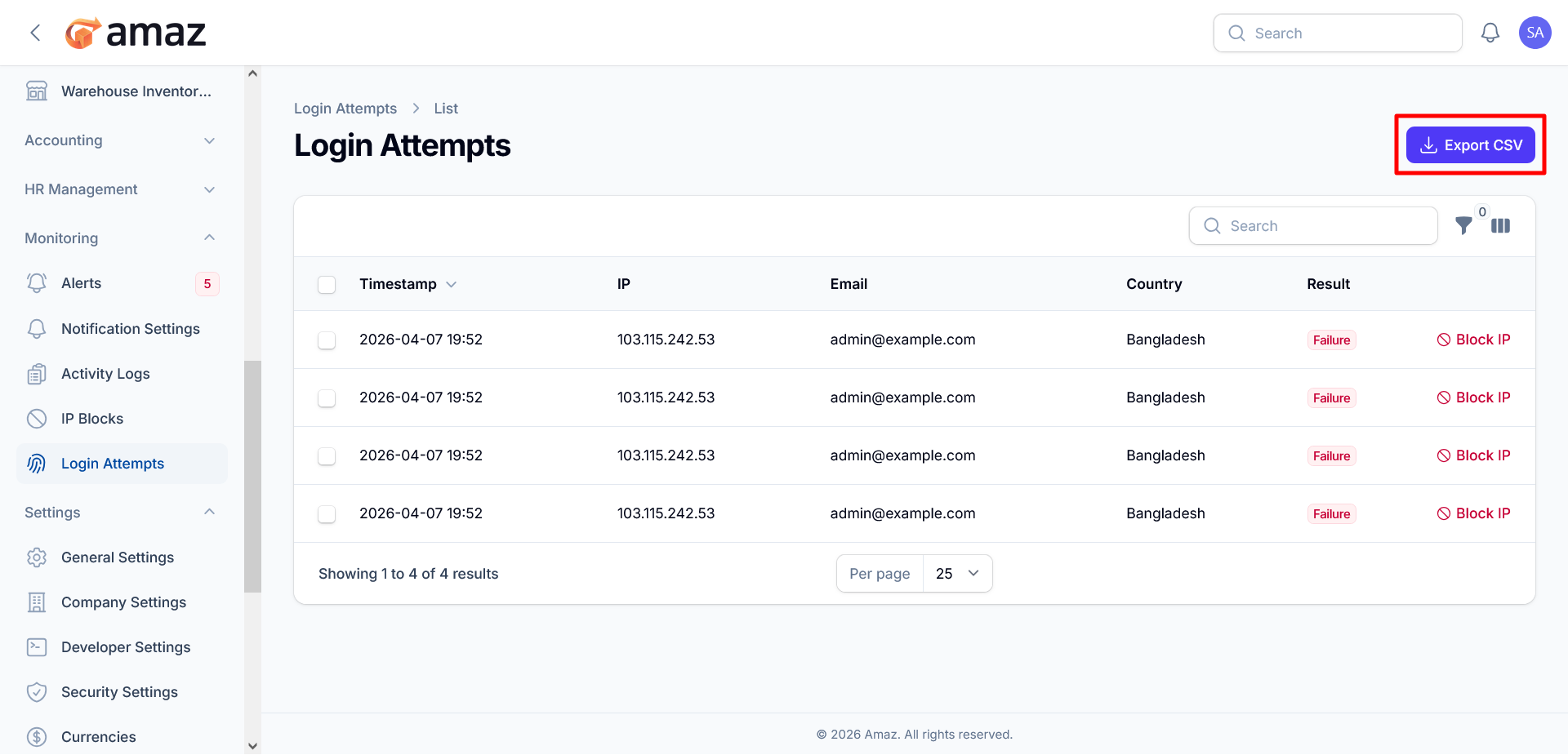
Search: Quickly locate specific entries using keywords such as email, IP address, or timestamp.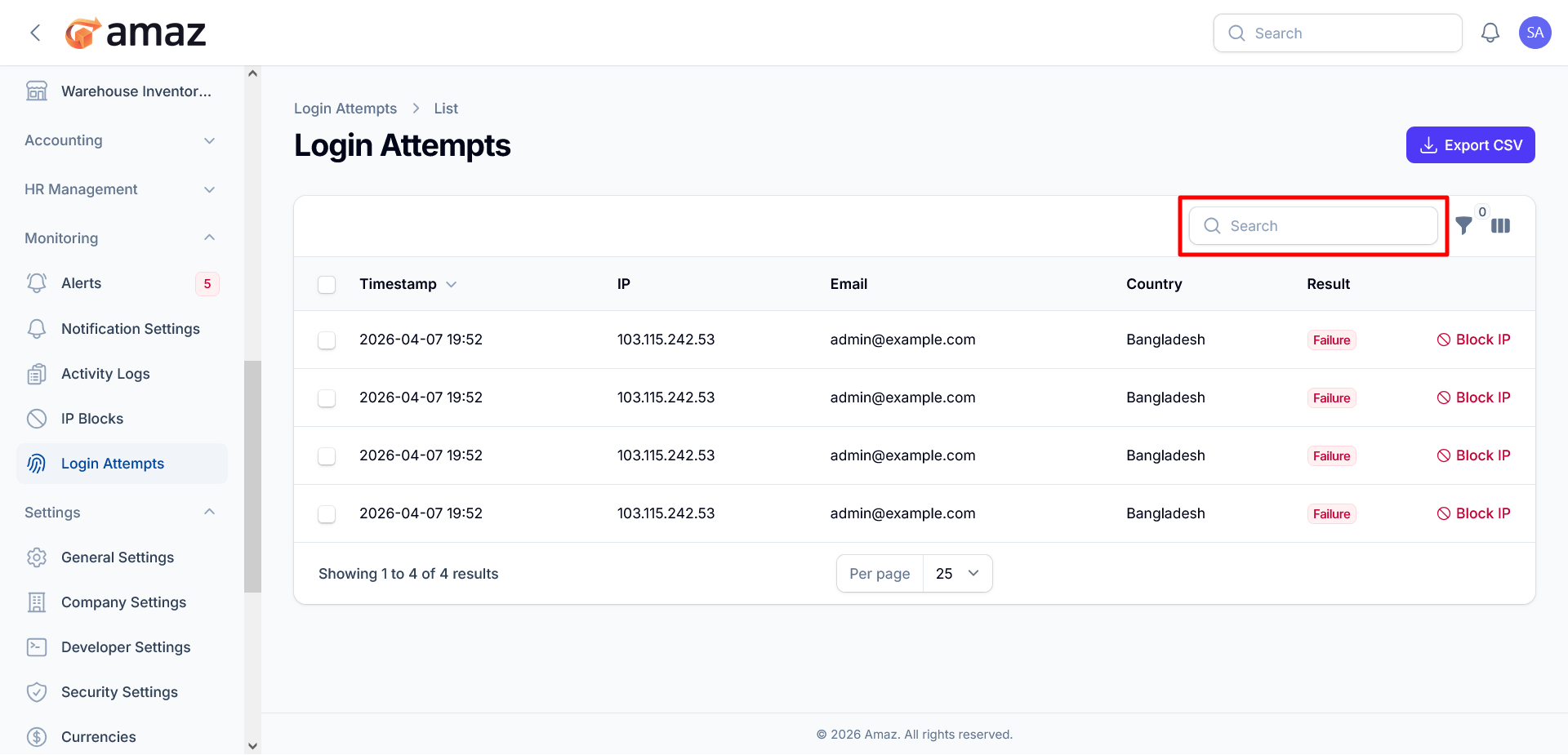
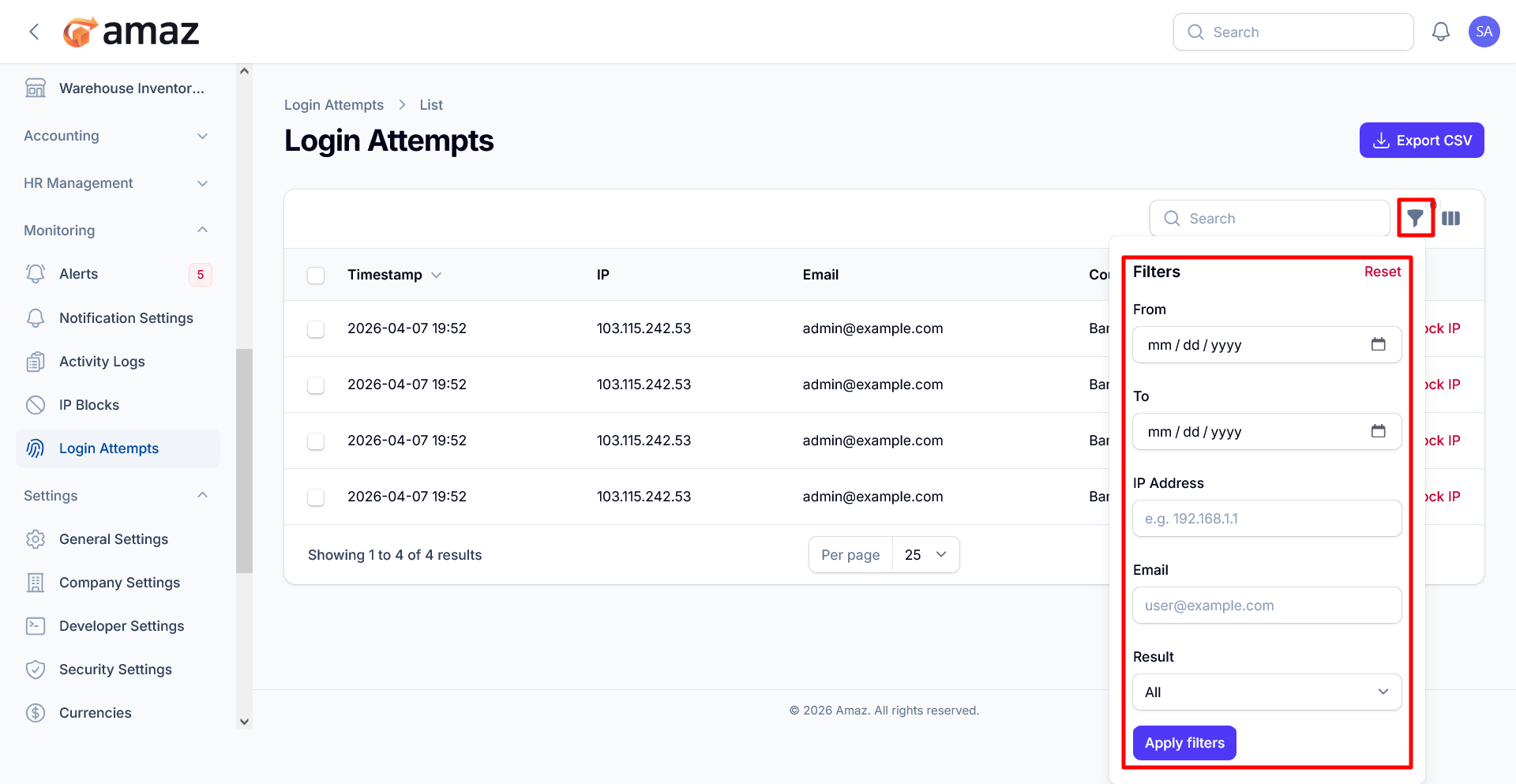
Filter : Refine and customize how records are displayed.
Column Visibility : You can customize the visibility of columns by choosing to show or hide them as needed. Additionally, you can restore the default column settings at any time by clicking the Reset button.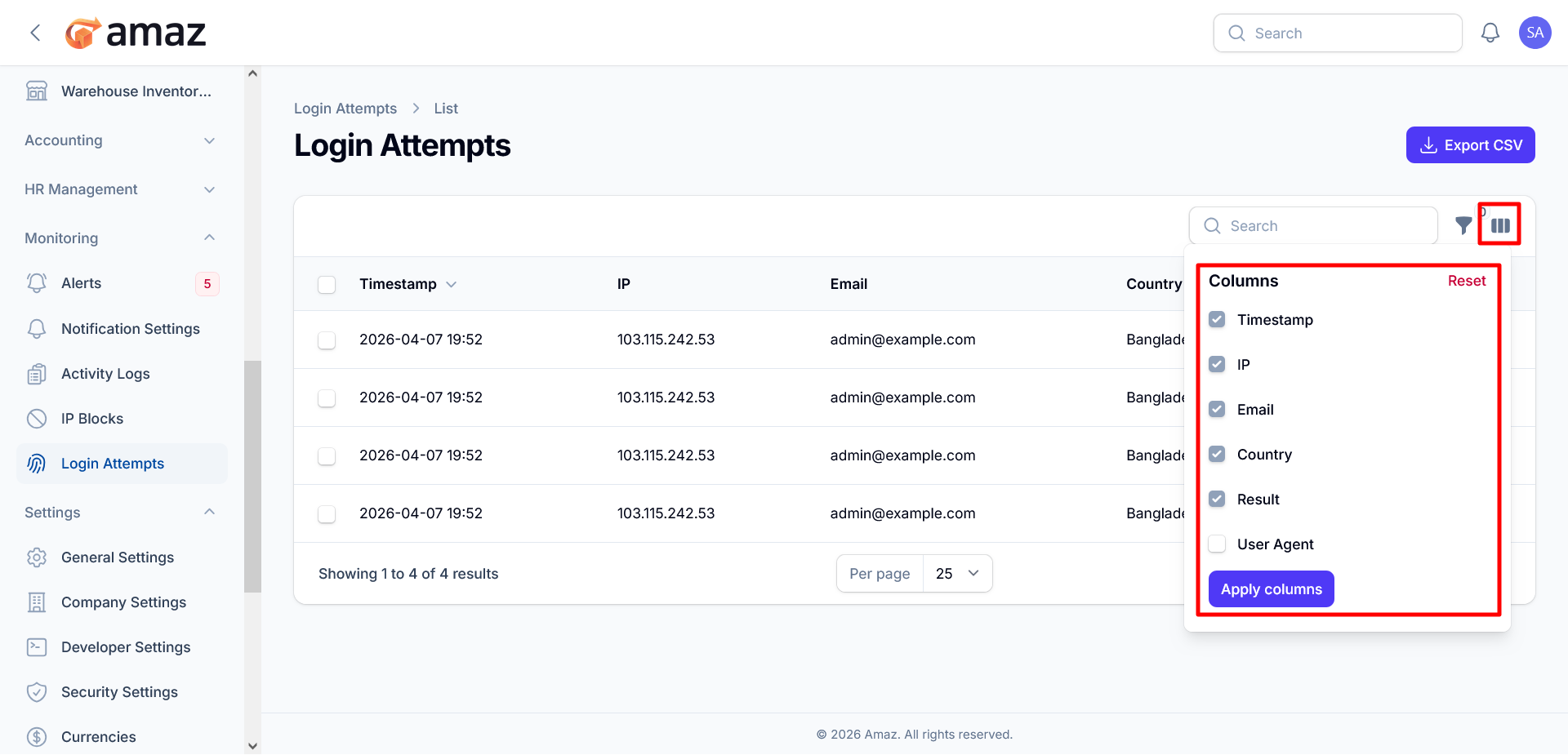
Each record in the table represents a single login attempt and includes the following information:
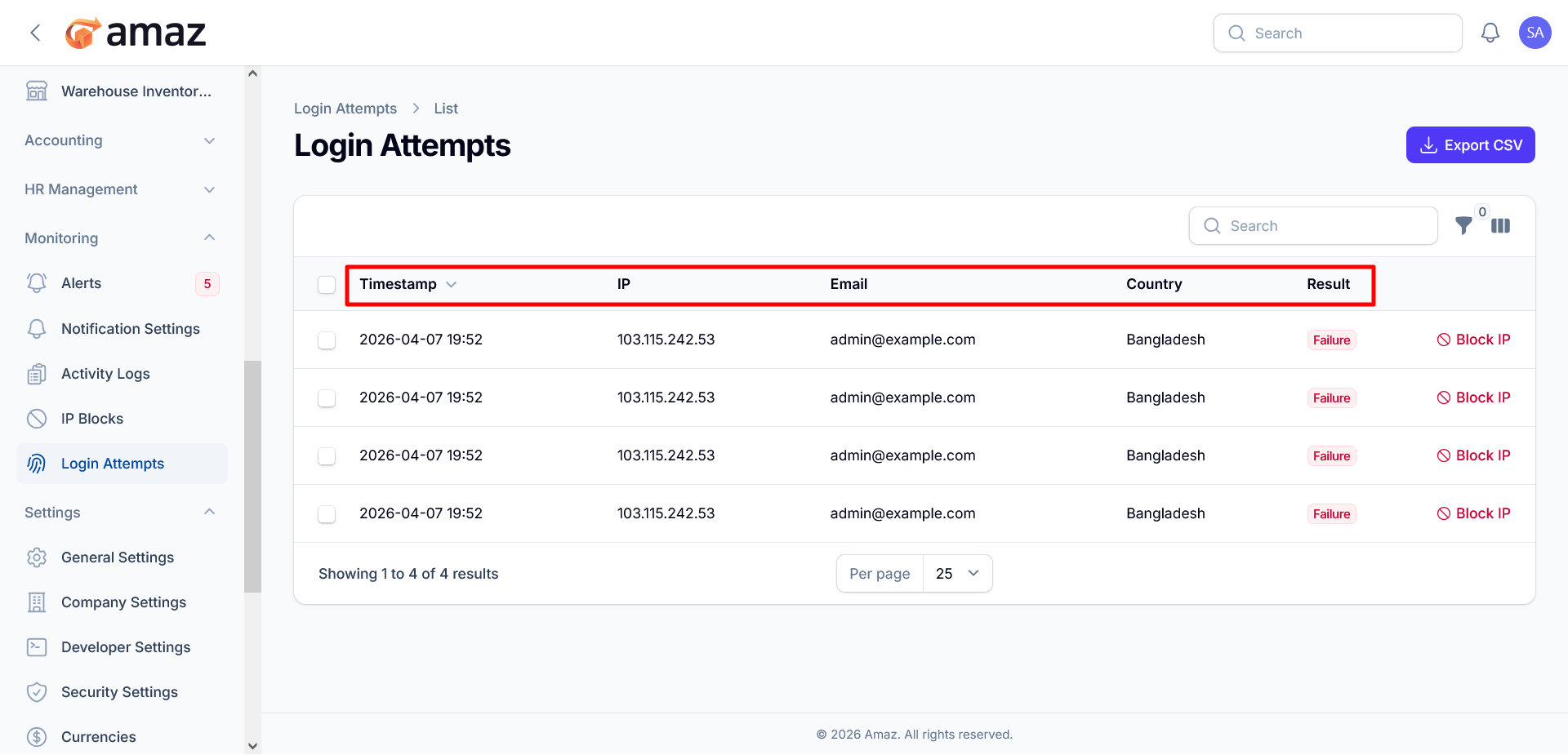
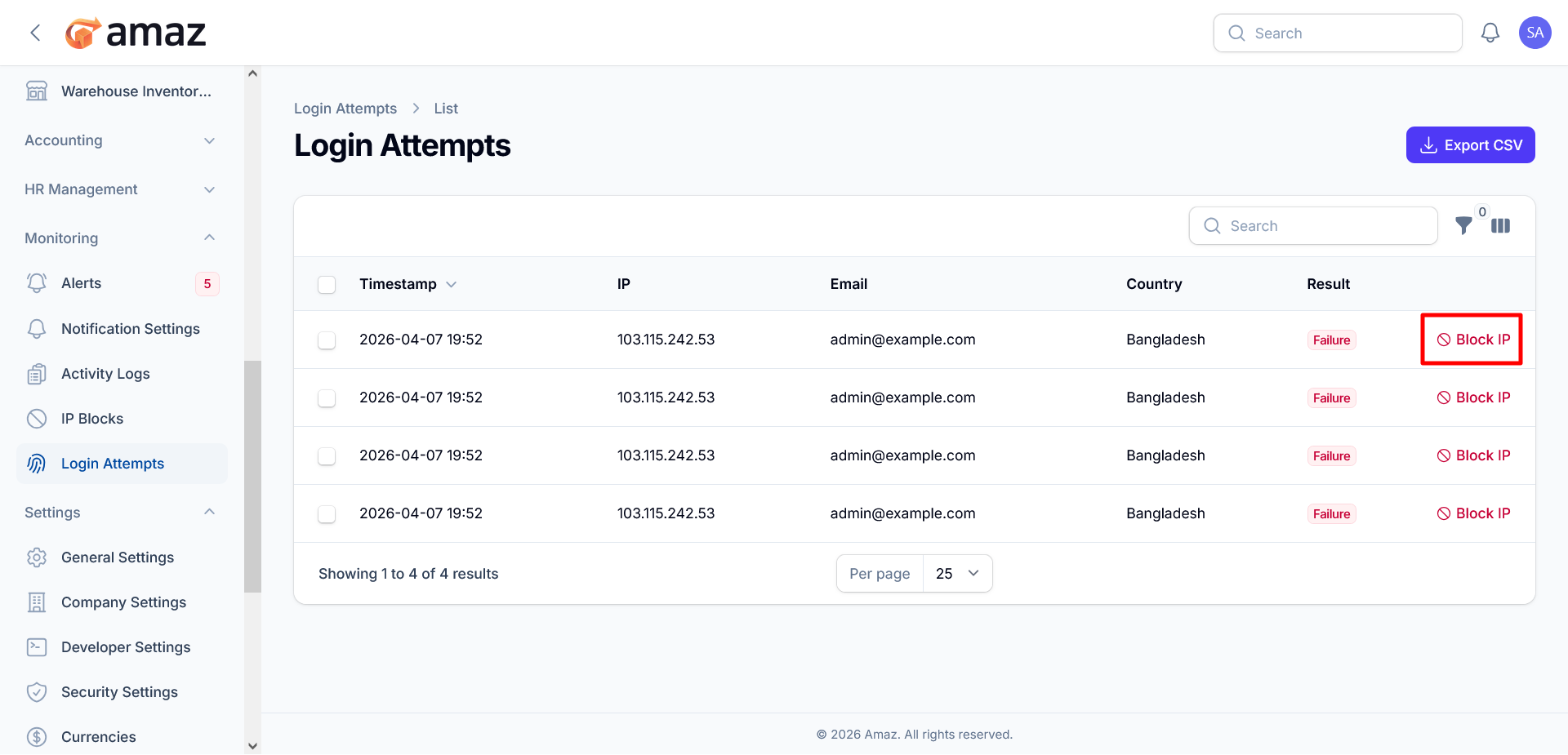
Block IP: Immediately create a rule to block the associated IP address, helping prevent further unauthorized attempts.