1.Track Amazon financial transactions.
2. Location: Sidebar → Sales → Amazon Ledger
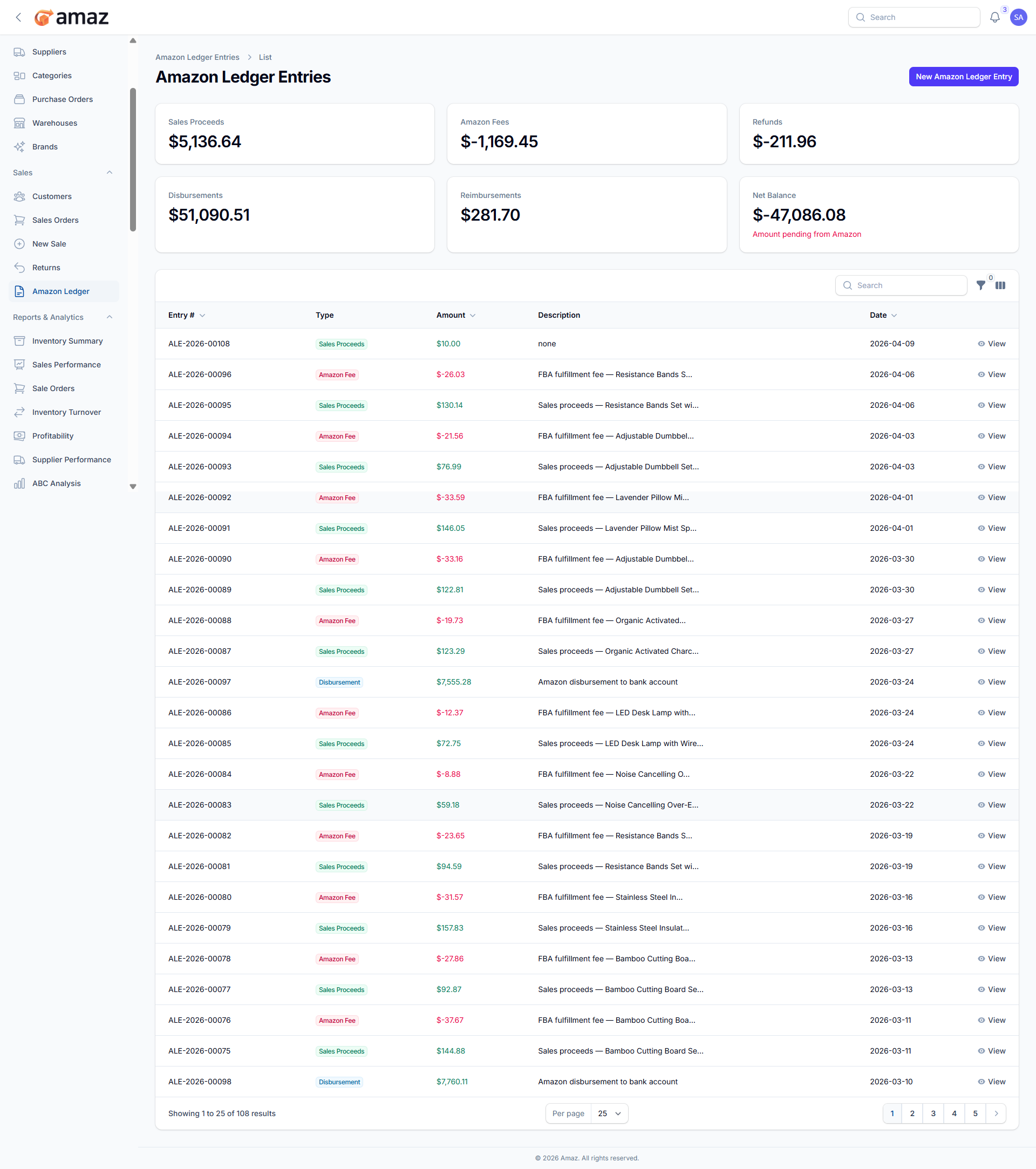
3. Summary:From here you can view the Amazon ledger summary.
Field – Description
Sales Proceeds – Total revenue earned from Amazon sales.
Amazon Fees – Total fees charged by Amazon (e.g., referral, fulfillment).
Refunds – Total amount refunded to customers.
Reimbursements – Amount reimbursed by Amazon for lost or damaged items.
Disbursements – Payments transferred by Amazon to your account.
Net Balance – Remaining balance after all fees, refunds, and disbursements are applied.
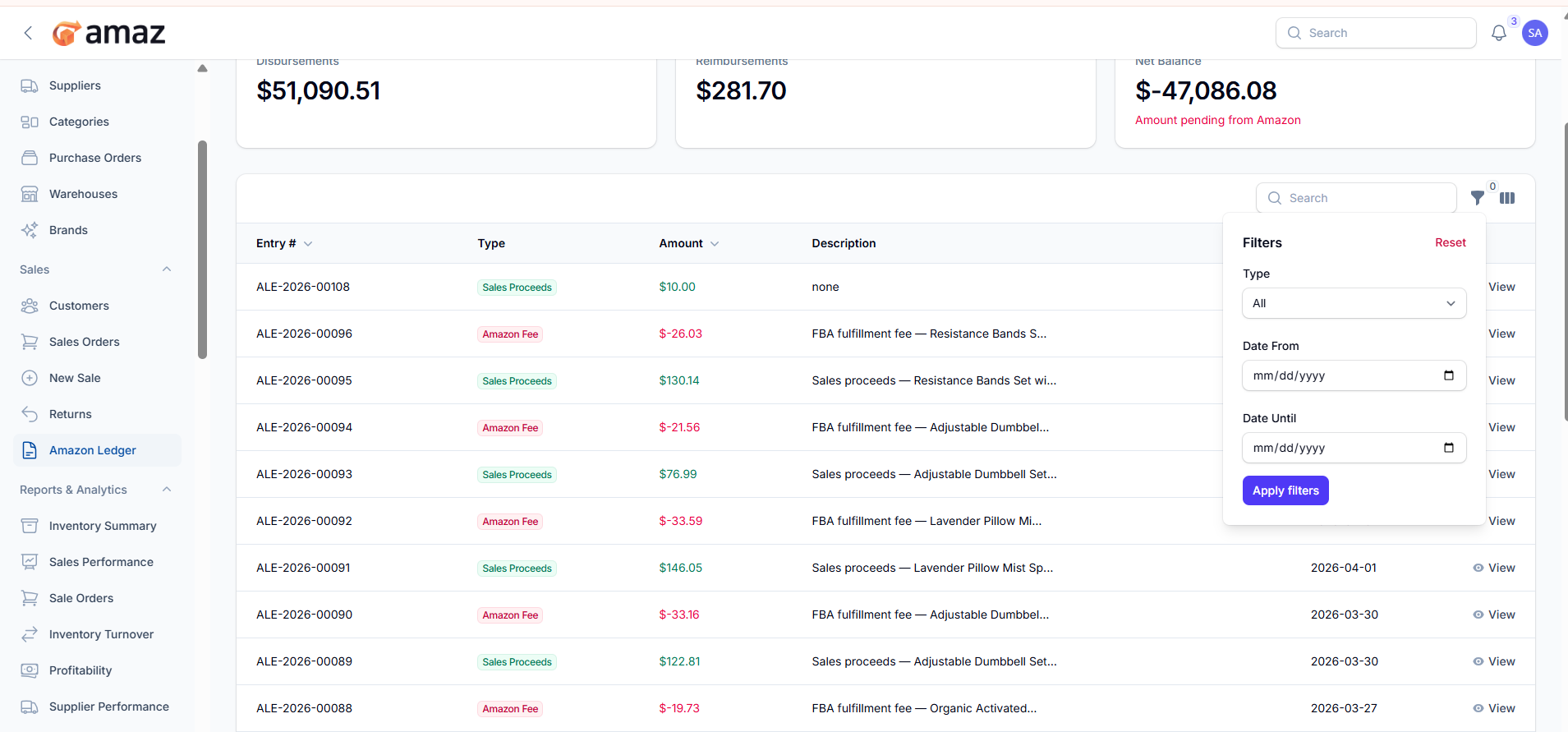
From here you can view all Amazon ledger entries along with their detailed information.
Field – Description
Entry – Unique identifier for the ledger entry.
Type – Type of transaction (e.g., Sales Proceeds, Amazon Fee, Refund, Disbursement, Reimbursement, Other Adjustment).
Amount – Transaction amount.
Description – Brief details about the transaction.
Date – Date when the transaction was recorded.
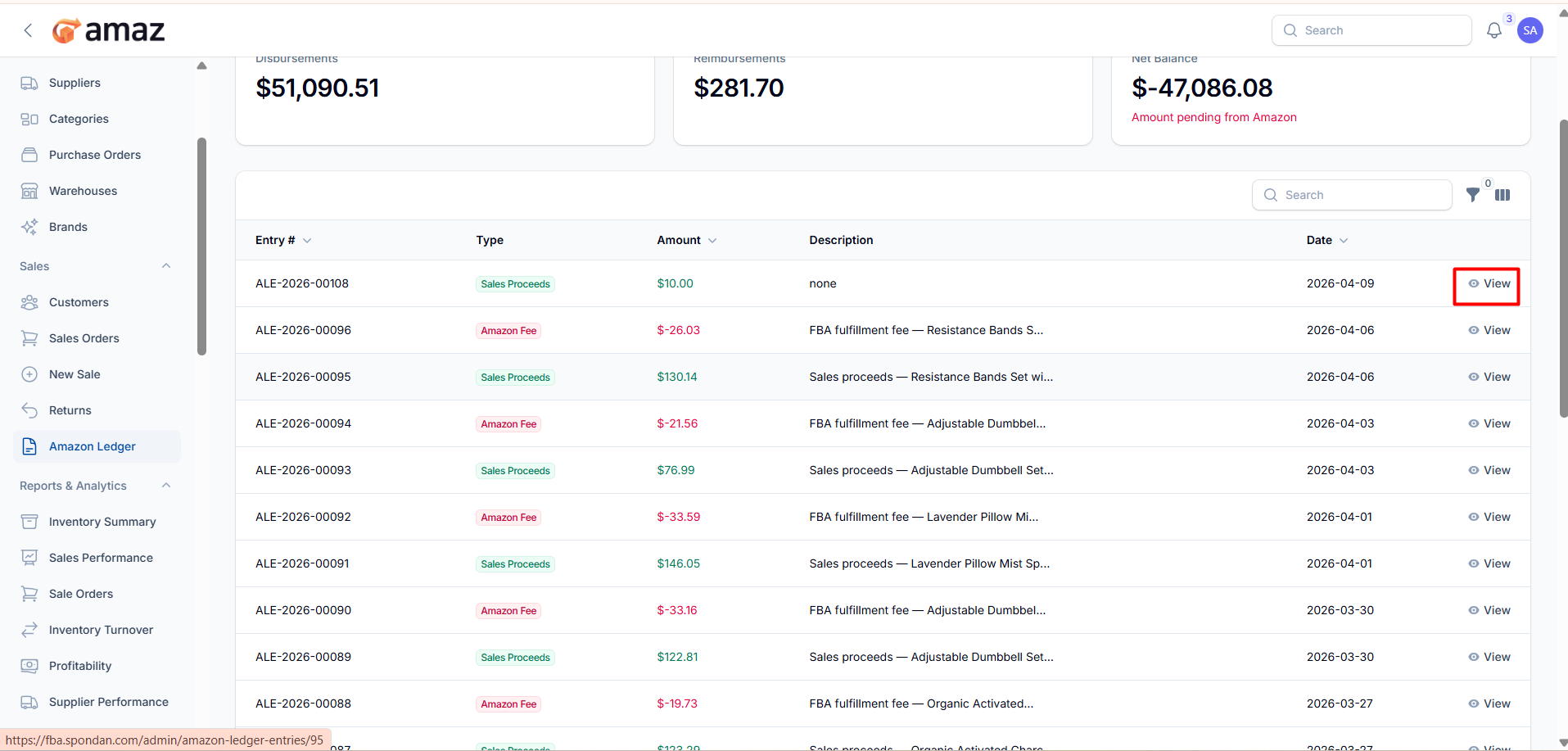
Action – Description
View – Open and view detailed information for the selected ledger entry.
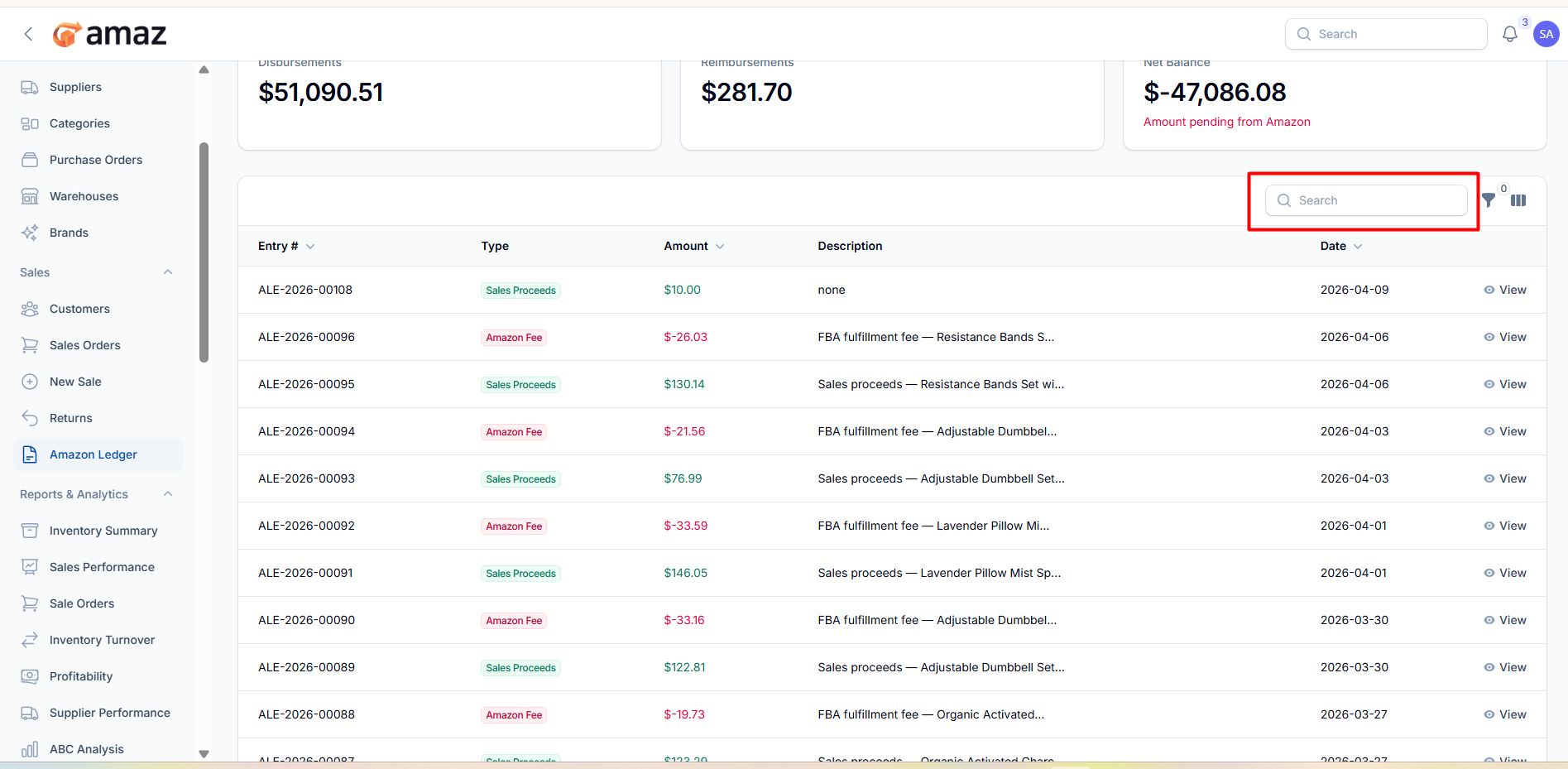
You can use filters to narrow down ledger entries.
Filter – Description
Type – Filter by transaction type (e.g., Sales Proceeds, Amazon Fee, Refund, Disbursement).
Date From – View entries starting from a specific date.
Date To – View entries up to a specific date.
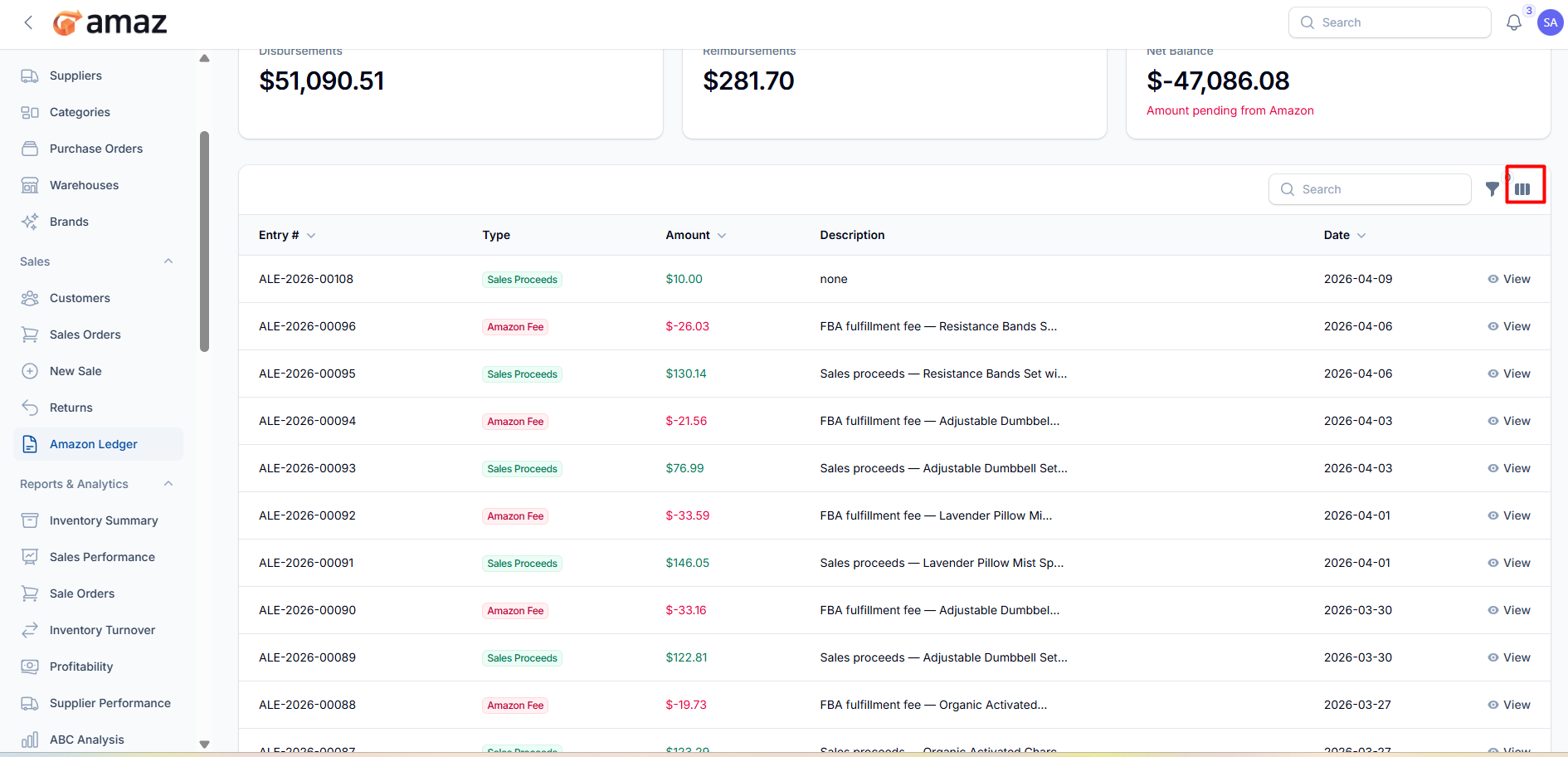
You can customize the visible columns to display only the Amazon ledger information relevant to your needs.