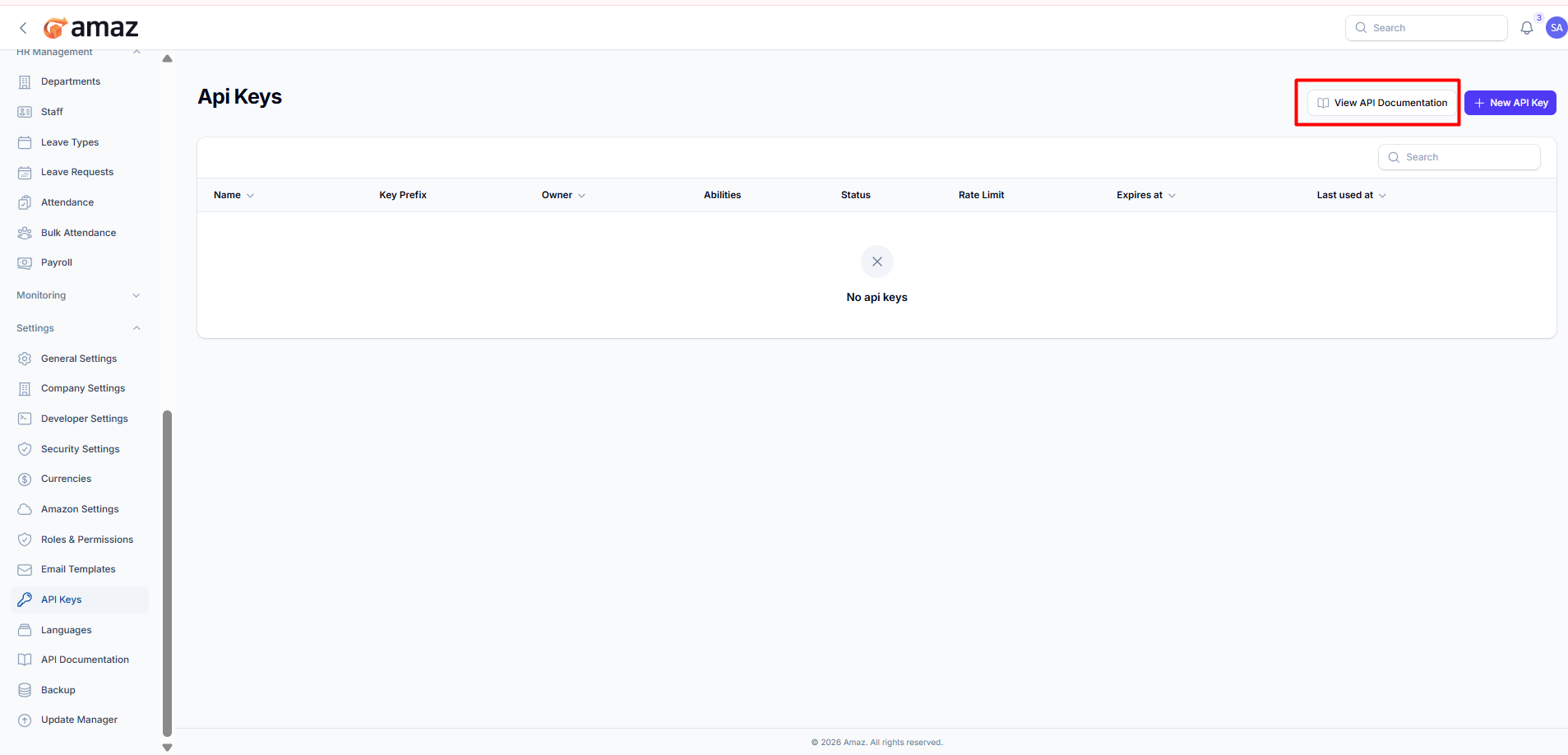
API Keys
Manage API access for integrations.
Location: Sidebar → Settings → API Keys
Creating an API Key
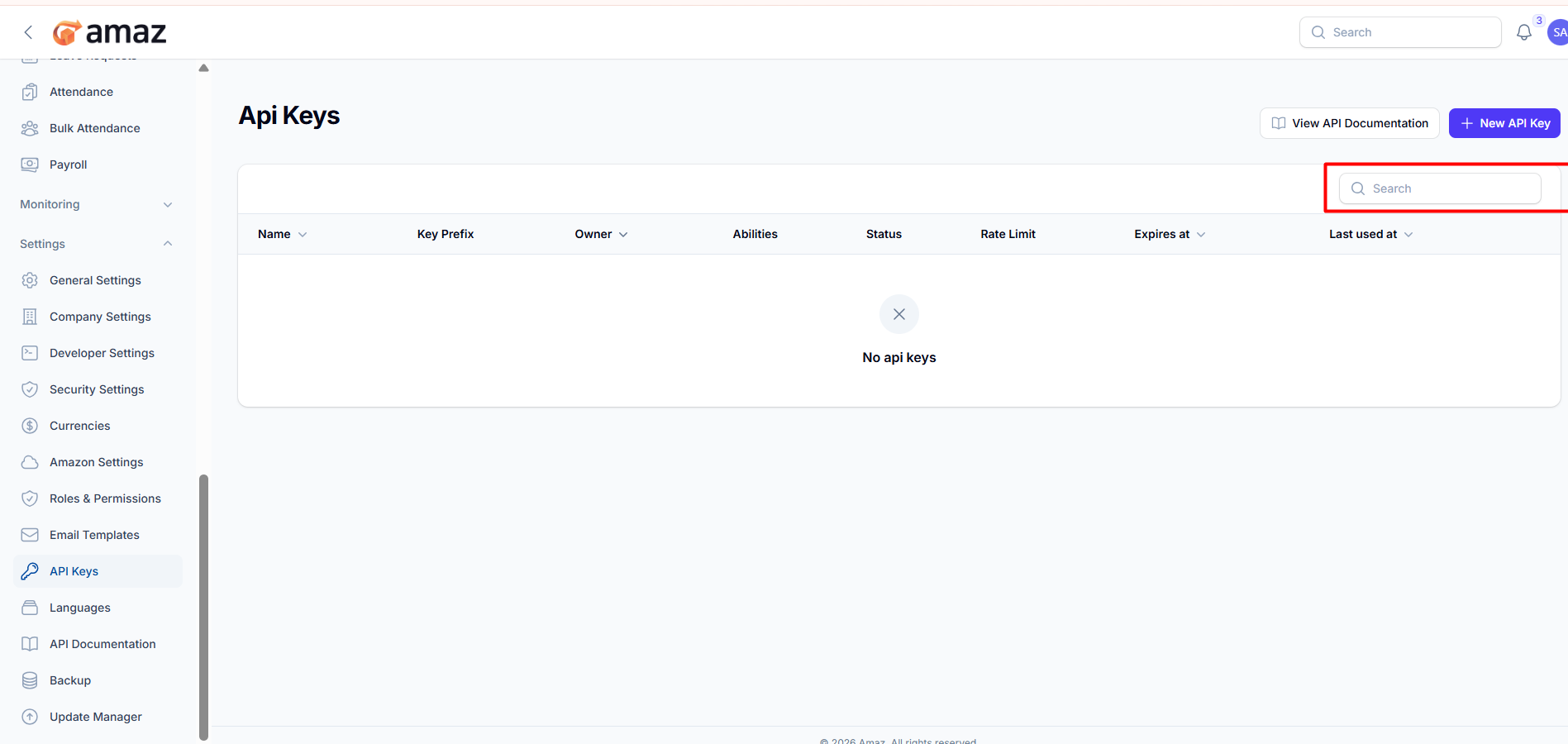
From here you can view all API keys along with their detailed information.
Field – Description
Name – Name of the API key.
Key Prefix – First few characters of the API key for identification.
Owner – User or system that owns the API key.
Status – Indicates whether the API key is active or inactive.
Rate Limit – Number of allowed requests within a specific time period.
Expires At – Expiration date of the API key.
Last Used At – Date and time when the API key was last used.
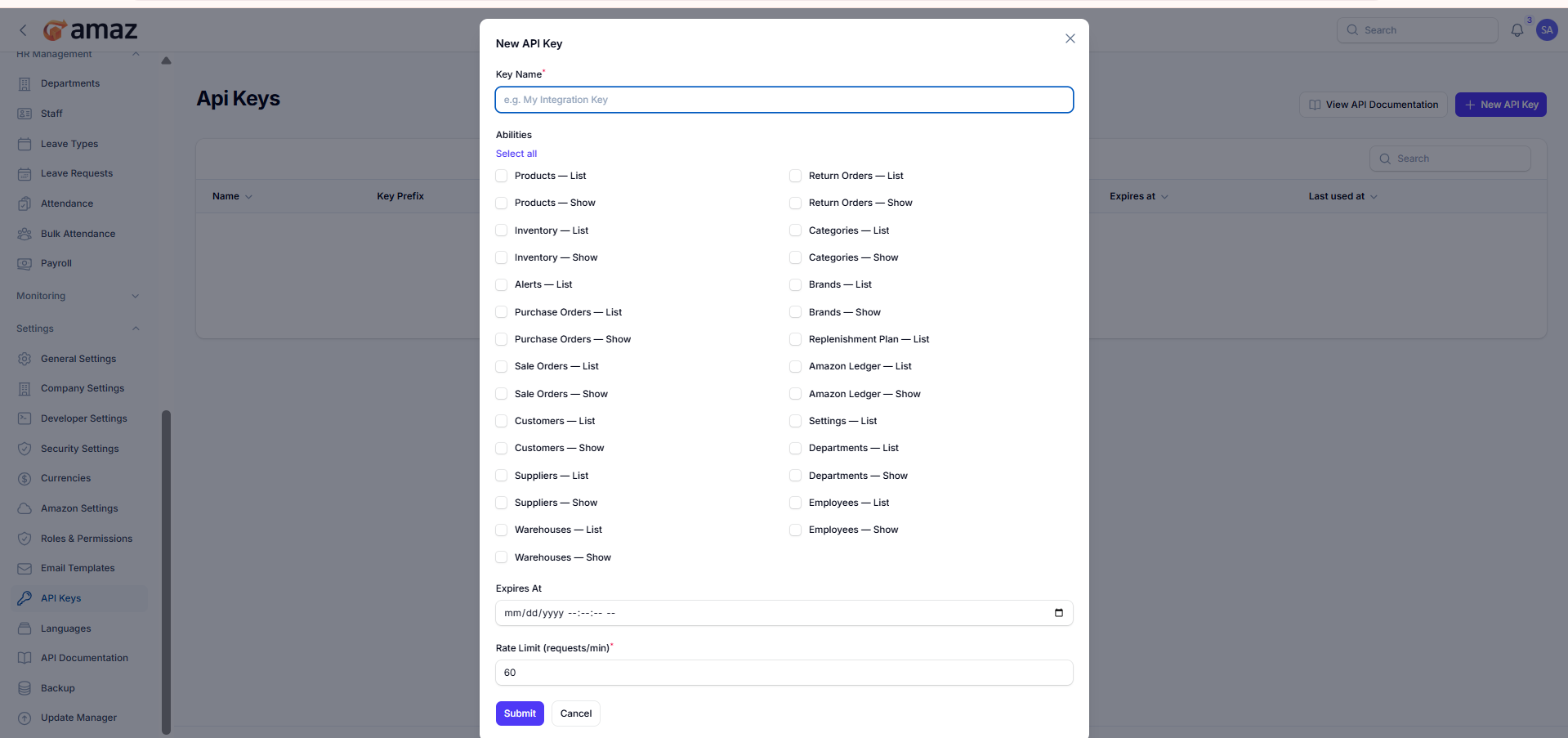
Create and configure a new API key with permissions and limits.
Select the permissions that this API key can access.
Option – Description
Select All – Grant all available permissions.
Modules (List / Show) – Allow access to specific modules such as:
Products
Inventory
Purchase Orders
Sales Orders
Customers
Suppliers
Warehouses
Return Orders
Categories
Brands
Replenishment Plan
Amazon Ledger
Settings
Departments
Employees
Configuration:
Field – Description
Expires At – Set an expiration date and time for the API key.
Rate Limit (requests/min) – Maximum number of API requests allowed per minute.
Submit – Create the API key with selected permissions.
Cancel - Discard and exit without creating the API key.
Action – Description
View API Documentation – Opens the API documentation page where you can explore endpoints, request formats, authentication methods, and response structures.