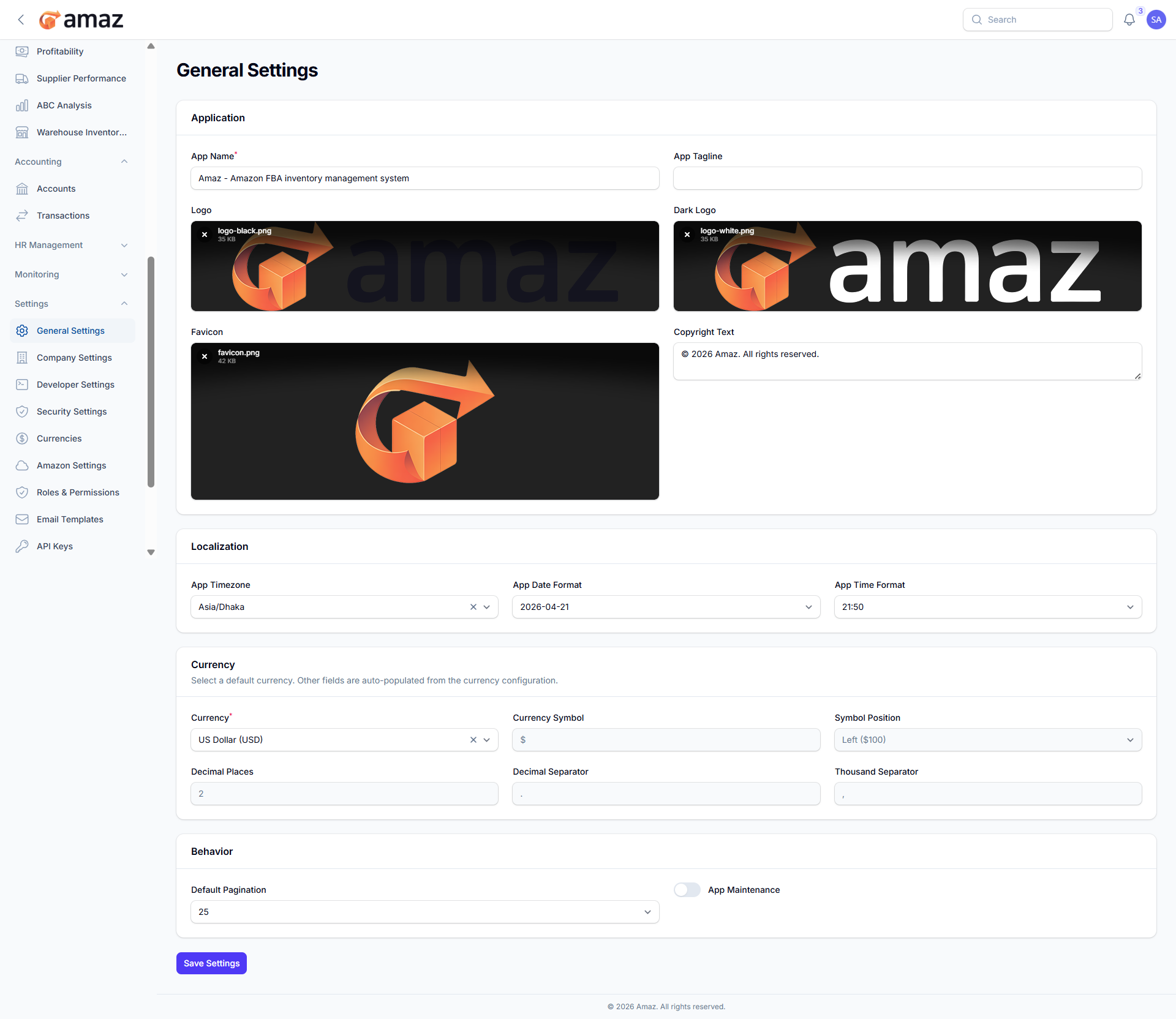
General Settings
Configure basic application settings.
Location: Sidebar → Settings → General Settings
Application Section:
- App Name — Your application name
- App Tagline — Short description
- Logo — Main logo (upload)
- Dark Logo — Logo for dark mode (upload)
- Favicon — Browser icon (upload)
- Copyright Text — Footer copyright notice
Localization Section:
- Timezone — Application timezone
- Date Format — How dates are displayed
- Time Format — 24-hour or 12-hour
Currency Section:
- Currency — Default currency (auto-populates related fields)
- Symbol, Position, Decimals — Auto-filled from currency selection
Behavior Section:
- Default Pagination — Items per page (10, 25, 50, 100)
- Maintenance Mode — Enable to show the maintenance page to users
- Maintenance Message — Message shown during maintenance