Role and Permission
Configure system roles and permissions.
Location: Sidebar → Settings → Roles & Permissions
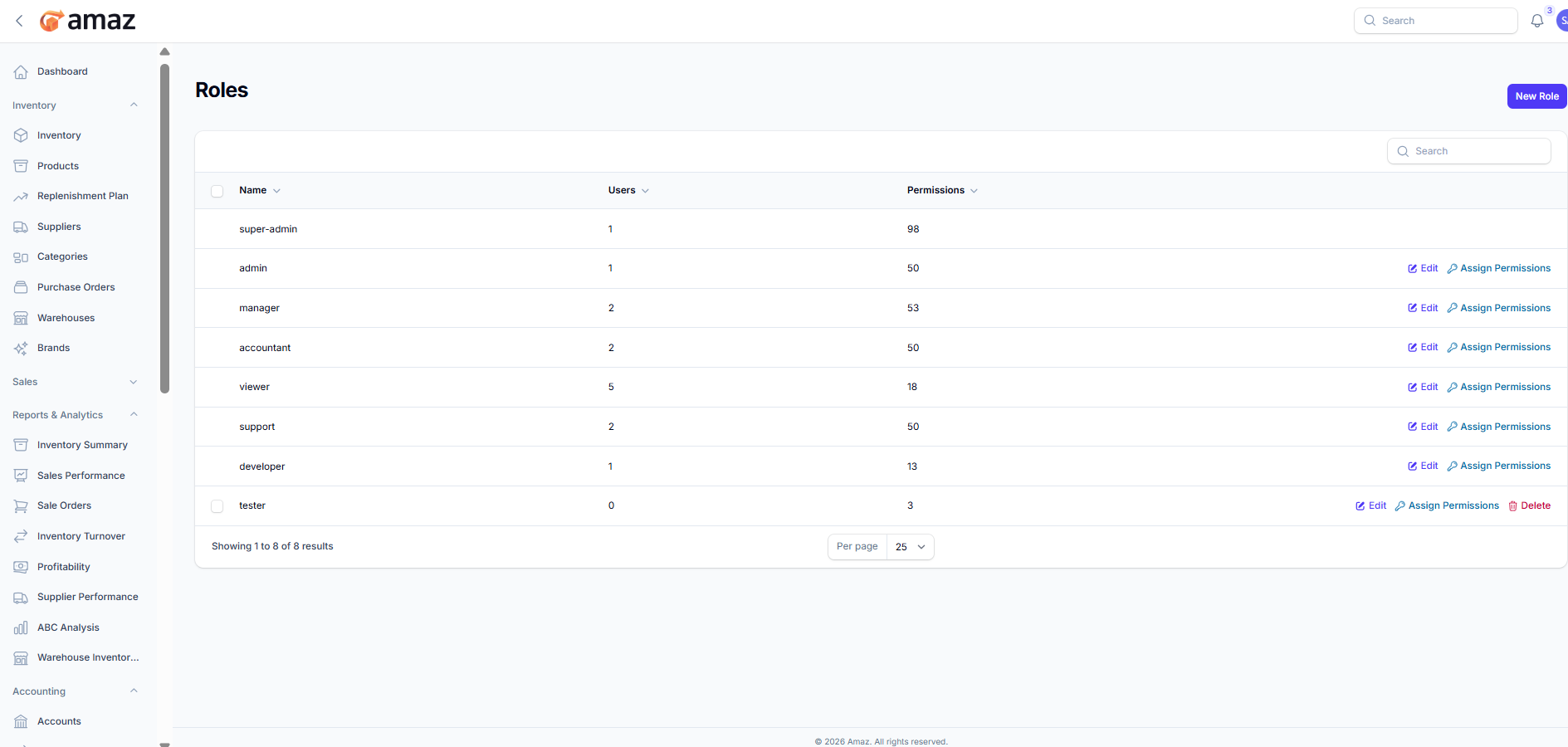
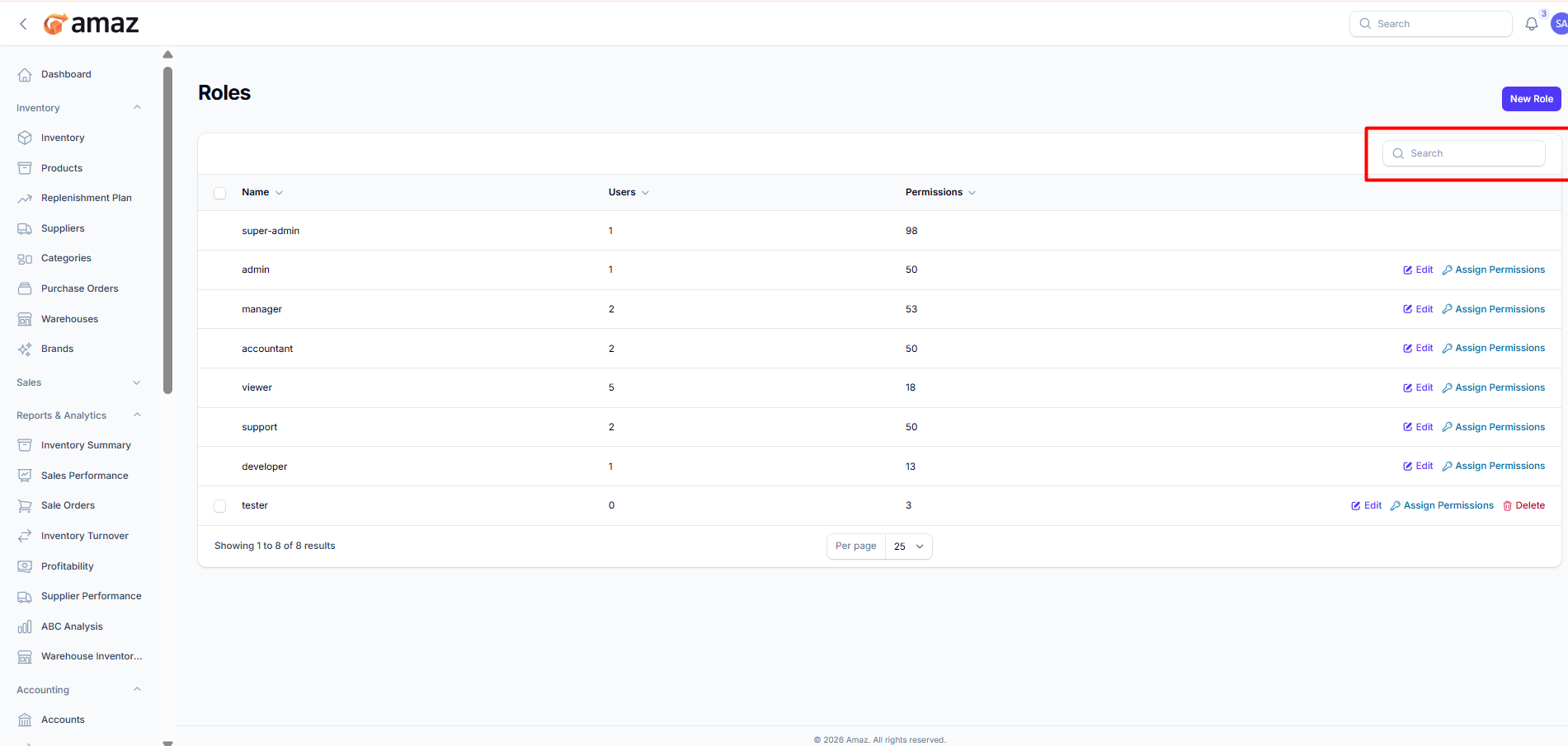
Role List:From here you can view all roles along with their permission details.
Field – Description
Name – Name of the role.
Users – Number of users assigned to the role.
Number of Permissions – Total permissions assigned to the role.
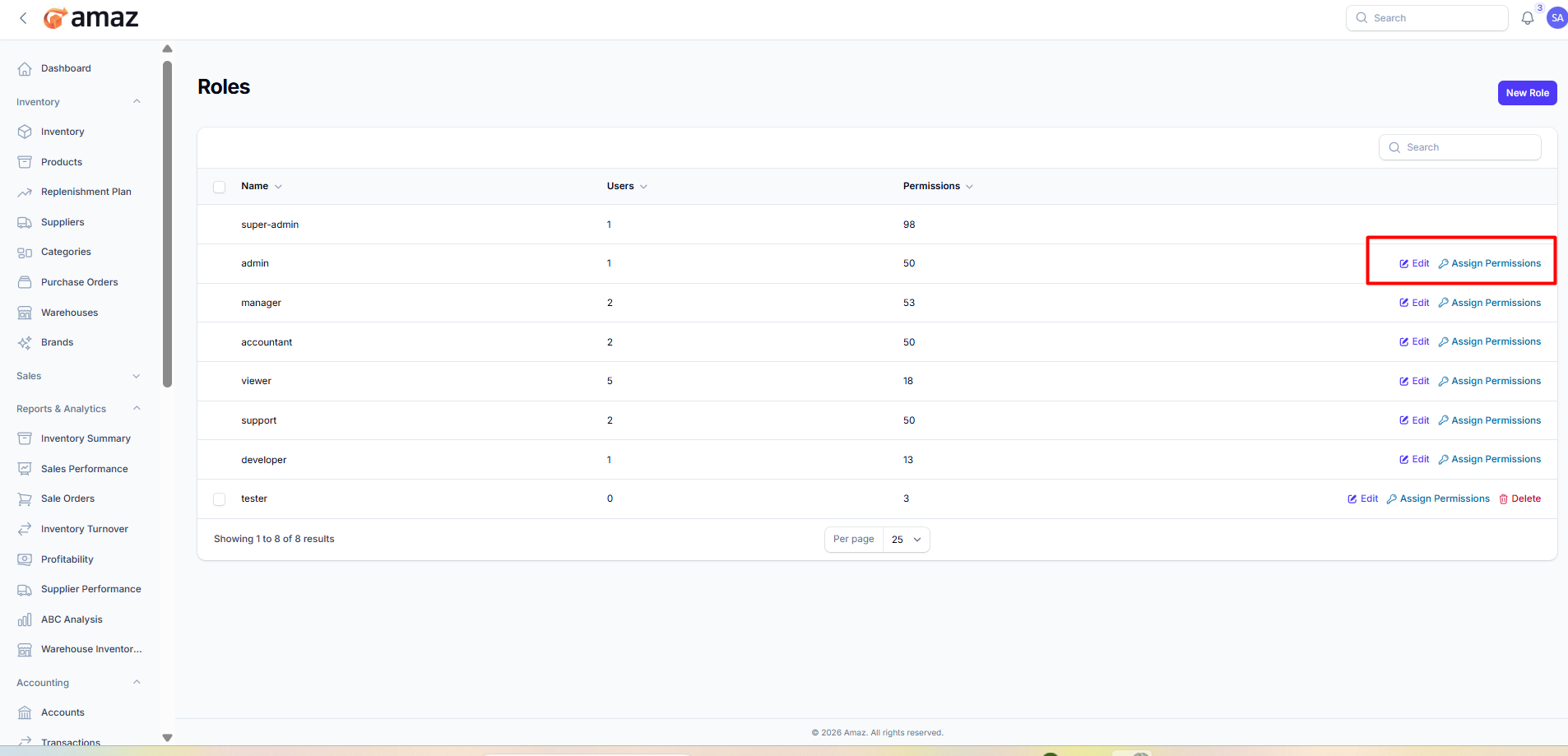
Action – Description
Edit – Modify role details.
Assign Permission – Add or update permissions assigned to the role.
Delete – Remove the role from the system.
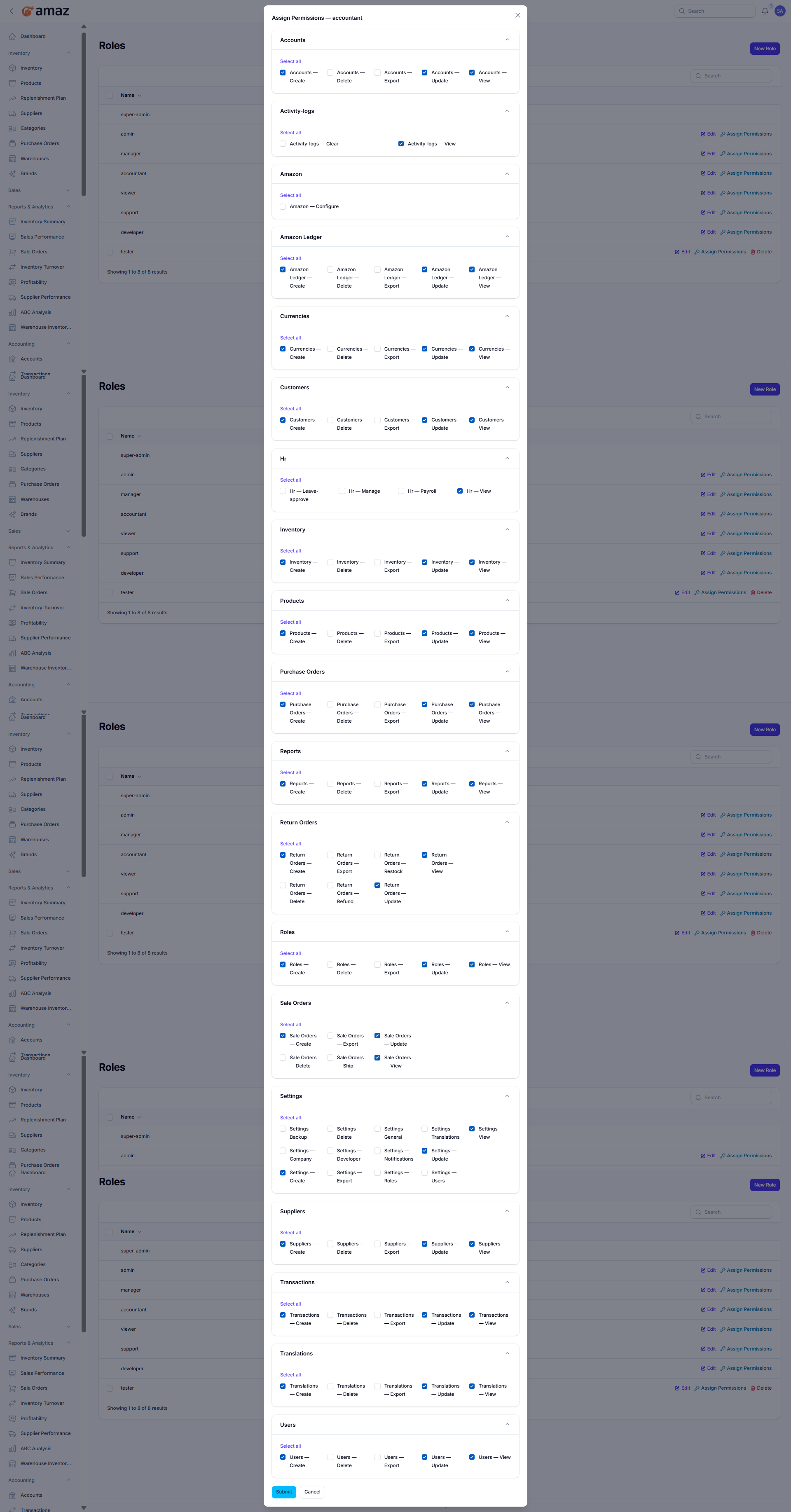
Assign specific permissions to a selected role.
Permission Modules:Permissions are grouped by modules. Each module contains multiple actions.
Modules Include:
Accounts
Activity Logs
Amazon
Amazon Ledger
Currencies
Customers
HR
Inventory
Products
Purchase Orders
Reports
Return Orders
Roles
Sales Orders
Settings
Suppliers
Transactions
Translations
Users
Each module may include the following permission types:
Permission – Description
Create – Allow creating new records.
View – Allow viewing records.
Update – Allow editing existing records.
Delete – Allow deleting records.
Export – Allow exporting data.
Special Actions – Additional actions based on module (e.g., Approve, Refund, Restock, Ship).
Select All – Select all permissions within a module.
Individual Selection – Enable or disable specific permissions as needed.
Submit – Save assigned permissions to the role.
Cancel – Discard changes and exit.
Search: Use the search option to quickly find roles by entering the role name.
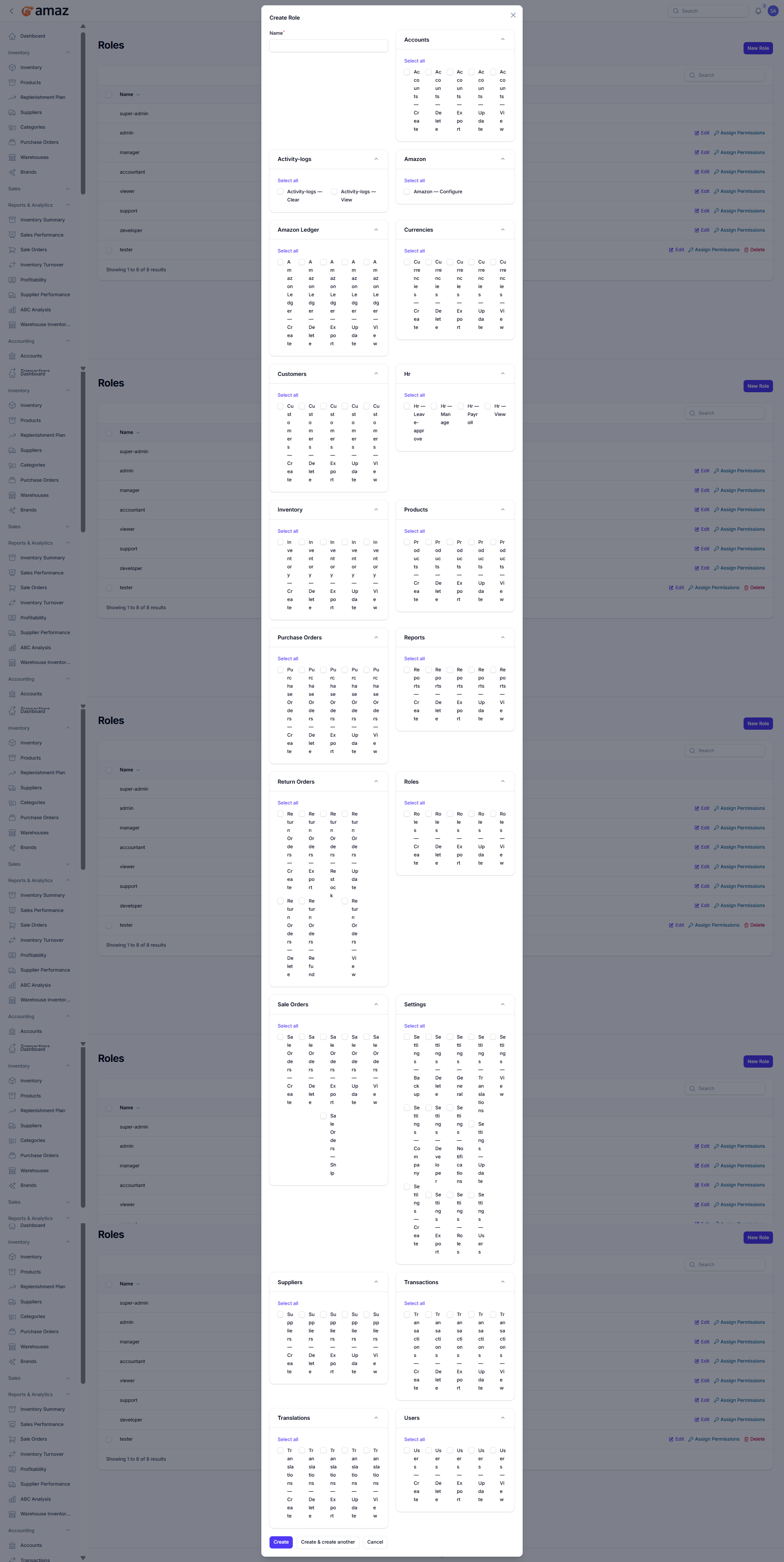
Create a new role and assign permissions.
Basic Information:Field – Description
Name – Enter the name of the role.
Permissions:Assign permissions by selecting from different modules.
Modules Include:
Accounts
Activity Logs
Amazon
Amazon Ledger
Currencies
Customers
HR
Inventory
Products
Purchase Orders
Reports
Return Orders
Roles
Sales Orders
Settings
Suppliers
Transactions
Translations
Users
Permission – Description
Create – Allow creating new records.
View – Allow viewing records.
Update – Allow editing records.
Delete – Allow deleting records.
Export – Allow exporting data.
Special Actions – Additional actions based on module (e.g., Approve, Refund, Ship).
Select All – Select all permissions within a module.
Individual Selection – Choose specific permissions as needed.
Create – Save and create the role.
Create & Create Another – Save and open a new form to create another role.
Cancel – Discard changes and exit.