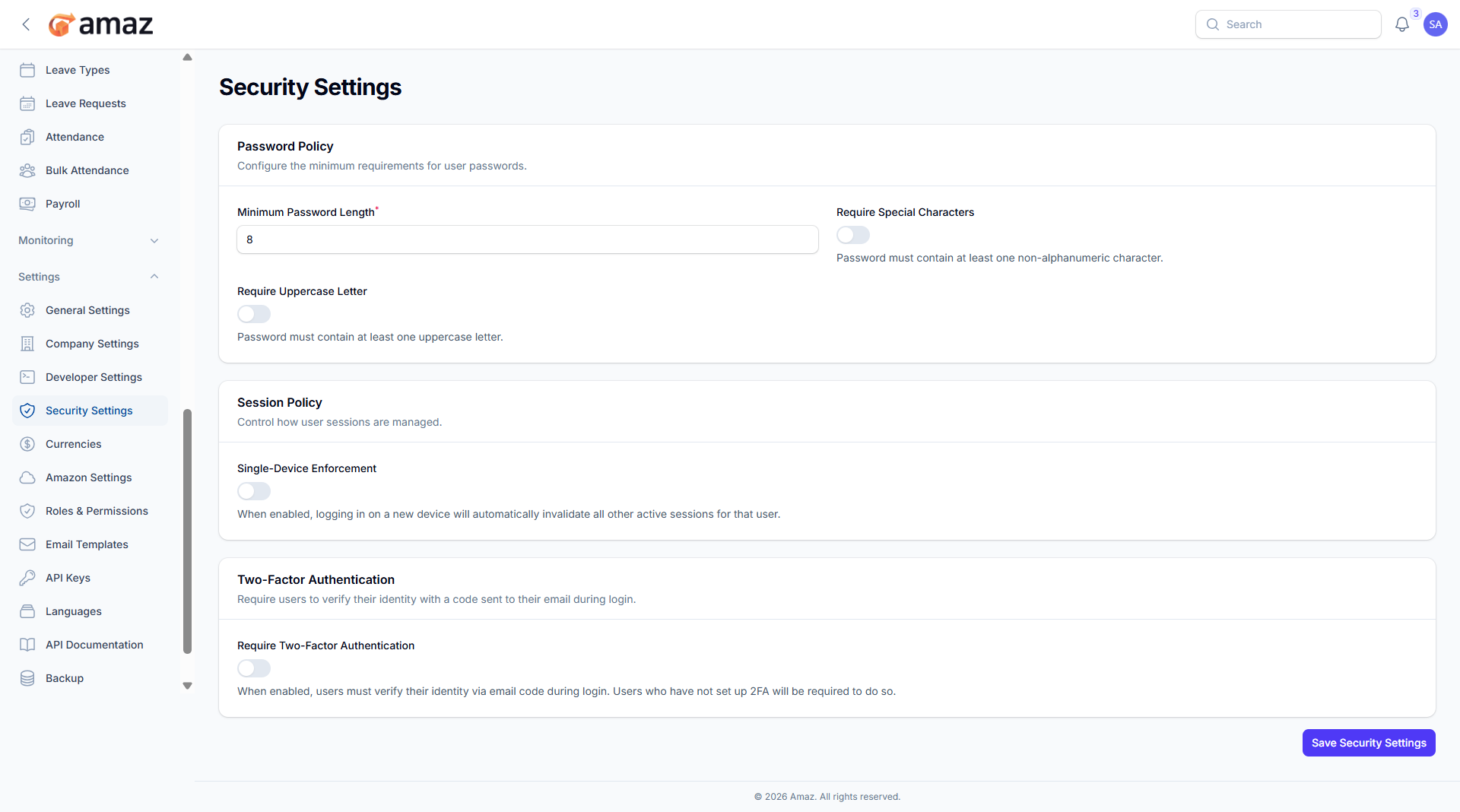
Security Settings
Configure security policies.
Location: Sidebar → Settings → Security Settings
Setting – Description
Minimum Password Length – Define the minimum number of characters required for passwords.
Require Special Character – Enable or disable the use of special characters (e.g., @, #, $).
Require Uppercase Letter – Enable or disable the requirement for uppercase letters.
Setting – Description
Single Device Enforcement – Enable or disable login restriction to one device at a time.
3.Two-Factor Authentication:
Setting – Description
Two-Factor Authentication – Enable or disable additional security verification during login.
4. Click to save to security settings.