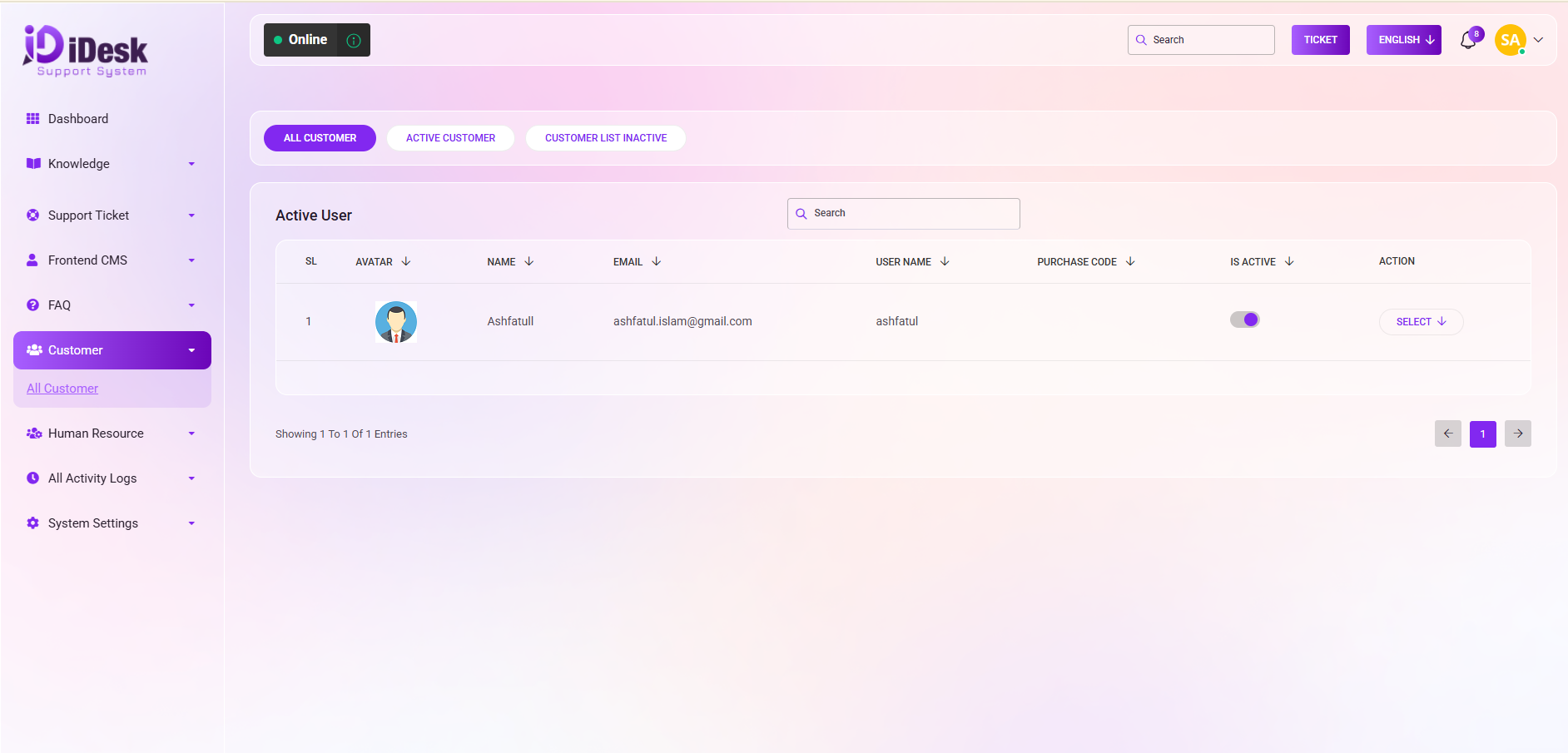
Under the "Customer" category, you'll find a subcategory named "All Customer." This subcategory likely represents a comprehensive list or view of all the customers associated with a business or organization.
From here you can see all the customers with details. Such as:
SL: You can see the serial number of the customer.
Avatar: You can see the avatar of the customer.
Name: You can see the name of the customer.
Email: You can see the email address of the customer.
User Name: You can see the user name of the customer.
Purchase Code: You can see the purchase code of the customer.
IS Active: You can see if the customer is active or inactive.
Action: From here you can perform multiple actions.
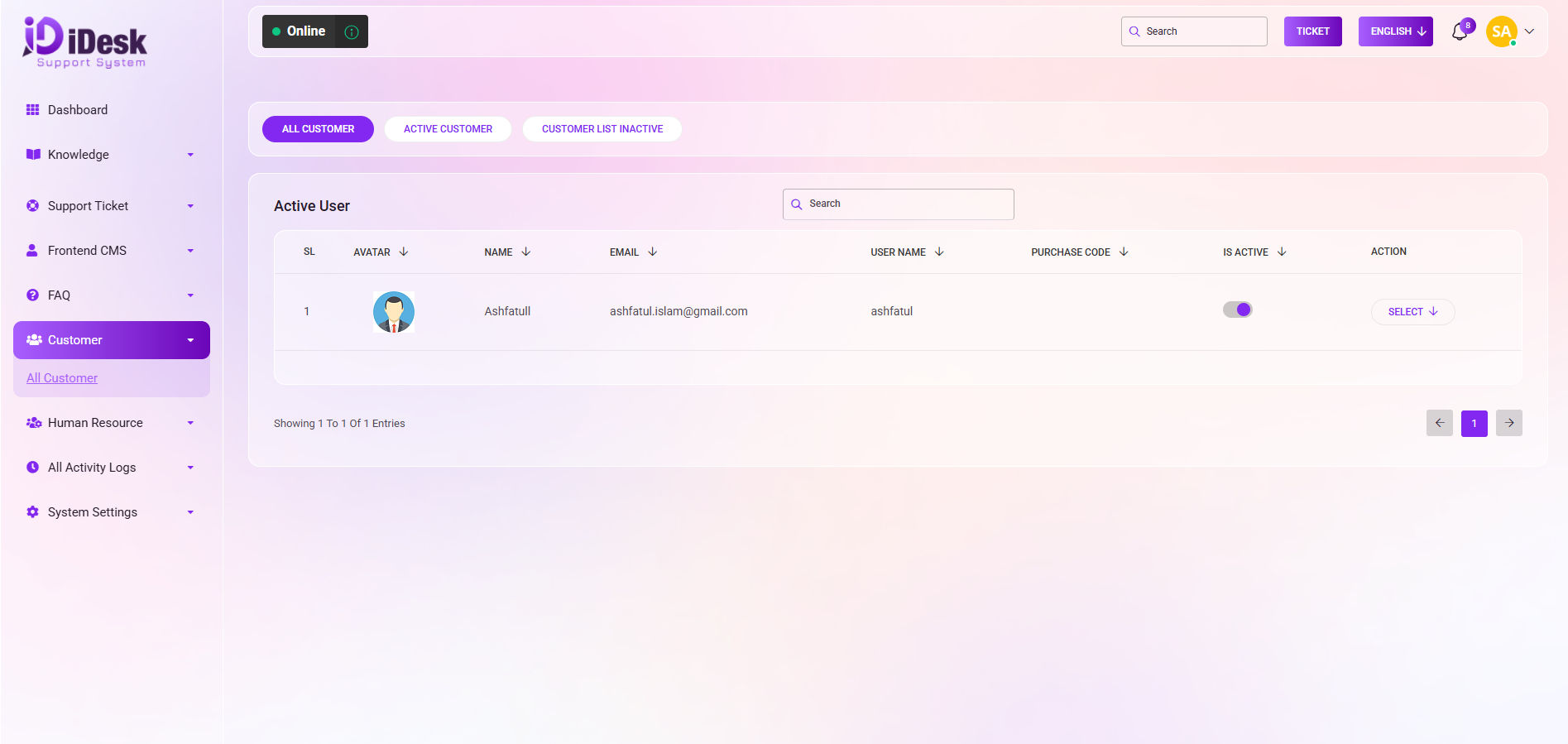
By clicking the select button you can perform multiple actions. Such as:
Details: You can see the details of the customer.
Edit: You can modify any customer details by clicking this button.
Delete: You can remove any customer from the list by clicking this button.
Secret Login: You can enter any customer’s account by clicking this button.
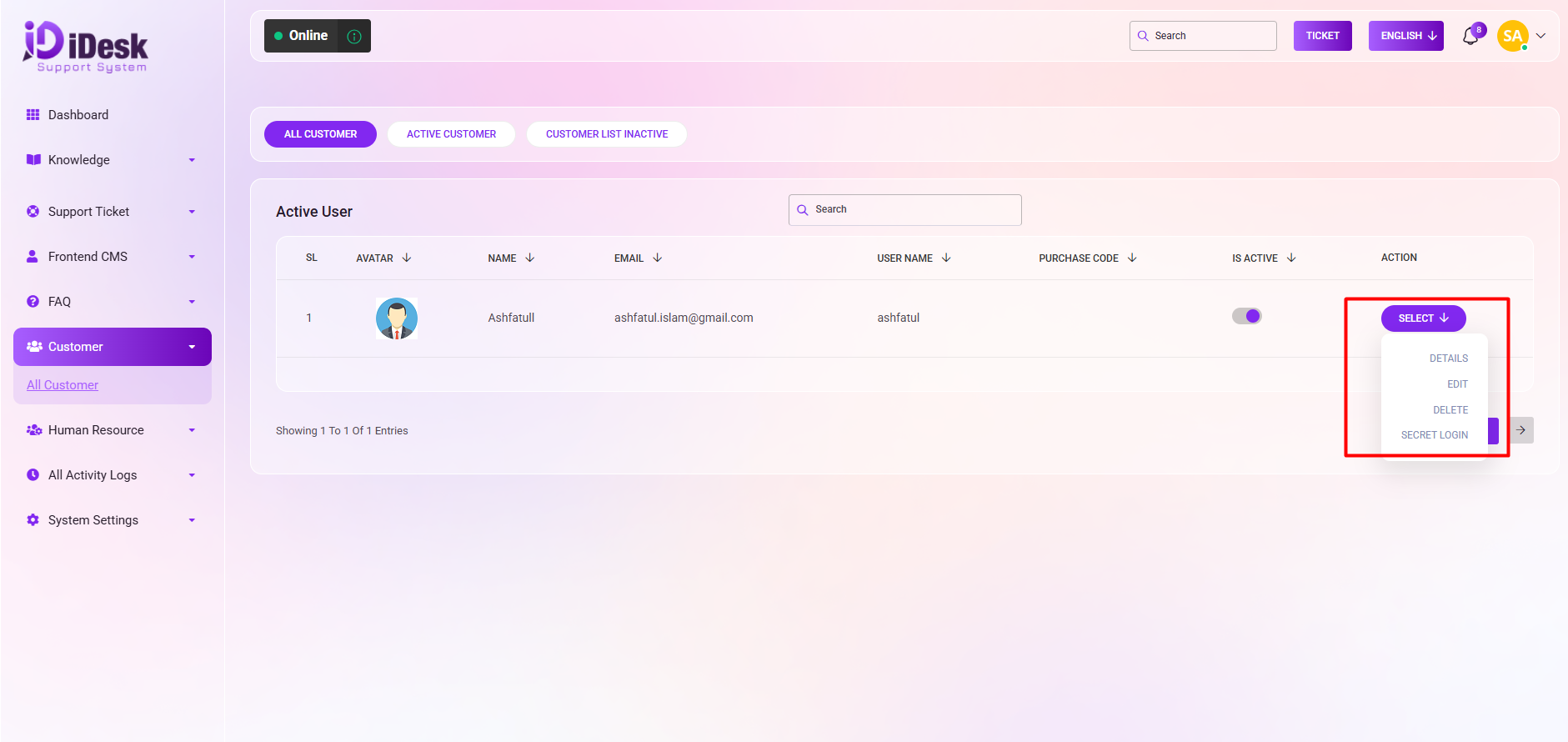
You can see only the active user list by clicking the “Active Customer “ button and also can see only inactive user lists by clicking “Inactive Customer ”.
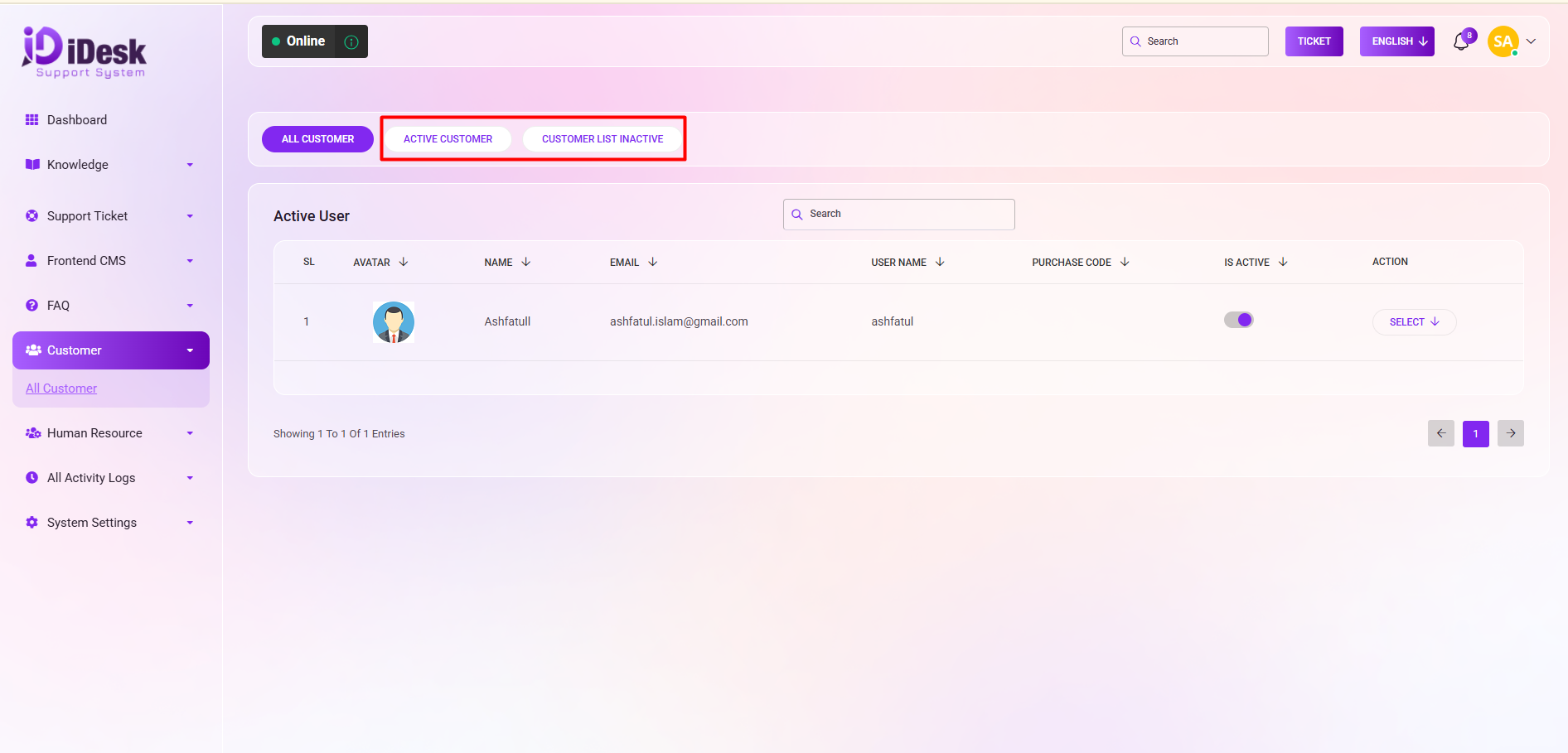
Search: You can find out any specific customer from the list by using the search functionality.