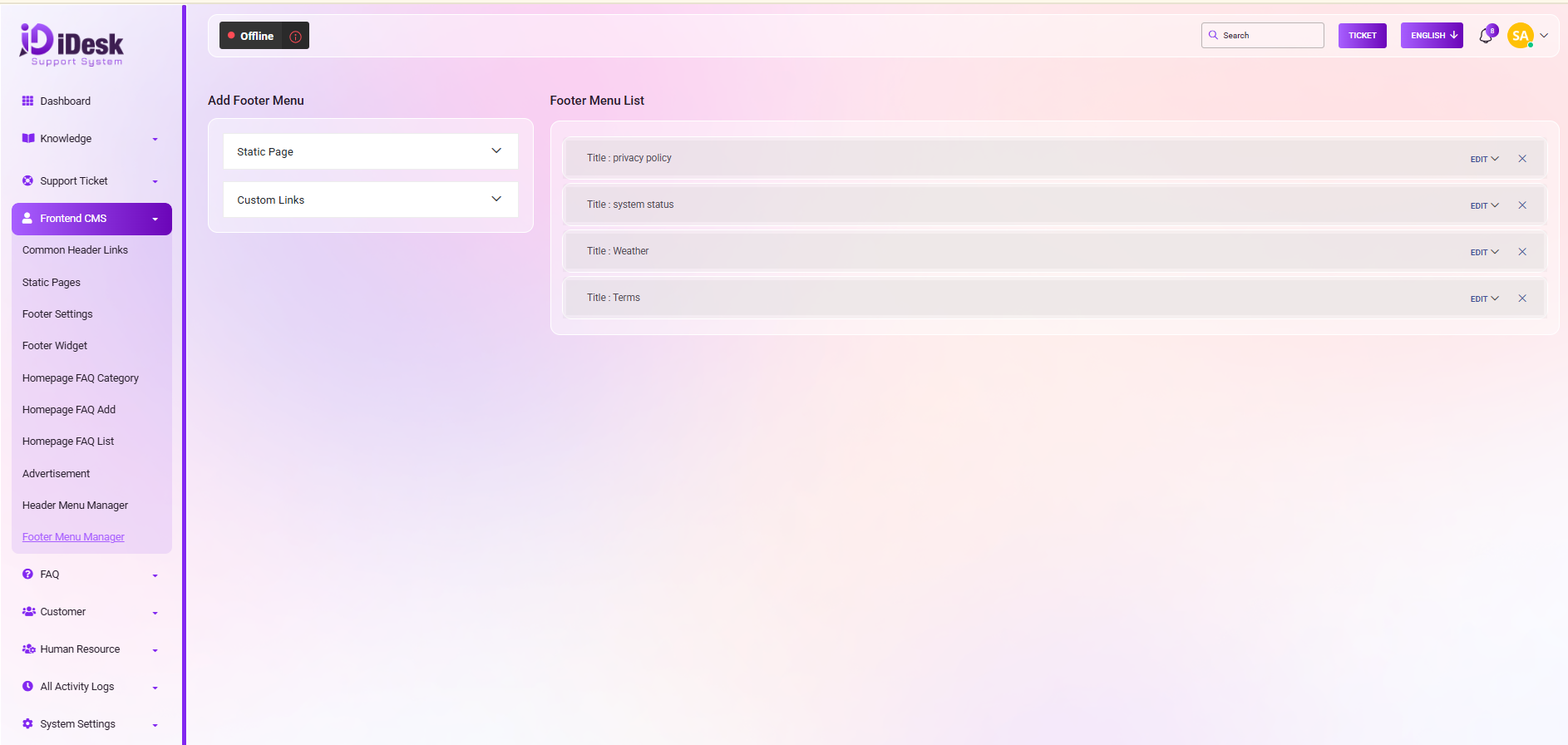
Footer Menu
Find quick links, contact details, and extra information in the footer at the bottom of the page.
From here you can add a new footer menu in the list. If you want to add a static page as footer menu then follow the below steps:
Pages: Select the page from the pages dropdown which you want to add as a footer menu.
Add Menus: Click the button and your menu will be added successfully.
For custom links just follow the below steps:
Title: Set the title for the custom link.
Link: Set the link for the custom link footer menu.
Add Menu: Click to add the footer menu.
On the left side you can see all the footer menus in the list. And you can also perform multiple actions from here. Just follow the below steps:
Edit: Click the button to modify the footer menu.
Cross: Click the icon to remove the footer menu from the list.