Footer Widget
A footer widget is a customizable content block placed in the website footer that displays information such as links, text, images, or social media icons. It helps organize and present useful content at the bottom of the site.
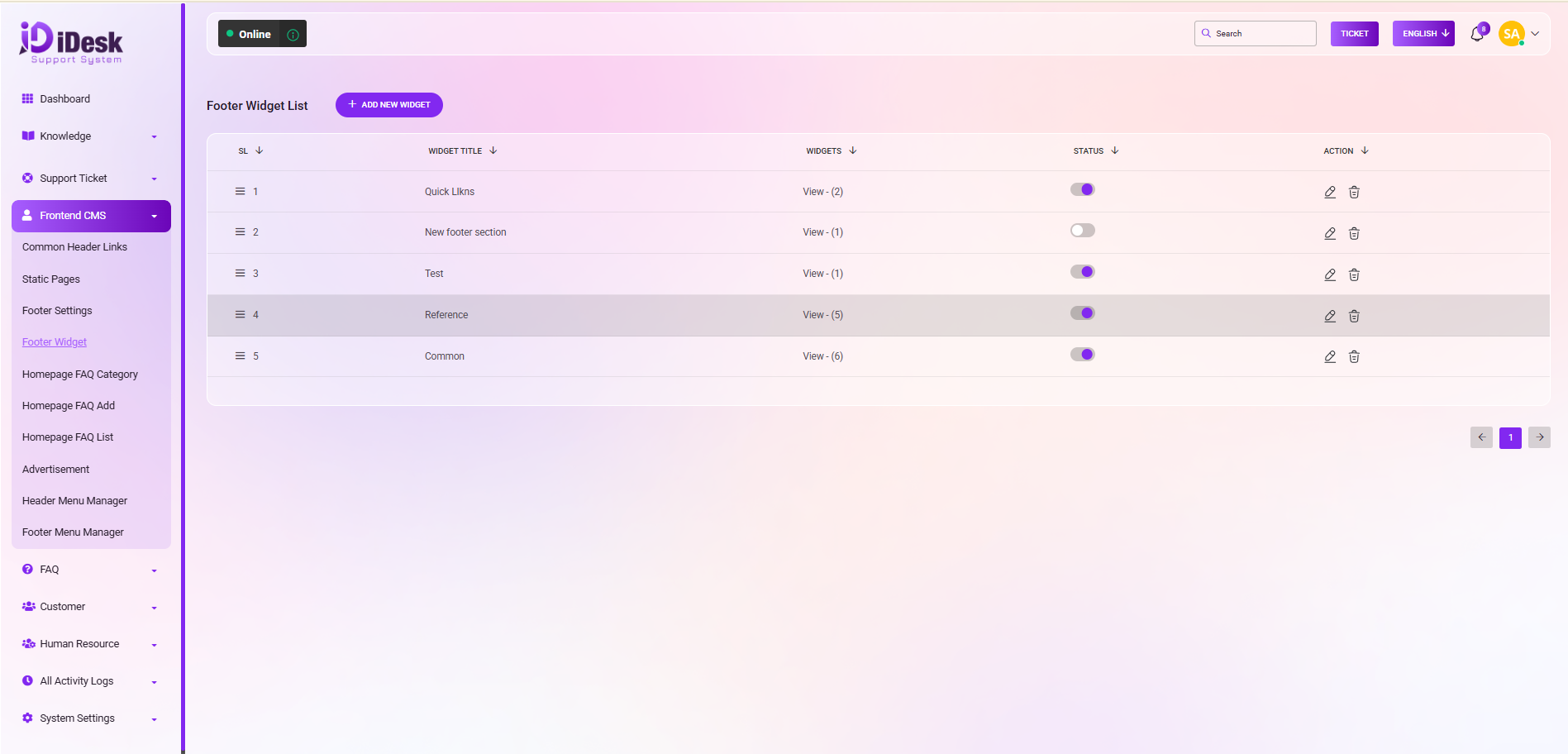
From here you can see all the footer widget list with details.Such as:
SL: You can see the serial number of the widget.
Widget Title: You can see the title of the widget.
Status: You can see the status of the footer widget. If it is active or not.
Action: In this column you can see two icons. You can modify the footer widget by clicking the edit icon and can remove the widget by clicking the delete icon.
Add New Project: By clicking this button you can add a new project widget. To do that just follow the below steps:
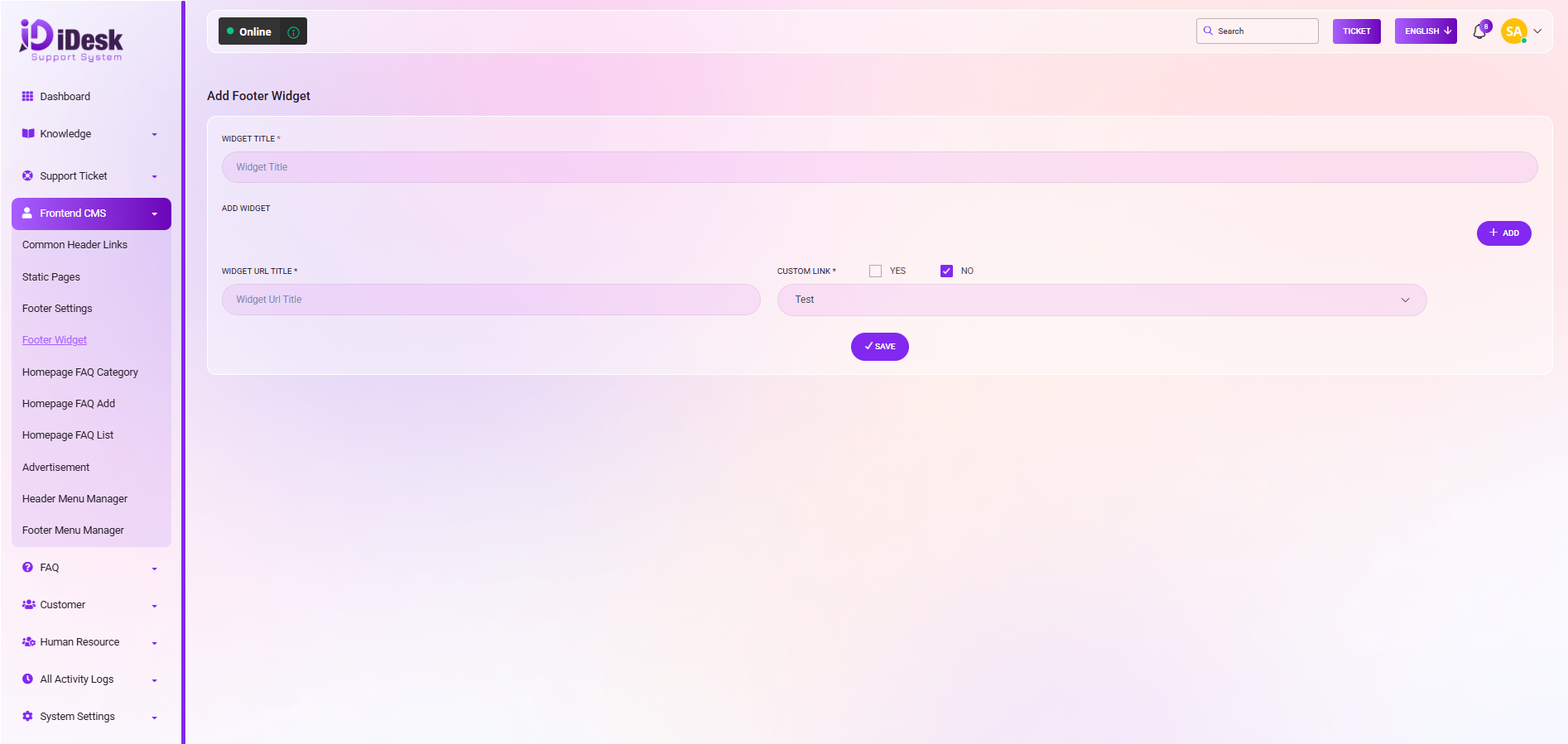
Widget Title: Set the title of the widget.
Widget URL Title: Set the widget URL title.
Custom Link: Set the custom link here. If you do not want to use the custom link then click on the “No” checkbox and set the page link from the drop down.
Add: If you want to add multiple custom links then click on “Add” .
Delete: By clicking the delete icon you can remove the custom link.
Save: Click the button and your widget will be added successfully.