Role
Defines user permissions and access levels within the system, controlling what features, modules, and actions each user can perform.
From here you can add a new role. To add a new role just follow the below step:
Name: Set the name of the role.
Save: Click to save the role and it will be showing in the list.
On the left you can see all the role lists with details. Such as:
SL: You can see the serial number of the role.
Role: You can see the name of the role.
Action: From here you can perform multiple actions.
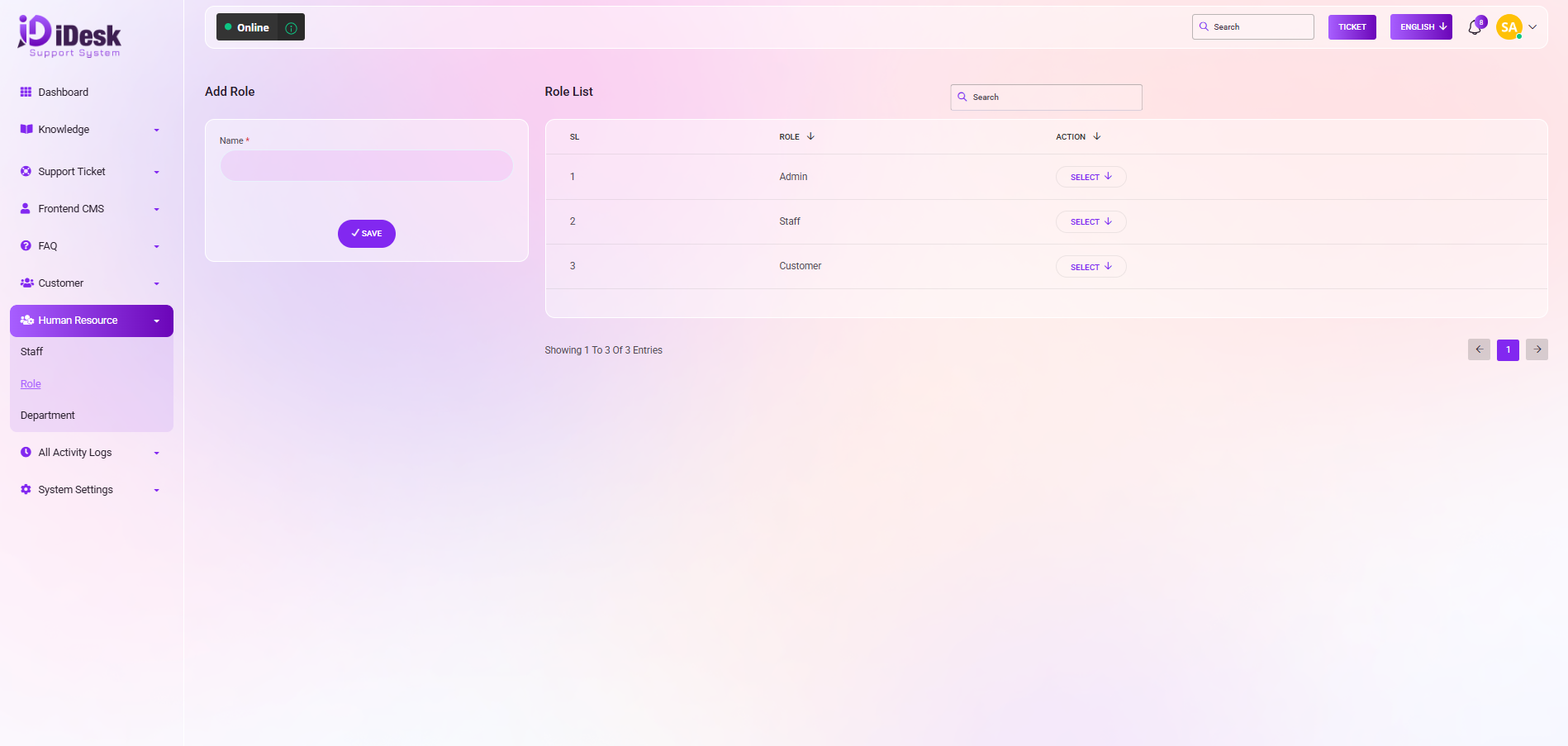
By clicking the select button you can perform multiple actions. Such as:
Assign Permissions: By clicking the button you can assign permissions to roles.
Edit: You can modify the role if you want by clicking this.
Delete: You can remove the role by clicking this button.


