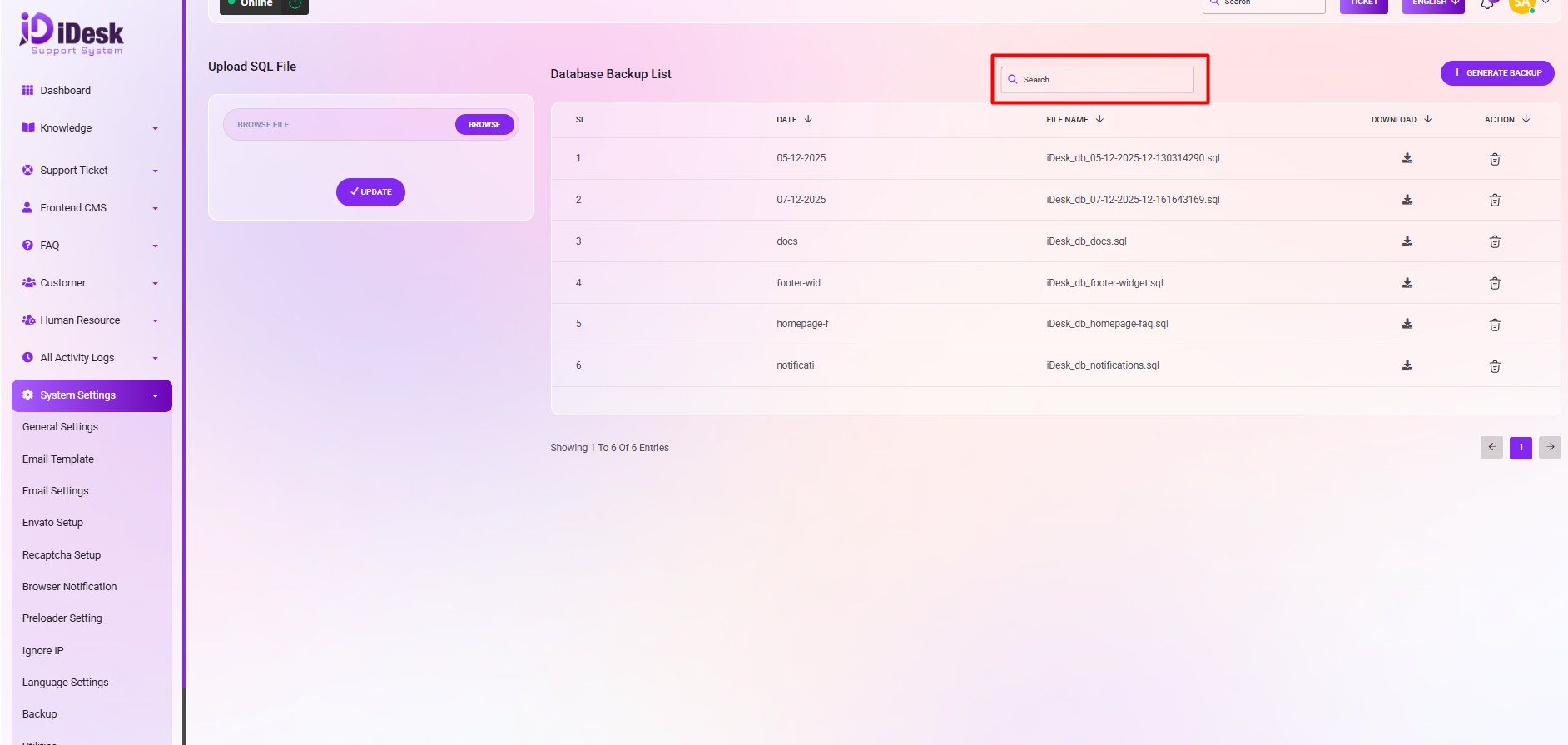
Backup:
Here are the instructions for uploading an SQL file and generating a new backup:
SQL File Upload and Backup Generation:
Uploading an SQL File:
To upload an SQL file, click the "BROWSE" button, then select the desired file. Confirm the upload by clicking the "SAVE" button.
Generating a New Backup:
To create a new backup, simply click the GENERATE NEW BACKUP button. A list of database backups will then be displayed, featuring Serial Number (SL), Date, File Name, and the option to download. Actions can also be performed using the provided action button.
These features allow you to manage your database backups.
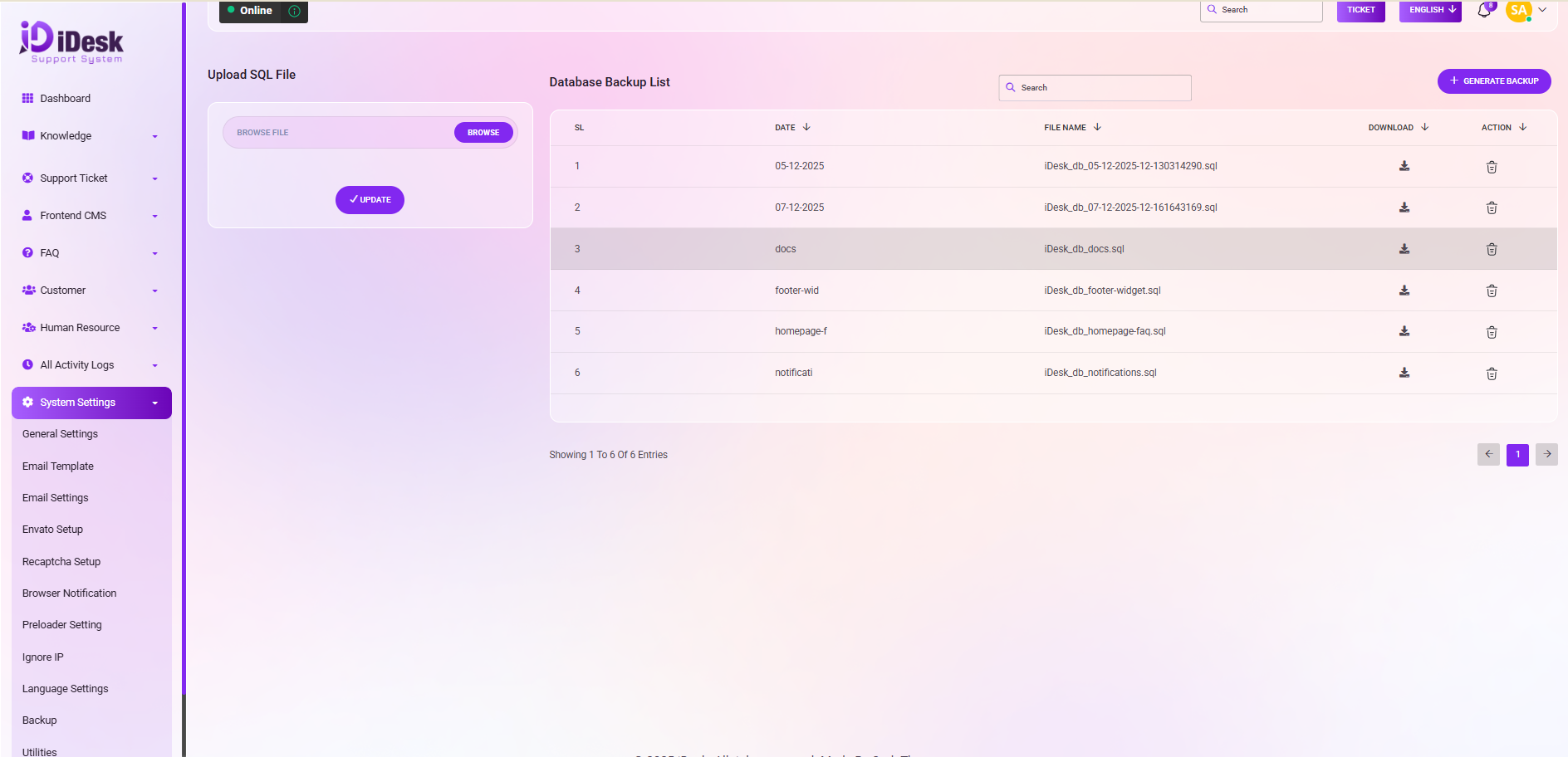
Search: You can find out any specific information from the list by using the search functionality.