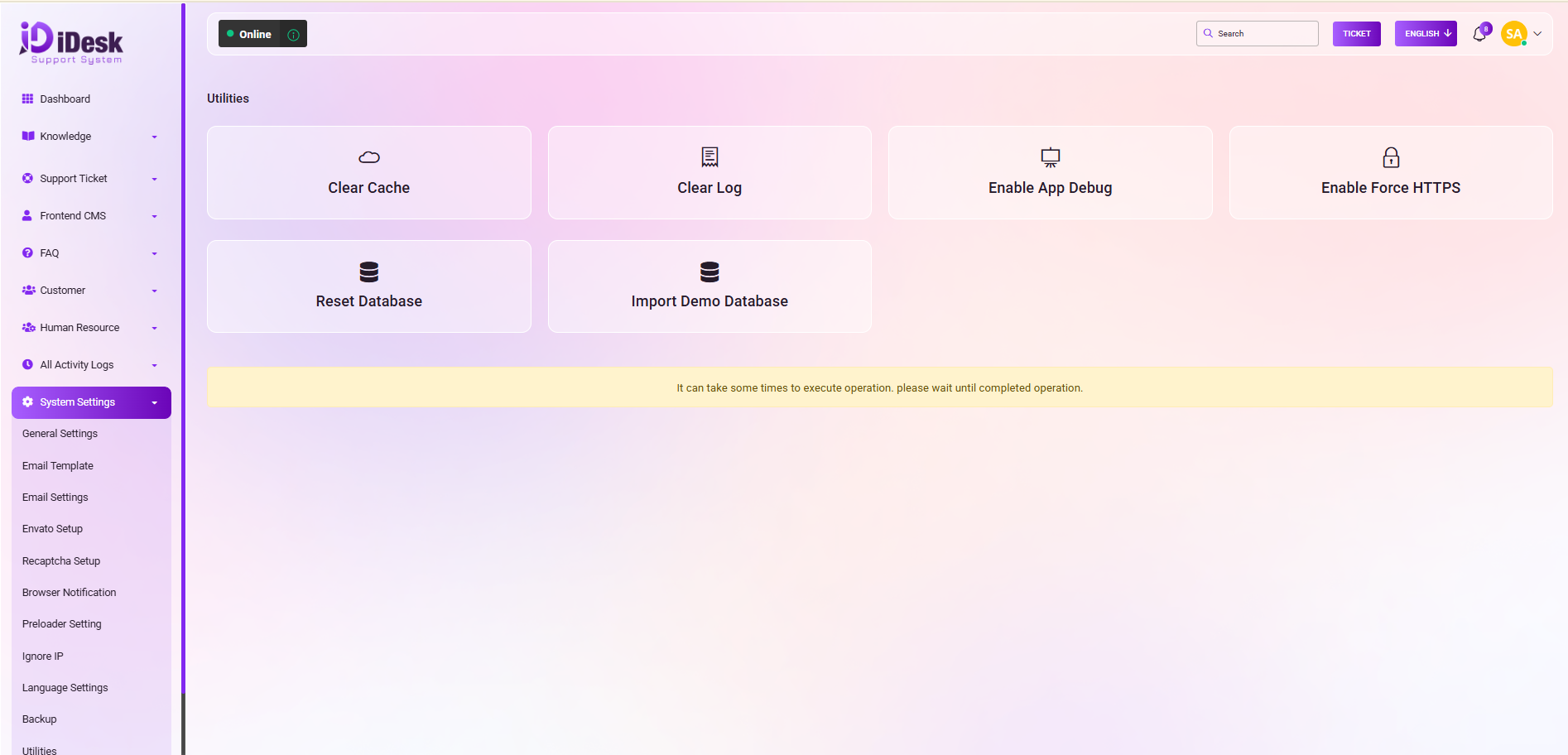
Utilities:
Within this section, you have access to a range of useful functions to maintain and optimize your system:
Clear Cache: This option allows you to remove cached data, enhancing system performance.
Clear Log: Use this feature to clear system logs, ensuring a clean and organized record.
Disable App Debug: Toggle off the application debugging mode for a more streamlined and secure operation.
Enable Force HTTPS: Activate the HTTPS security protocol to safeguard your data transmission.
Reset Database: Restore your database to its default state, if needed.
Import Demo Database: Easily import a demo database to expedite setup and testing.
These utilities empower you to professionally manage your system and maintain its optimal performance.