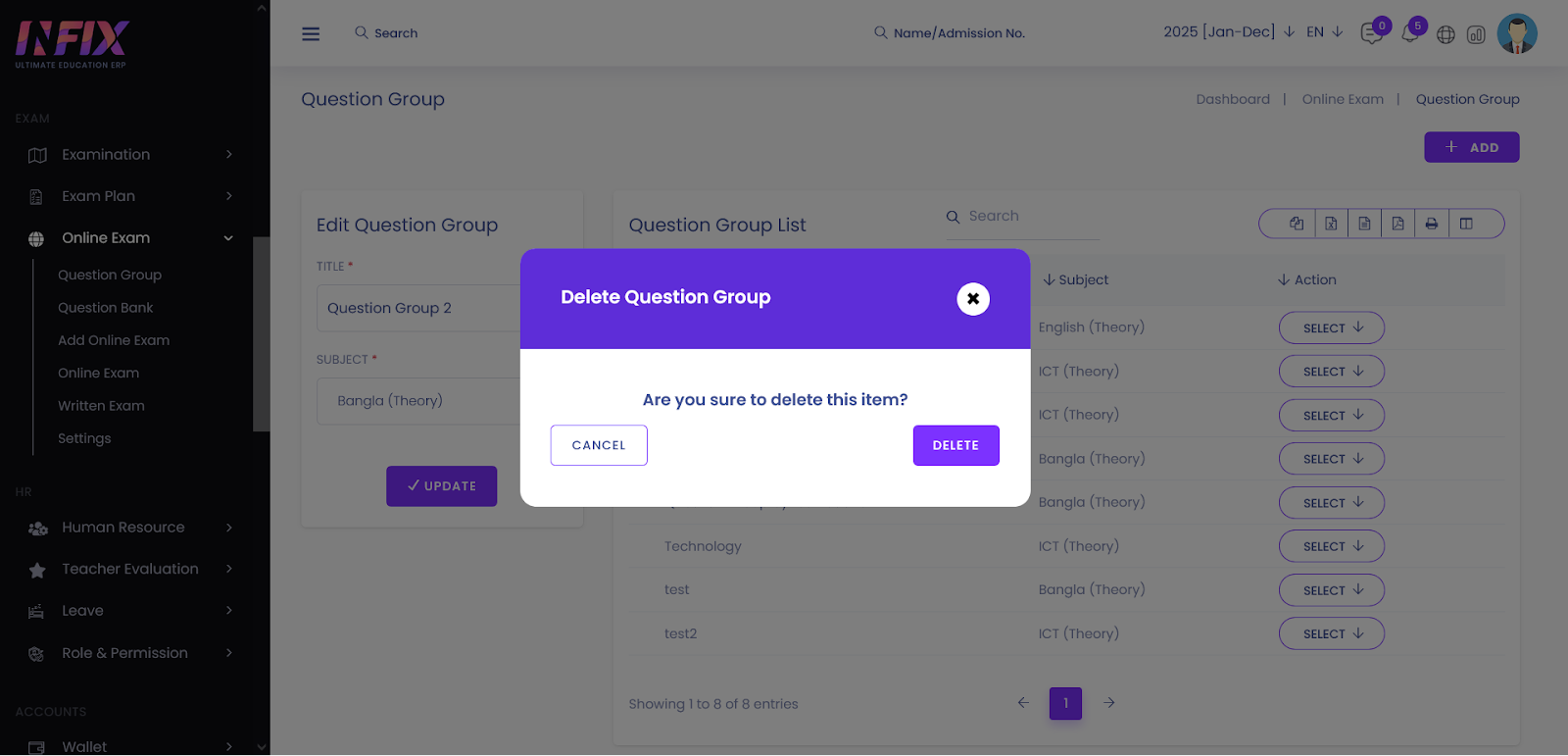
Question Groups allow you to categorize and organize assessment content within the InfixEdu Online Exam system. By grouping questions into logical folders or topics, you can streamline the exam creation process and maintain a structured Question Bank.
Accessing the Module
Navigate to: Online Exam > Question Group
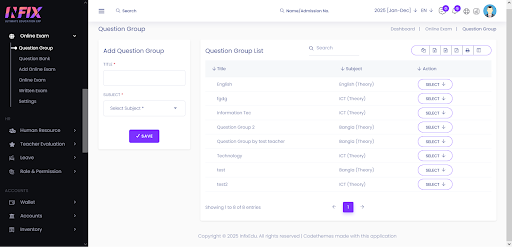
1. Creating a New Question GroupThe management page is divided into a creation form (left) and a data list (right).
Title: Enter a descriptive name for the group (e.g., Mid-Term Algebra or General Science)
Subject: After adding the title, please select the subject for which the question bank will be created from the Subject field.
Save: Click the Save button.
Verification: The new question group will instantly appear in the record list on the right side of the page.
2. Editing an Existing Question Group
Use the edit function to correct typos or rename existing question group without deleting them.
Select Question Group: In the record list (right side), locate the question group you wish to change.
Initialize Edit: Select Edit from the Action dropdown.
Update Info: The name will appear in the input field. Modify the text as required.
Confirm: Click [Save]. A success message will appear, and the list will reflect the updated name.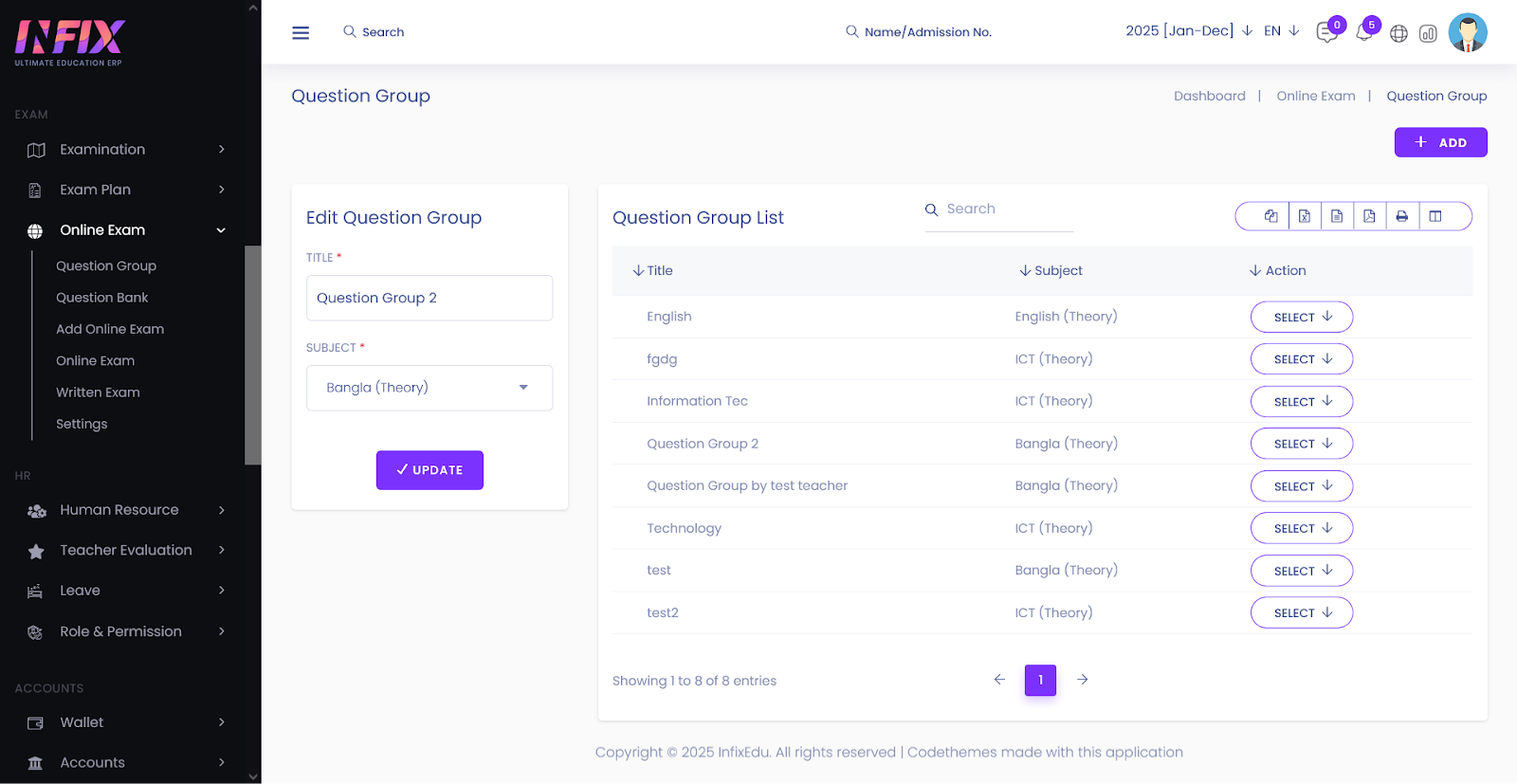
3. Deleting a Question Bank
Select Delete: Select Delete from the Action dropdown.
Delete: Click the delete button.
Confirm Action: A Delete Confirmation modal will appear
Finalize: Click Delete Button. The parameter will be permanently removed from the system.