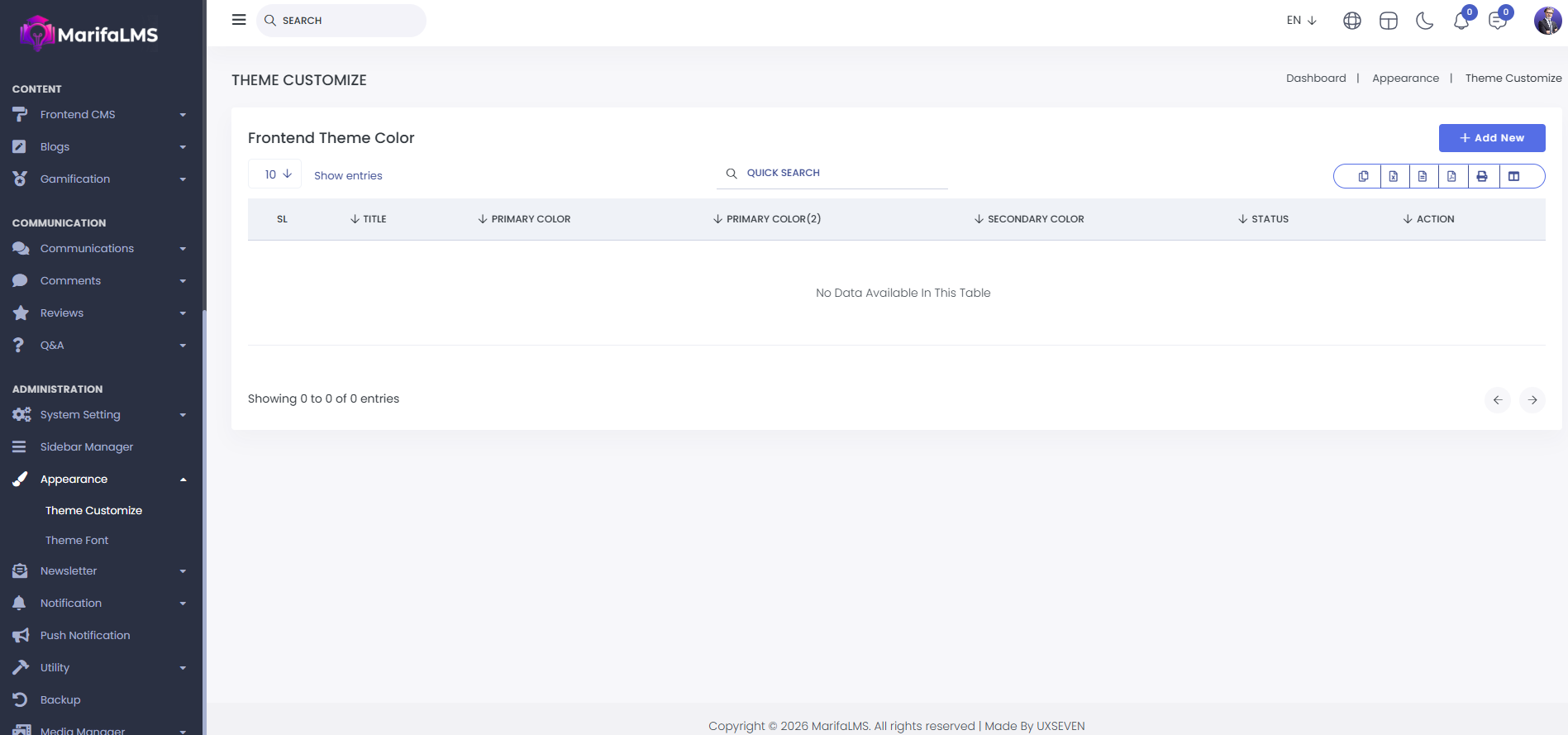
1. Add New Theme
Here you can add new theme.
2. Status
Here you can make default theme.
3.Action MenuIn action menu you can edit, clone theme and delete theme from the list. Add New Theme
In action menu you can edit, clone theme and delete theme from the list.
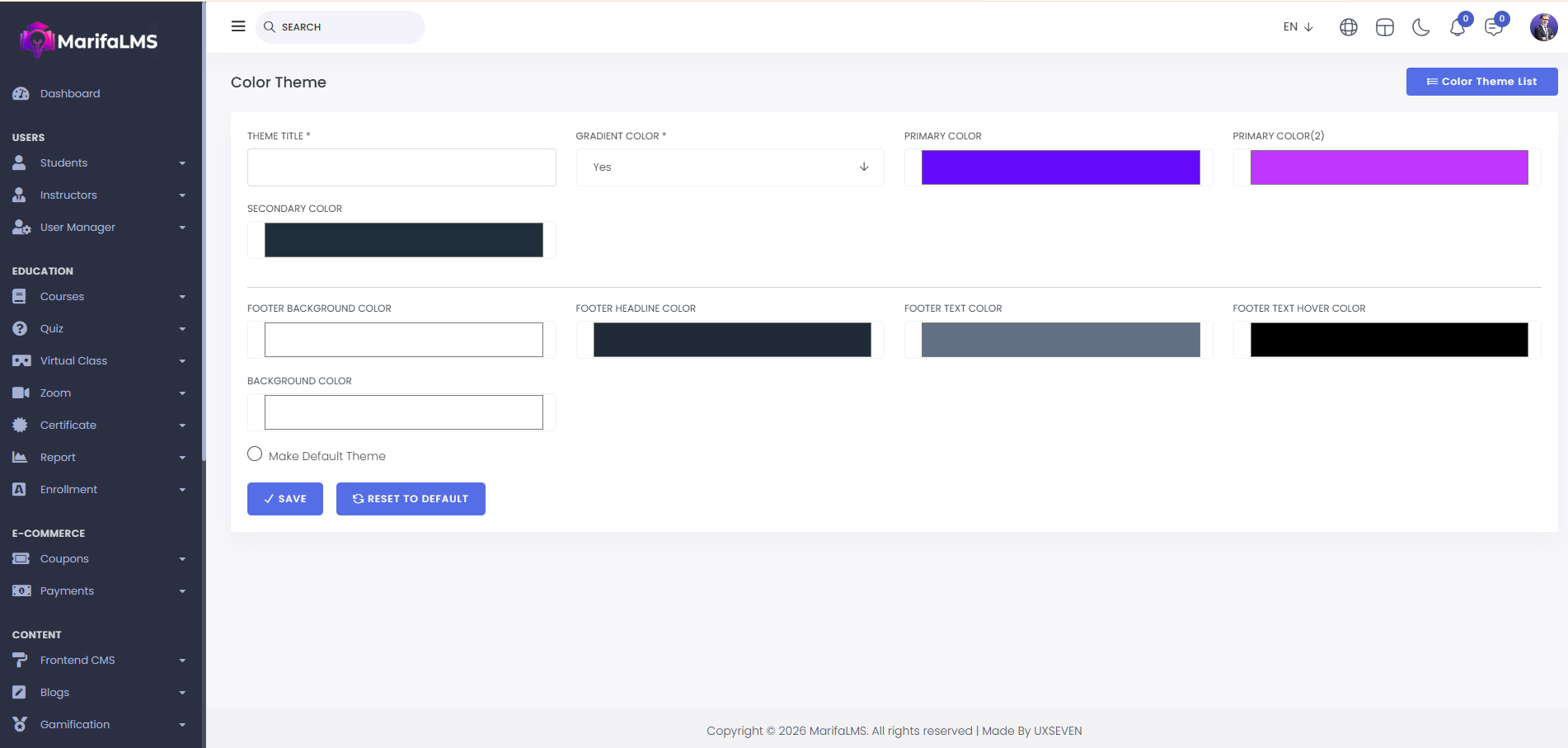
1. Theme Title
Here you can add a theme title.
2. Color Mode
Here you can select color mode.
3. Background Type
Here you can select background type.
4. Background Image
On that section you can add background image.
5. Reset To Default
Press "Reset to Default" button to make theme default settings.
6. Save
After filling all the required fields press "Save" button to complete new theme creation.


