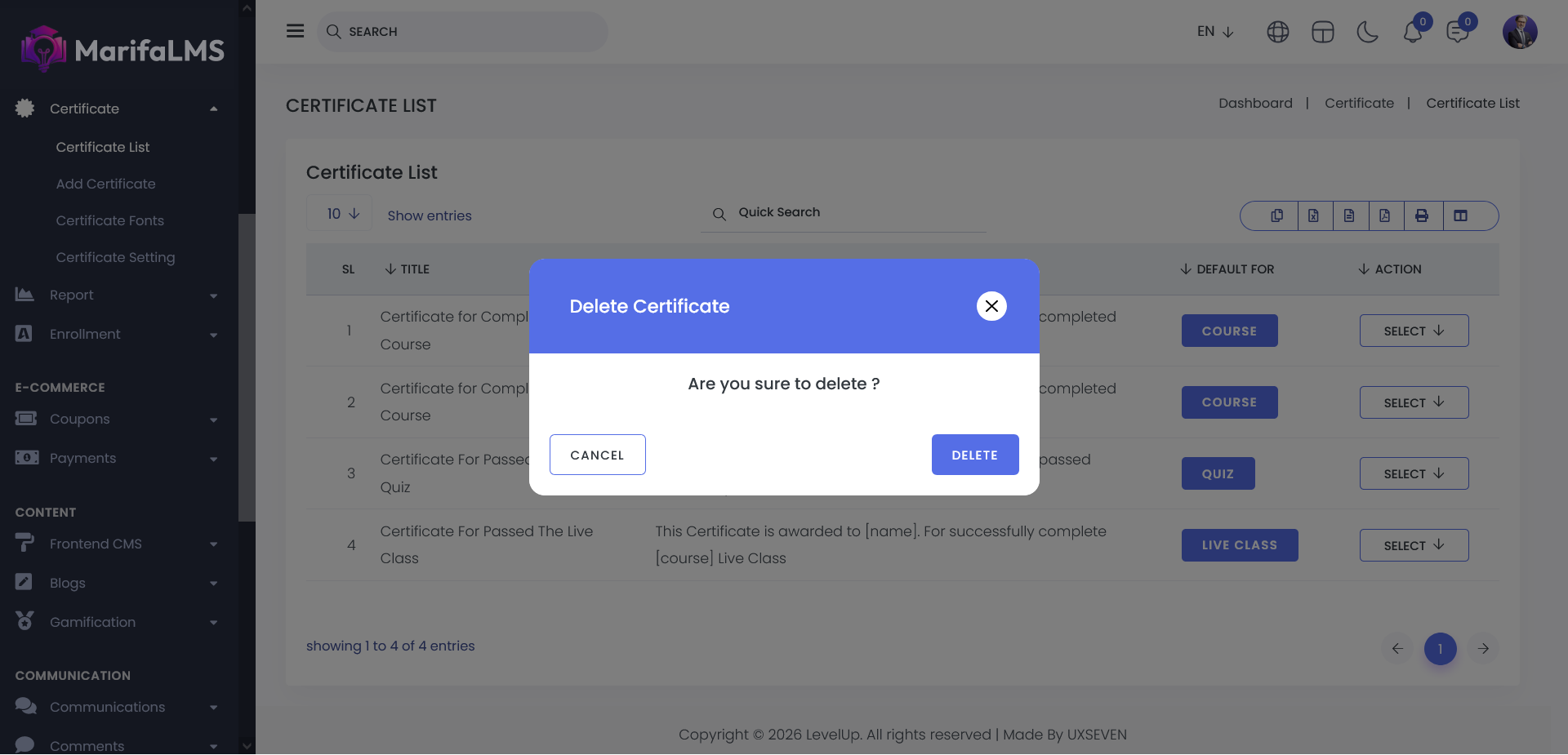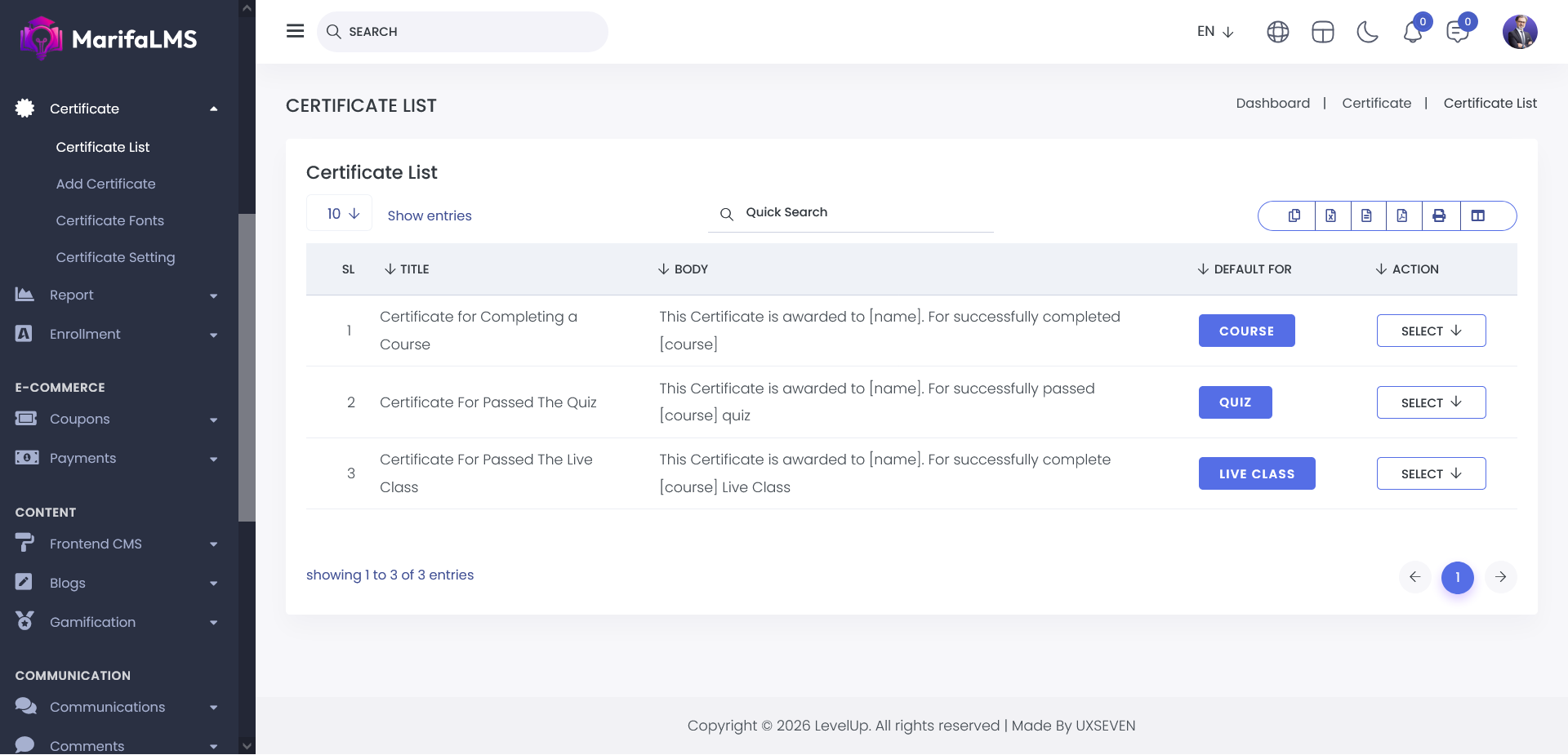
You can configure pagination settings and quickly locate specific records using the Quick Search field. Additionally, this section allows you to export your data and customize table column visibility according to your preferences.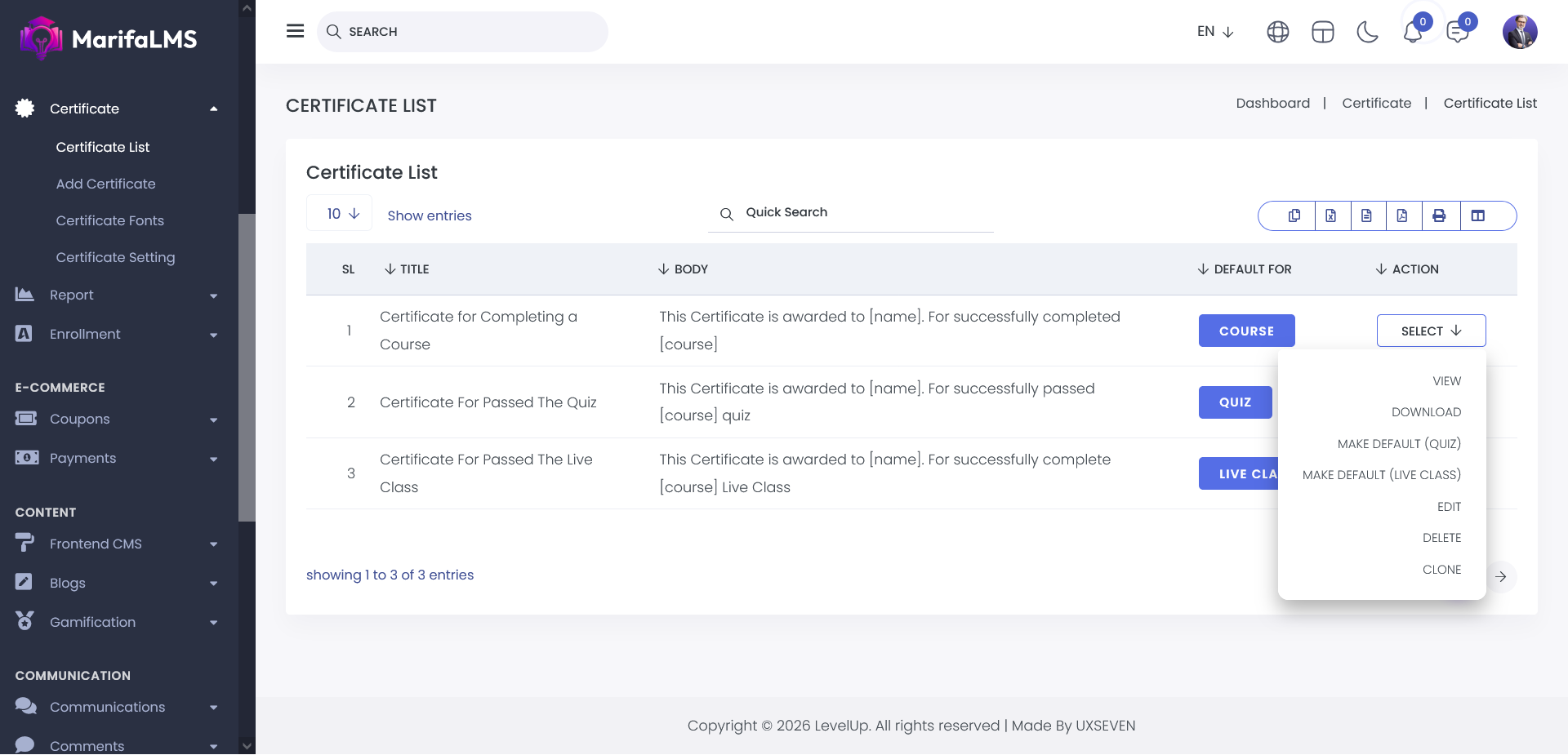
For each certificate in the list, the Actions menu provides the following management options:
1. View: Review the certificate’s visual layout exactly as it will be presented to the recipient, ensuring that all design elements, formatting, and content appear correctly.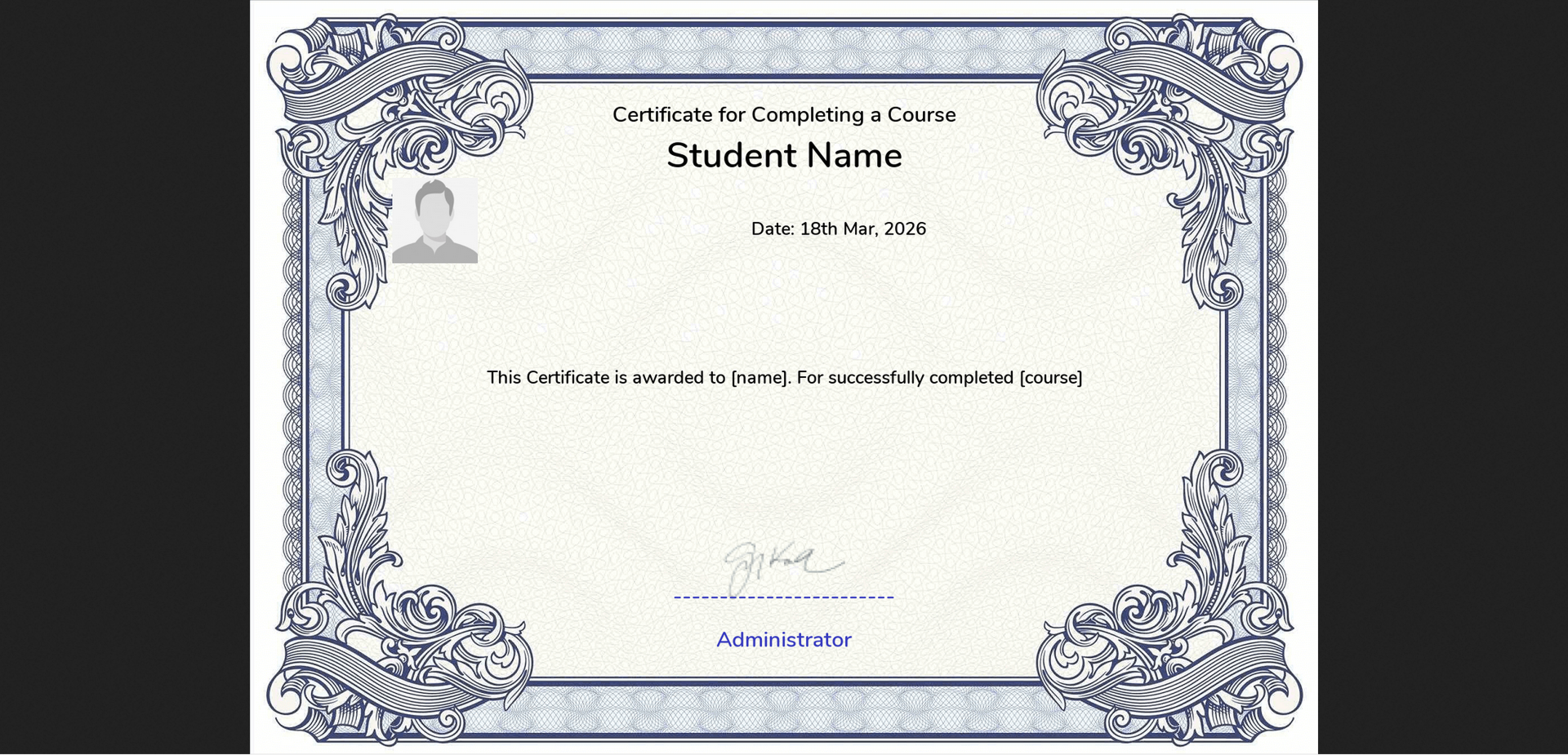
2. Download: Export a high-resolution version of the certificate template for offline storage, archival purposes, or external sharing and distribution.
3. Assign as Default: Designate a specific template as the default credential for a Course, Quiz, or Live Class. When enabled, this setting automatically issues the assigned credential to students upon successful completion, streamlining the certification process and ensuring consistency across all completions.
4. Edit: Update and customize an existing template by modifying its design elements, text fields, and branding assets to meet specific requirements.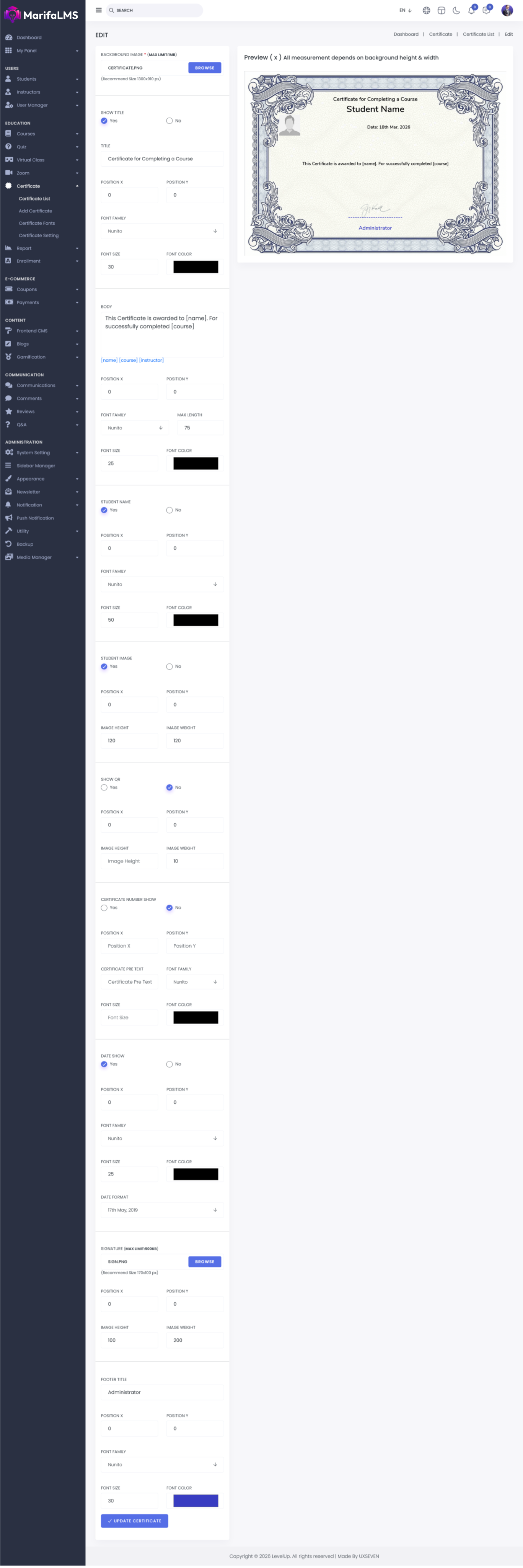
5. Clone : Create a duplicate of an existing certificate to use as a foundation for new designs. This helps maintain visual and structural consistency while reducing setup and configuration time.
6. Delete : Permanently remove a certificate from the repository.