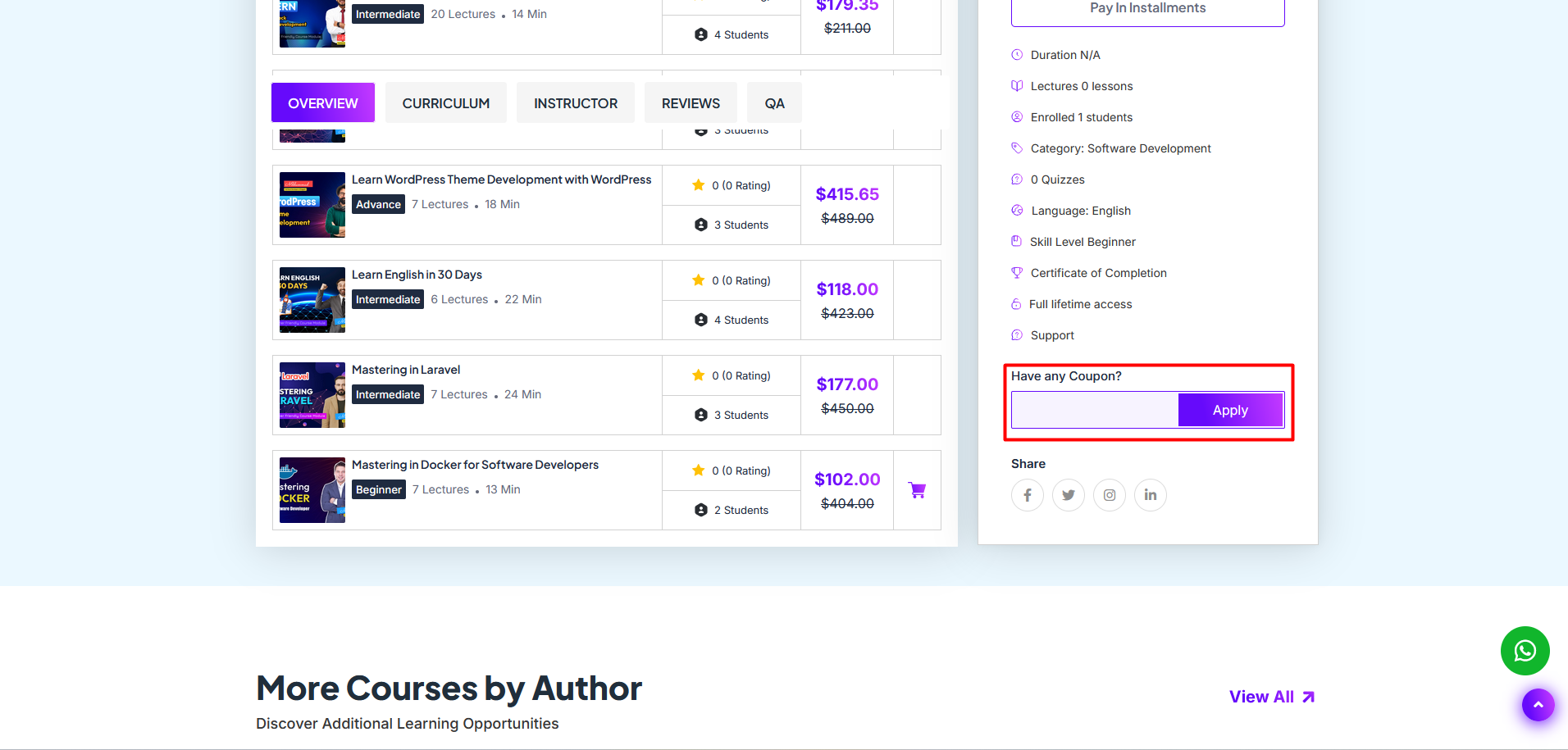
A coupon is used to provide a discount to customers. Only the Admin can create and distribute coupons to customers. Customers can apply the coupon while purchasing a course to receive a specific discount.
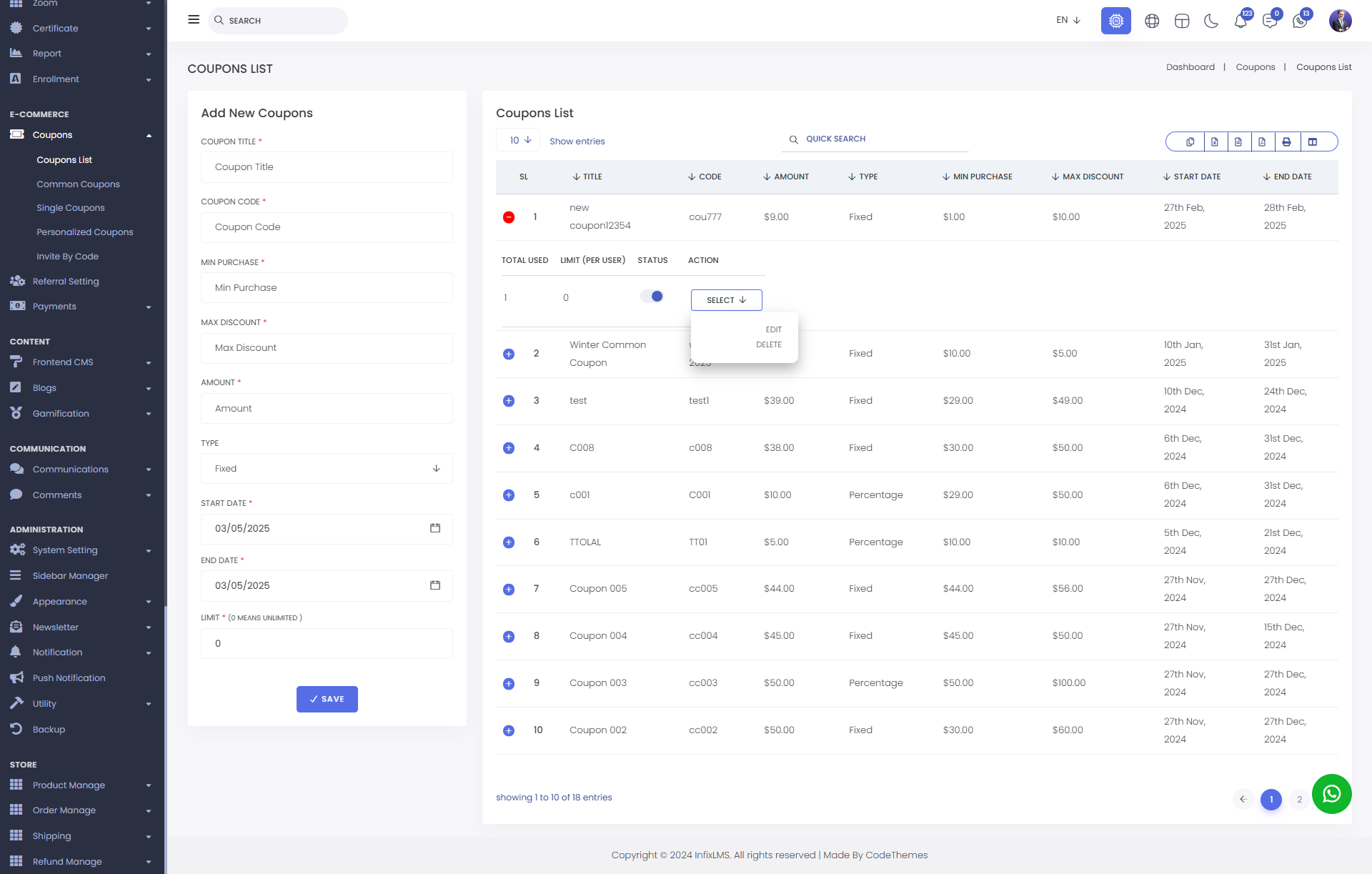
Coupons List : There are three types of coupons. Common coupons, single coupons & personalized coupons. Here, you can view the all type of coupons with complete details , including the serial number (SL), title, coupon code, amount, type, minimum purchase, maximum discount, start and end dates, the number of coupons used, limit per user, status, and available actions.
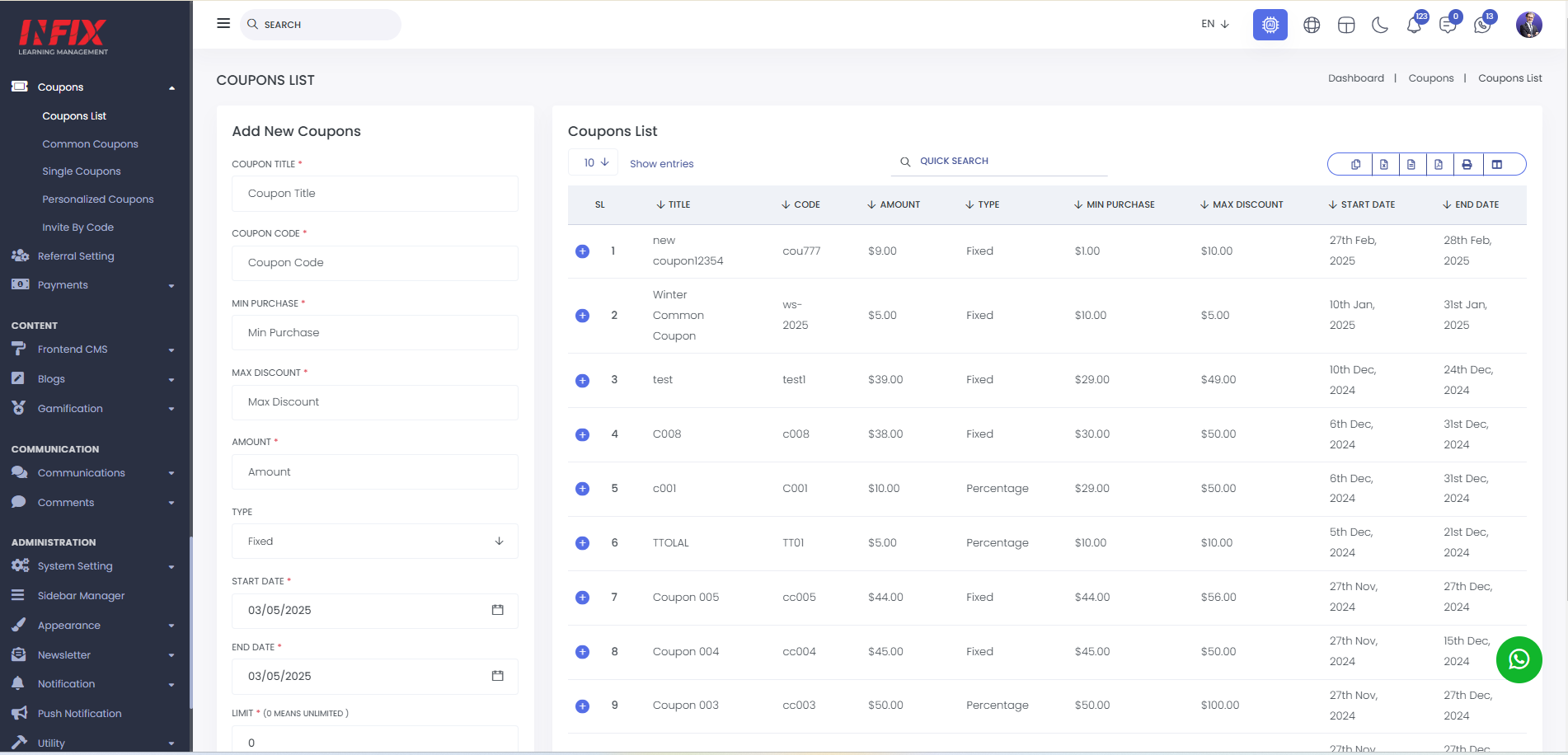
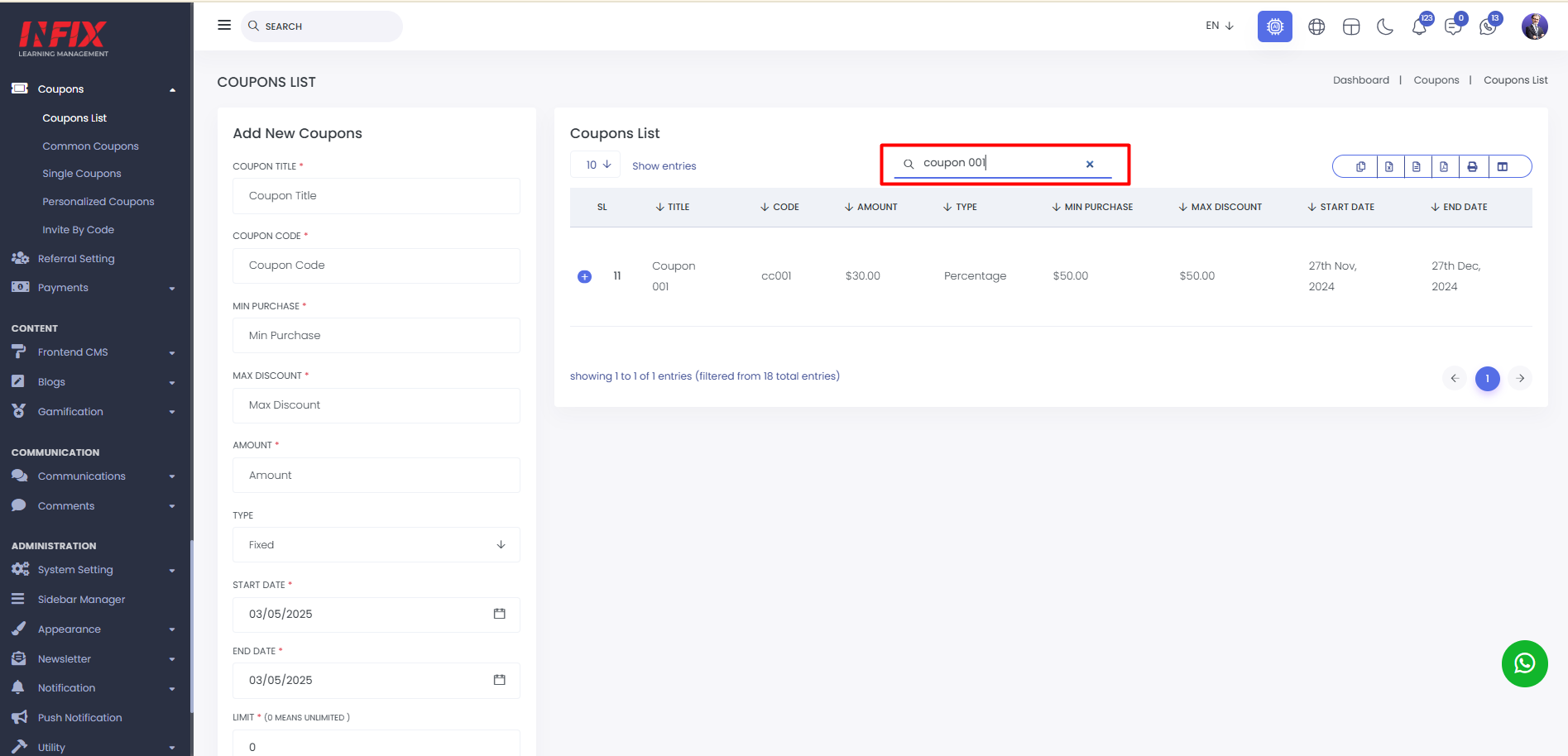
You can use the search functionality to easily find any specific coupon.
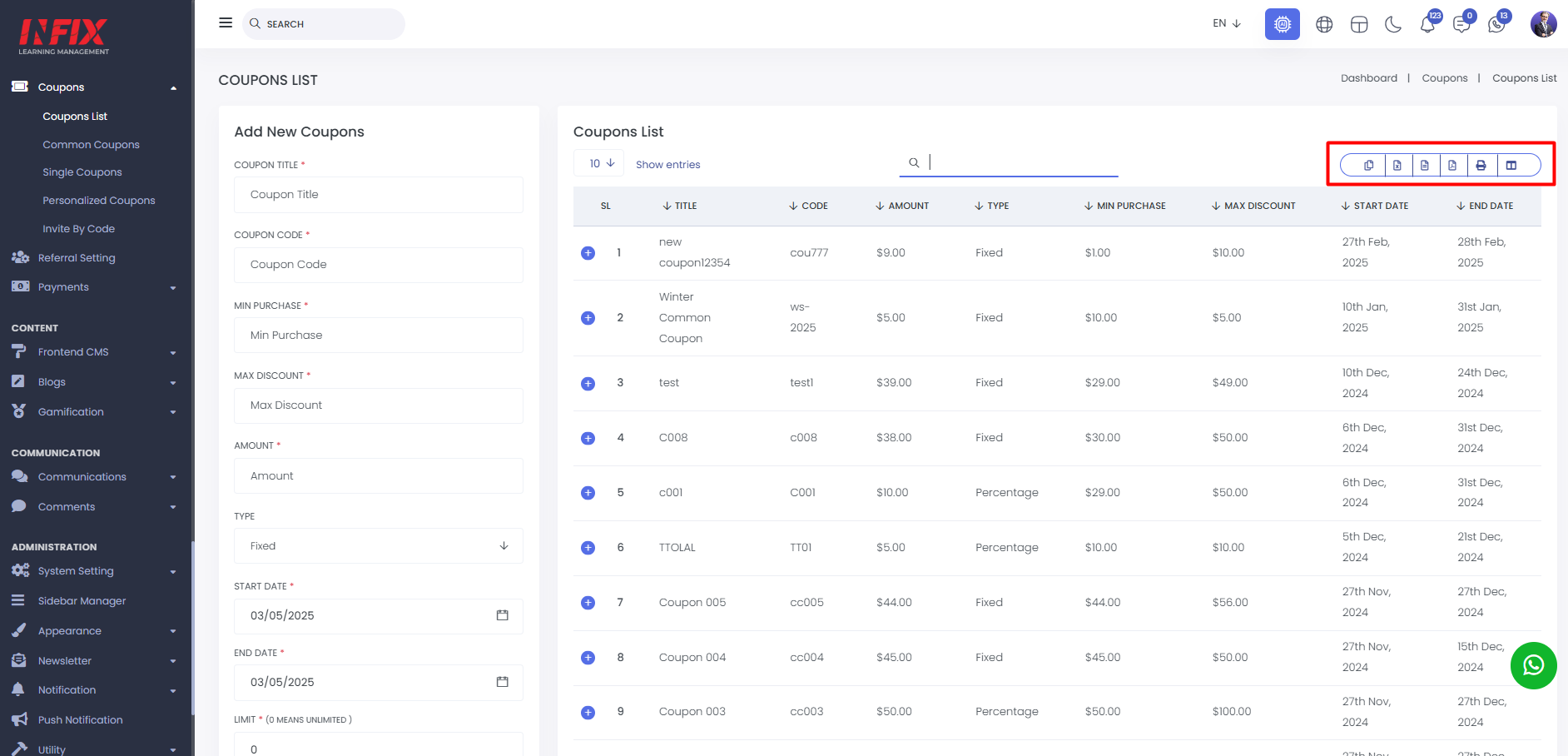
can export the data from here.
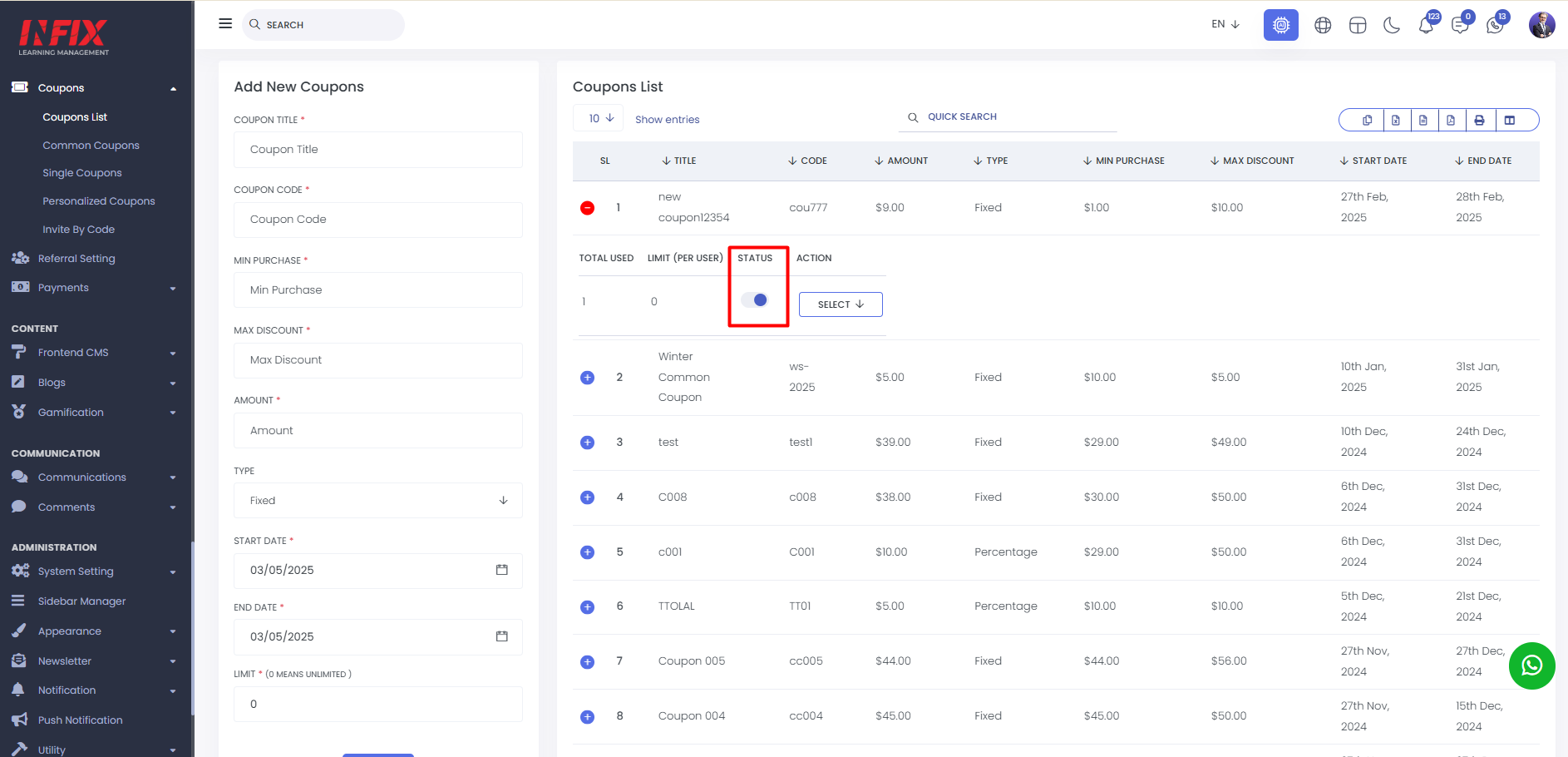
You can activate and deactivate the coupon by using the status toggle button.
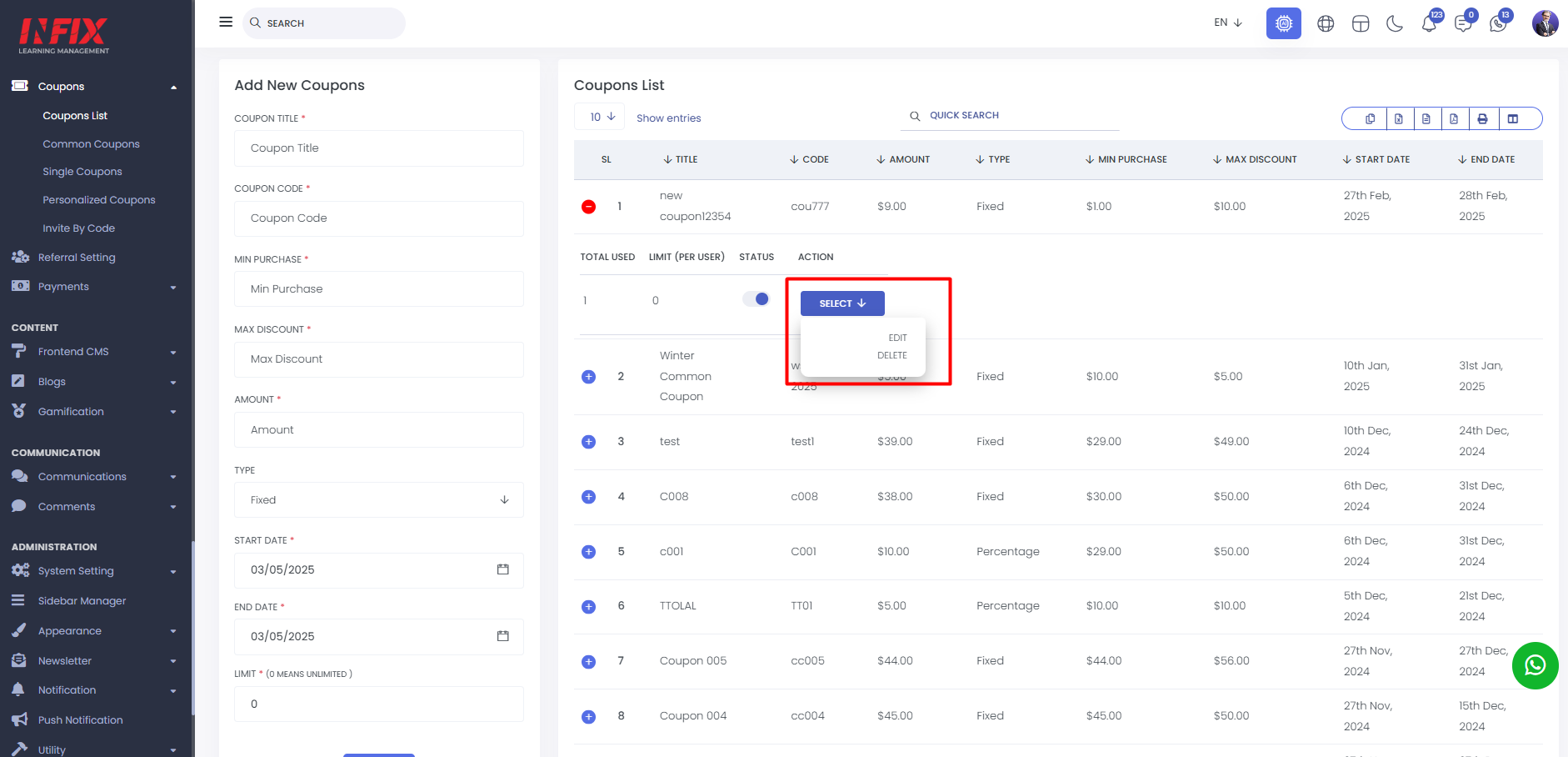
By clicking the "Select" button, you can edit or delete the coupons.
Add New Coupon : From here, you can add a new coupon by filling in the coupon title, code, minimum and maximum purchase amount, actual amount, start date, end date, and usage limit. After completing the details, click "Save" to successfully create the coupon.
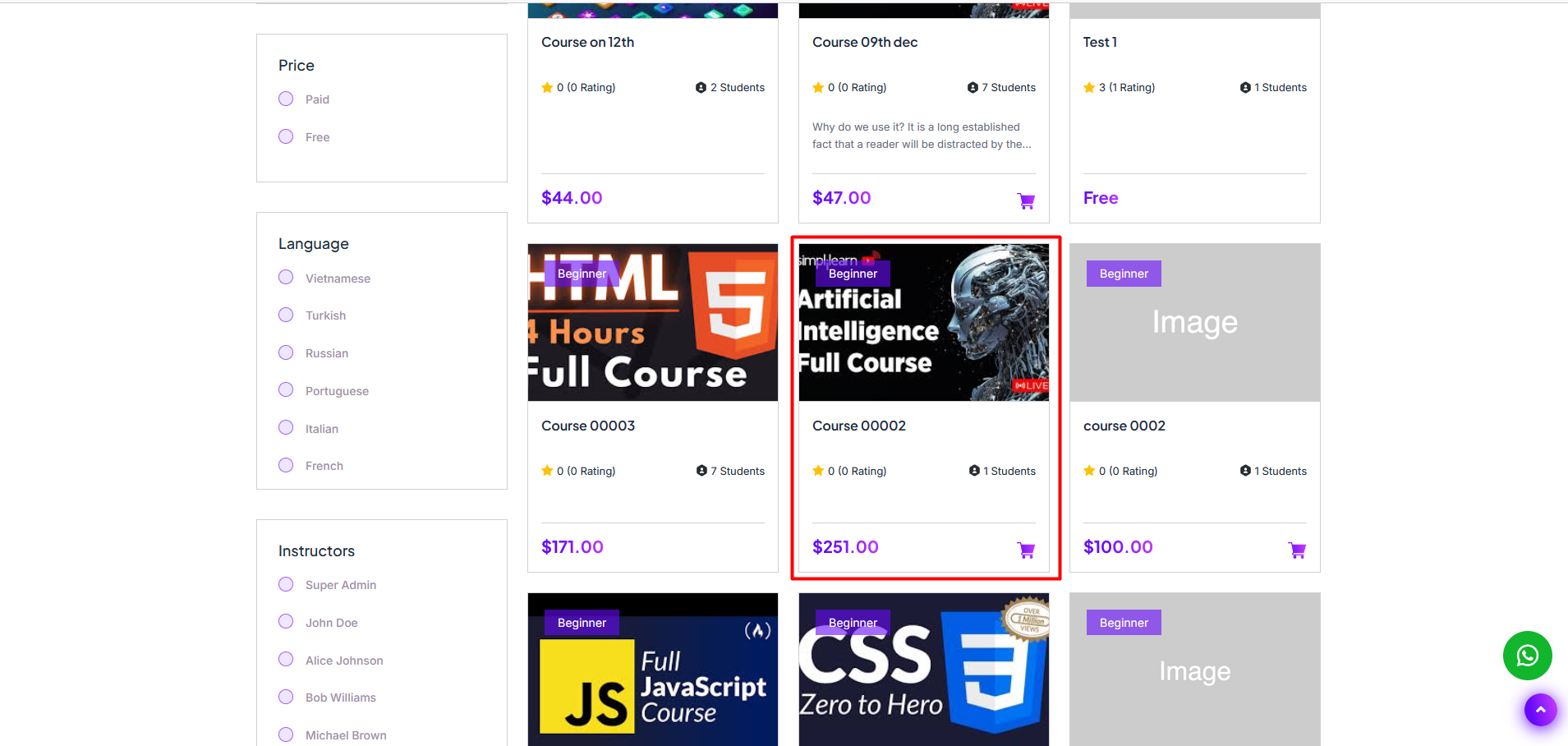
To use the coupon the user have to go to student panel. select the course . after select the just apply the coupon and the customer will get the discount.
Just write down the coupon and click on apply button your coupon will be applied.