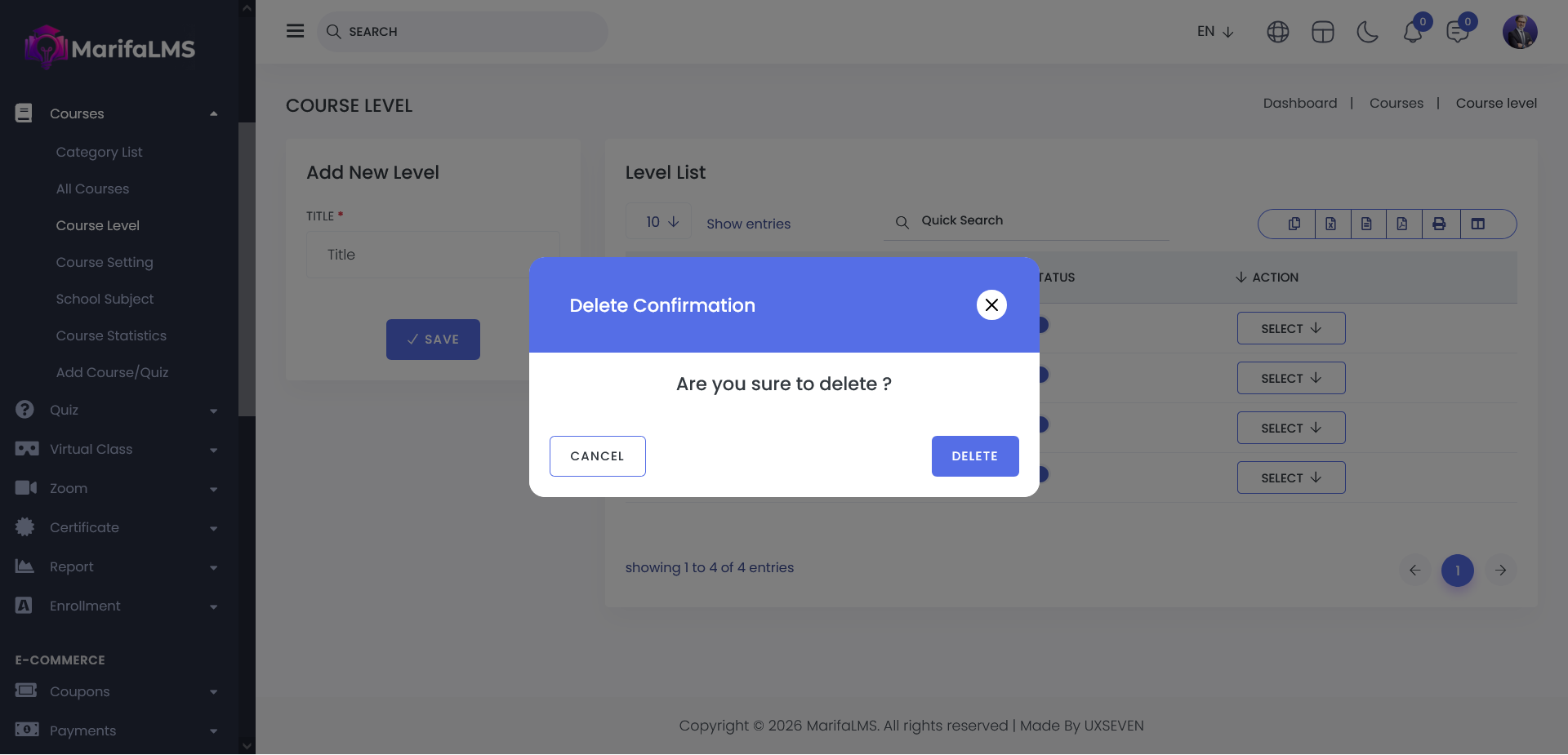
The Course Level section provides a comprehensive overview of all available course levels within the system. From this section, you can easily manage and organize course levels.
You can create a new course level by clicking on the Add New Level option and also view all existing course levels in a structured list format at a glance.
Add New Level: To create a new course level, enter the Level Title in the required field and click the Save button. Once submitted, the new course level will be created and added to the course level list successfully.
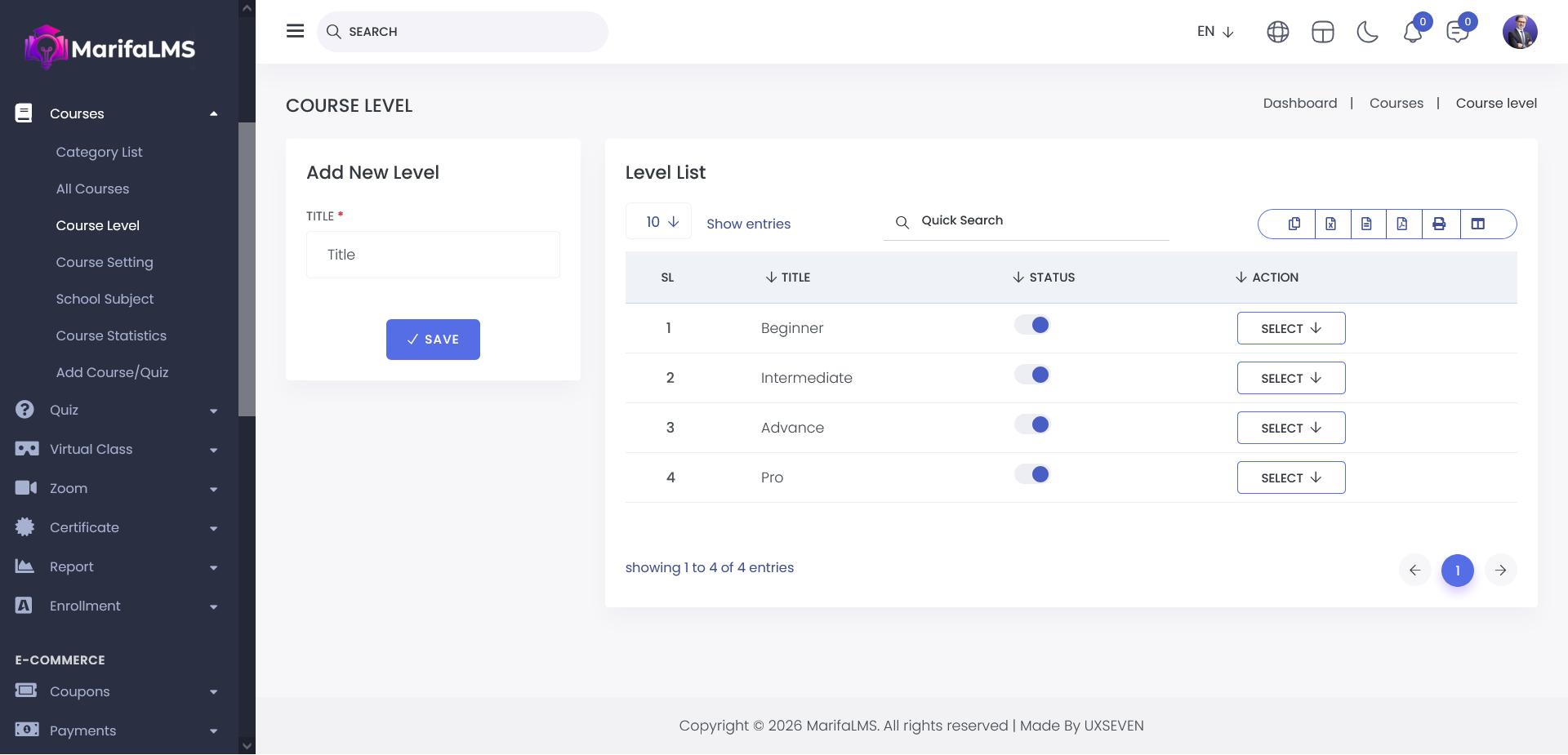
You can configure pagination settings and quickly locate specific records using the Quick Search field. Additionally, this section allows you to export your data and customize table column visibility according to your preferences. You can activate and deactivate course level by using status toggle button.
From the Action menu in the Course Level list, you can manage individual course levels with ease.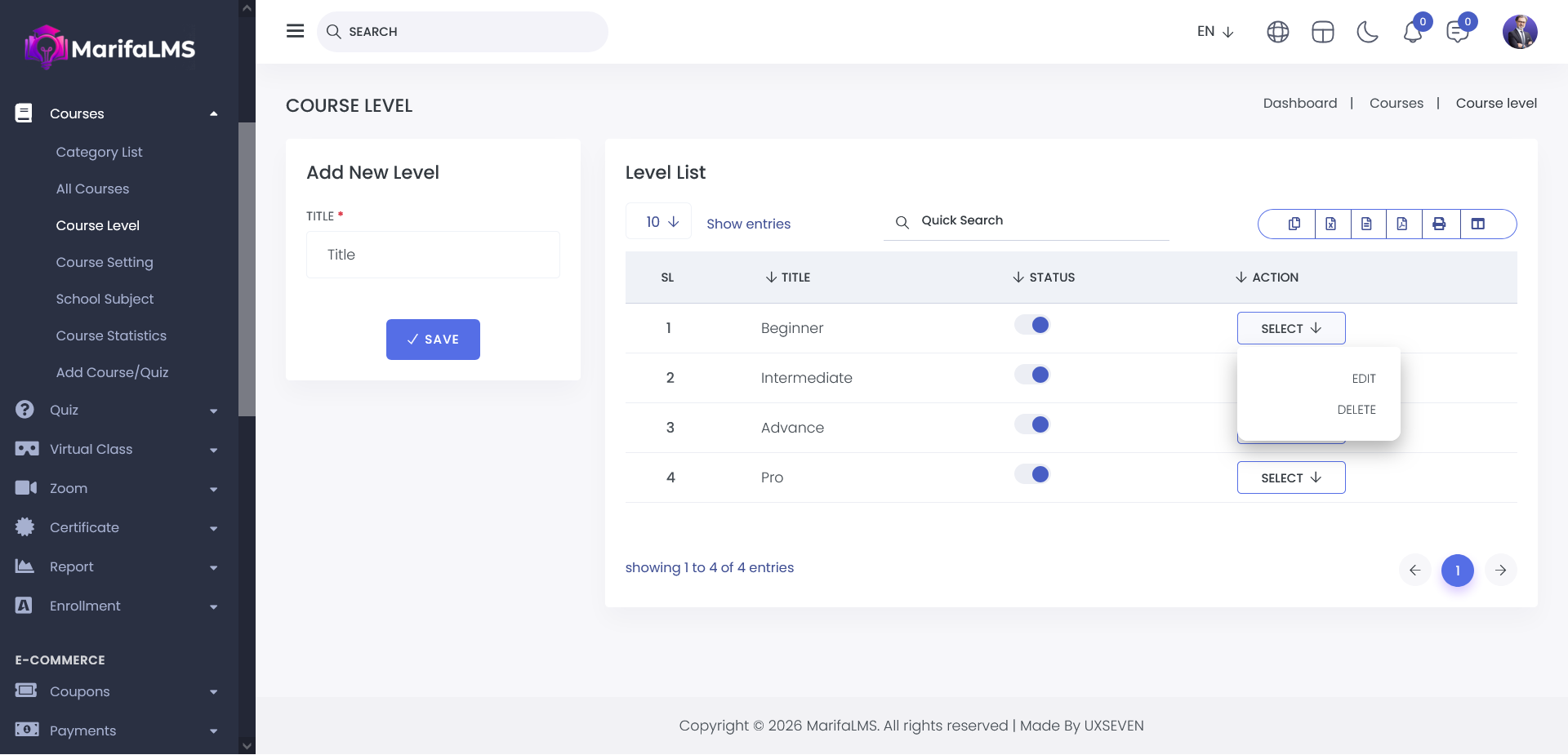
Edit: You can update the details of a specific course level.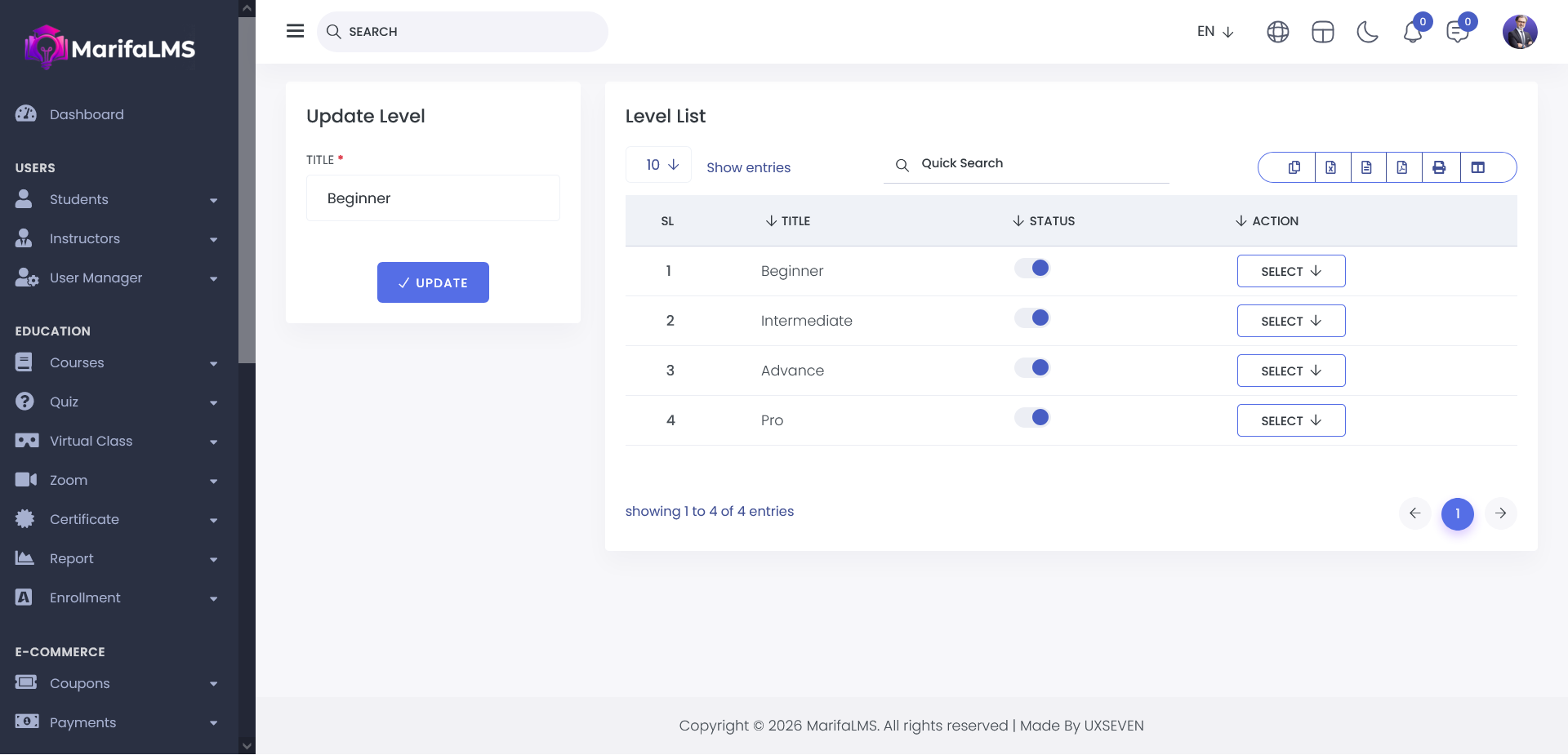
Delete: You can remove a course level from the system permanently.