To create a new subject: Enter the Subject Name, Set the Position Order, Select the Status and click the Save button.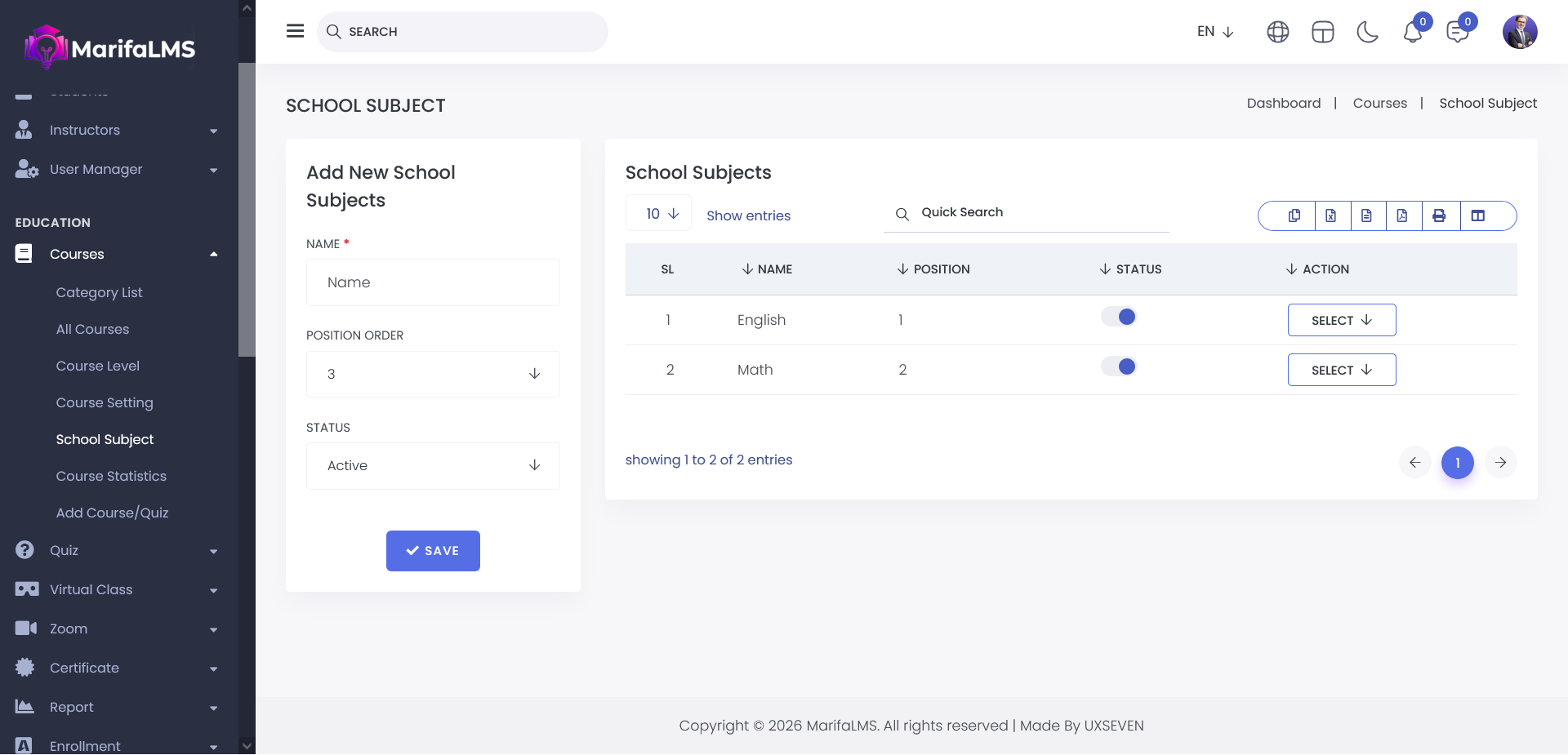
You can configure pagination settings and quickly locate specific records using the Quick Search field. Additionally, this section allows you to export your data and customize table column visibility according to your preferences. You can activate and deactivate school subjects by using status toggle button.
From the Action menu in the School Subjects List, you can edit & delete specific subjects.
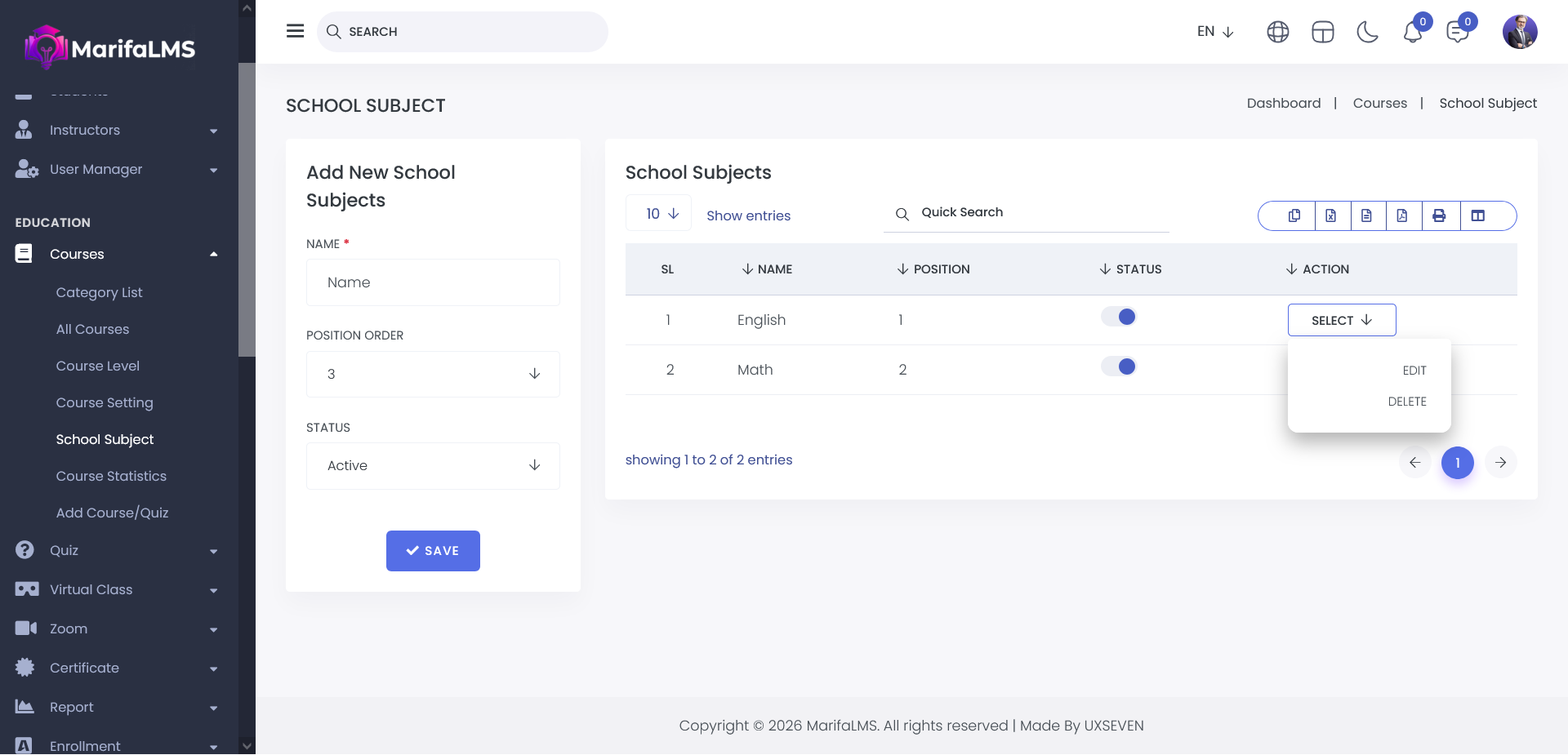
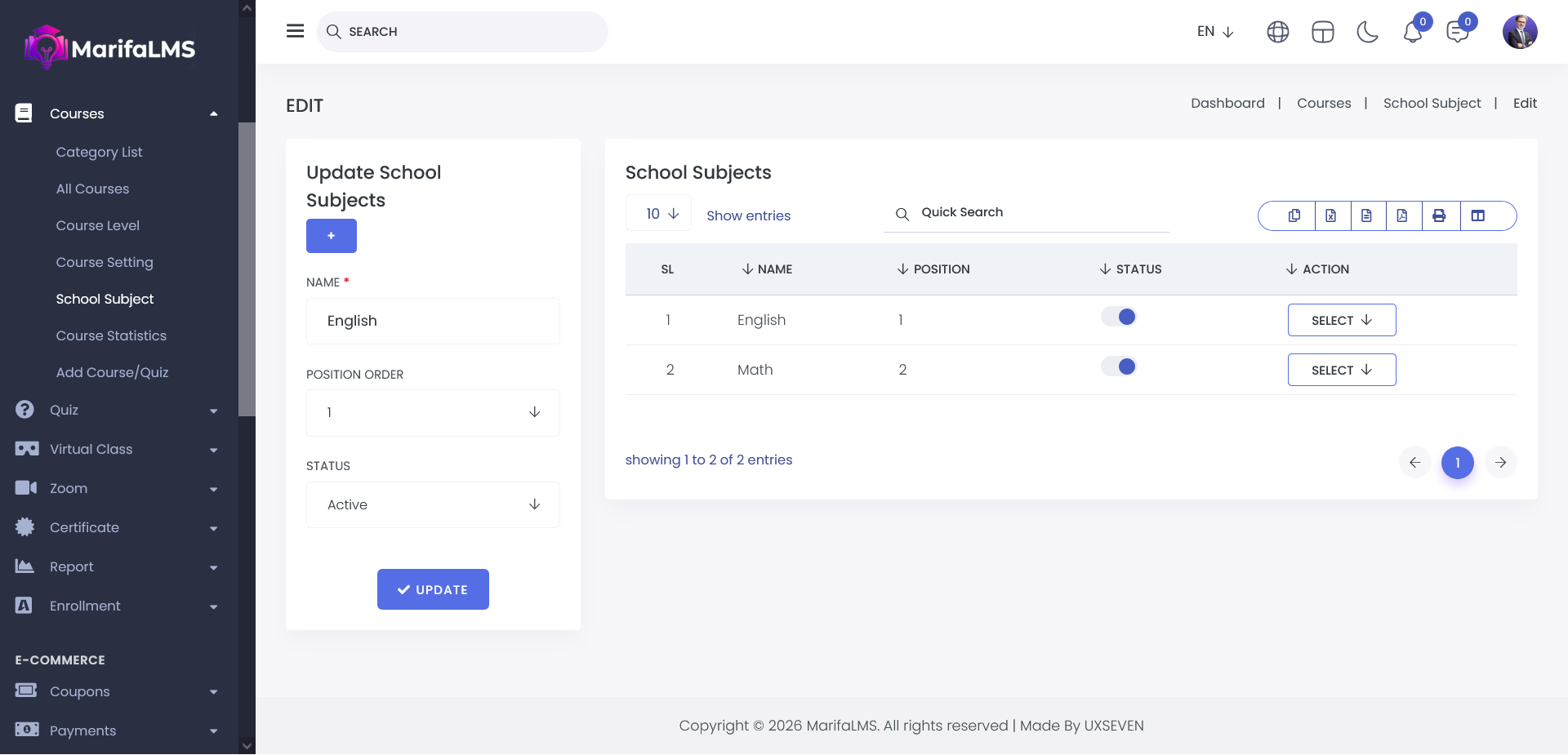
Edit: Update the details of a specific subject.
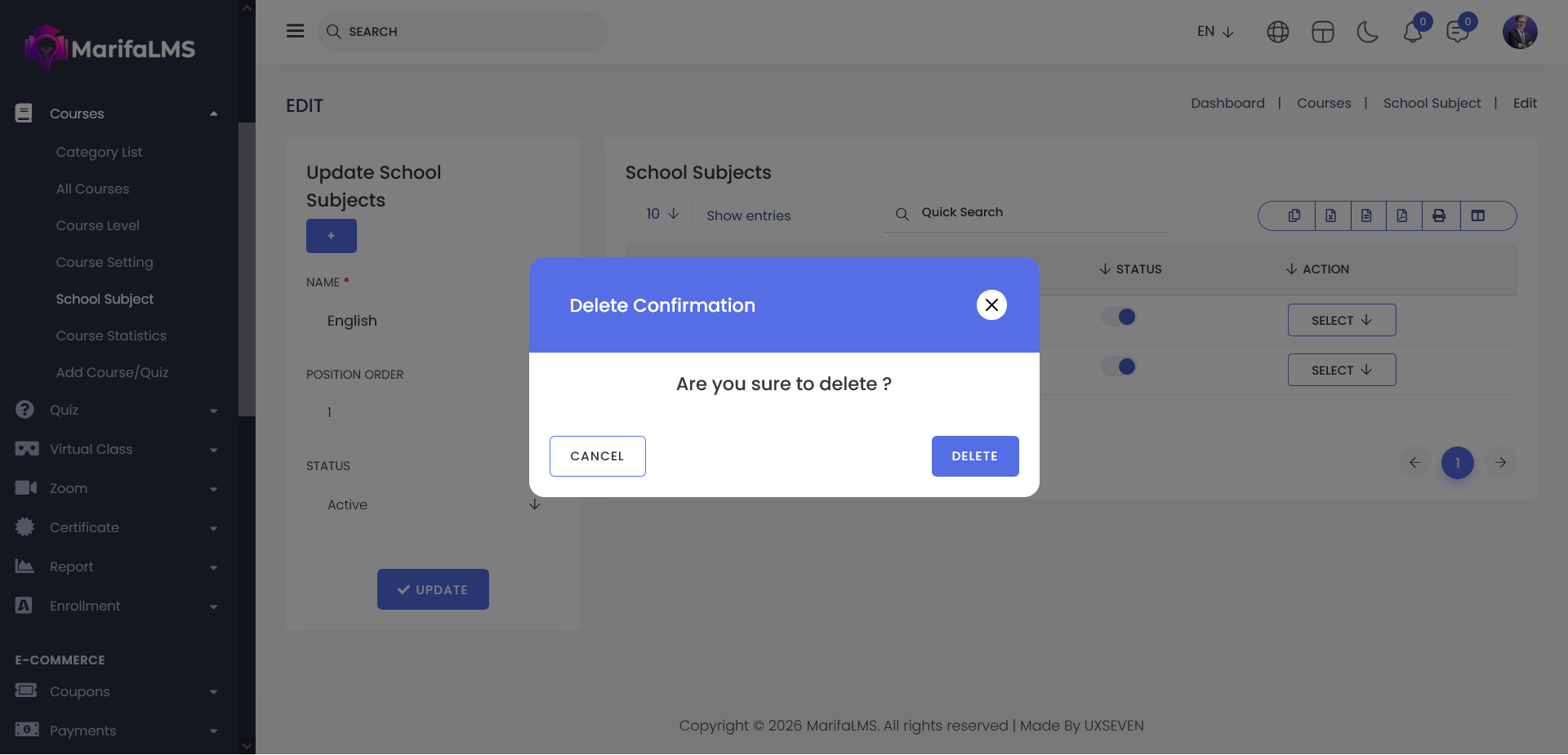
Delete: Permanently remove a subject from the list.