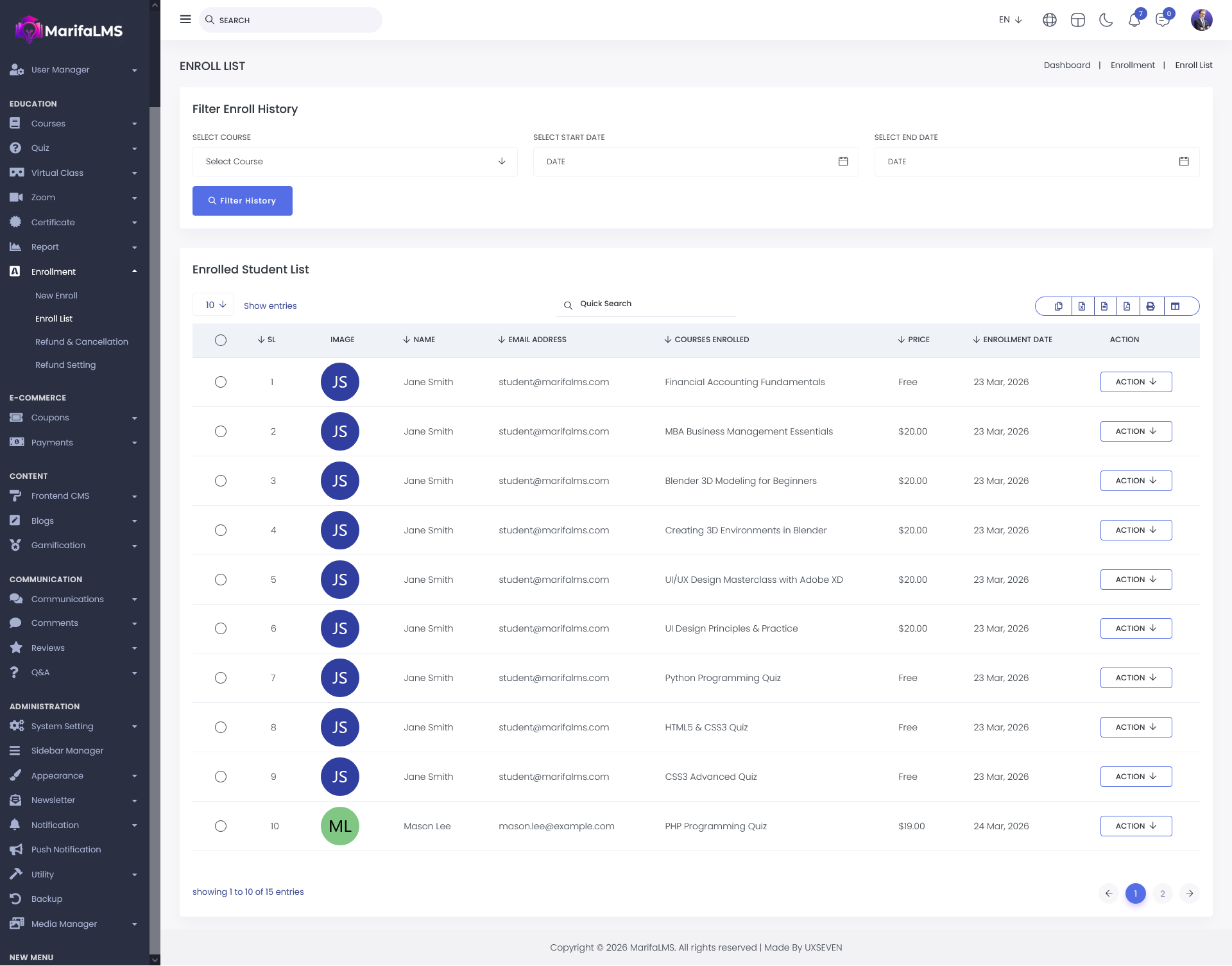
Enroll List:
The Enroll List displays a comprehensive record of student enrollments, showing which courses have been assigned to each student. This allows administrators to easily track and review enrollment details across all users.
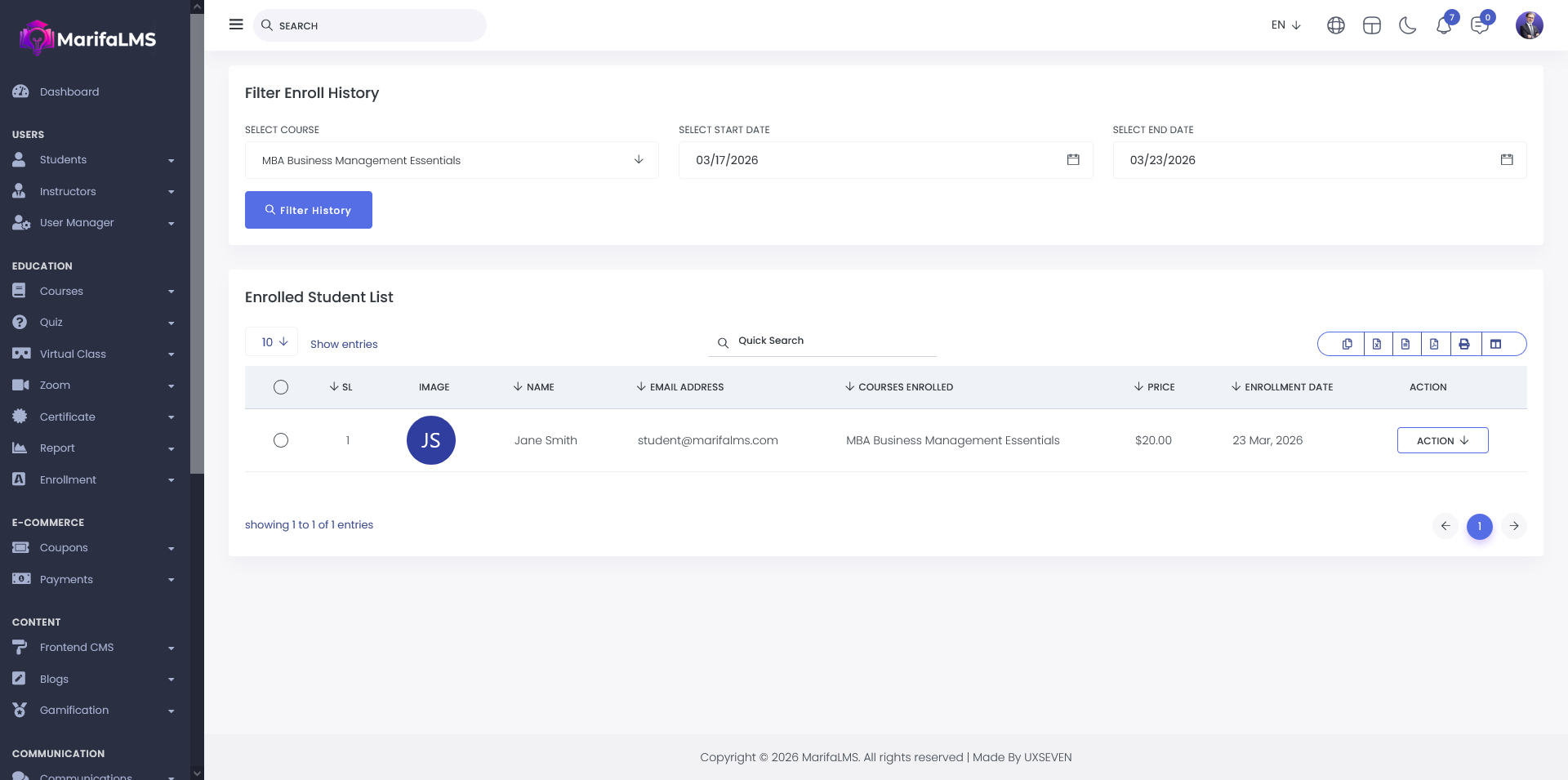
The Enroll History Filter allows administrators to refine data based on specific criteria, including Course, Start Date, and End Date. By applying these filters, the system will display results in the list according to the selected parameters, enabling more precise data analysis and reporting.
You can configure pagination settings and quickly locate specific records using the Quick Search field. Additionally, this section allows you to export your data and customize table column visibility according to your preferences.
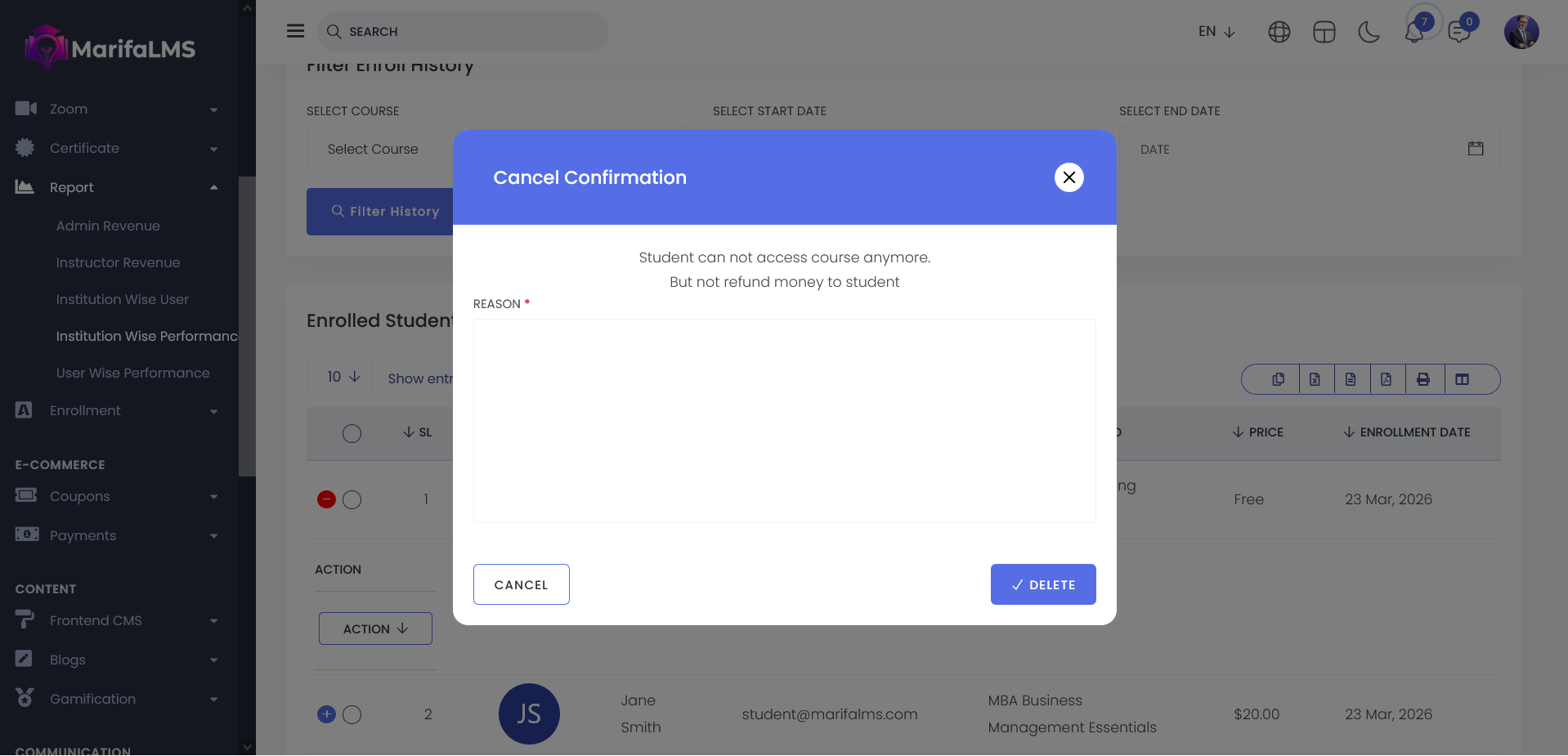
From the Action menu within the Enroll List, administrators can manage enrollments by initiating a refund or canceling the assigned Course, Quiz, or Class. This functionality provides flexible control over enrollment management and transaction handling.
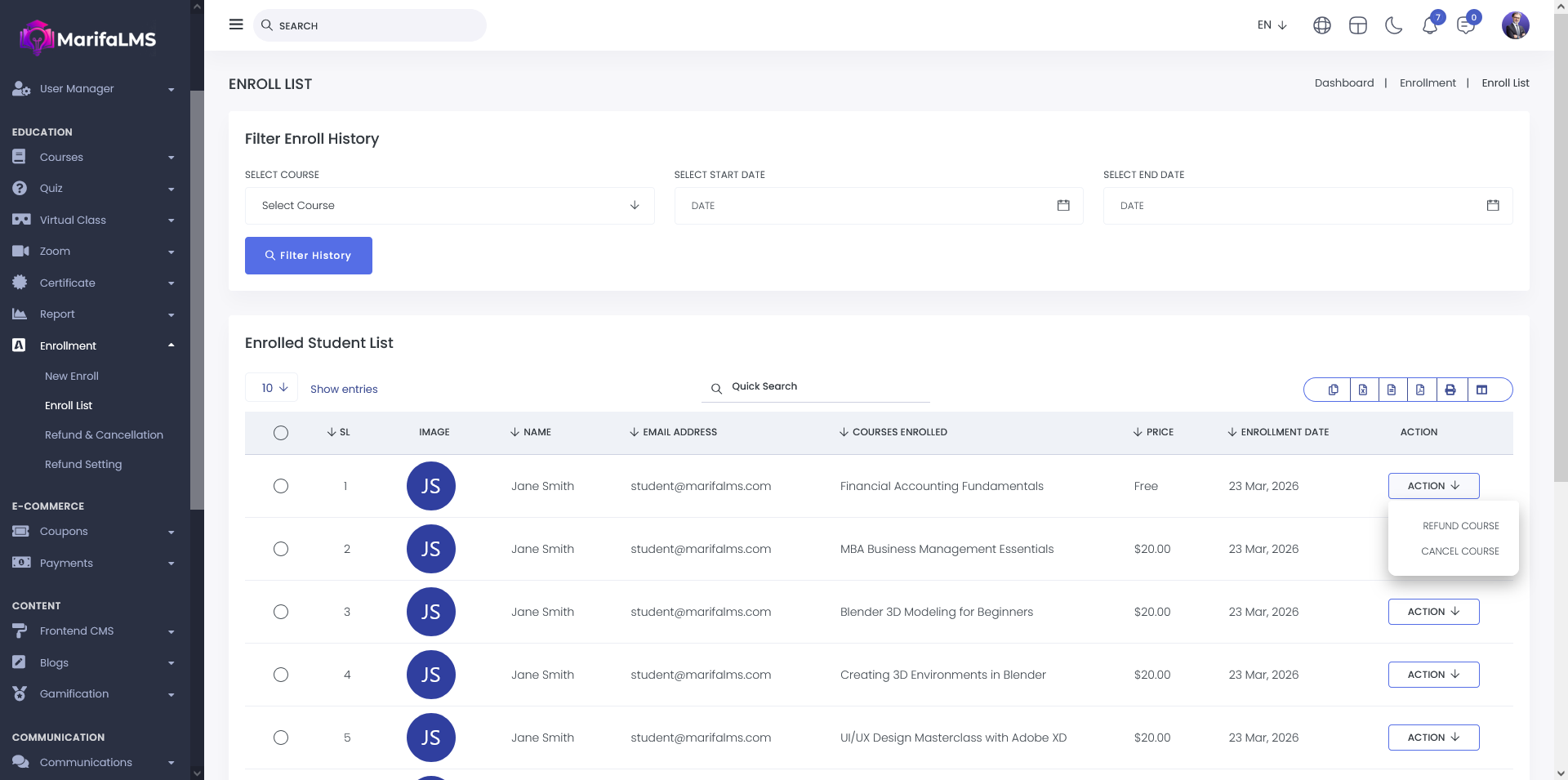
When a course is canceled, it will no longer be visible in the student’s My Courses section. This ensures that only active enrollments are displayed on the student dashboard.
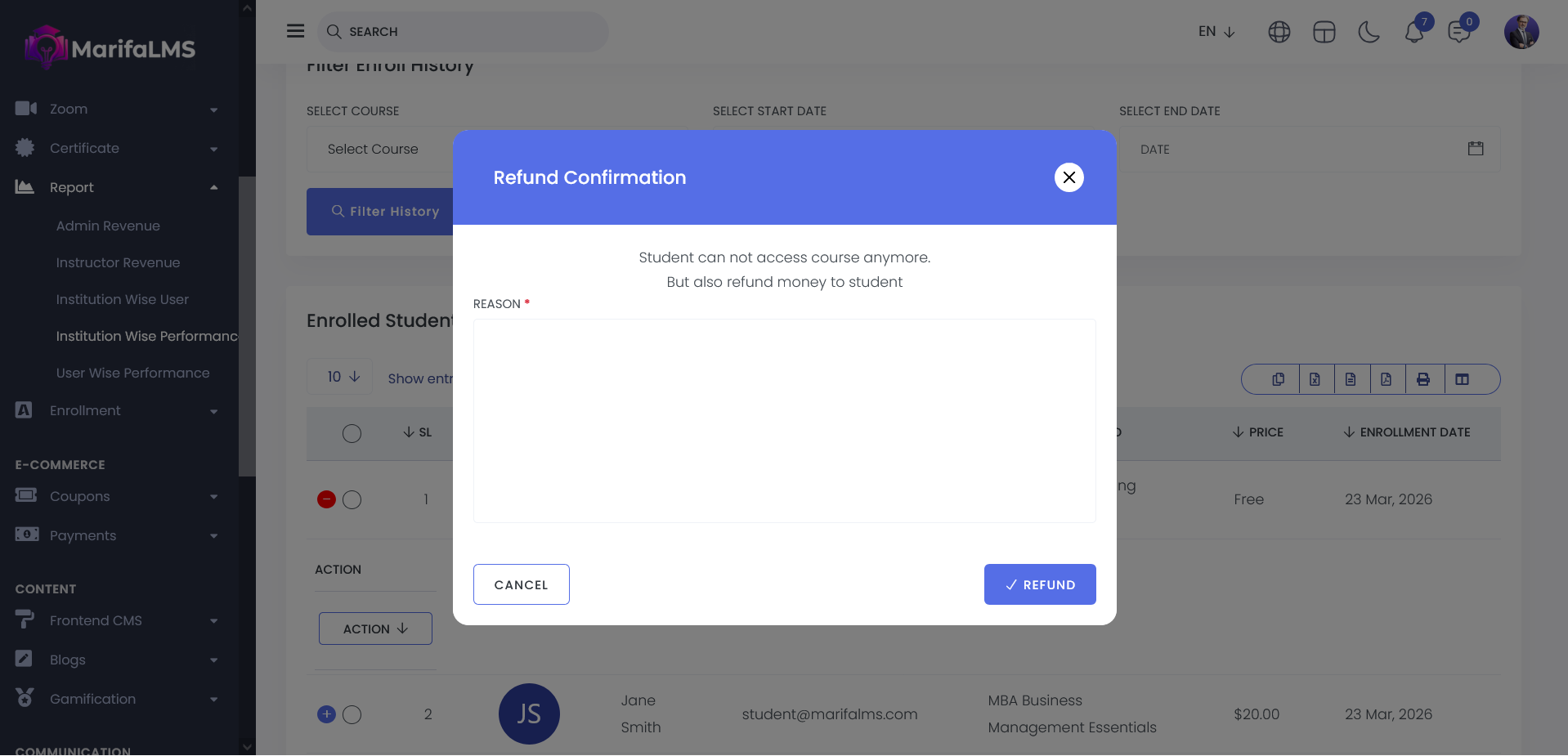
When a course refund is processed, the corresponding course fee is automatically credited back to the student’s wallet. This ensures that the refunded amount is securely returned and available for future transactions.