About Us
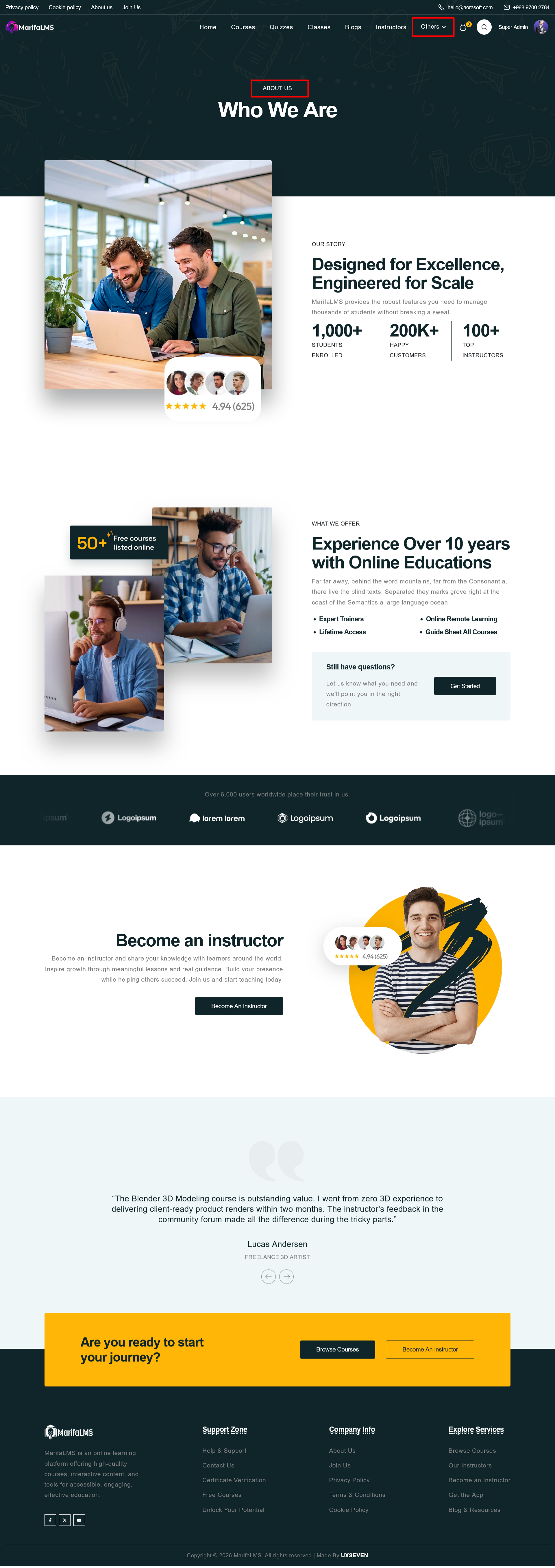
The About Us Page in MarifaLMS provides a comprehensive introduction to the platform, its mission, capabilities, and value proposition. It is designed to communicate credibility, showcase achievements, and encourage user trust and engagement.
Contact UsThe
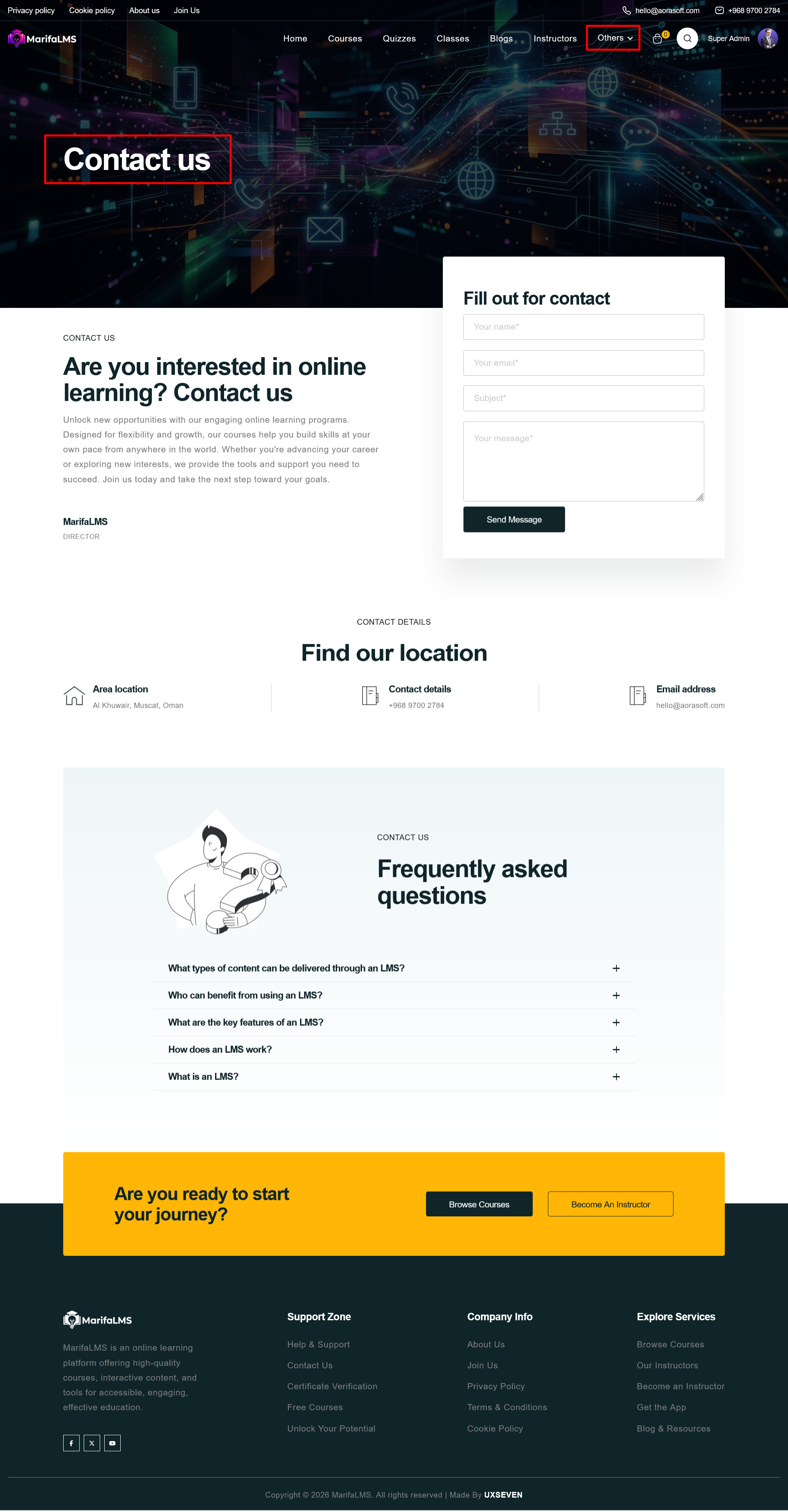
Contact Page serves as a primary communication channel between users and the platform. It is designed to facilitate inquiries, provide essential contact details, and address common questions. This page ensures that users can reach out for support, partnership opportunities, or general information regarding the platform and its services.
Contact Form
A structured and user-friendly form allows visitors to submit inquiries directly. The form includes the following fields:
- Email Address – For response communication
- Subject – Brief description of the inquiry
- Message – Detailed user input
Primary Action:
- Send Message button submits the form for processing
This form is essential for capturing structured user requests and ensuring timely responses.
Contact Details Section
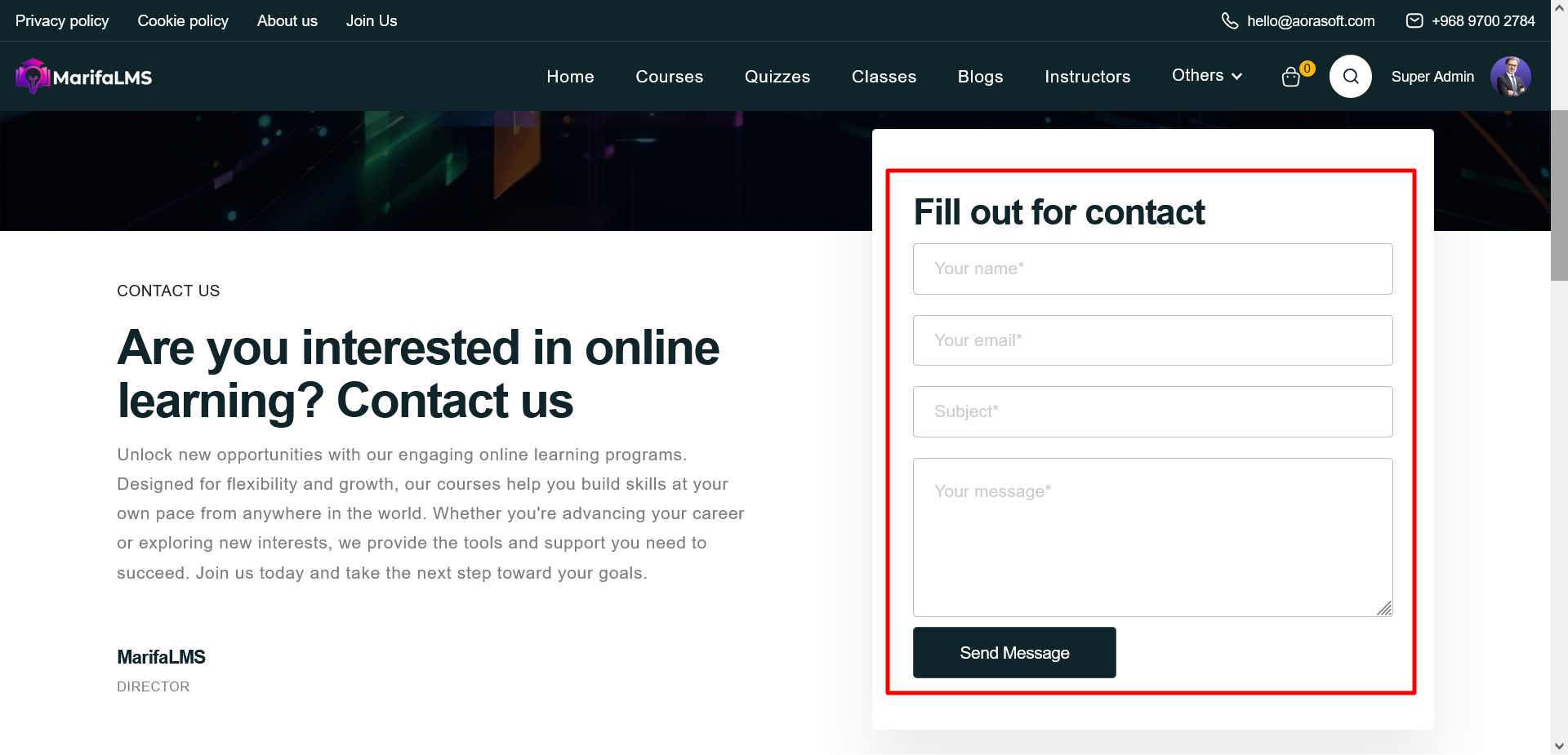
This section provides key organizational contact information for users who prefer direct communication methods:
- Location: Physical address of the organization
- Phone Number: Direct contact line for support or inquiries
- Email Address: Official email for communication
These details improve transparency and offer alternative ways to connect.
FAQ (Frequently Asked Questions)
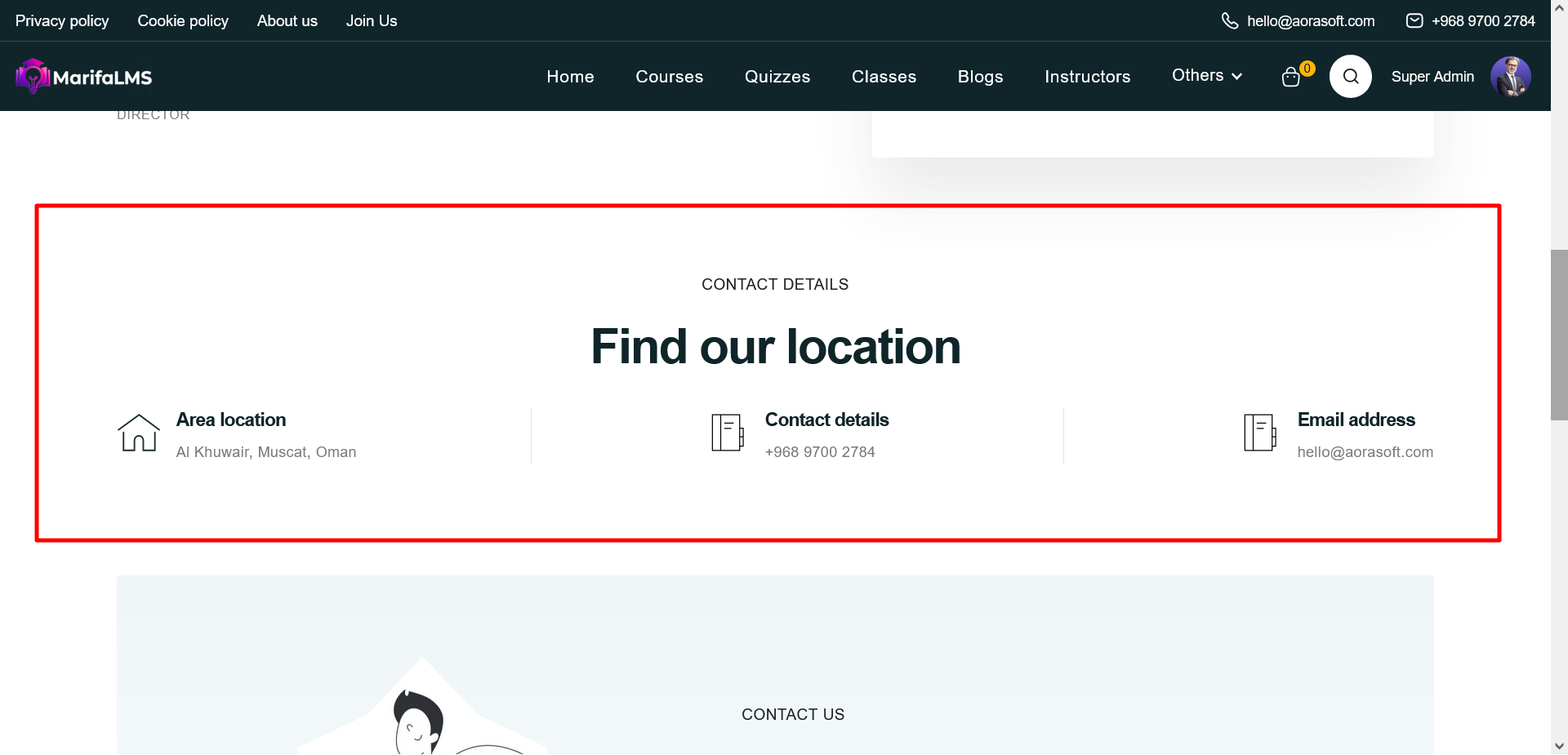
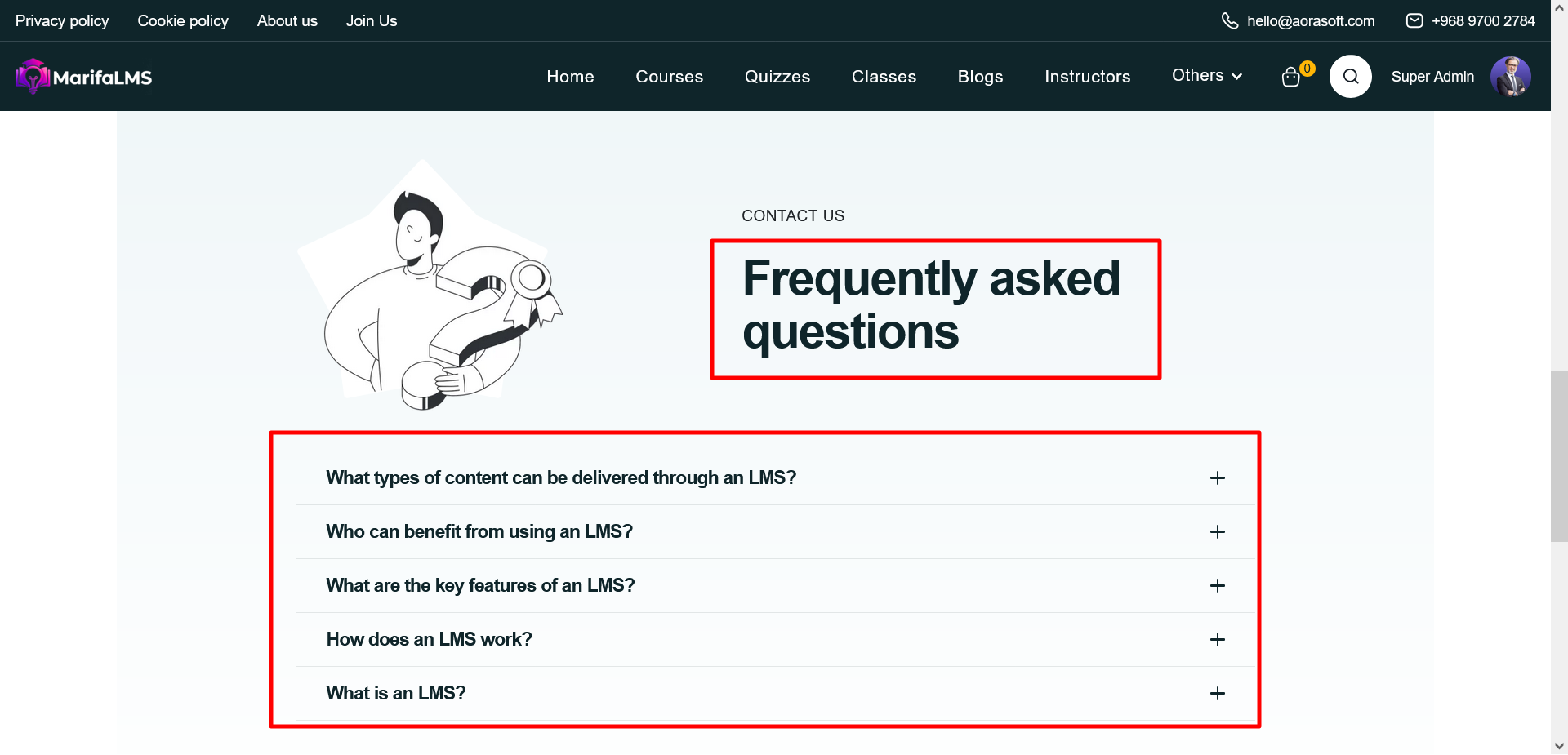
A collapsible FAQ section addresses common user queries, such as:
-
Types of content supported by the platform
-
Target users and beneficiaries
-
System functionality and overview
This section helps reduce support requests by providing immediate answers to common concerns.
Become An InstructorThe
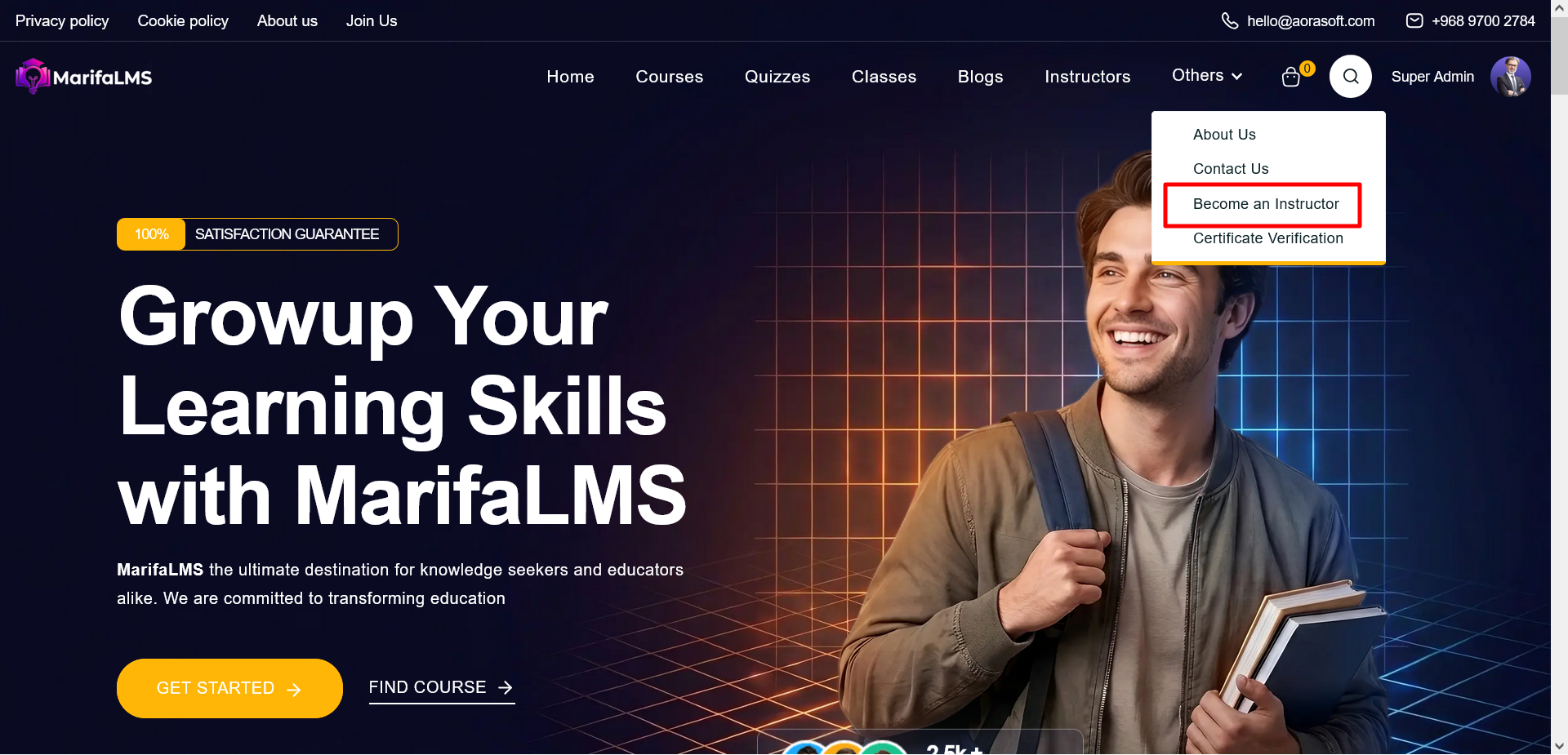
“Become an Instructor” feature enables qualified professionals, educators, and industry experts to join the platform as content creators. Accessible via the
“Others” dropdown in the main navigation, this feature is designed to empower individuals to share knowledge, create structured courses, and contribute to a growing learning ecosystem.
 Certificate Verification
The
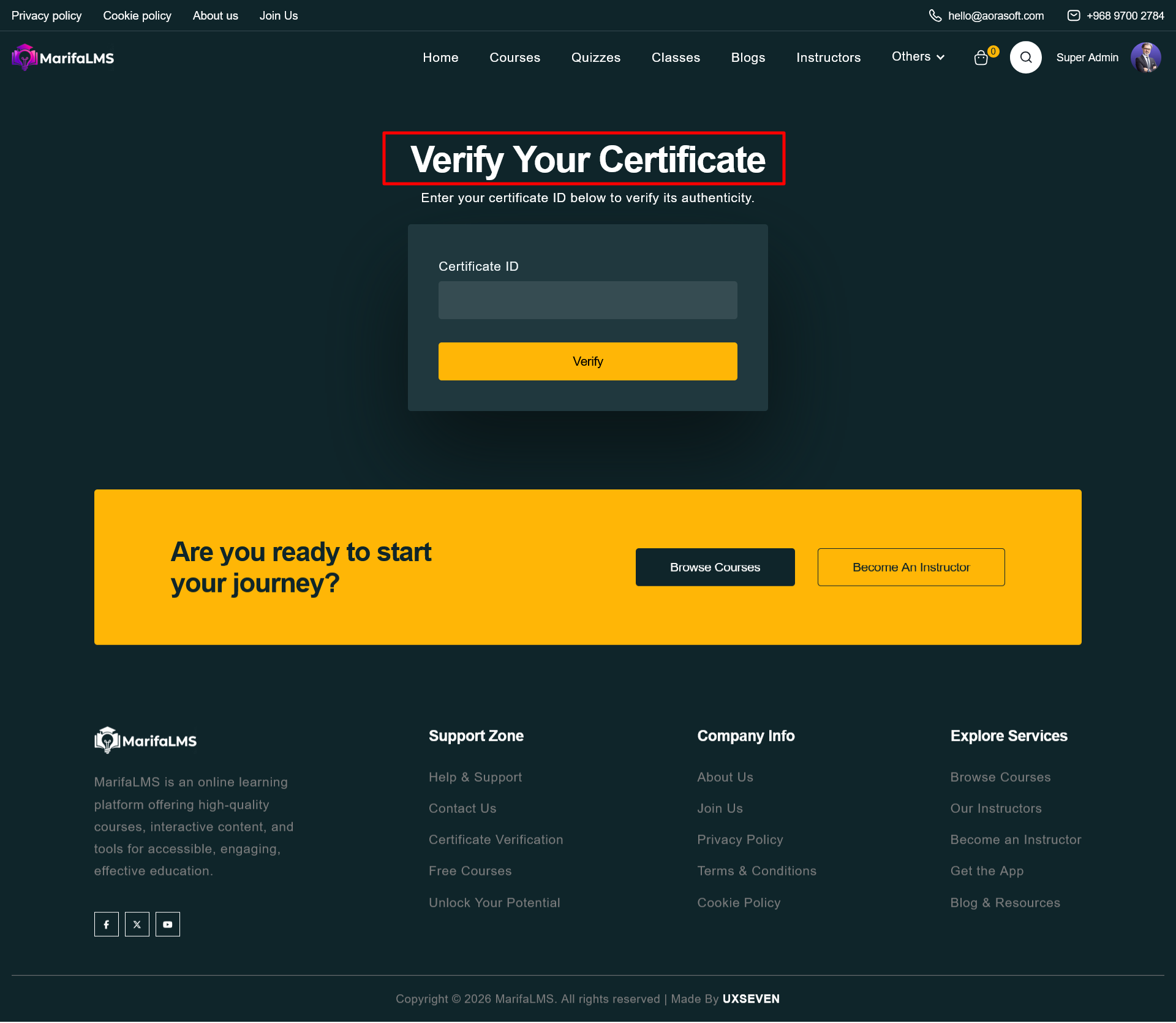
Certificate Verification feature enables users, employers, and third parties to validate the authenticity of certificates issued through the platform. This functionality ensures credibility, transparency, and trust by allowing instant verification using a unique certificate identifier.
Verification Process
Step 1: Enter Certificate ID
Users must input the unique Certificate ID provided at the time of certificate issuance into the designated field.
Step 2: Submit Request
Click the “Verify” button to initiate the validation process.
Step 3: View Results
Upon submission, the system will:
-
Confirm whether the certificate is valid
-
Display relevant certificate details (if valid)
-
Indicate an error or invalid status if the ID is incorrect or not found


