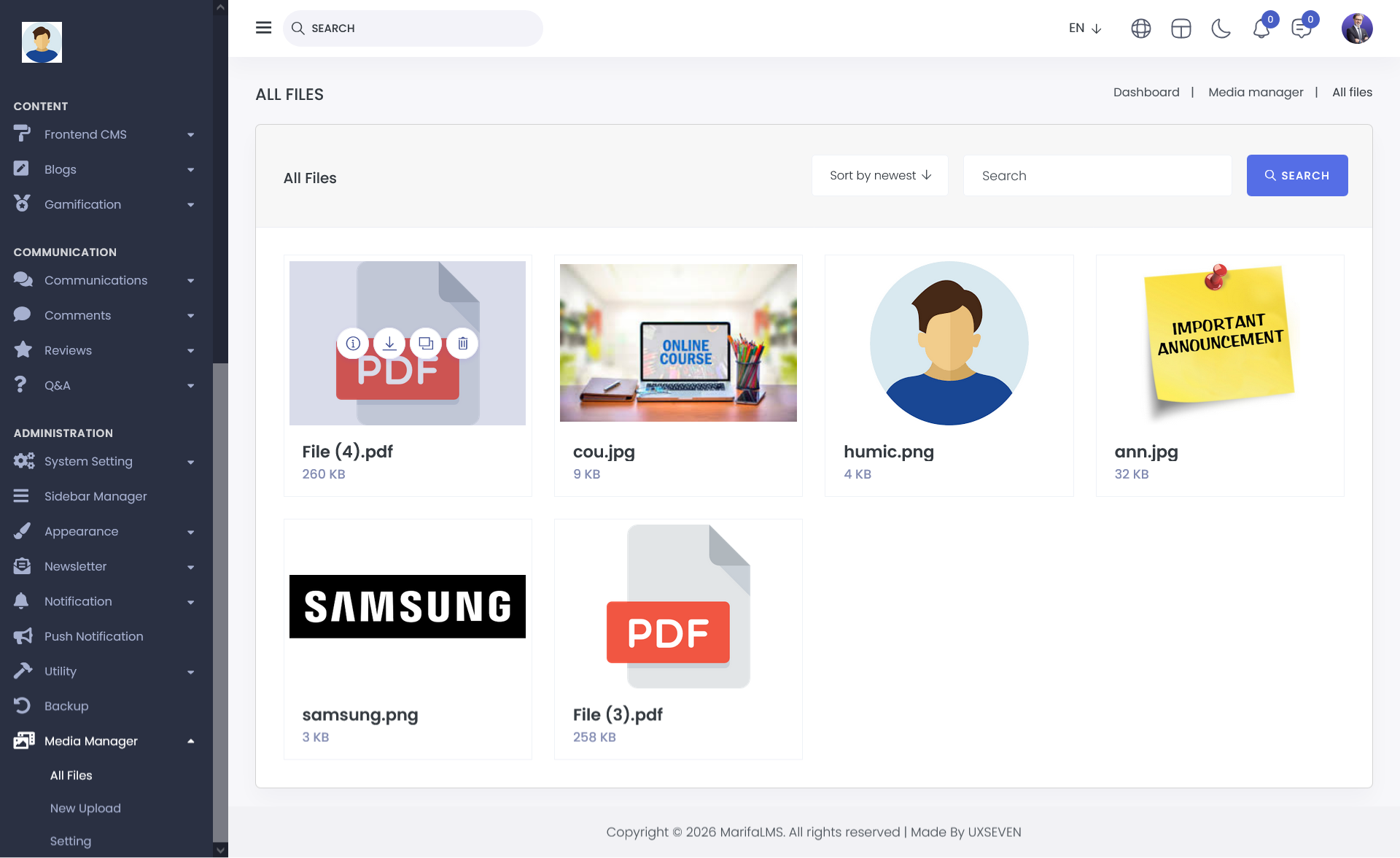
The All Files section provides a centralized view of every file you have uploaded or used within the application. Here, you can easily access, manage, and track all your files in one place.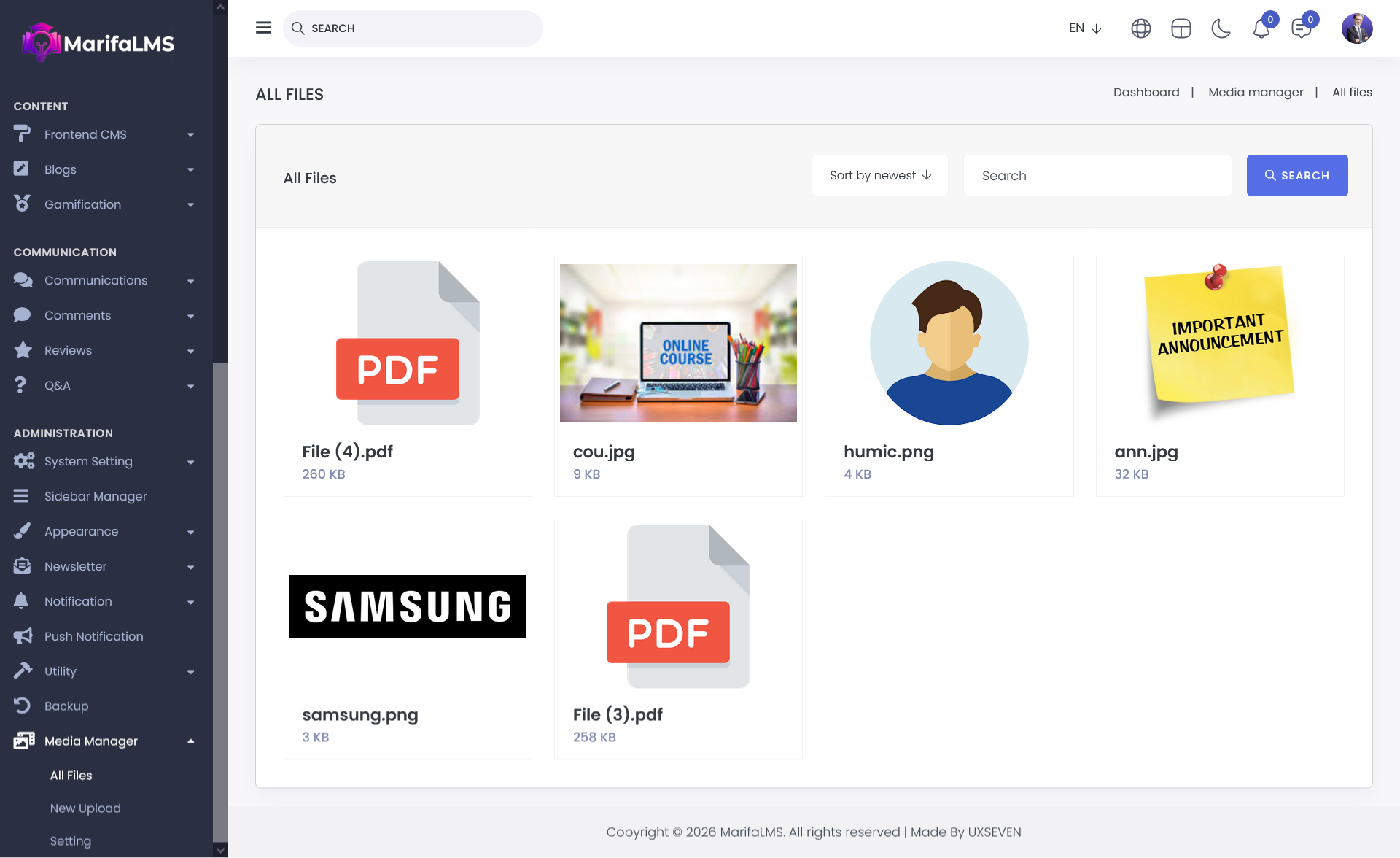
In the All Files section, you can efficiently manage your files using the following options:
Sort By: Organize files based on Newest, Oldest, Smallest, or Largest to quickly find the files you need.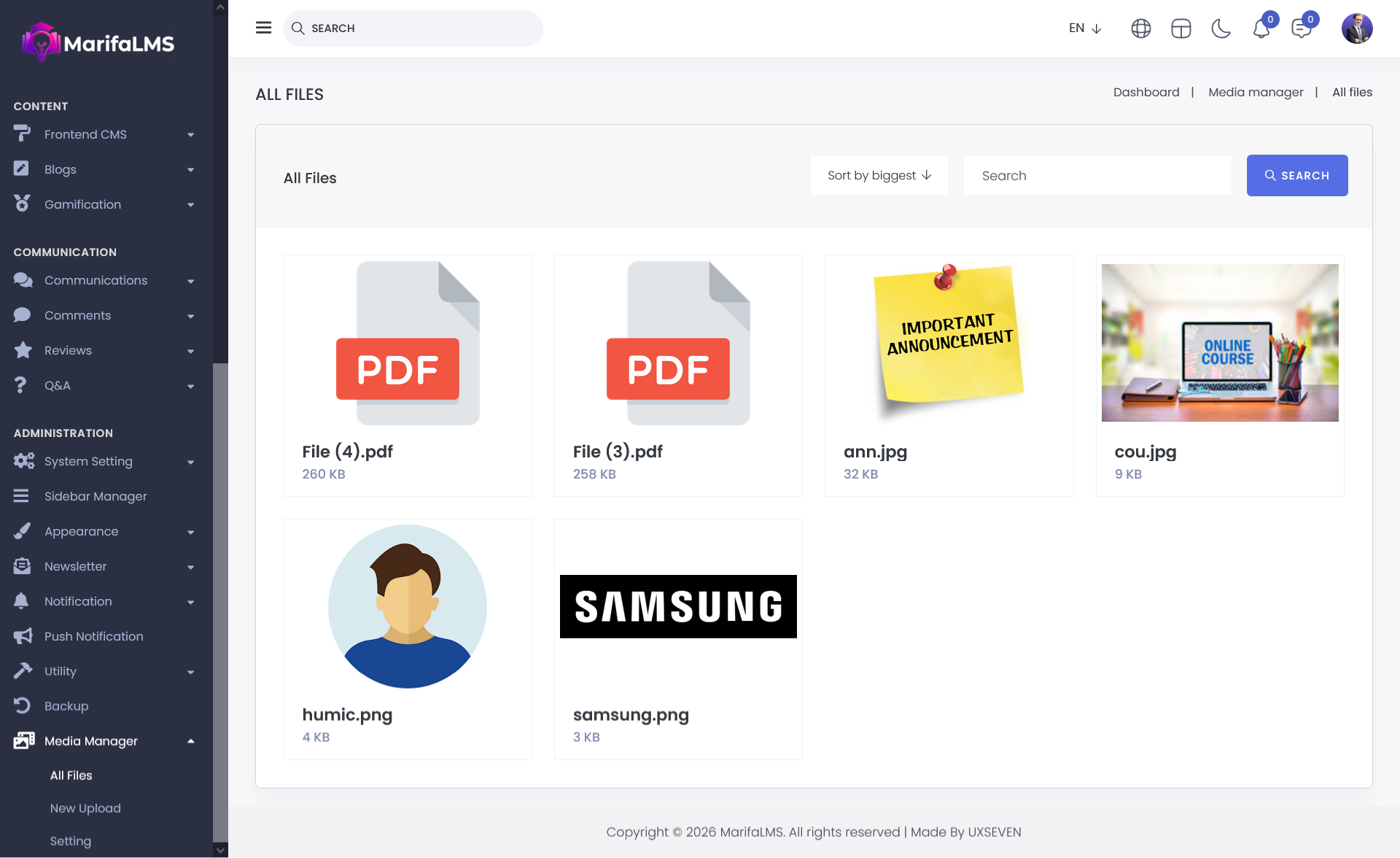
Search: Locate any file by typing its name in the search bar for instant access.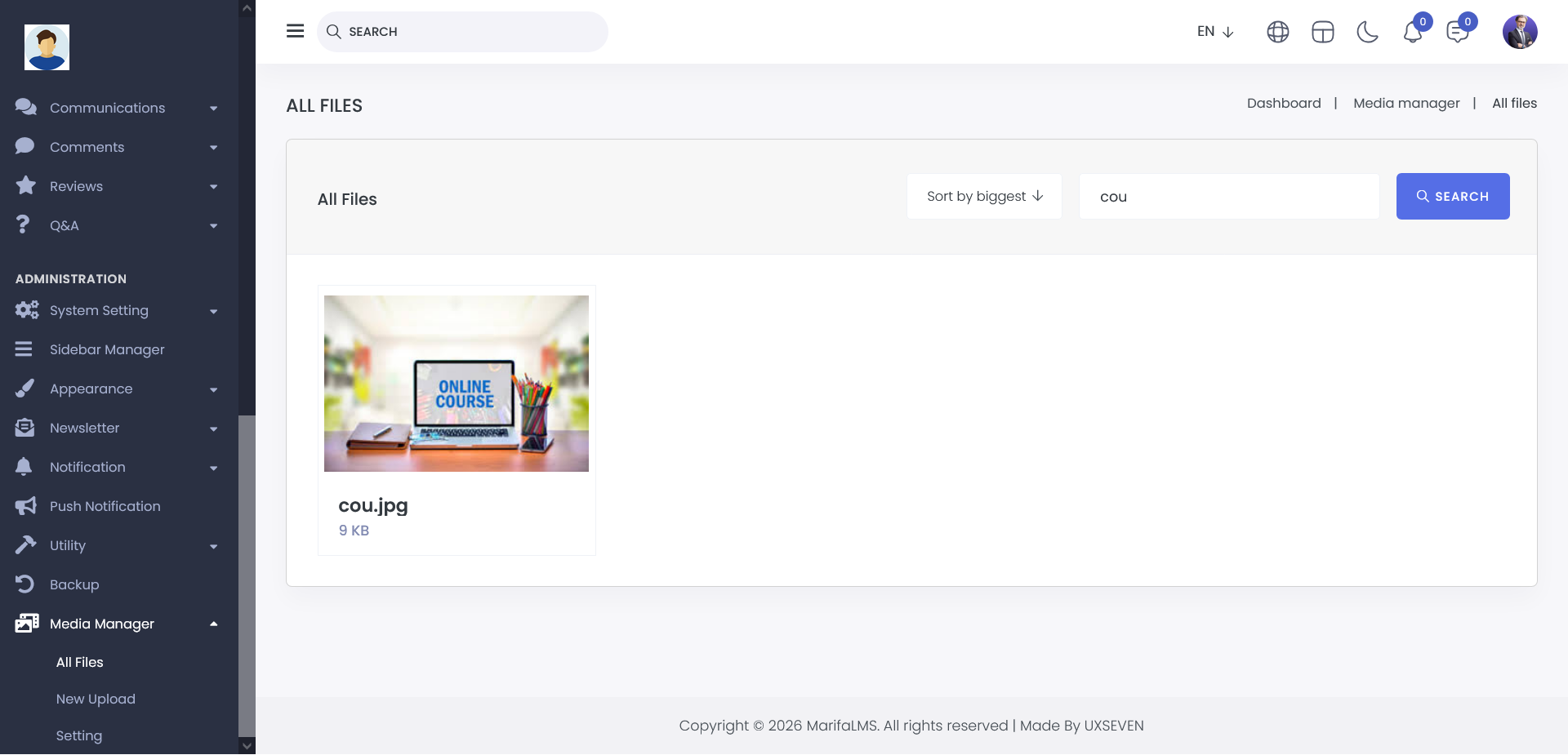
By clicking on any file in the All Files section, you can perform the following actions: