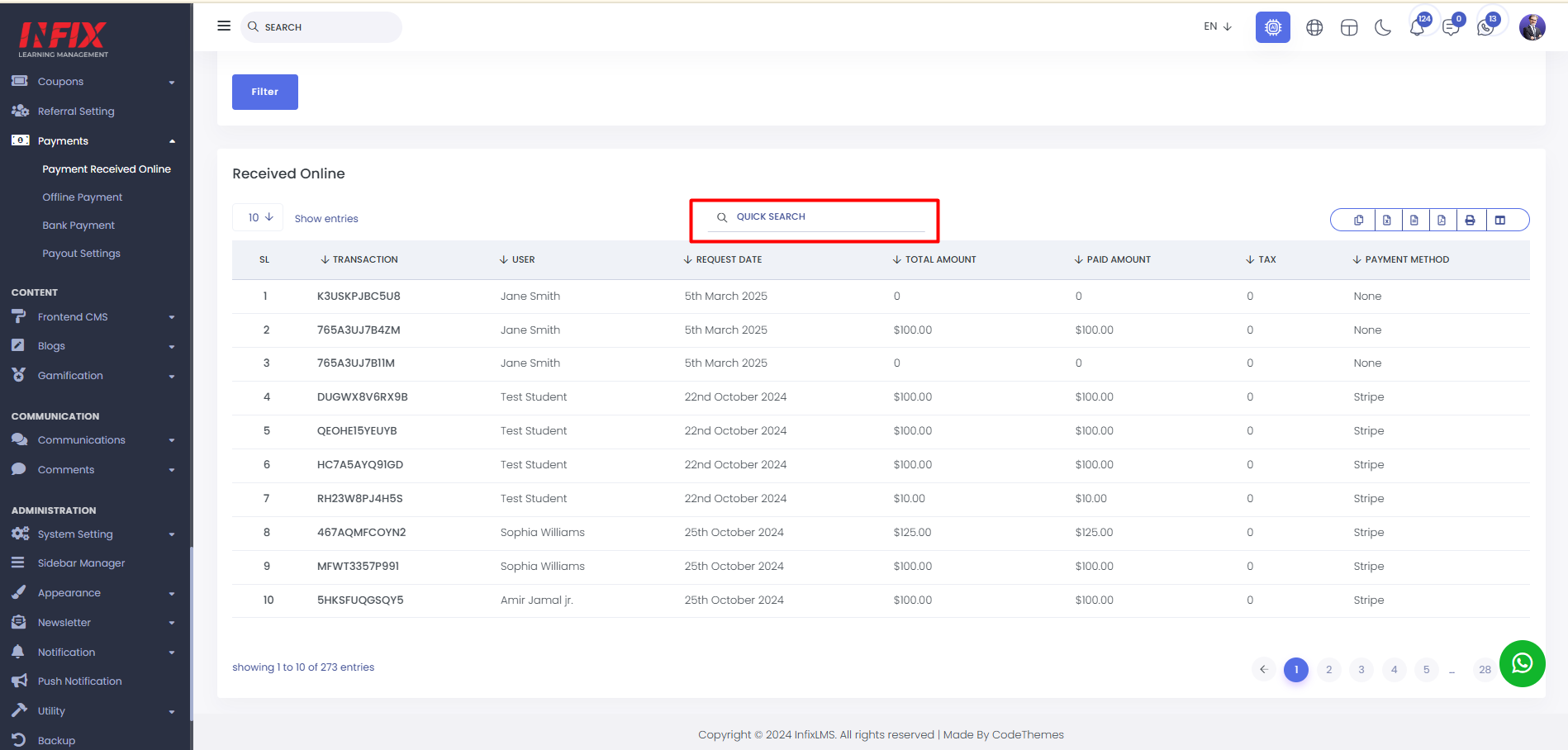
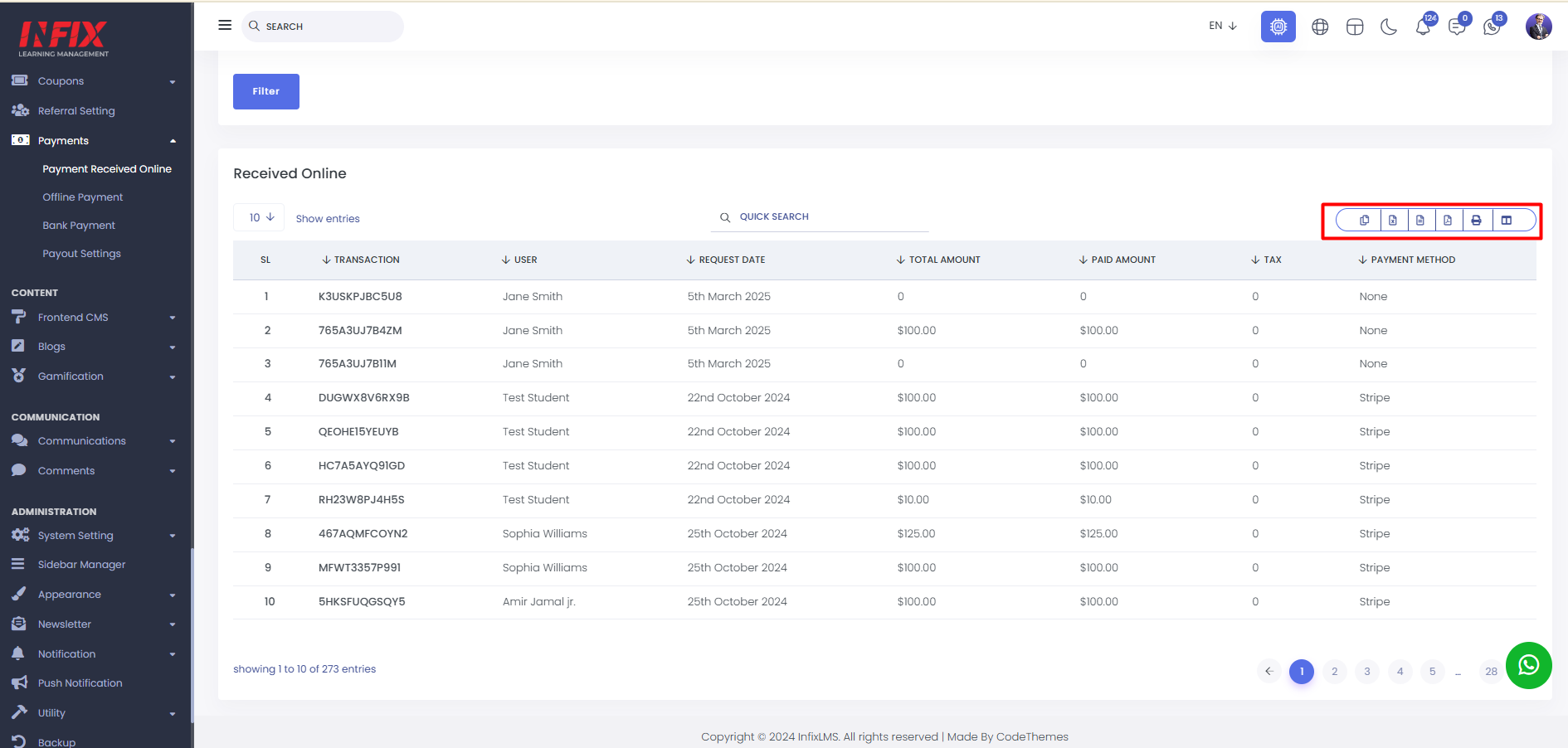
Payment Received Online : Any Kind of online payment done by any kind of user will be shown in this list. From here, you can view the entire list of online transactions at a glance. The details include SL, transaction ID, user name, request date, total amount, paid amount, tax, and payment method.
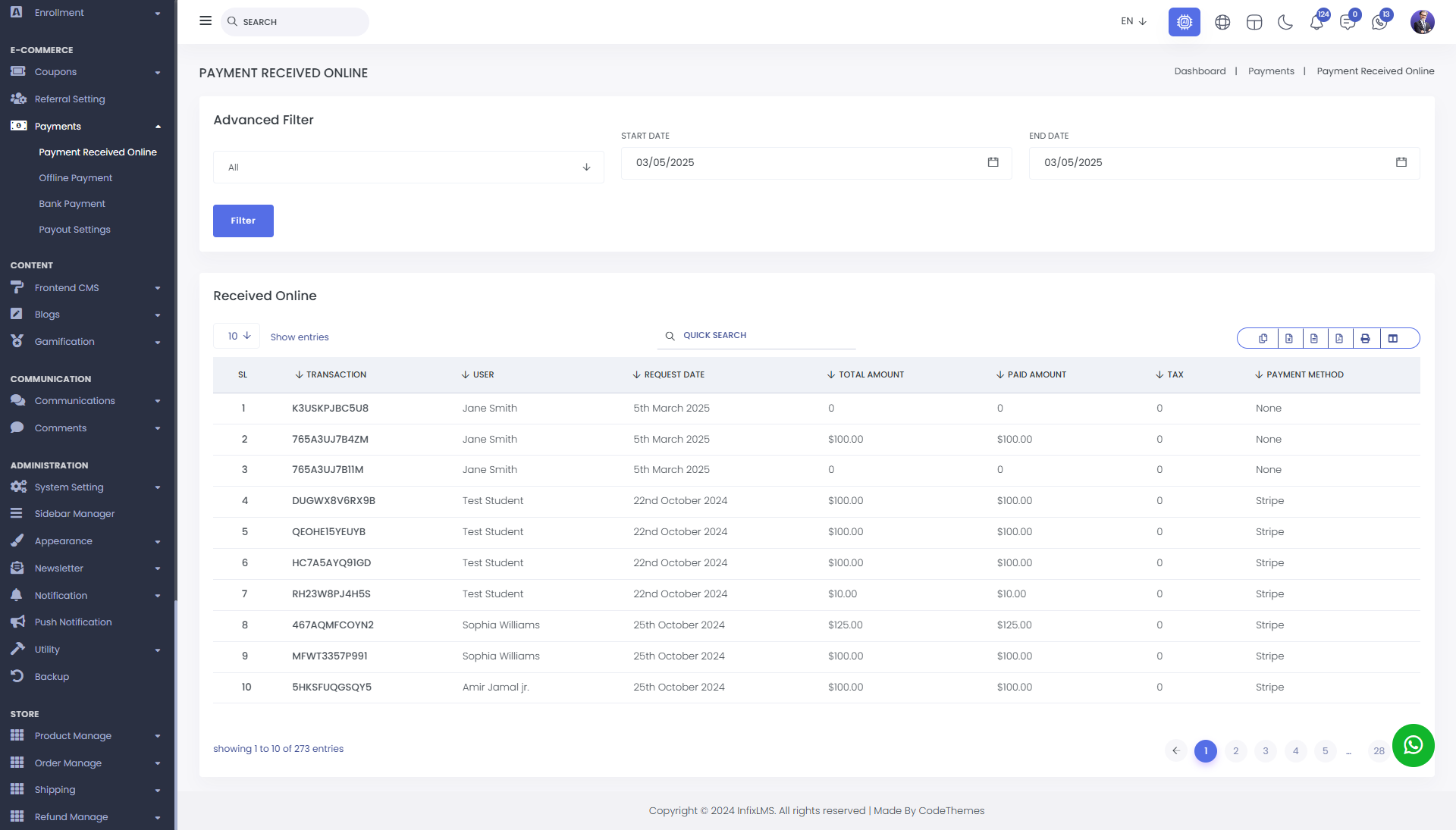
You can find anything by using advanced filters. Simply set the filter criteria and click on the "Filter" button to get your desired results.
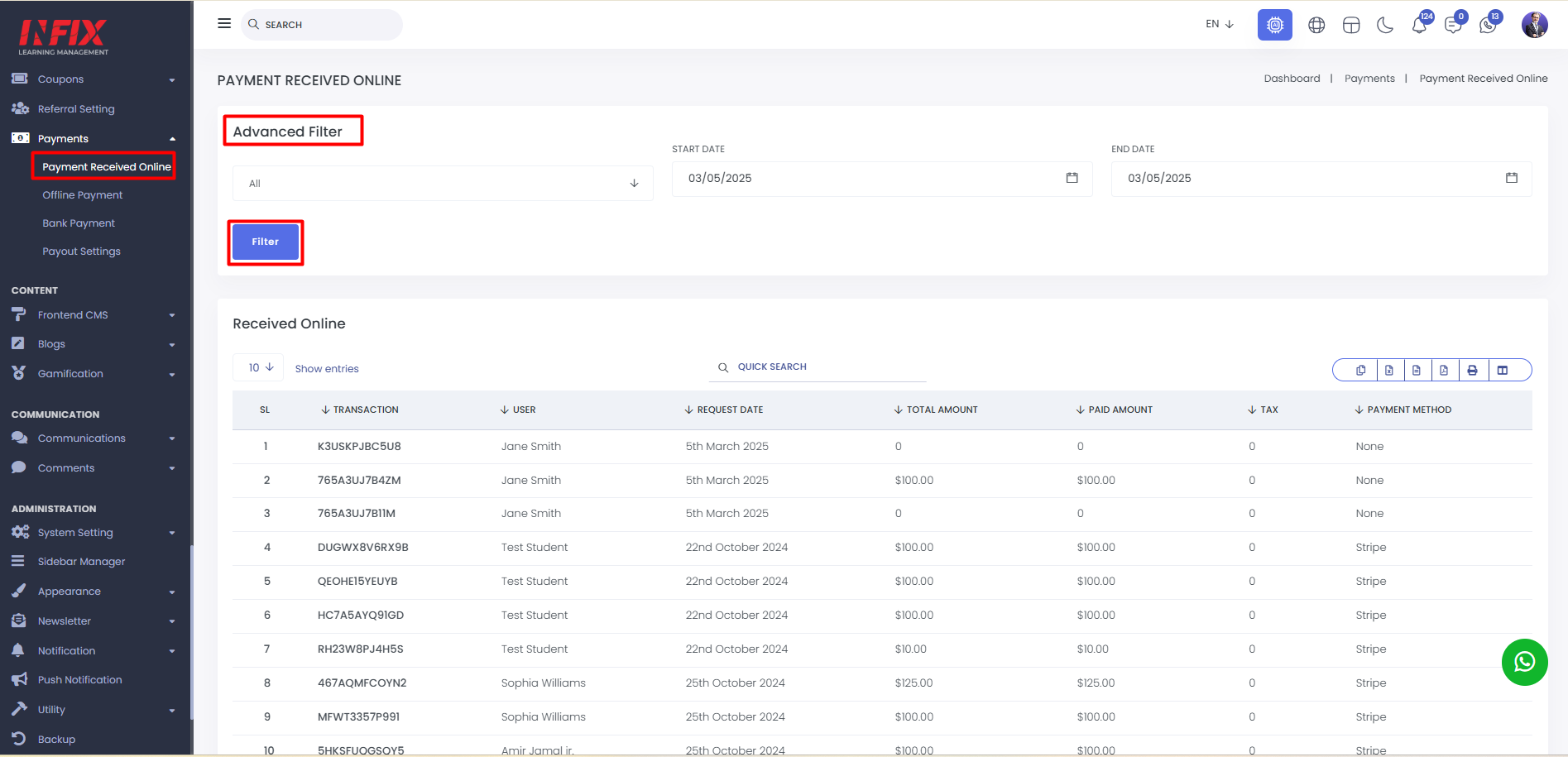
You can also find anything by using the search functionality.
You can export data from here.
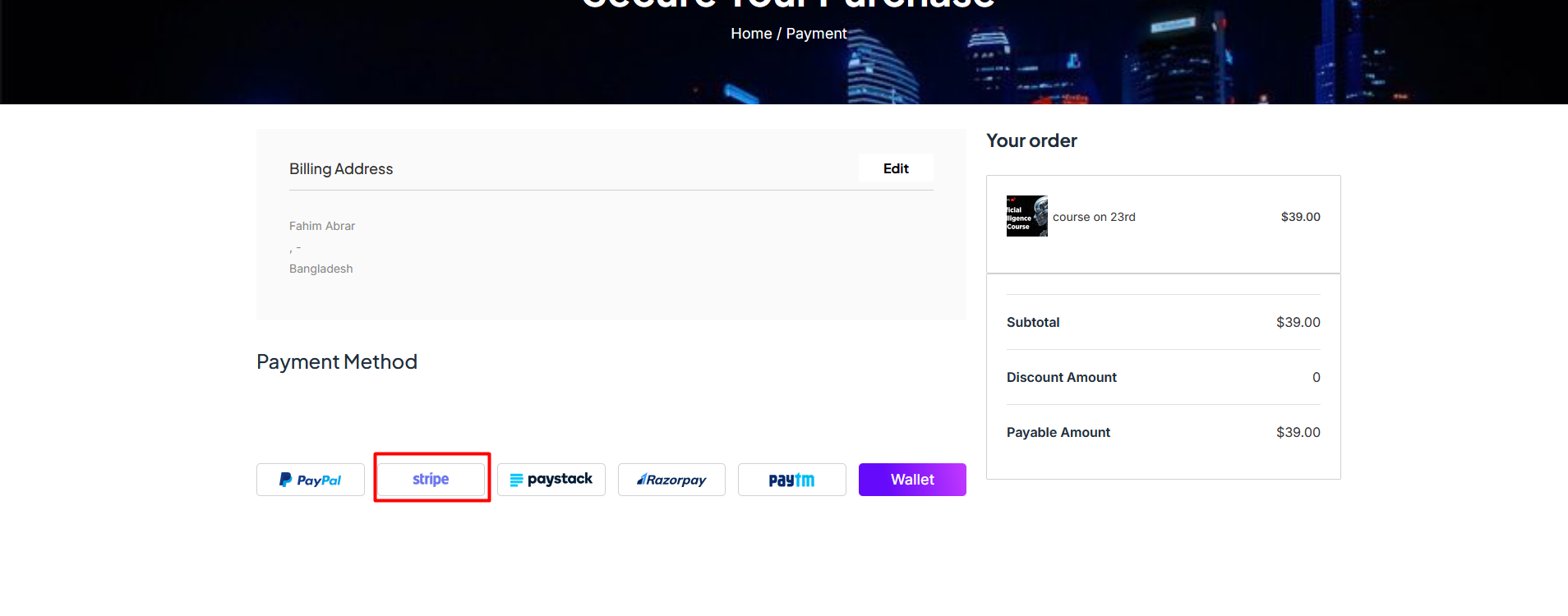
To make a online payment you should have to go to the student account. Then Select a course and click on Buy Now Button.

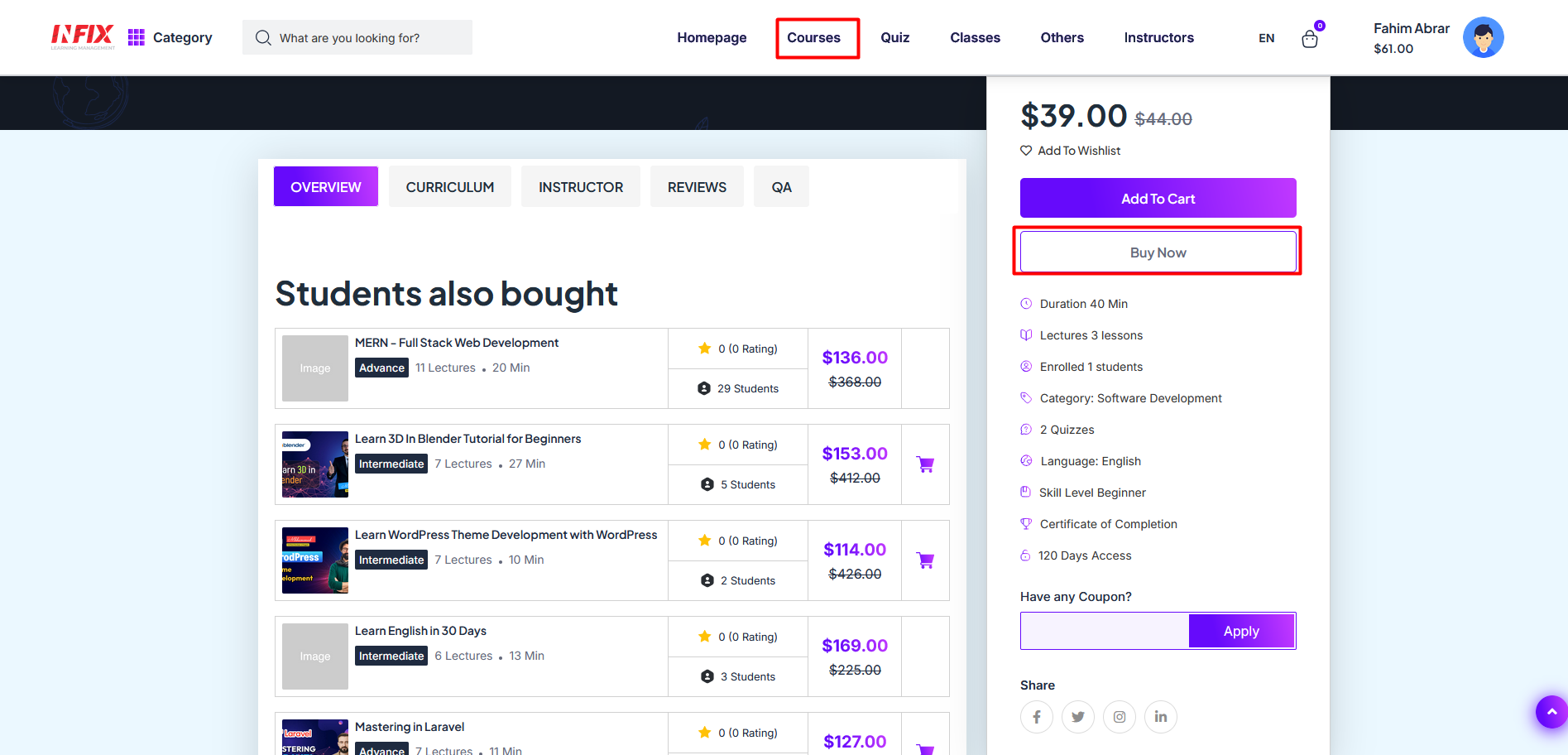
After that just make a payment via online, your payment will be listed.