Instructor Revenue

19th Mar, 2026

Instructor Revenue :

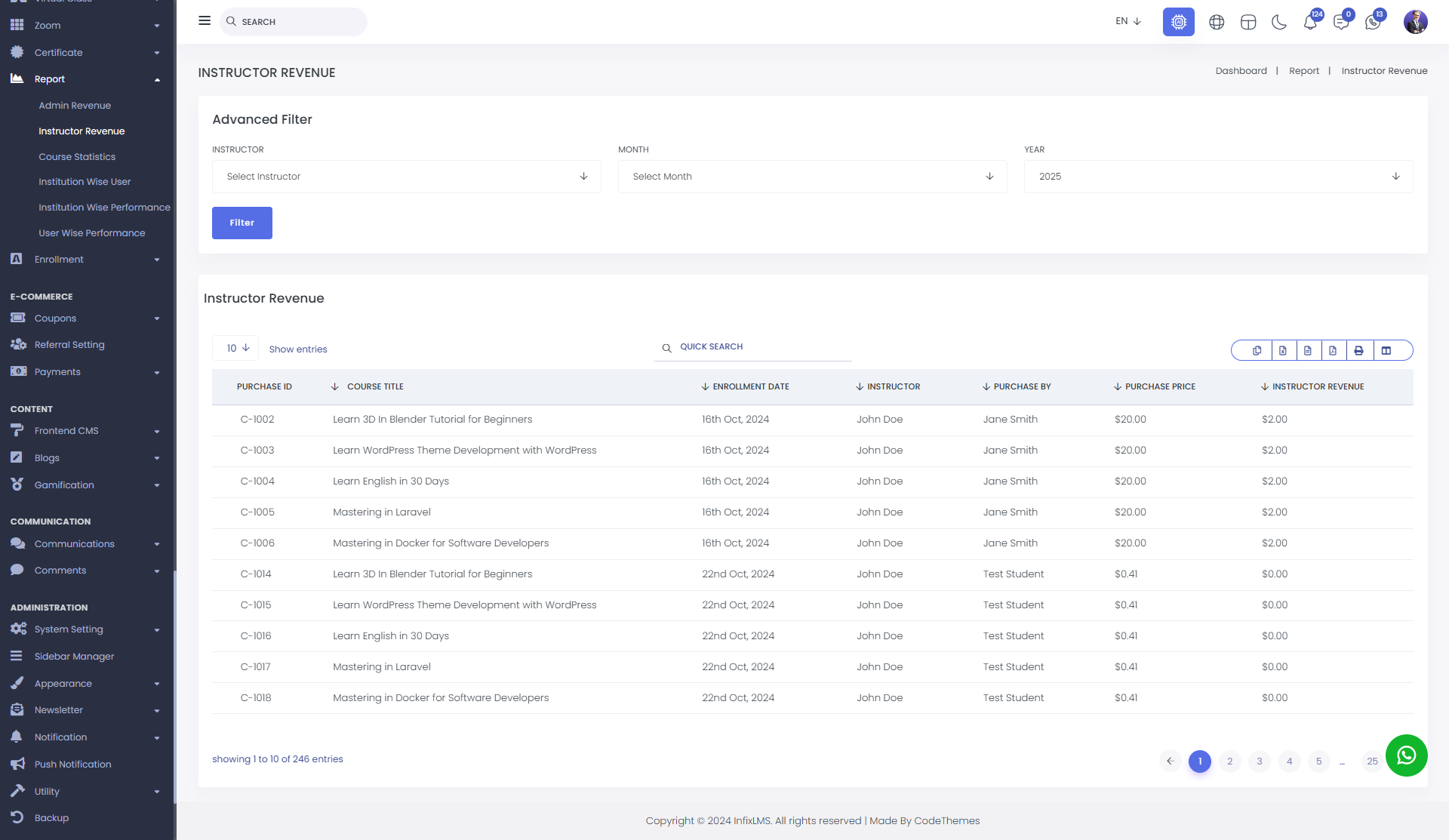
In the Instructor Revenue List, instructors receive the predefined revenue share for each Course, Quiz, or Live Class once a purchase is successfully completed.

The system automatically allocates the configured earnings to the respective instructor based on the revenue settings assigned to that specific course, quiz, or class, ensuring accurate and consistent revenue distribution.


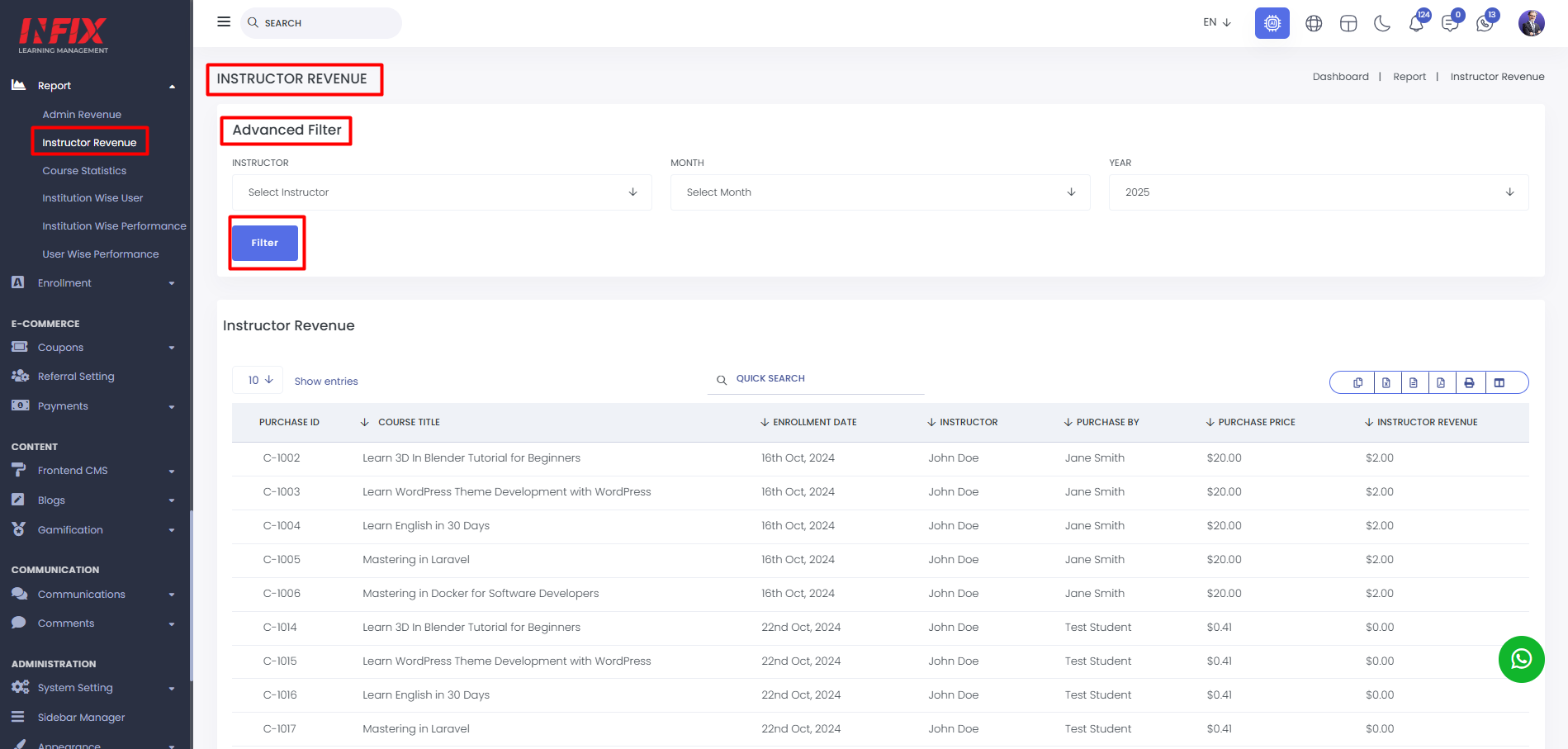
The Advanced Filter option allows you to refine data based on specific criteria for more precise analysis.

You can filter the list by selecting a particular Instructor, Month, and Year. After choosing the desired values, click the Filter button to display the relevant results.


The Instructor Revenue List gives you a detailed, transaction-level view of all purchases made on the platform.

                • Purchase ID: The unique transaction reference number (Order ID) for accounting.
                • Title of the Course, Quiz, or Class: The official name of the Course, Quiz, or Class.
                • Enrollment Date: The exact date the student gained access to the content.
                • Instructor: The educator credited for the content and entitled to the revenue share.
                • Purchased By: The name of the student who completed the transaction.
                • Purchase Price: The gross amount paid by the student.
                • Instructor Revenue: The specific portion of the price allocated to the instructor's wallet.


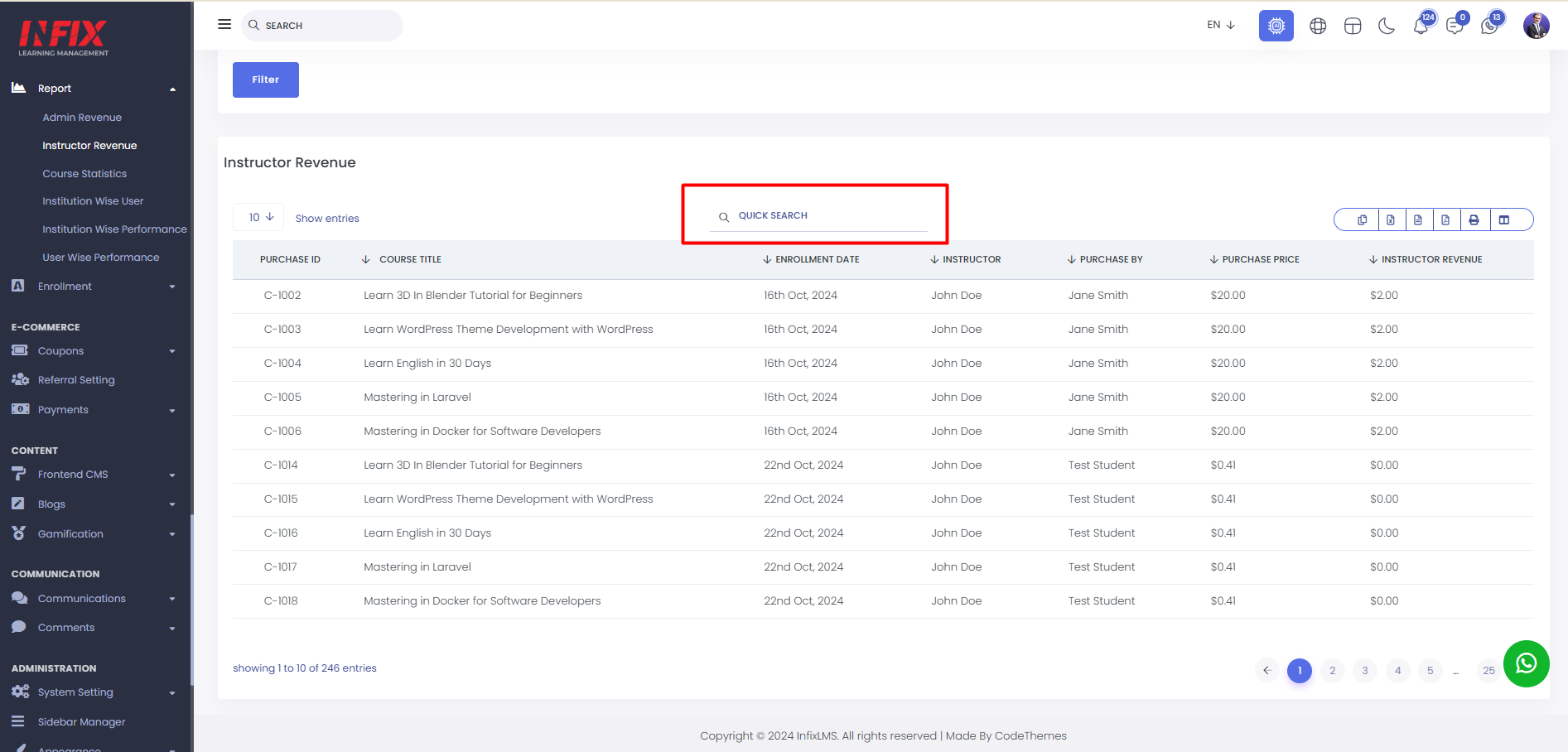
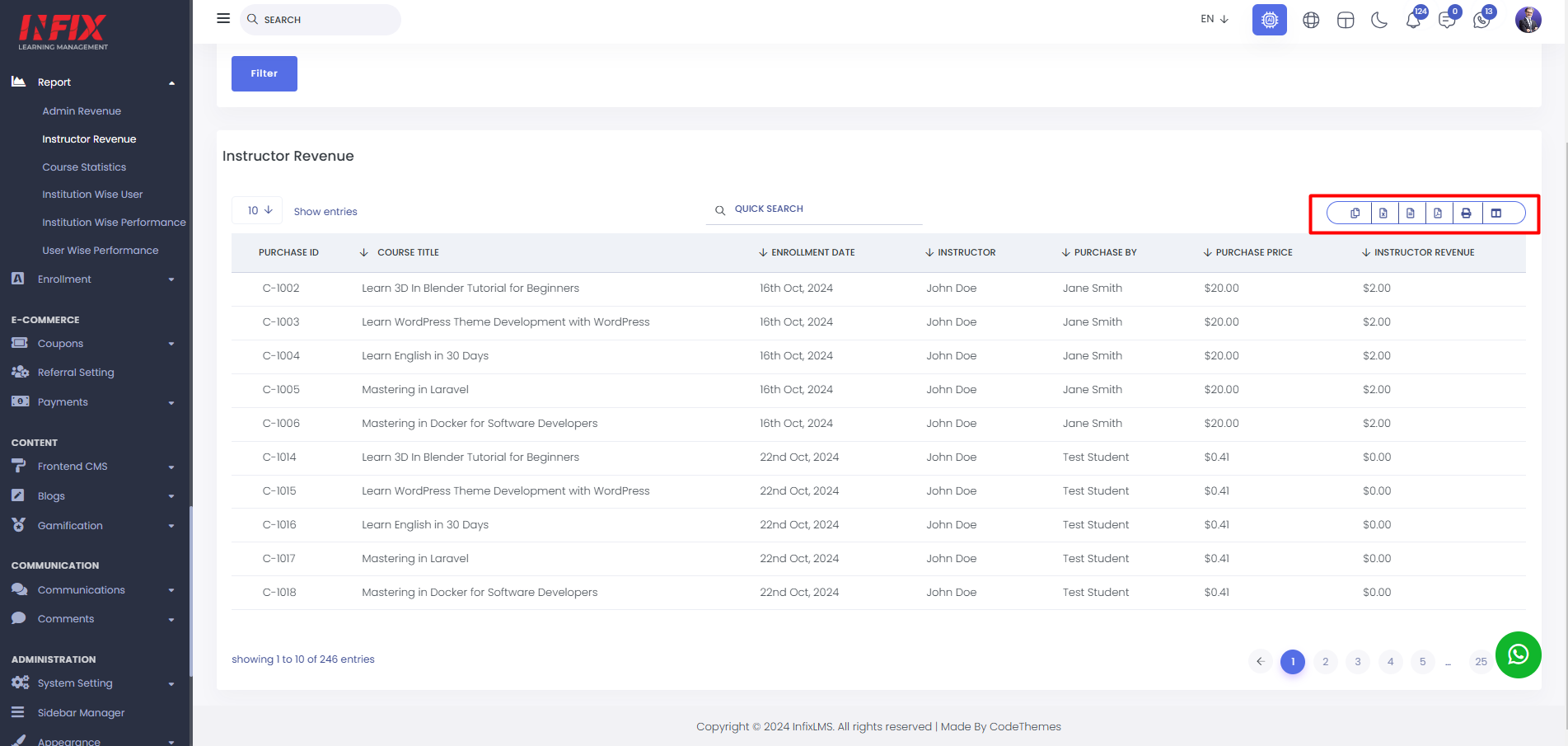
                You can configure pagination settings and quickly locate specific records using the Quick Search field. Additionally, this section allows you to export your data and customize table column visibility according to your preferences.


                Categories
                Latest Versions