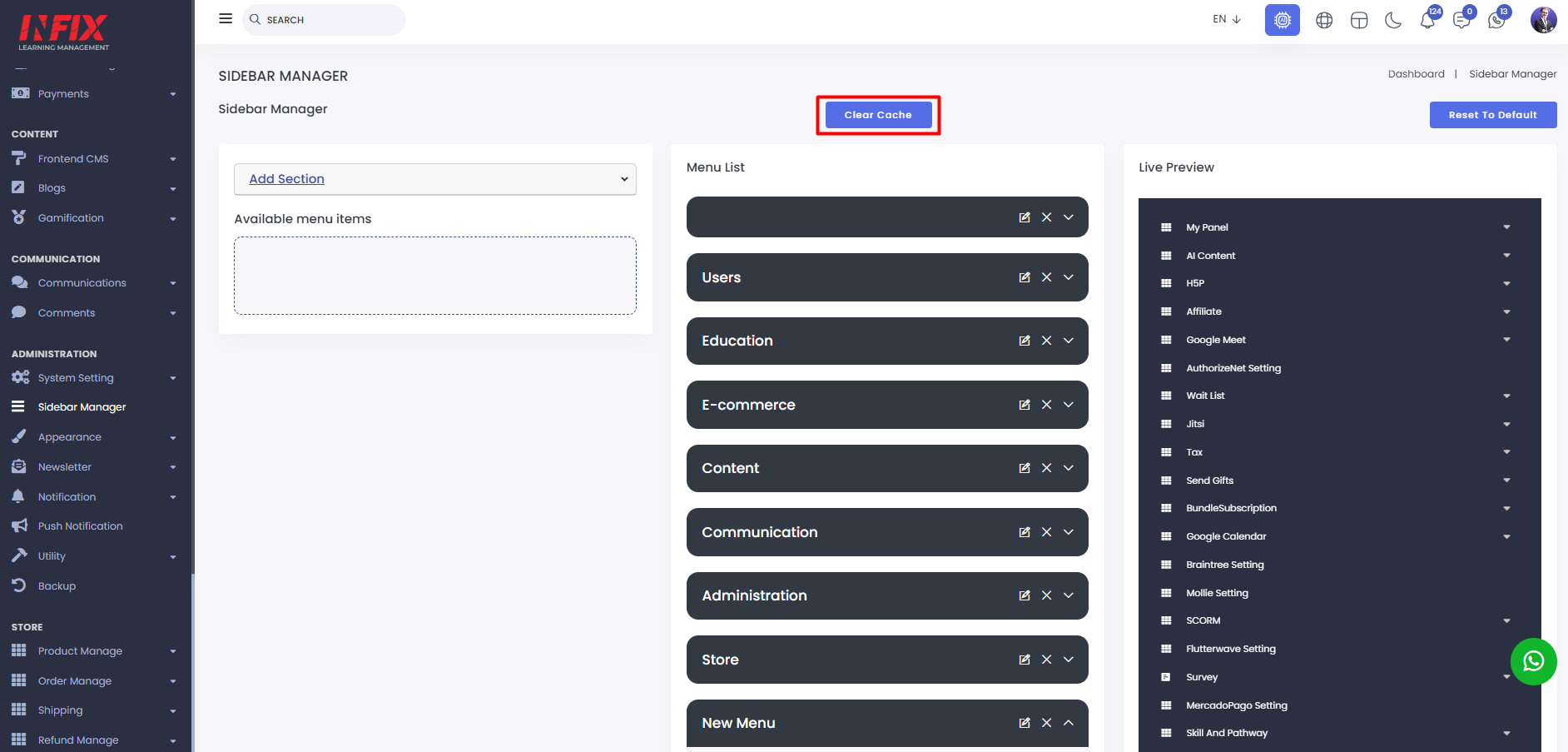
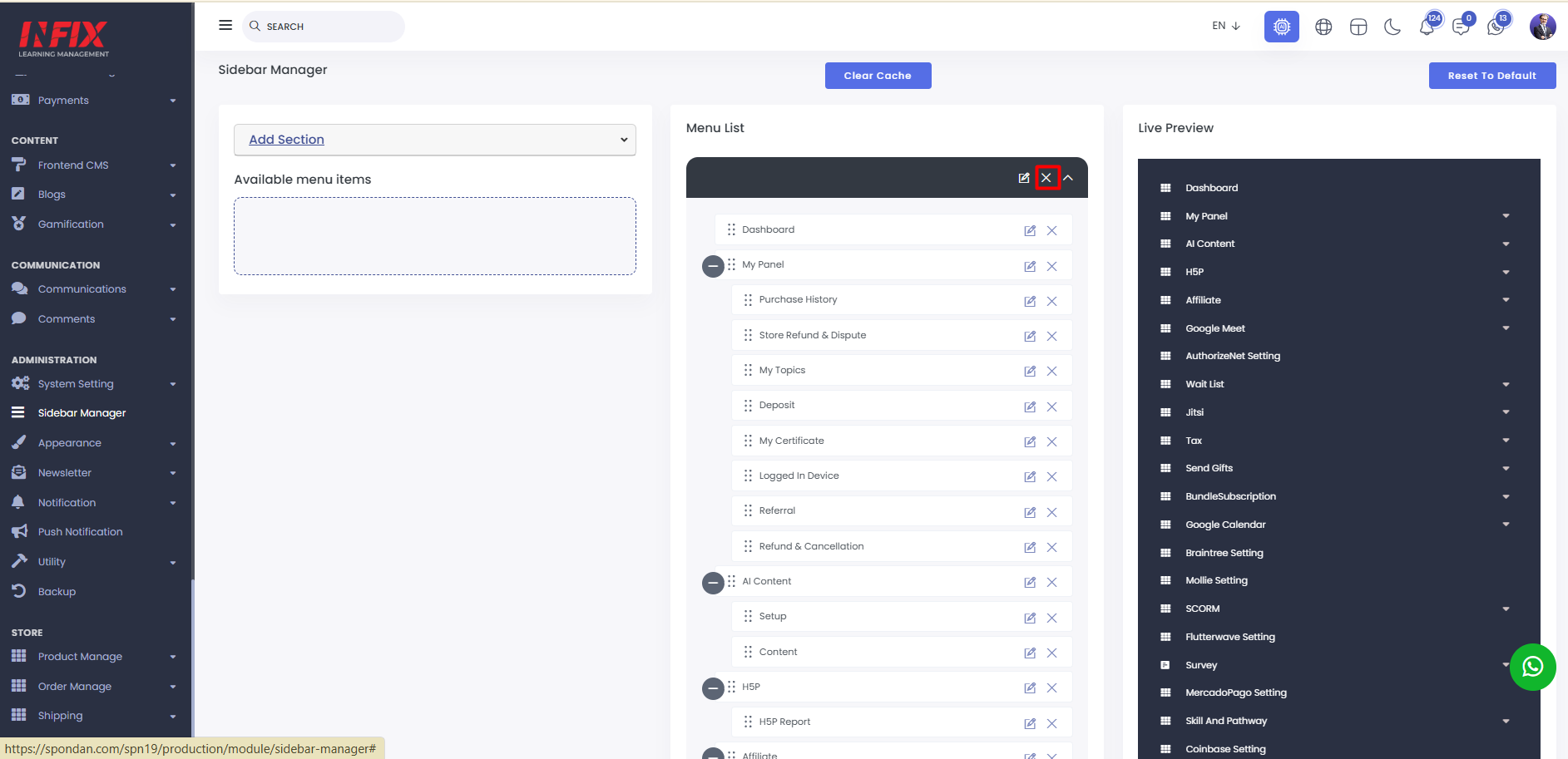
Sidebar Manager: Here, you can set up the sidebar menu and view the complete list of menus.
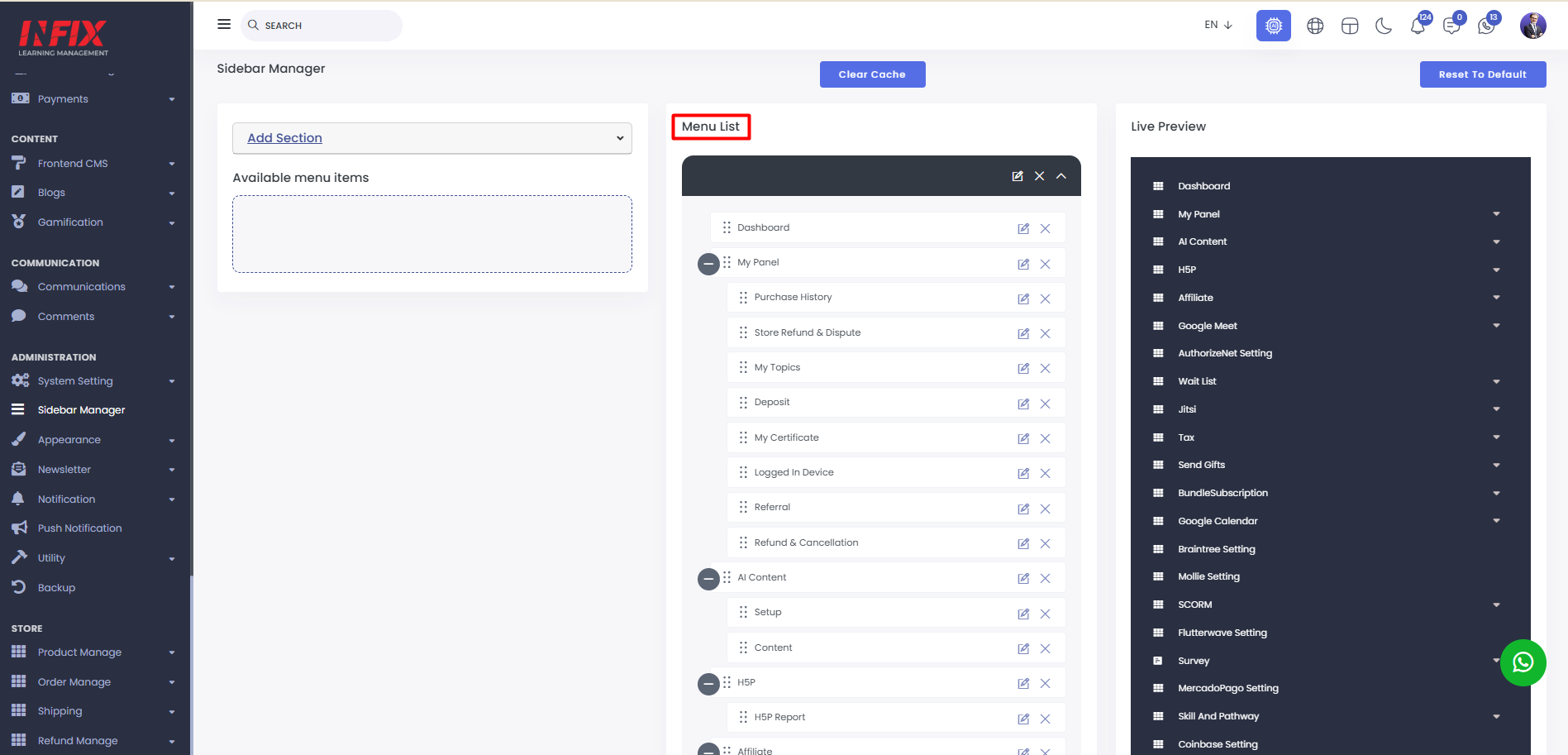
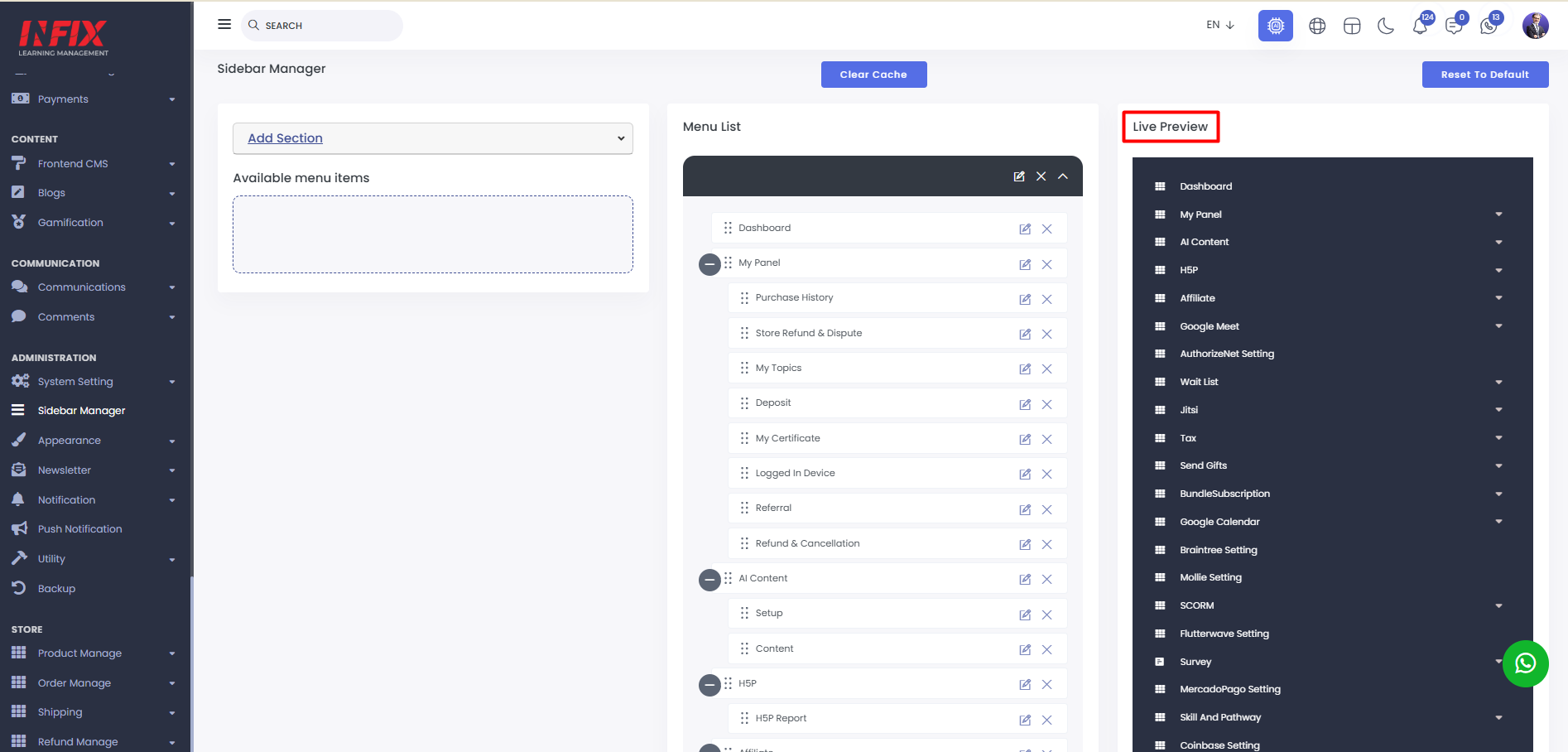
You can see the live menu preview from here.
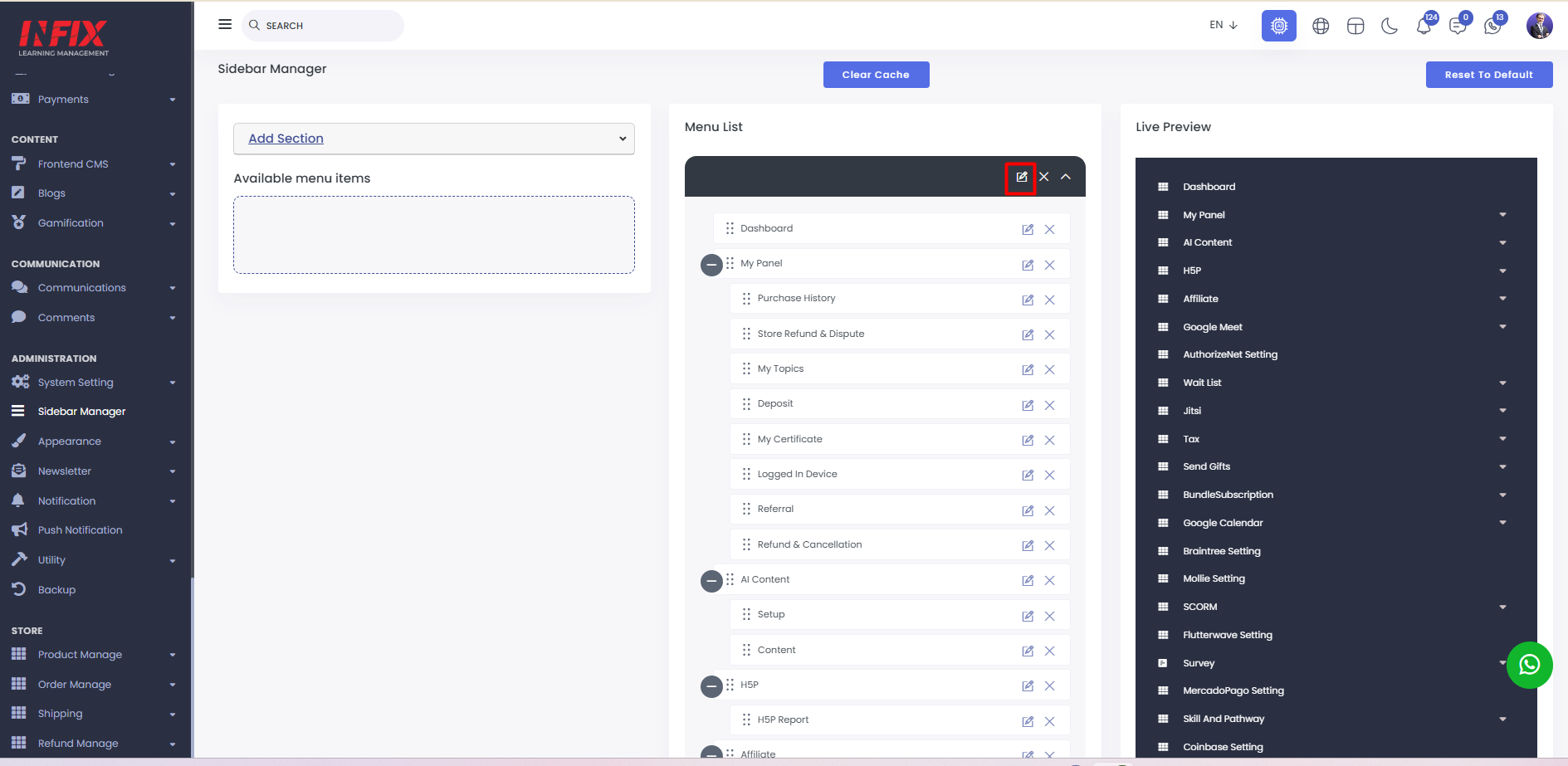
You can edit the menu just click here.
You can delete the menu from here.
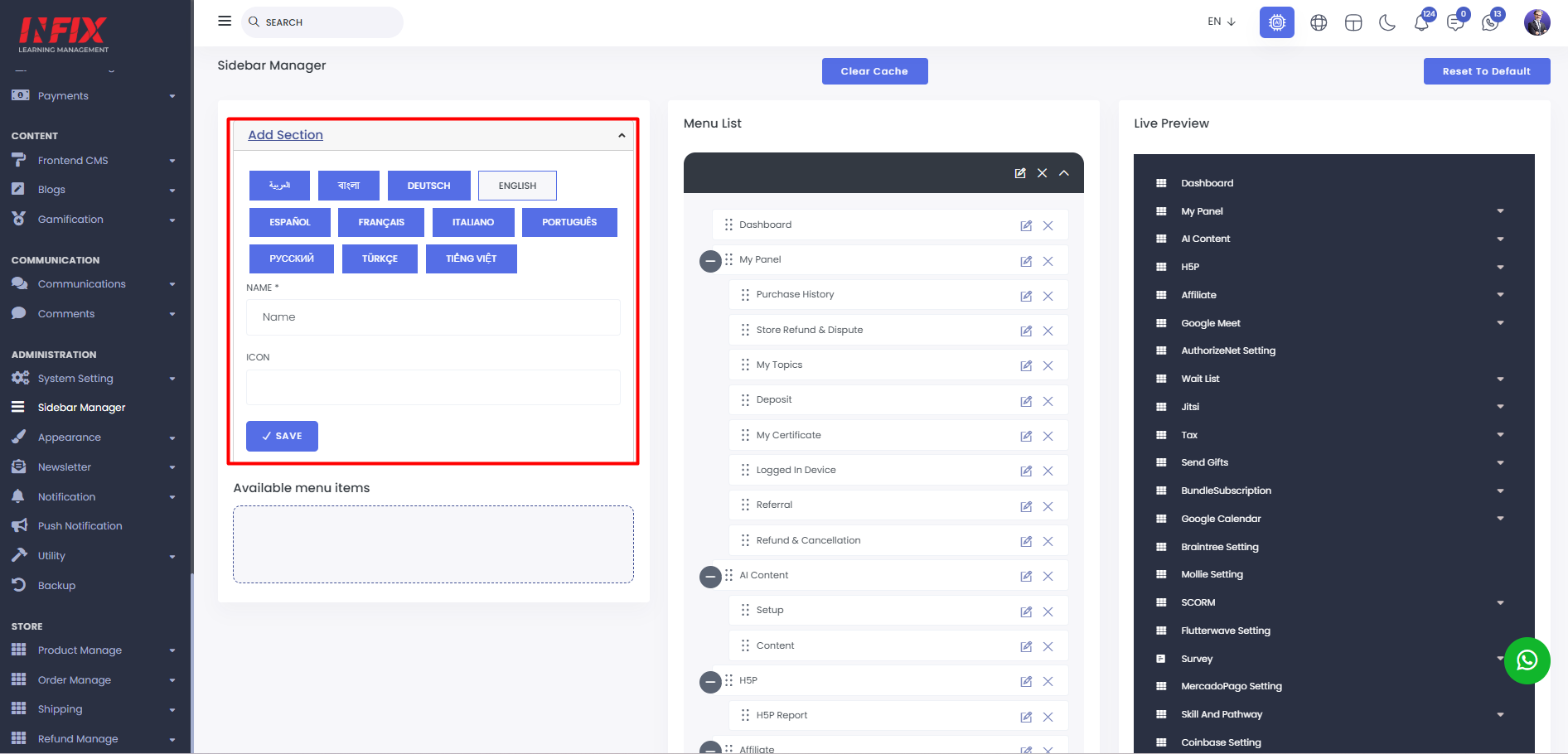
Add Menu: To add a new menu, click "Add Section." Fill in the name, set an icon, and click "Save" to create the menu successfully.
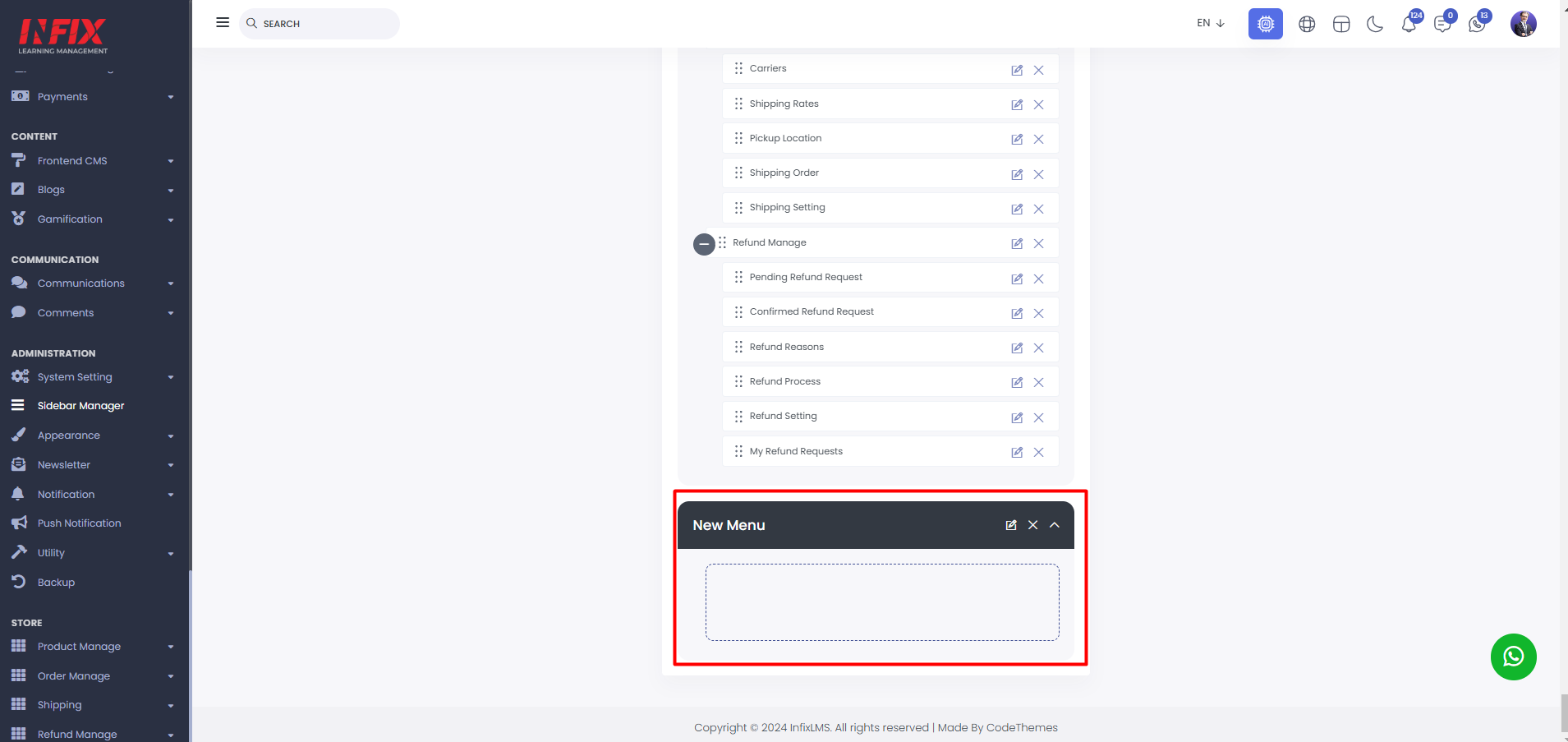
After creating the menu it will be shown here.
To add a menu, simply drag it from the menu list to the available menu list.
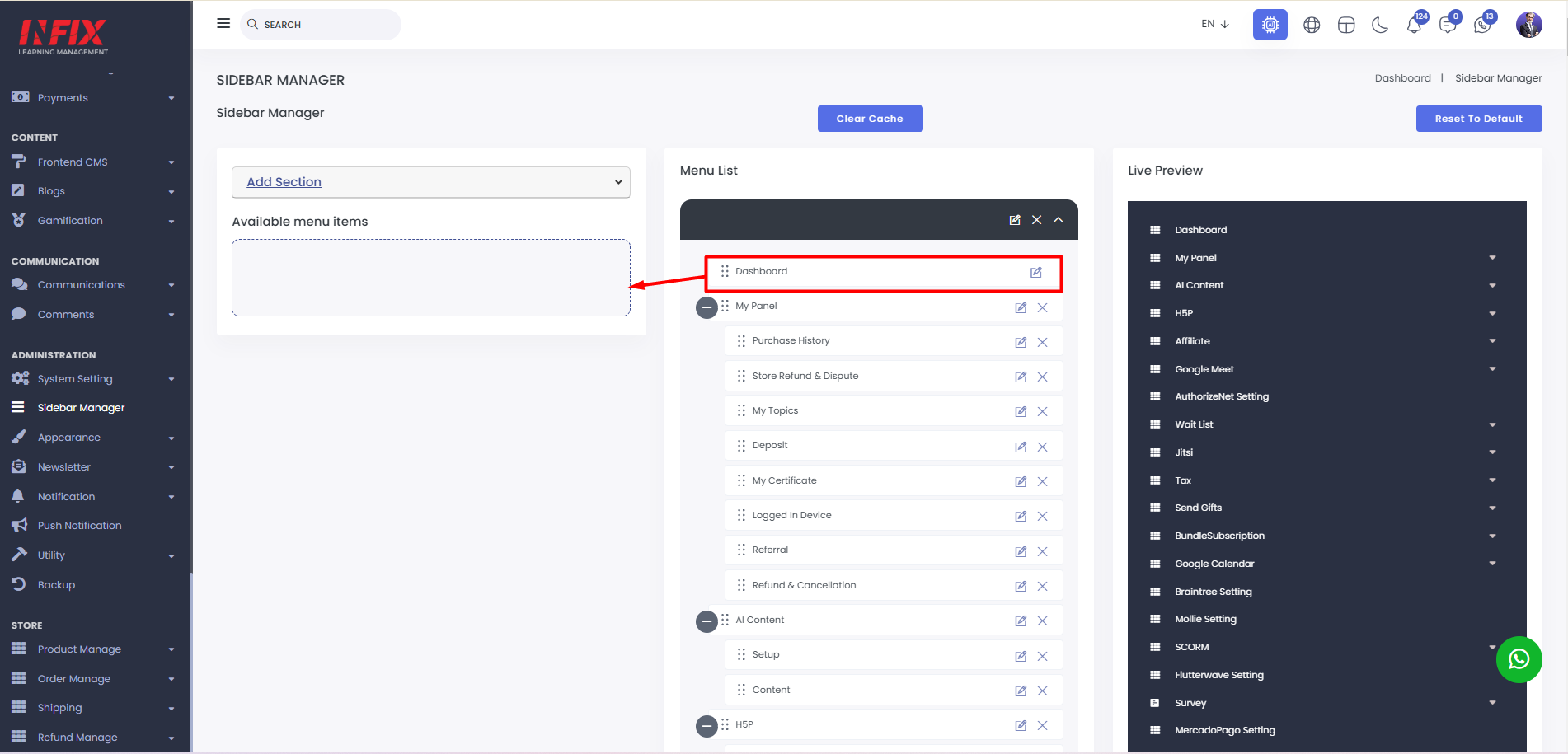
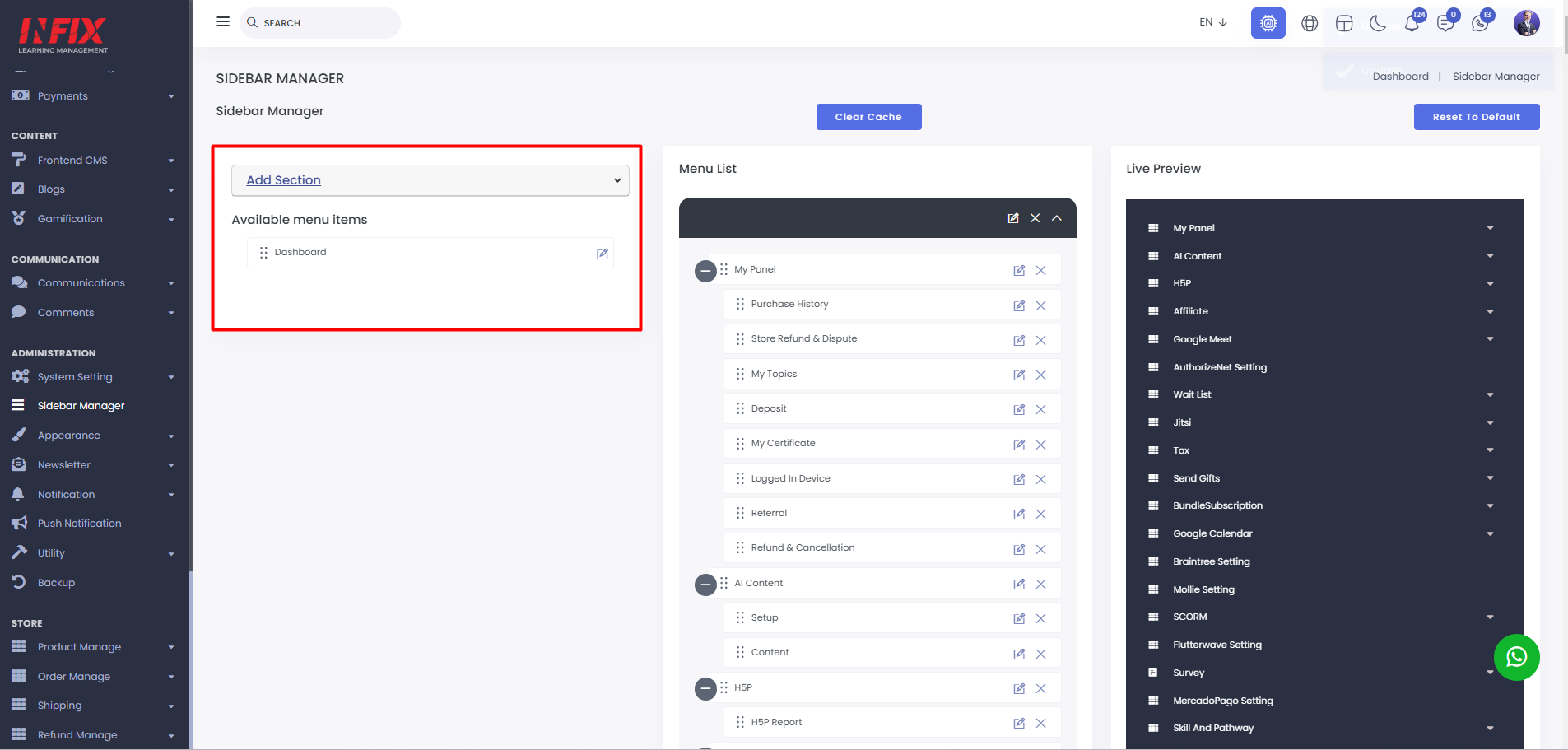
Next, drag the menu from the available list to the new menu list.
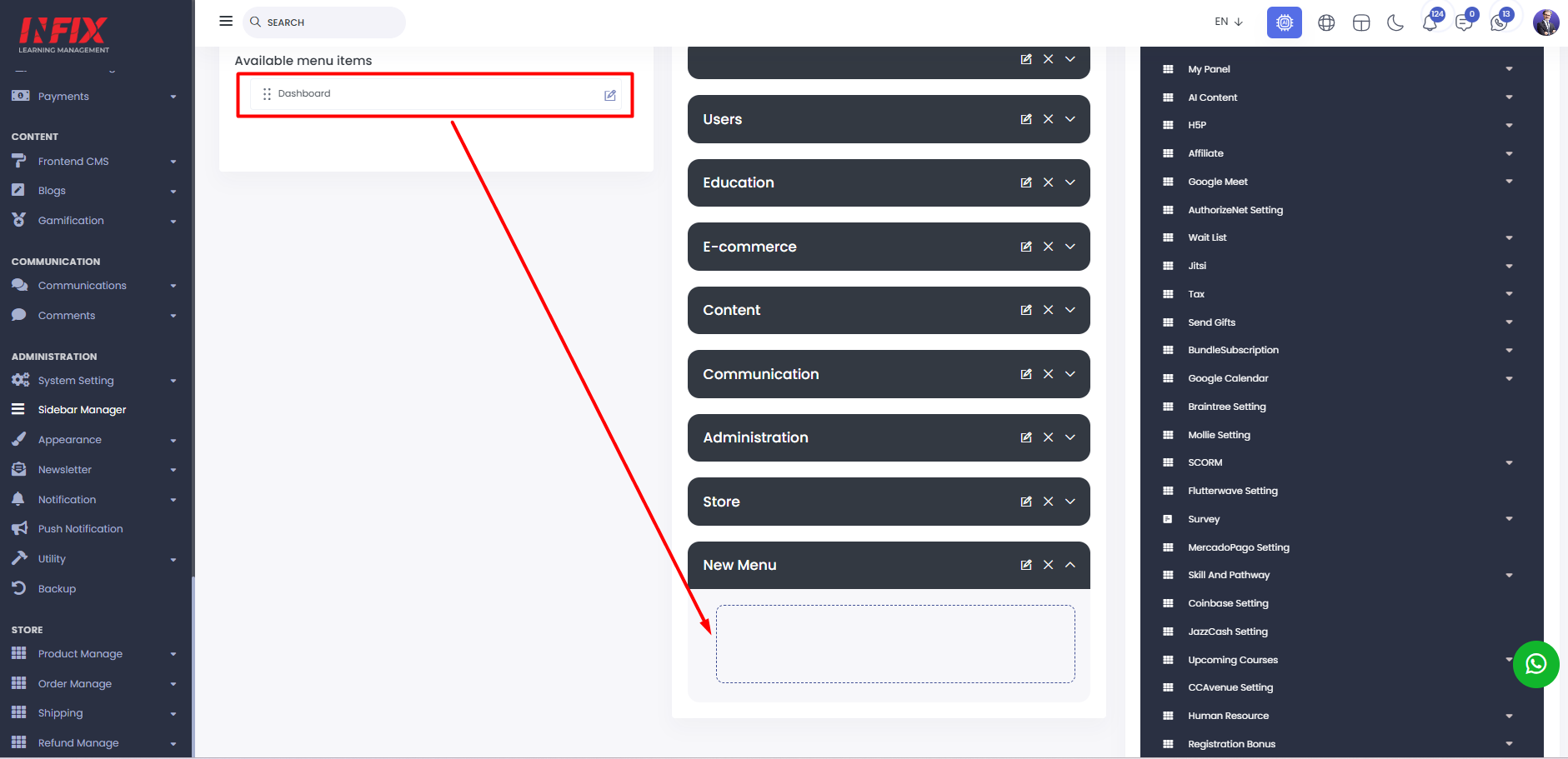
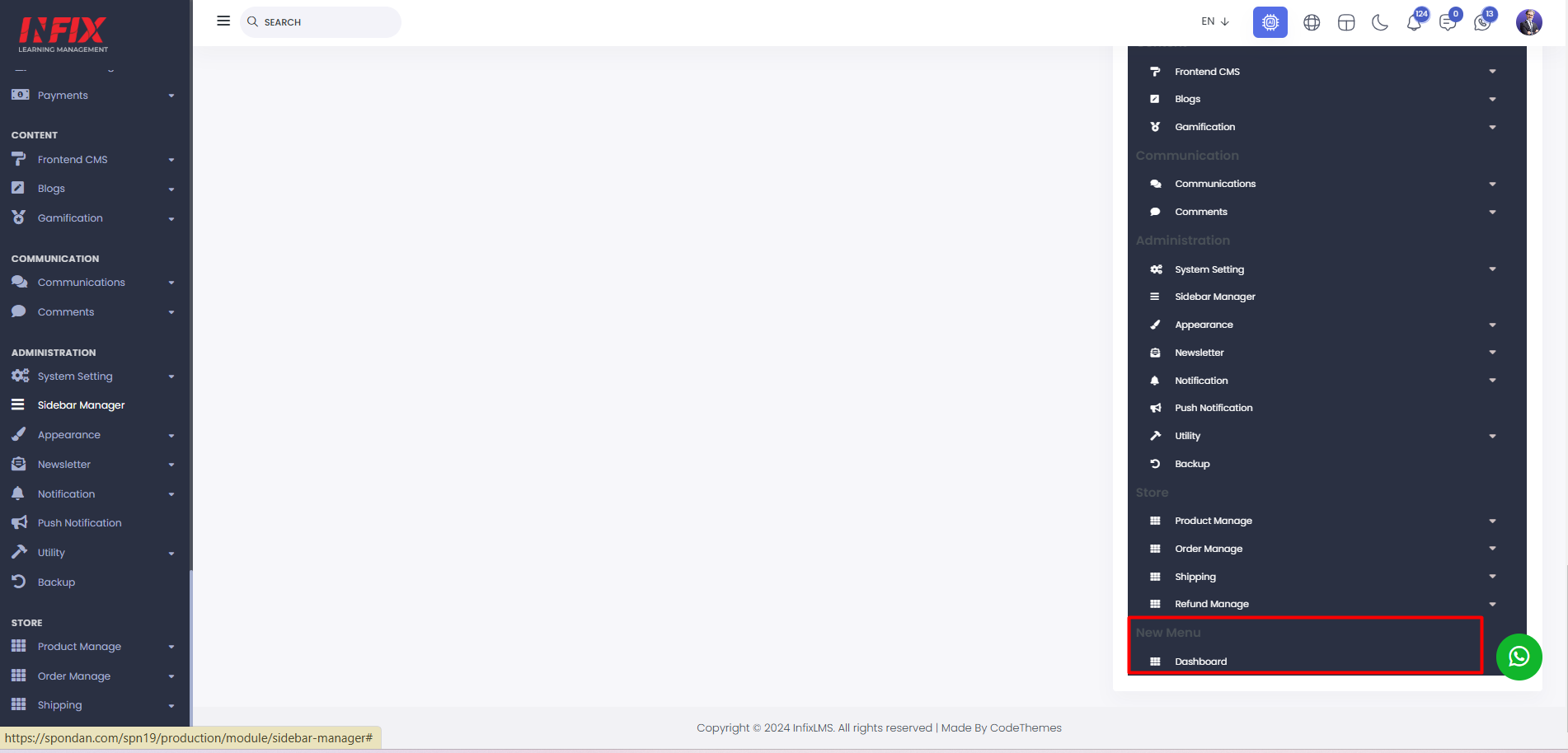
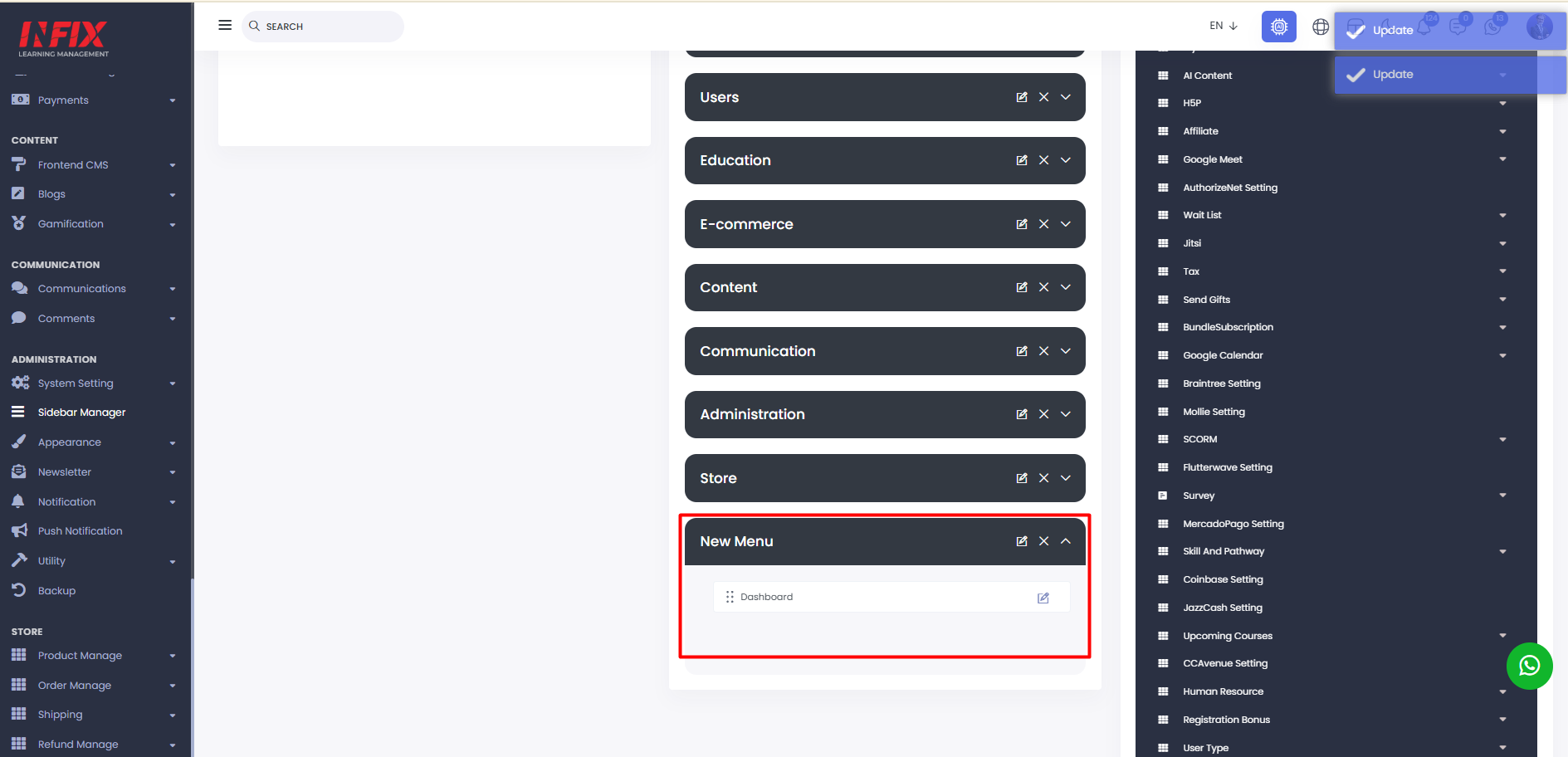 Your menu will be created successfully, and you can view it in the live preview.
By clicking here you can reset the settings to default.
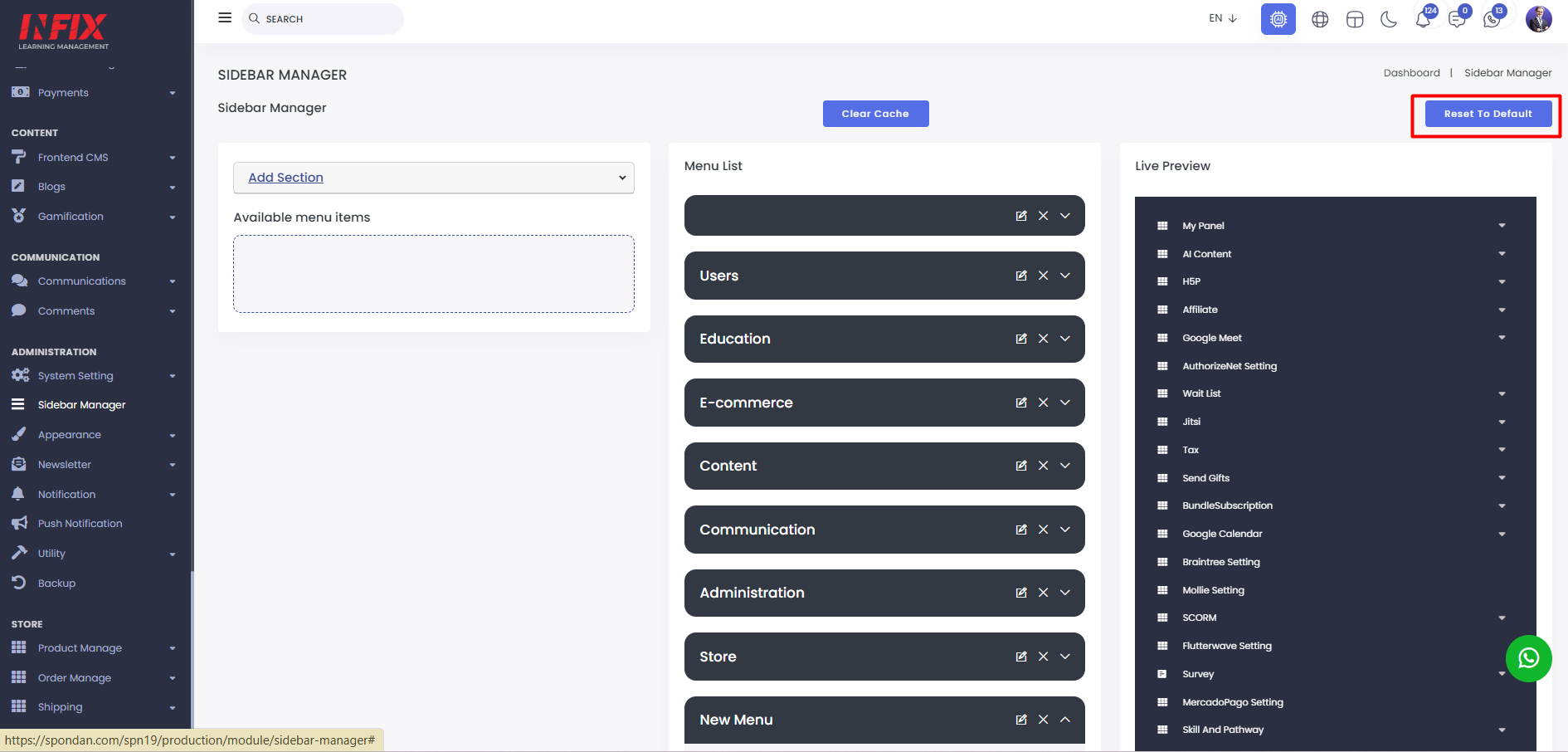
You can clear the cache file from here.