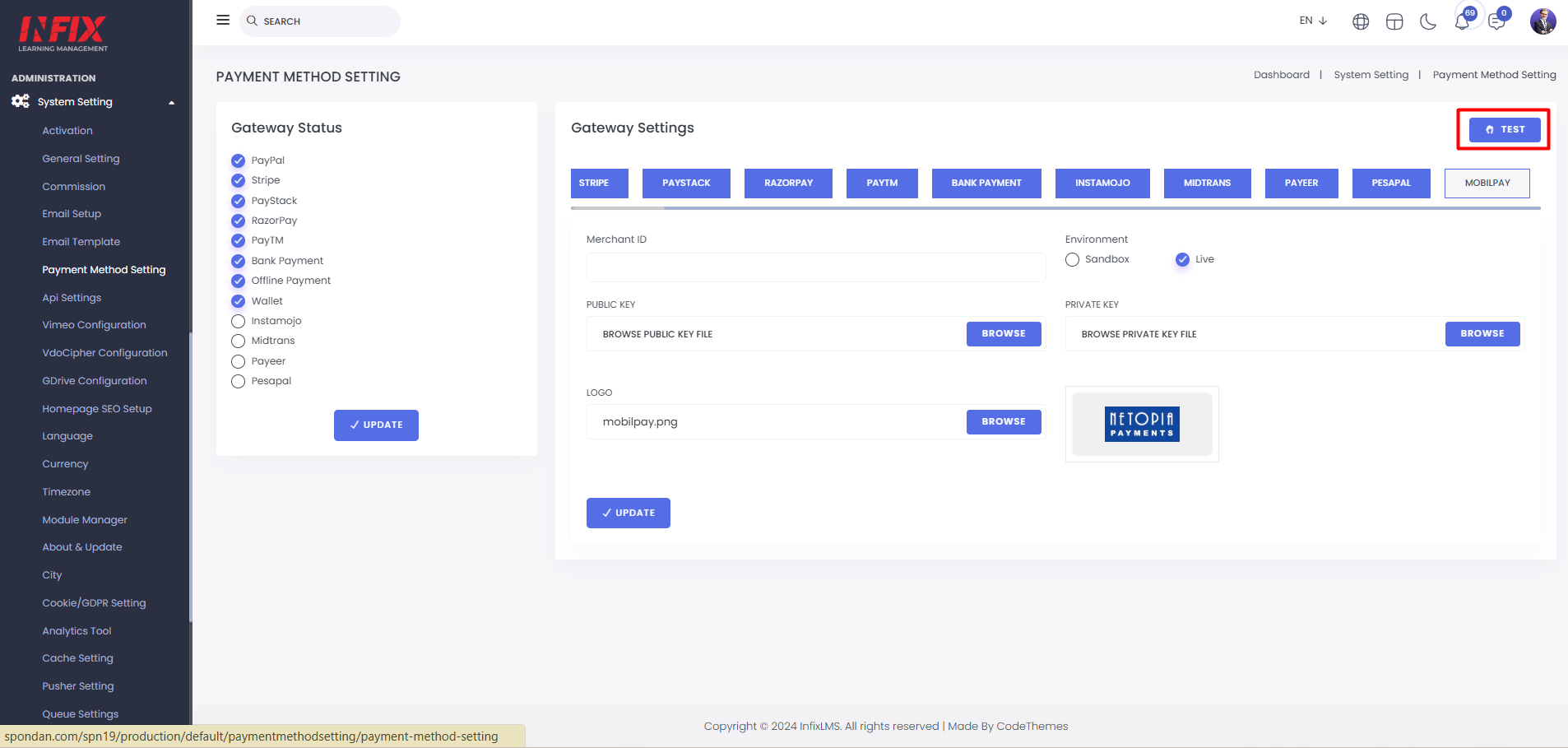
Payment Method Setting: Here, you can configure the payment method settings. Multiple payment gateways are available, and you can set them up from here.
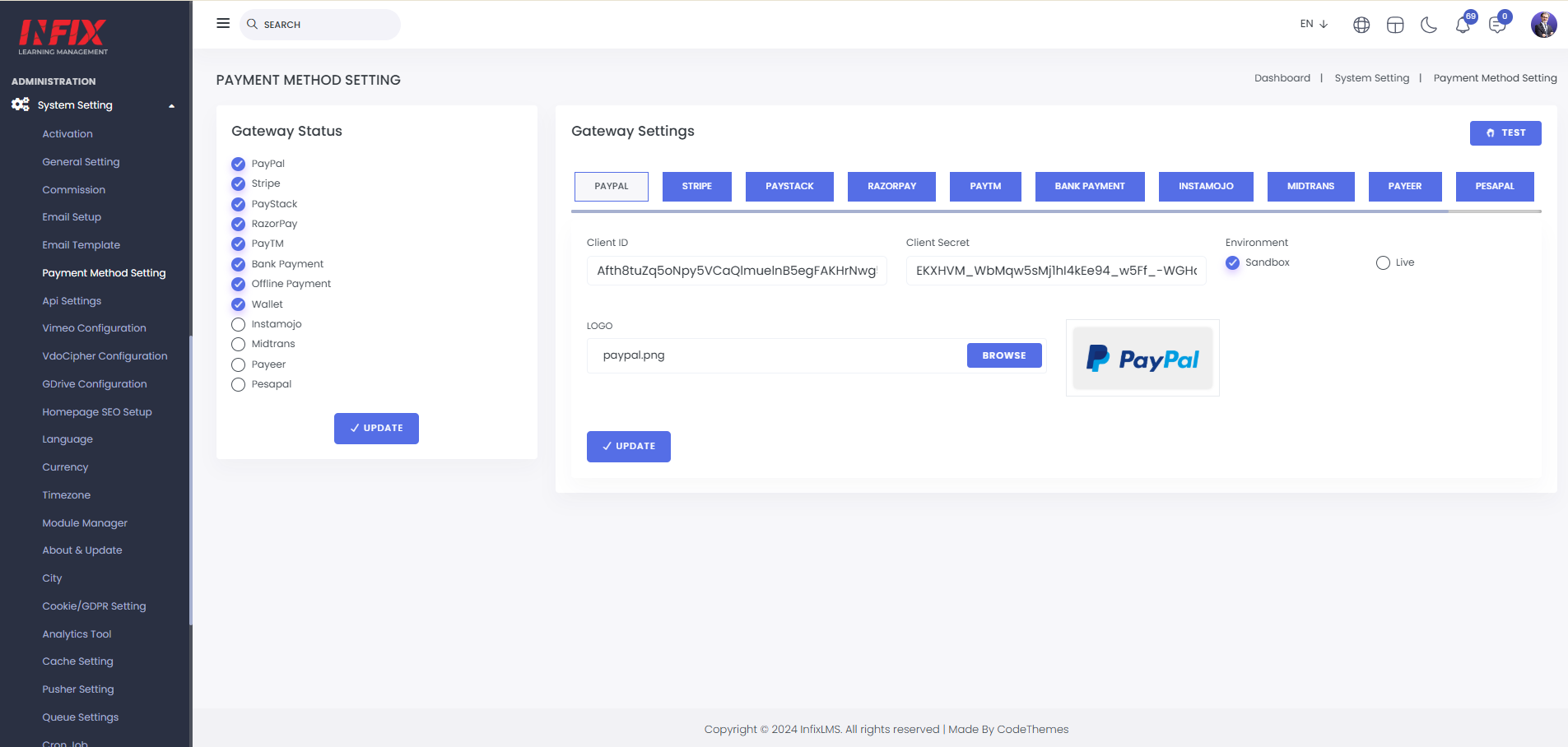
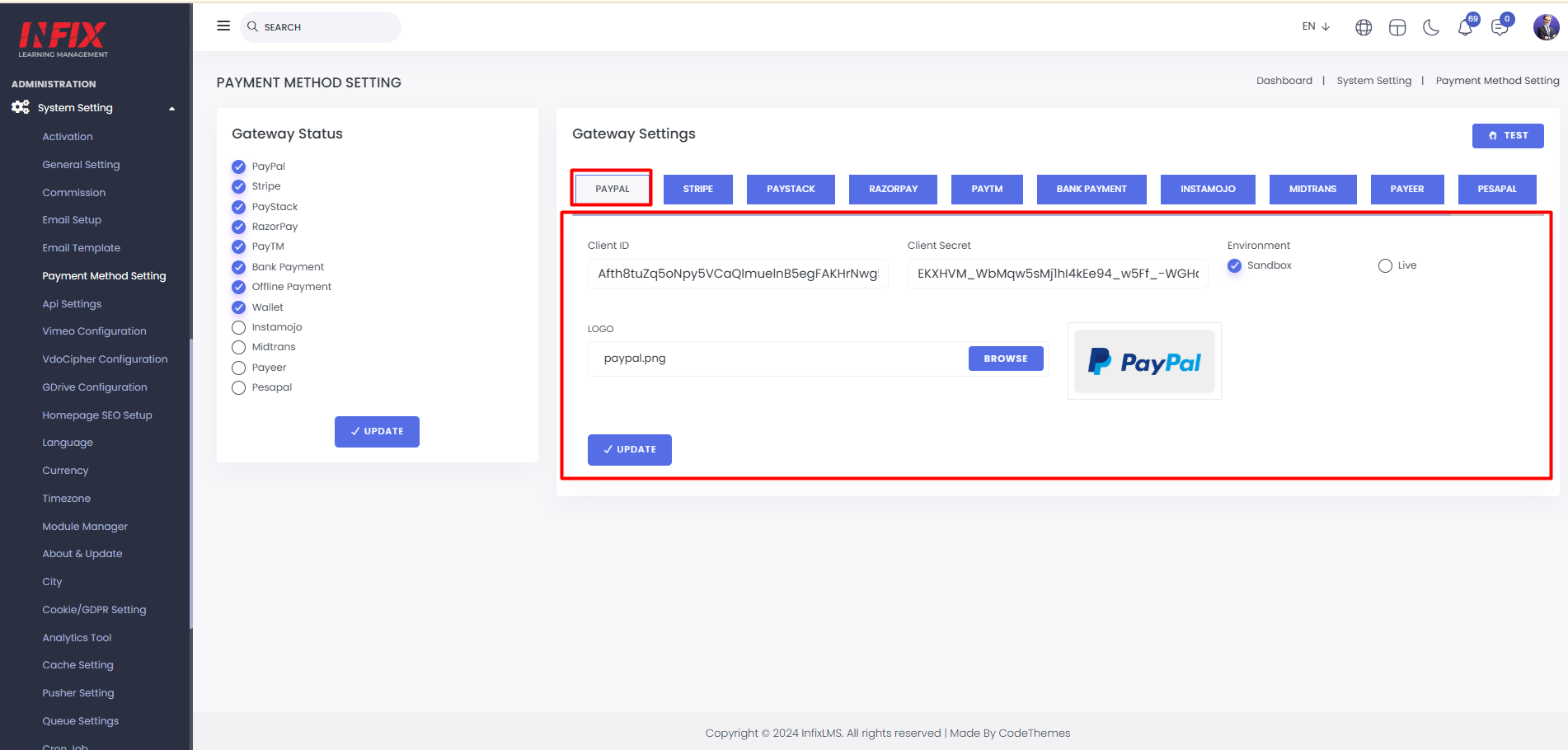
Paypal: Here, you can set up the PayPal payment gateway by entering the client ID, secret, and environment. You can also upload an image. After setting it up, click "Update Setting" to save the changes successfully.
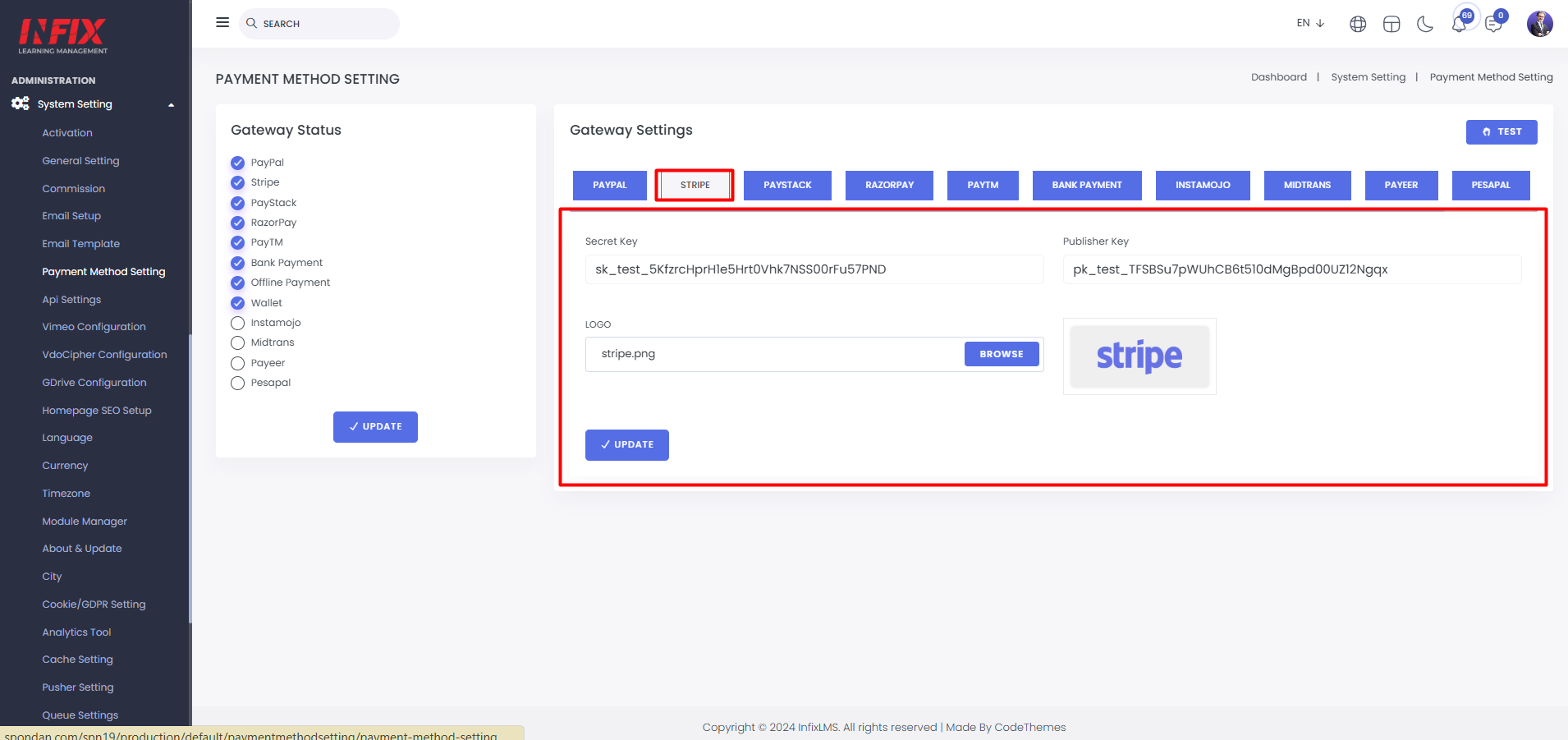
Stripe: Set up Stripe by entering the secret key, publisher key, and uploading an image. Click "Update" to save changes.
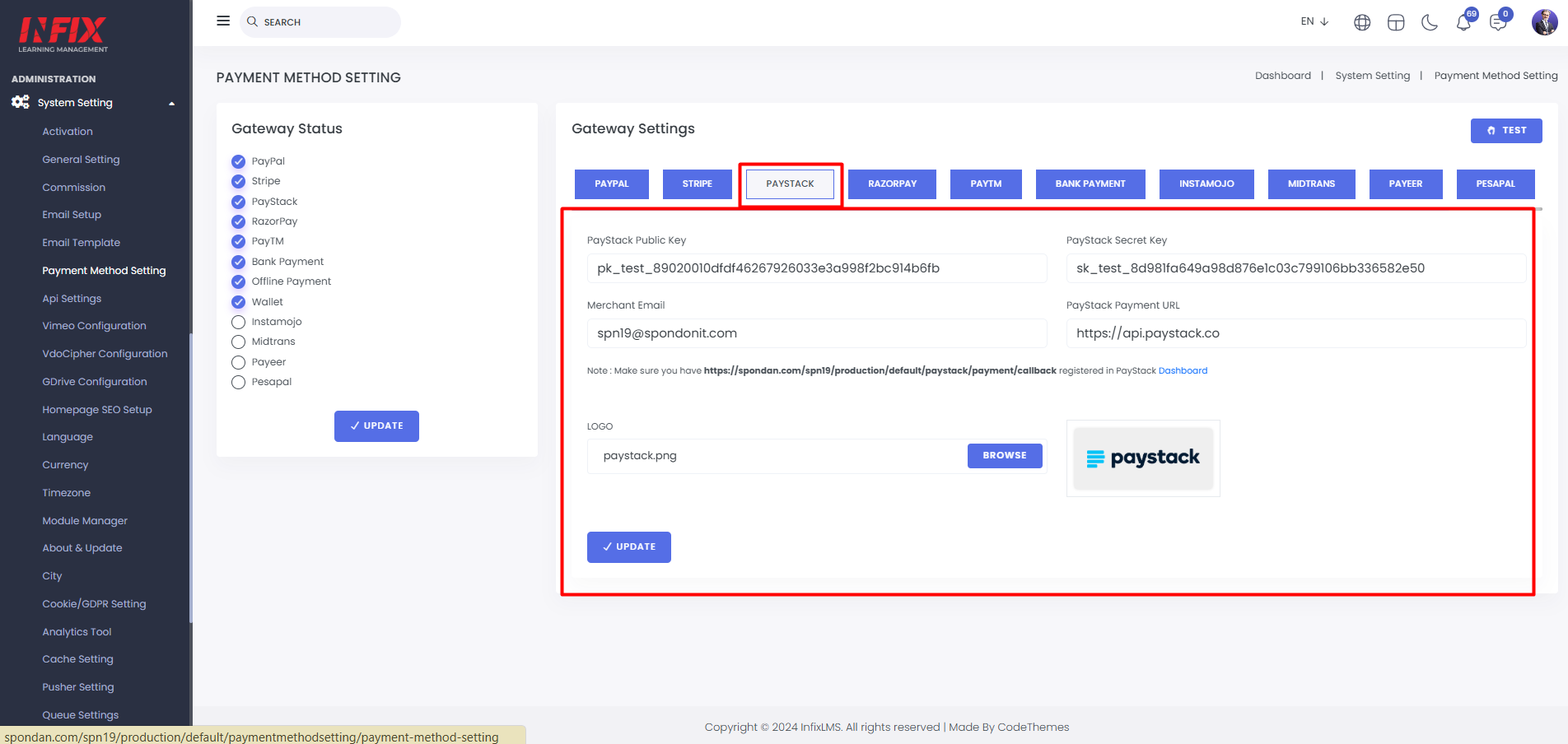
Paystack: Set up Paystack by entering the publish key, secret key, merchant email, and payment URL. You can also upload a logo. Click "Update" to save changes.
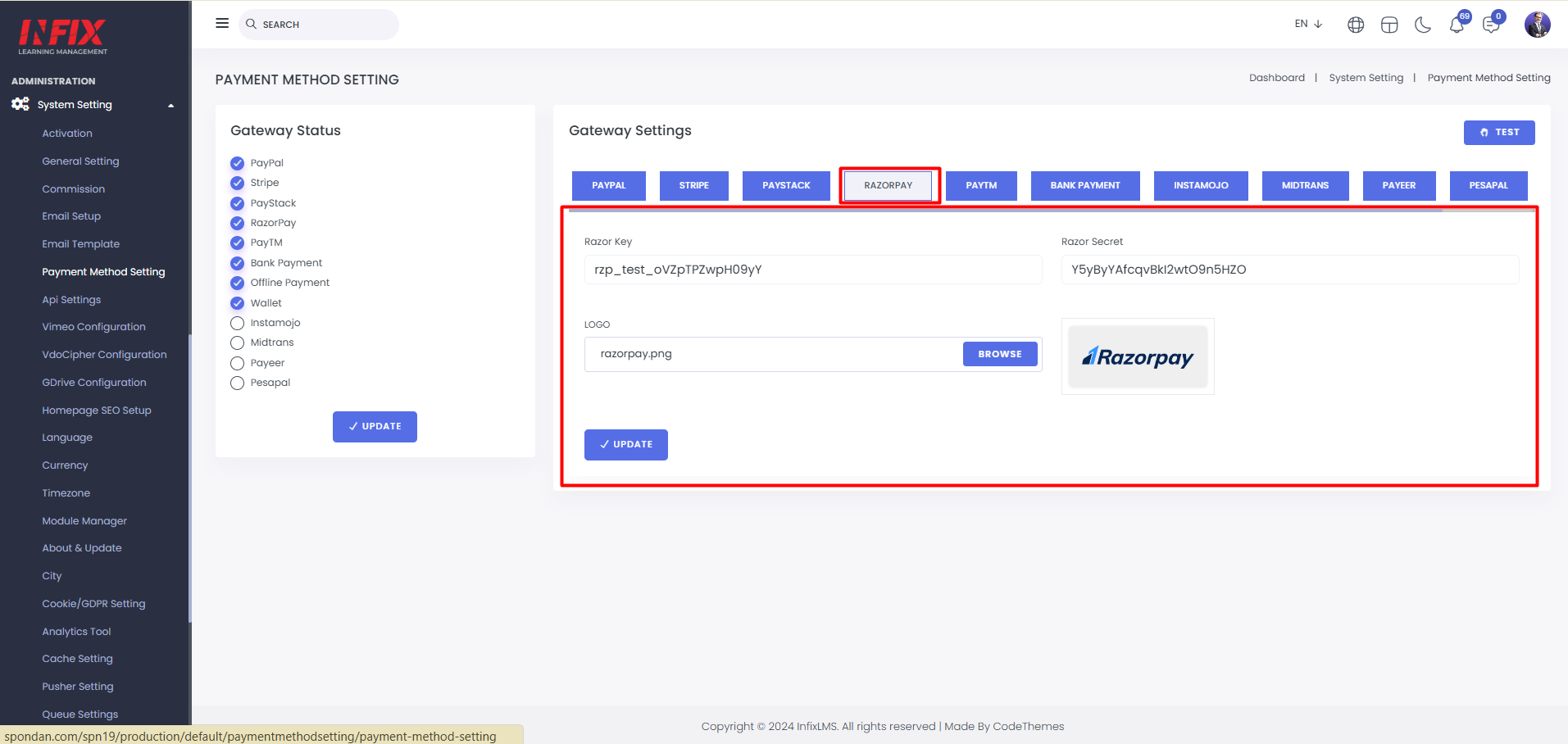
Razorpay: Set up Razorpay by entering the Razor key, Razor secret, and uploading a logo. Click "Update" to save changes successfully.
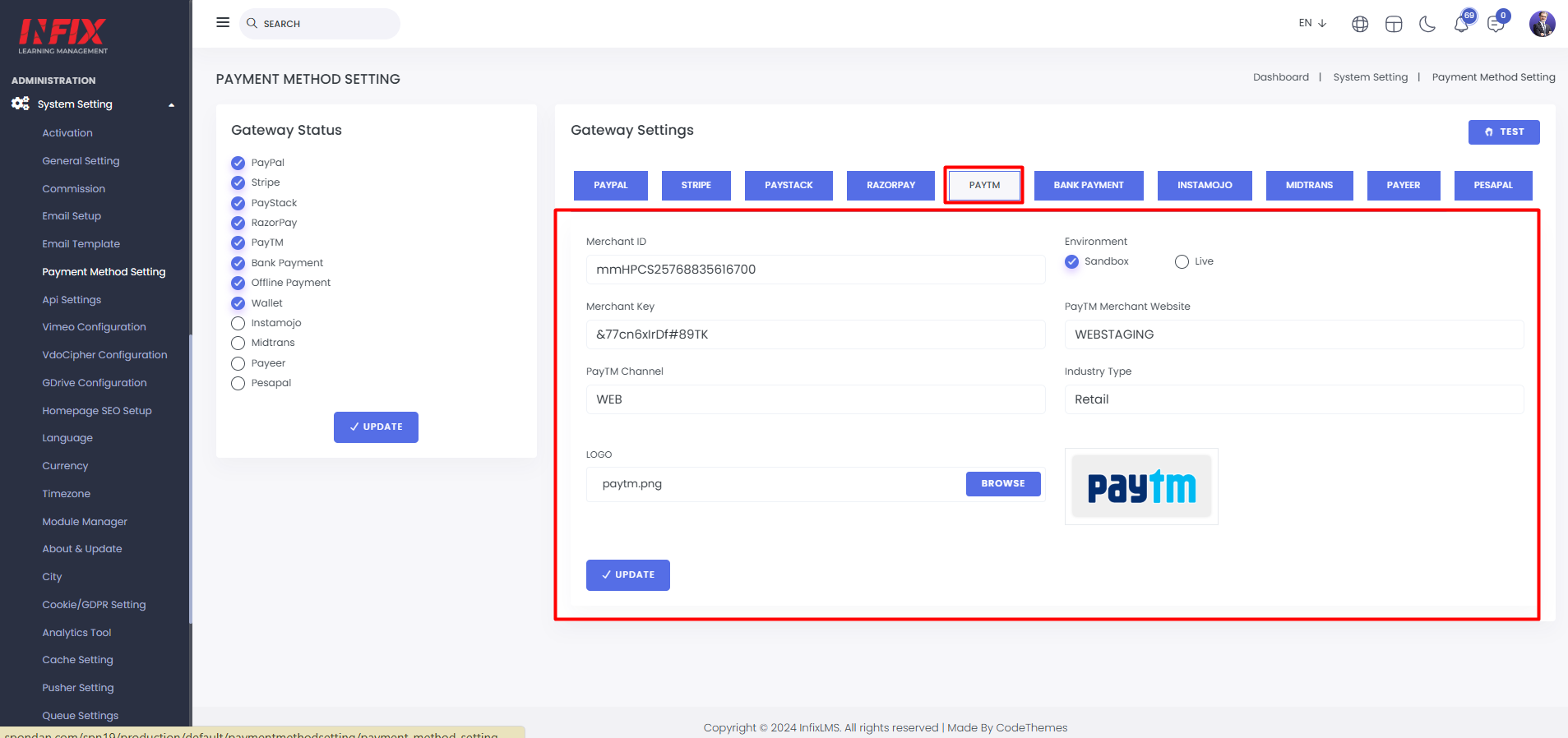
Paytm: Set up Paytm by entering the merchant ID, environment, merchant key, merchant website, Paytm channel, and industry type. You can also upload a logo. Click "Update" to save changes successfully.
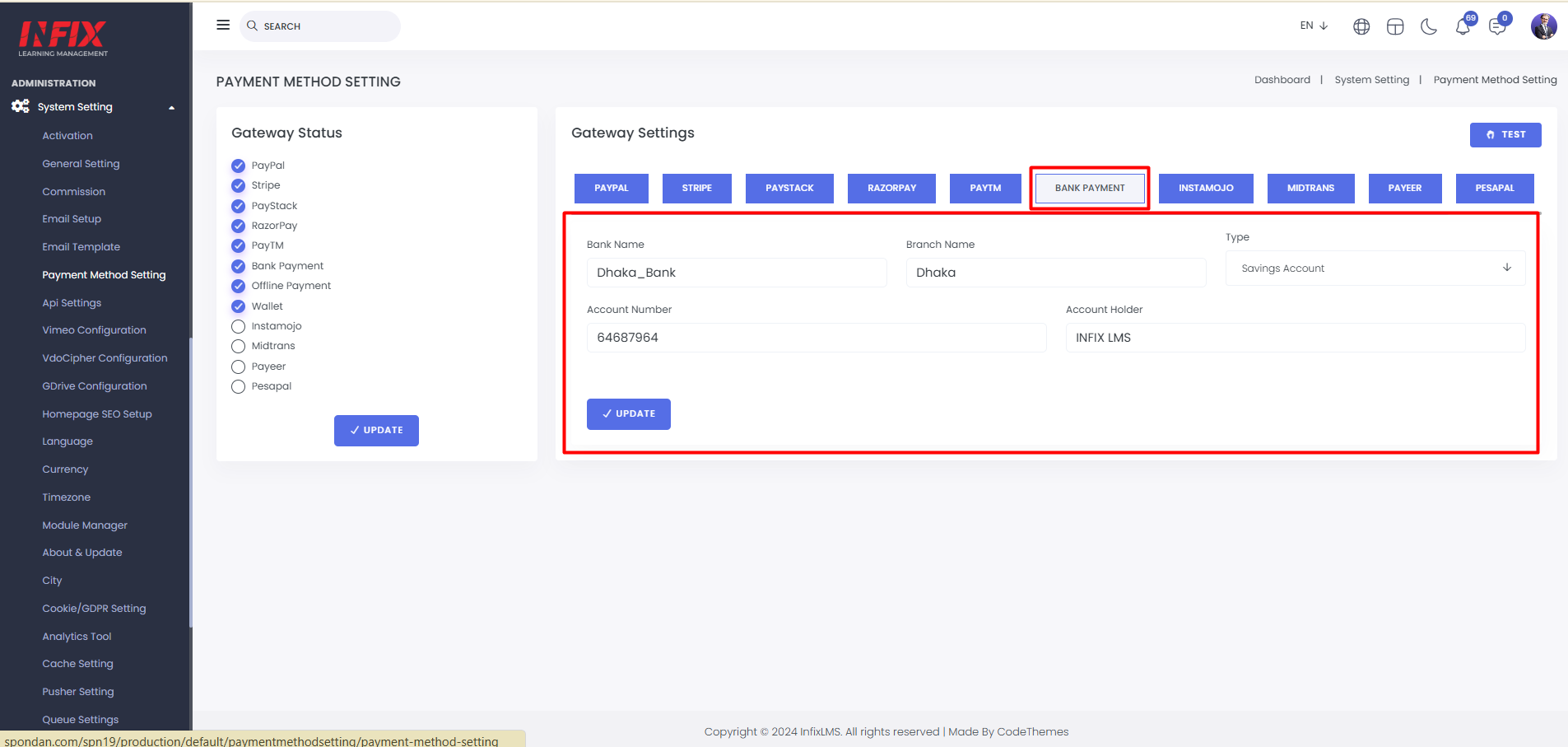
Bank Payment: Set up the bank payment environment by entering the bank name, branch name, account type, account number, and account holder's name.
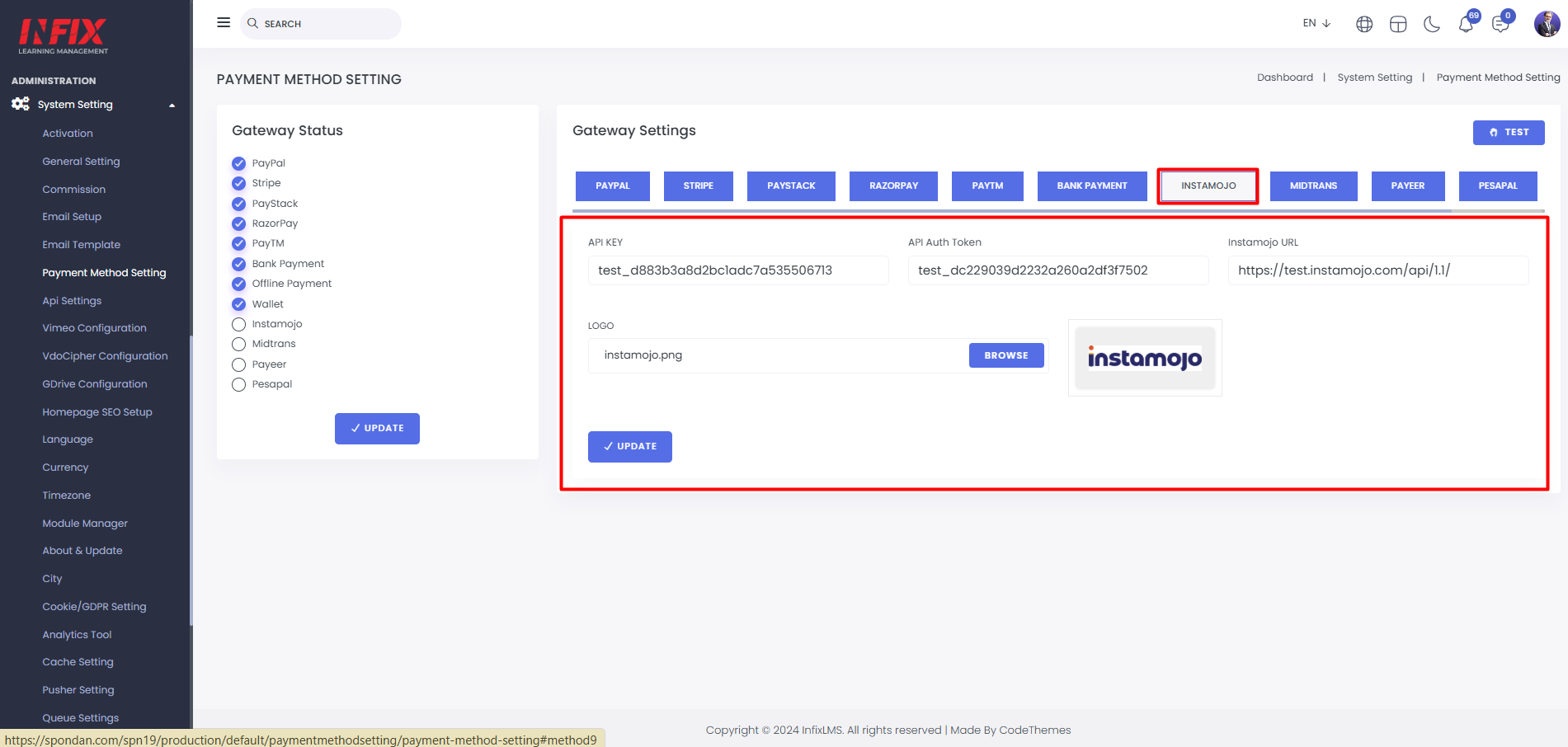
Instamojo: Set up Instamojo by entering the API key, API auth token, and Instamojo URL. Click "Update" to save the changes successfully.
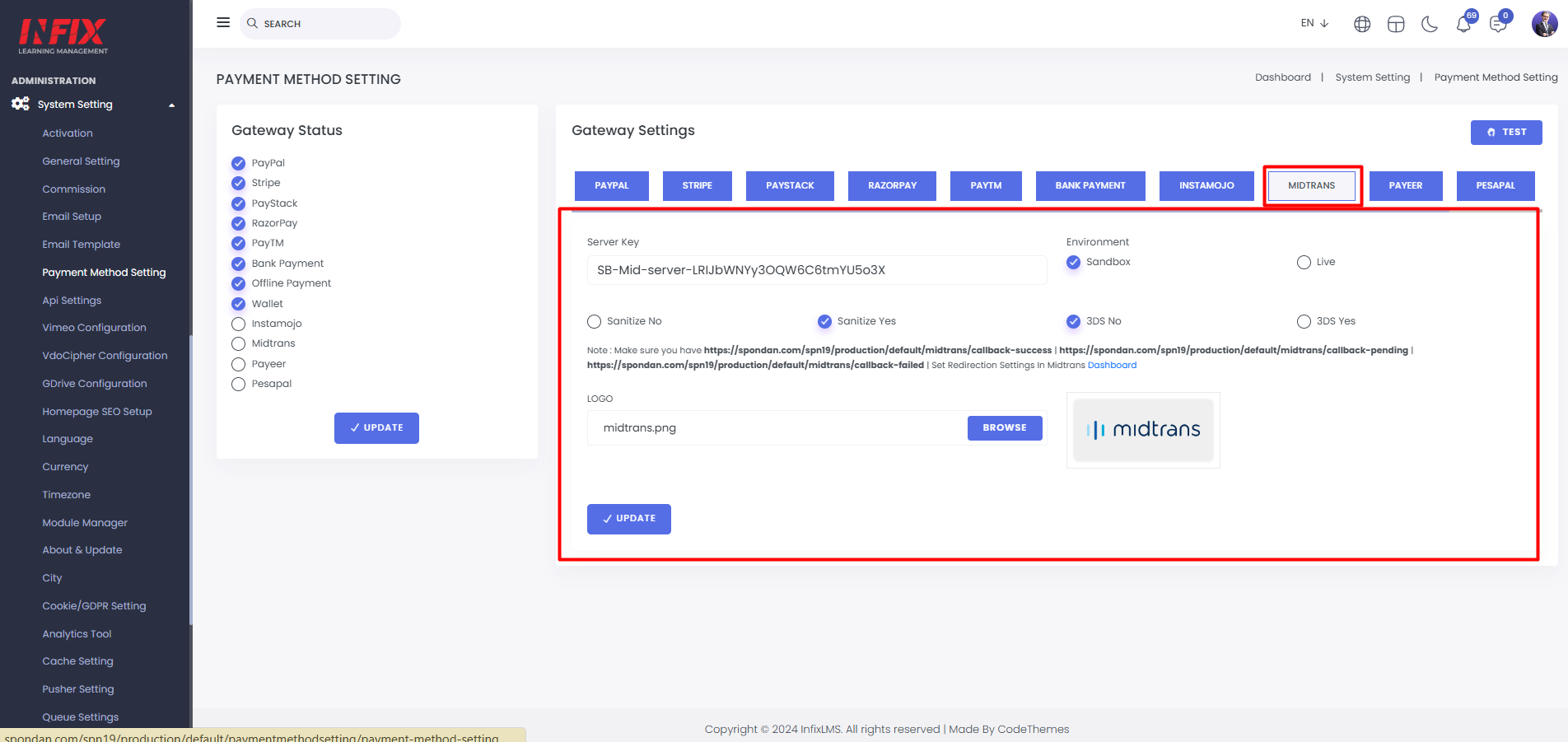
Midtrans: Set up Midtrans by entering the server key, environment, and uploading a logo. Click "Update" to save the changes successfully.
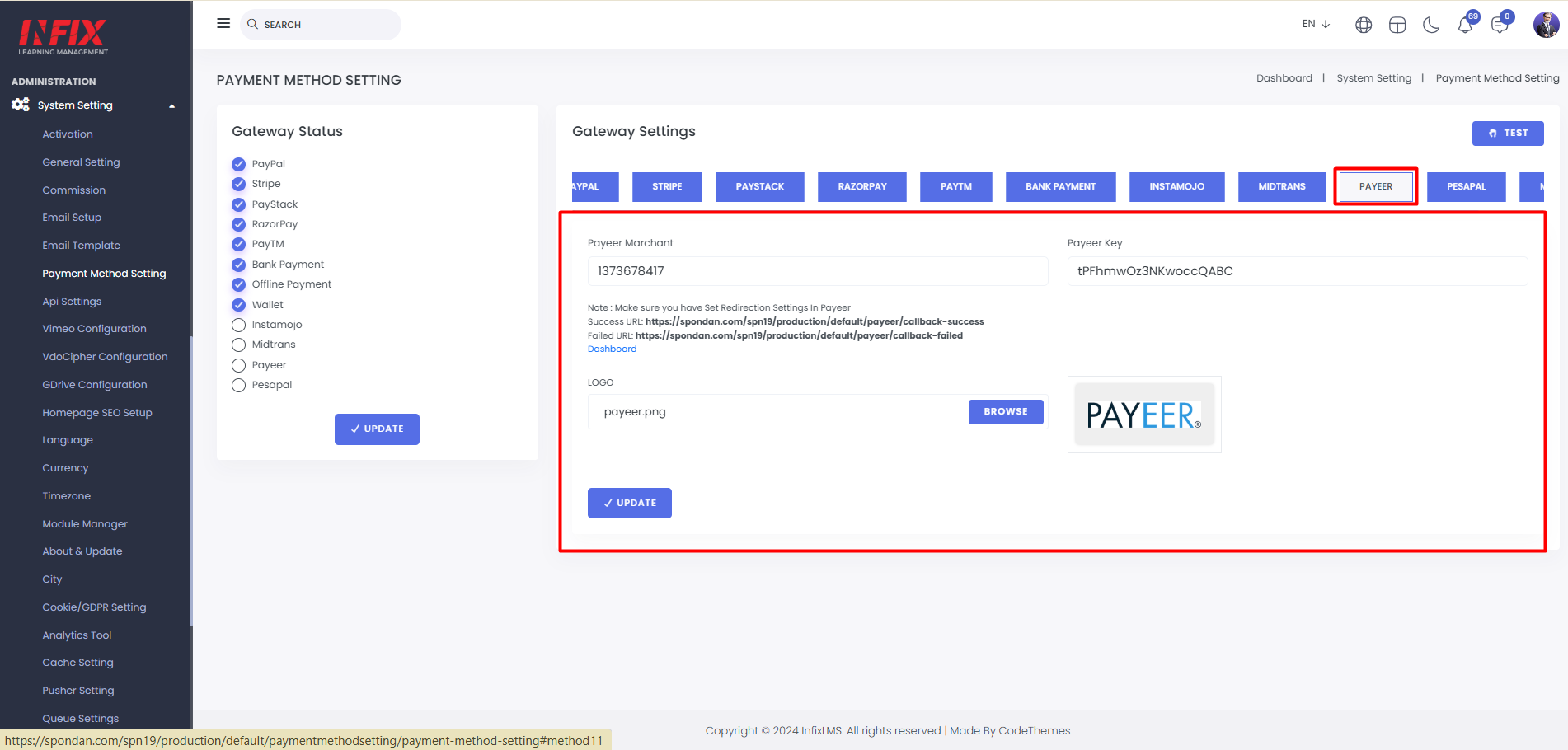
Payeer: Set up Payeer by entering the Payeer merchant, Payeer key, and uploading a logo.
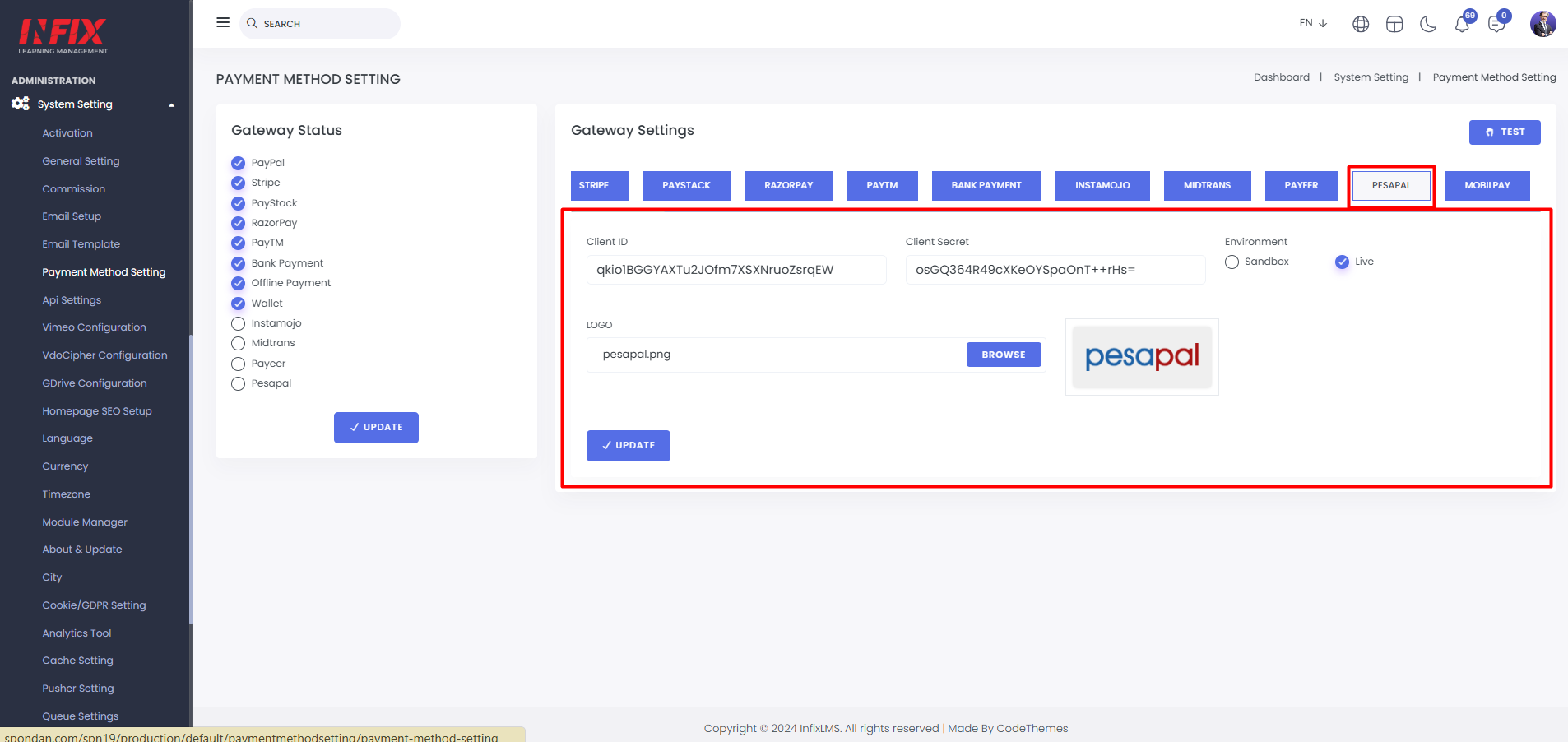
Pesapal: Set up Pesapal by entering the Client ID, Client Secret, environment, and uploading a logo.
Mobilpay: Set up Mobilpay by entering the merchant ID, environment, public key, private key, and uploading a logo.
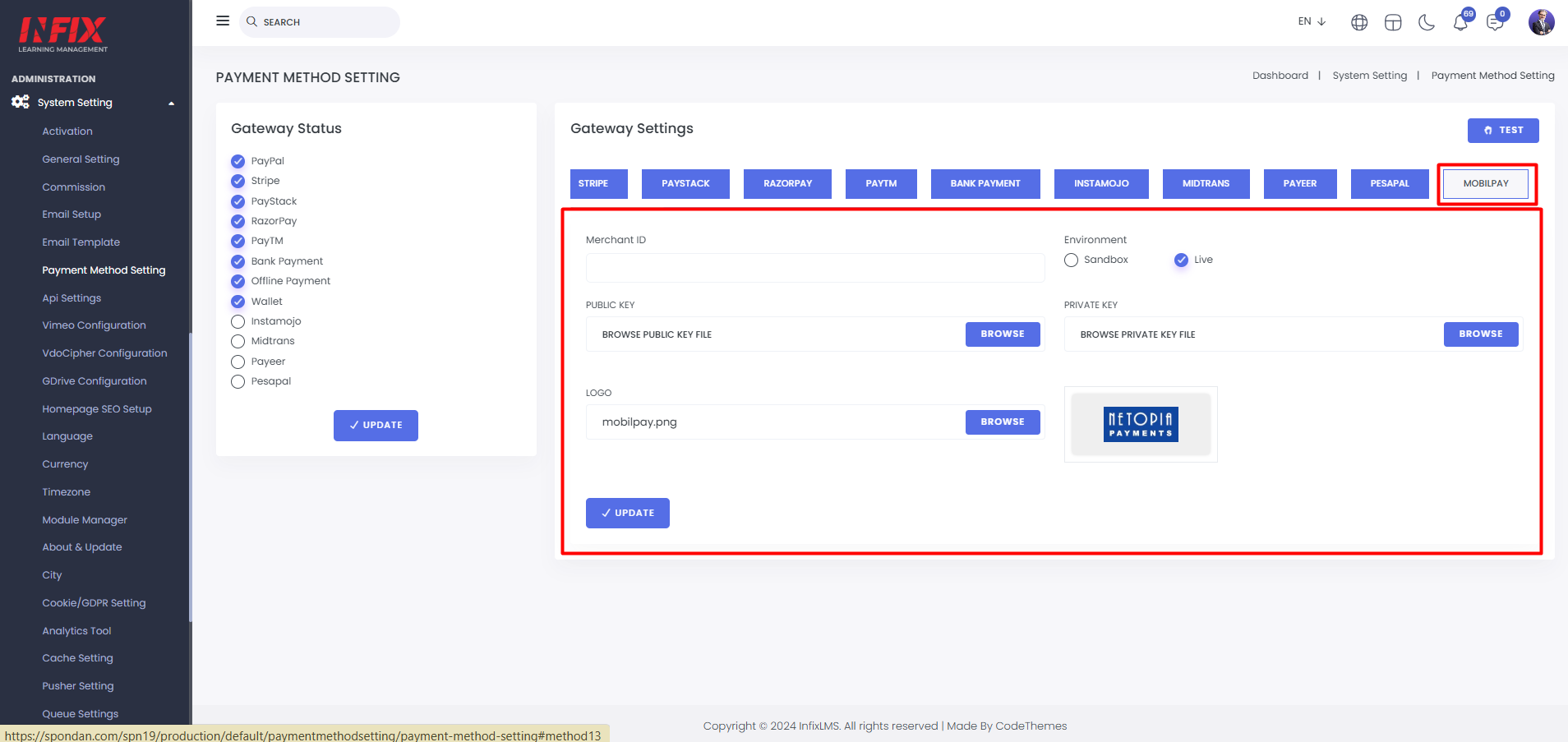
Here, you can choose which payment gateways to show or hide on the frontend.
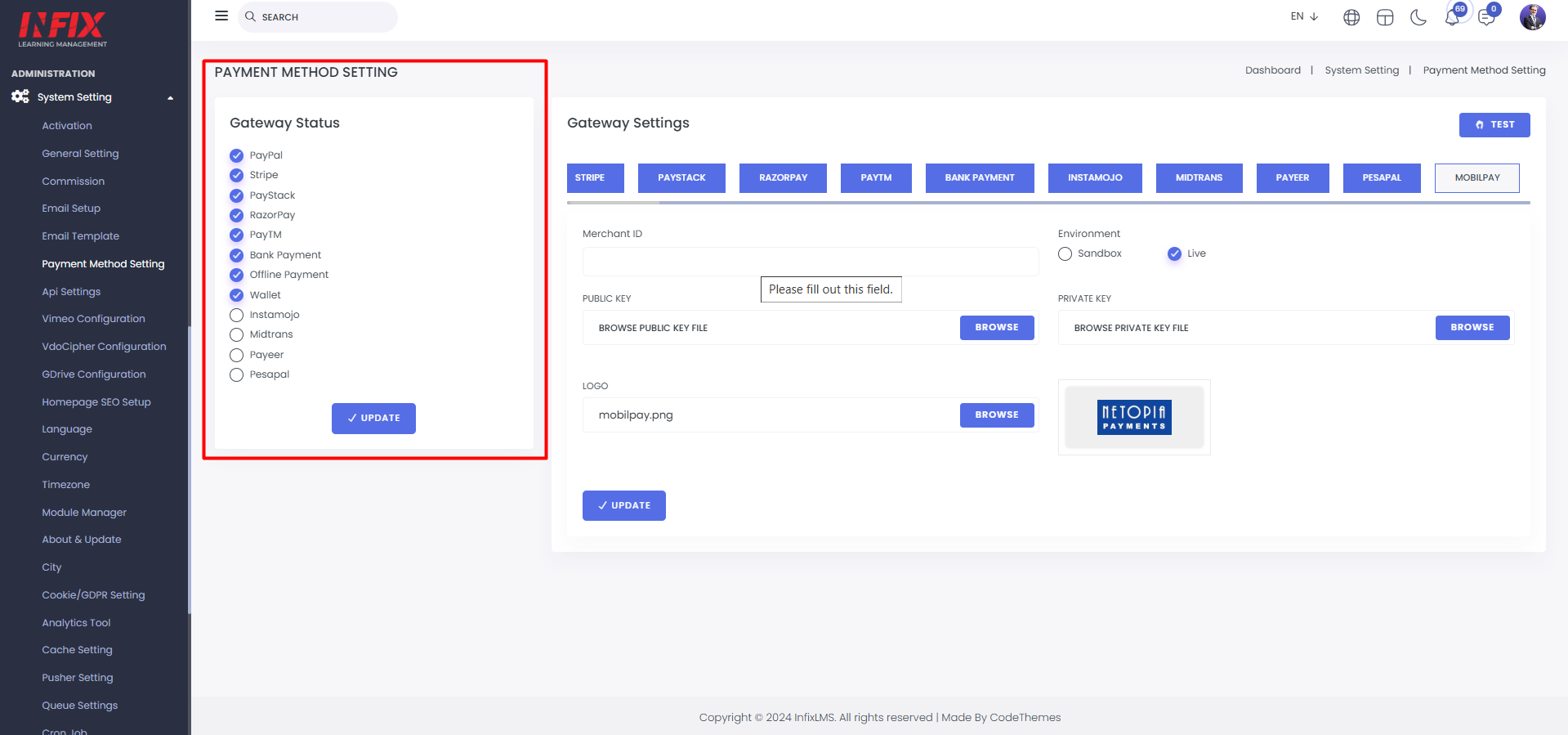
Click the "Test" button to check if your payment gateway is functioning properly.