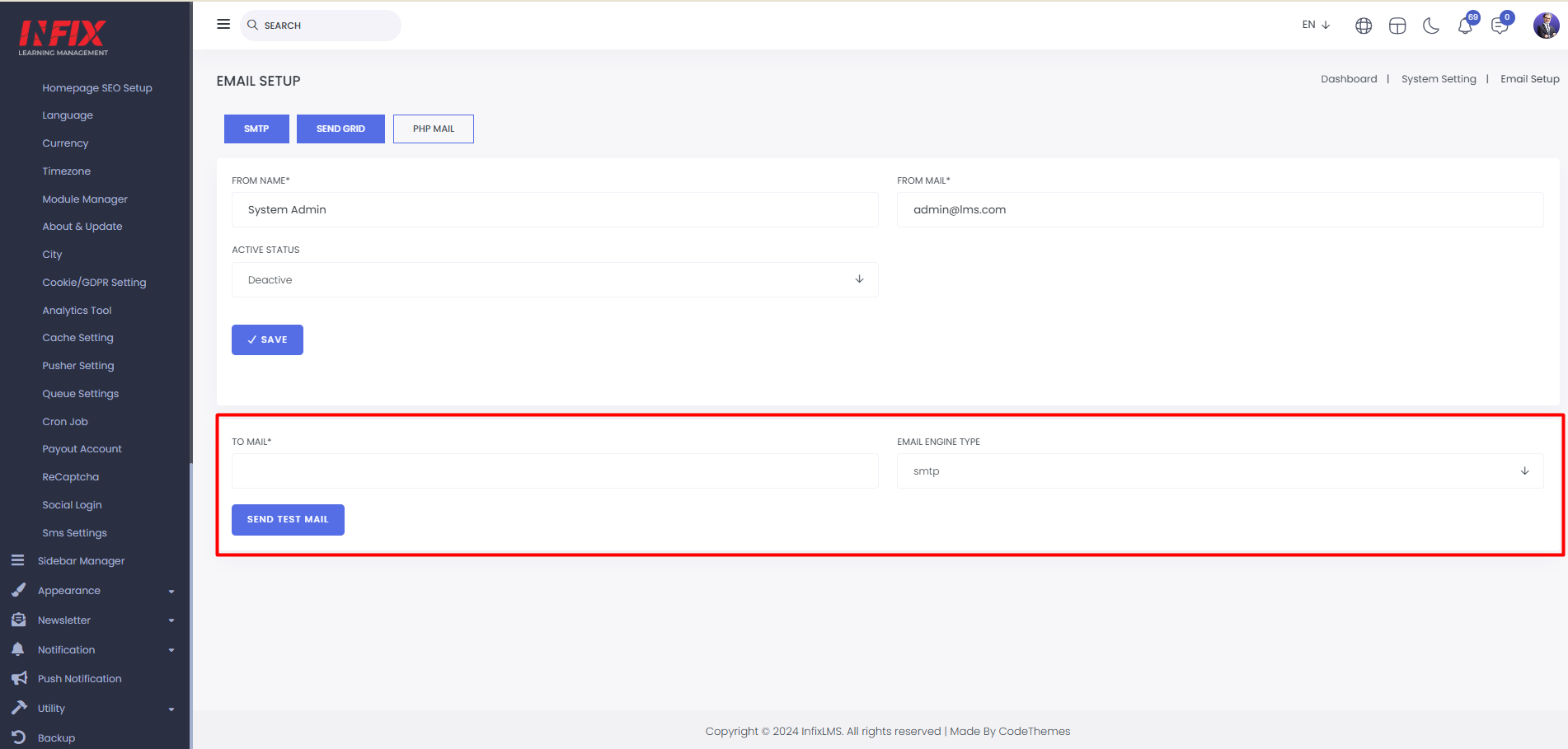
Email Setup: Here, you can set up email using SMTP, SendGrid, or PHP mail.
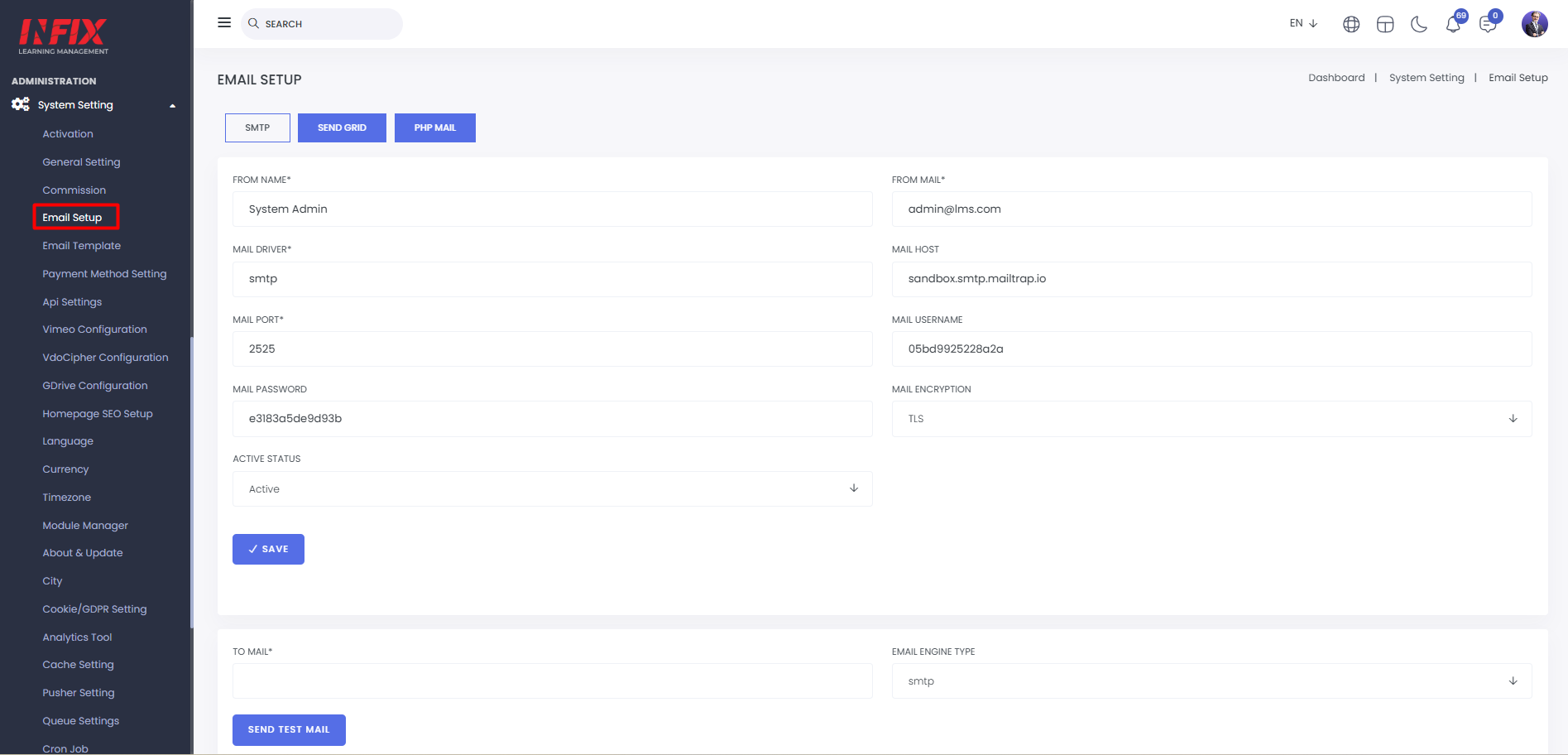
SMTP: Here, you can set up SMTP by configuring the sender's name and email, mail driver, host, port, username, password, encryption, and active status. After filling in the details, click the "Save" button to complete the SMTP setup.
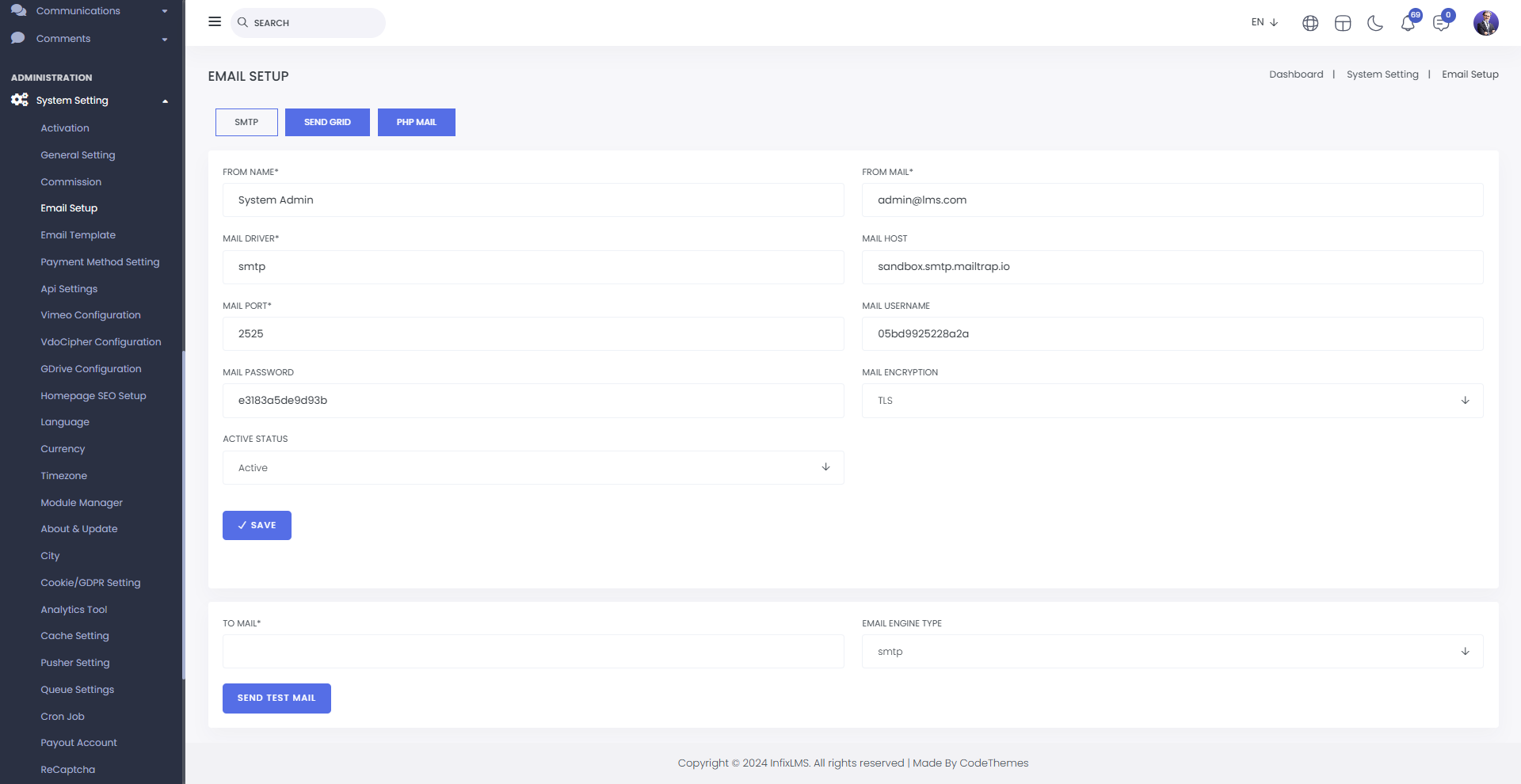
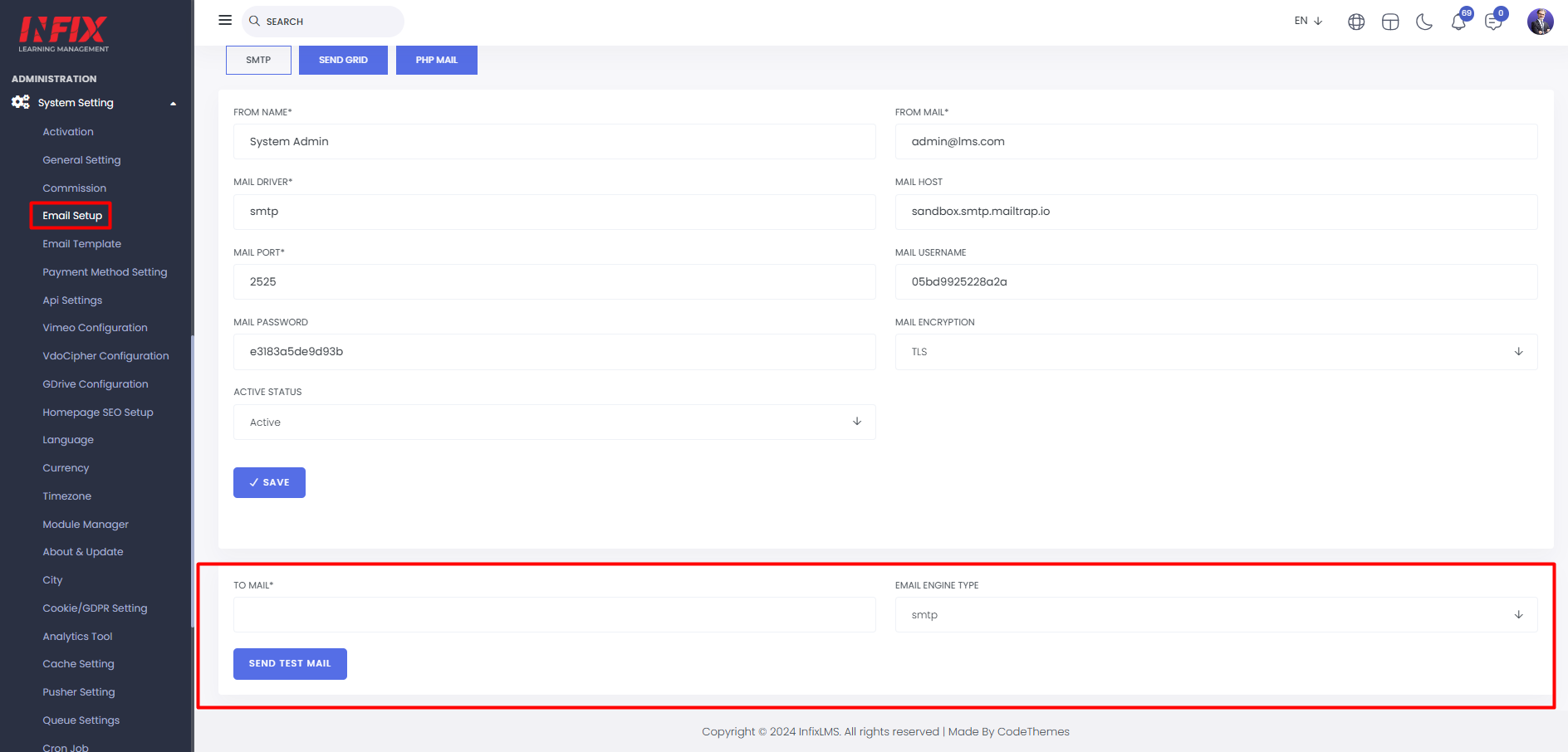
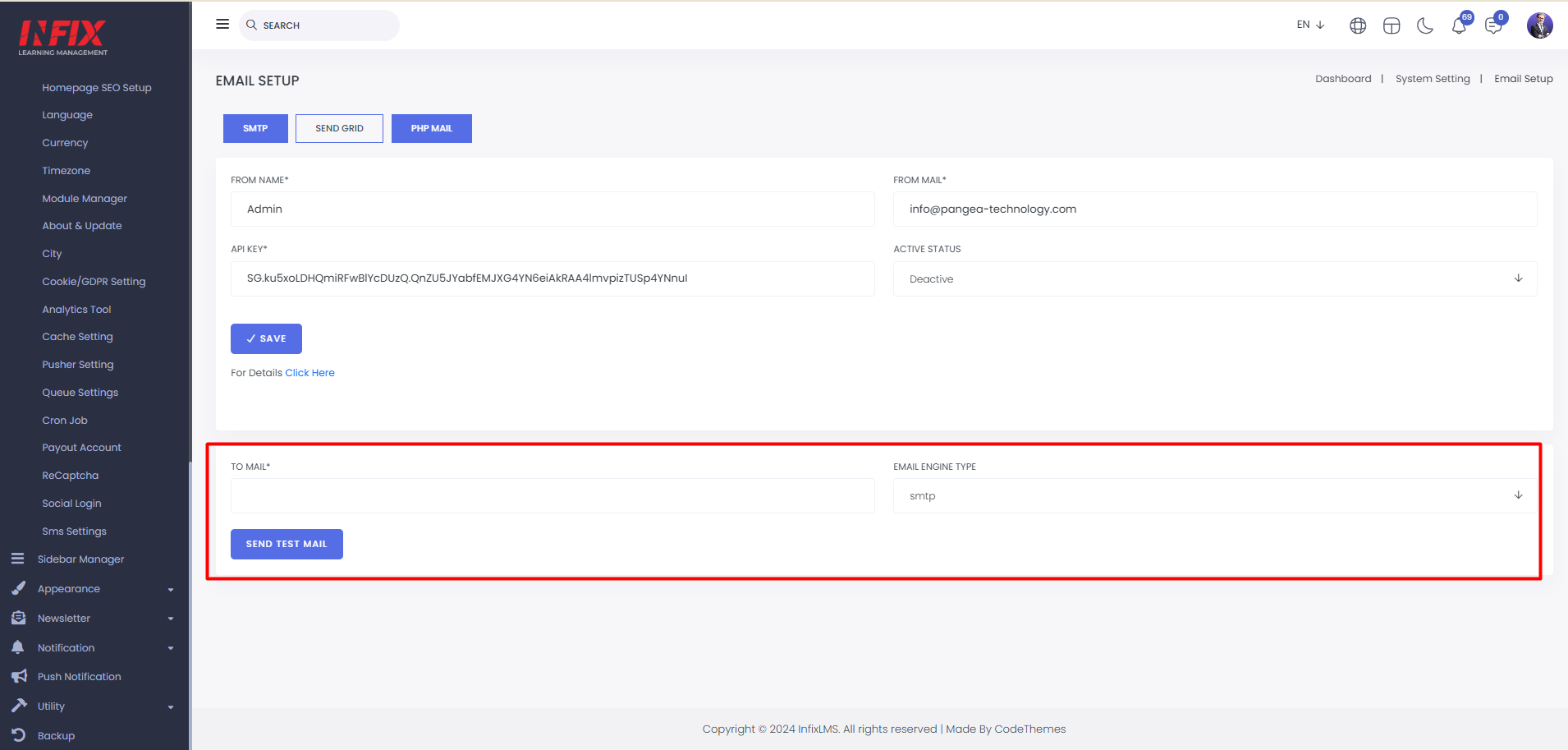
Here, you can also send a test email. Simply enter the email address, select the email engine type, and click "Send Test Email" to send the test successfully.
Send Grid: Here, you can set up SendGrid by entering the form name, email, API key, and status. After filling in the details, click "Save" to successfully set up your SendGrid.
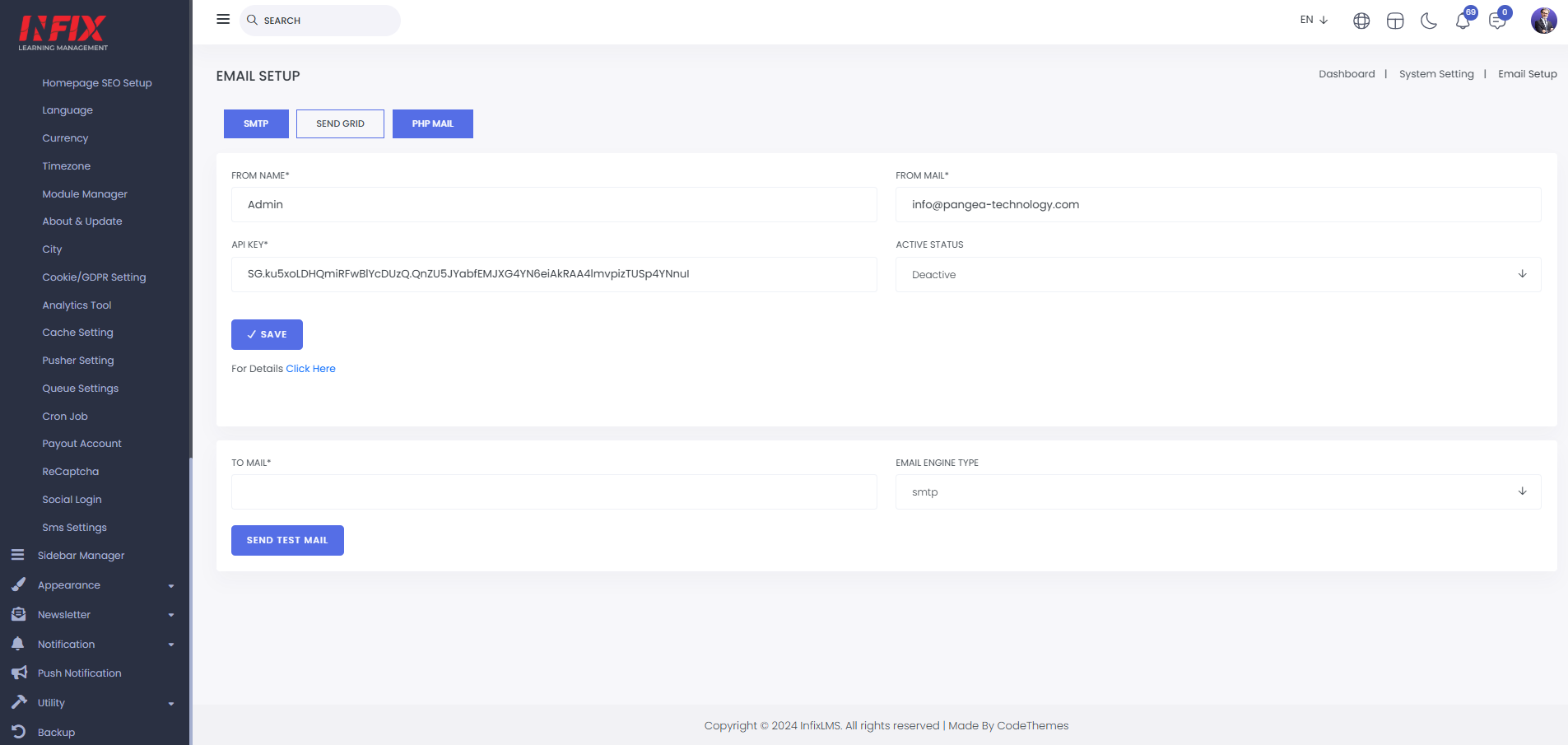
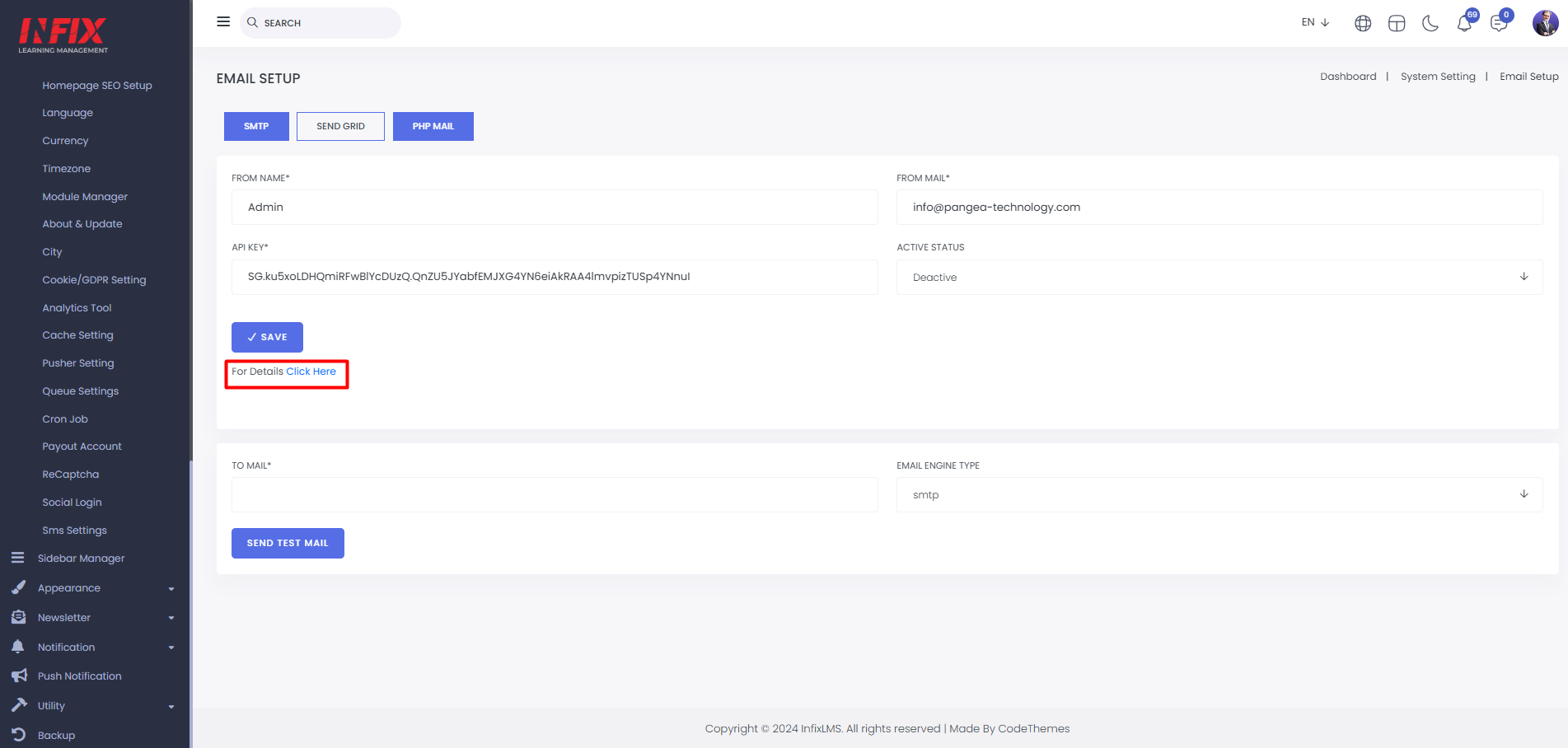
Clicking here will show you the details about the API keys.
From here you can also send test emails
PHP Mail: Here, you can set up PHP mail by entering the from name, email, and active status. After setting it up, click "Save" to complete the setup.
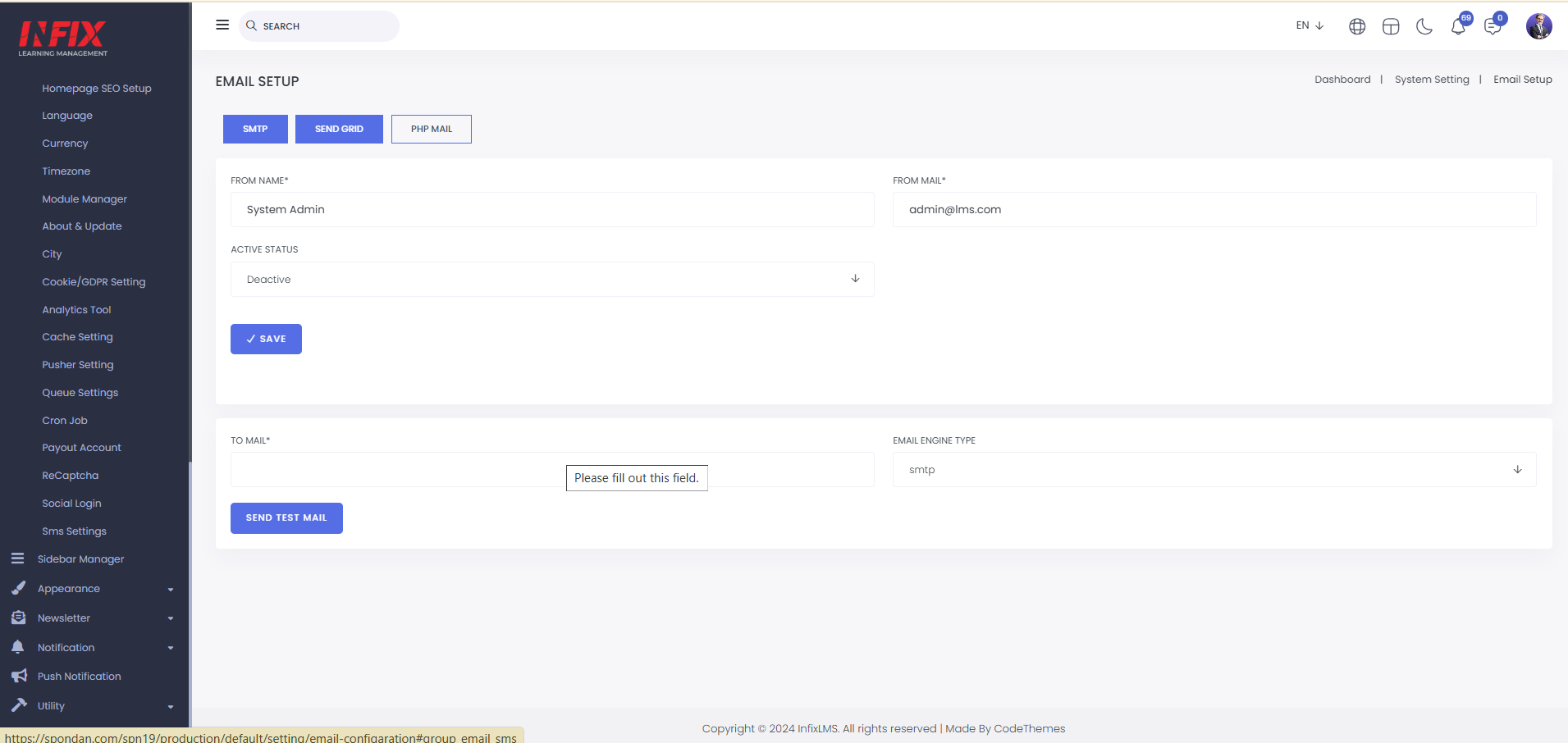
You can also send a test email from here.