Login to Aorabook
Overview
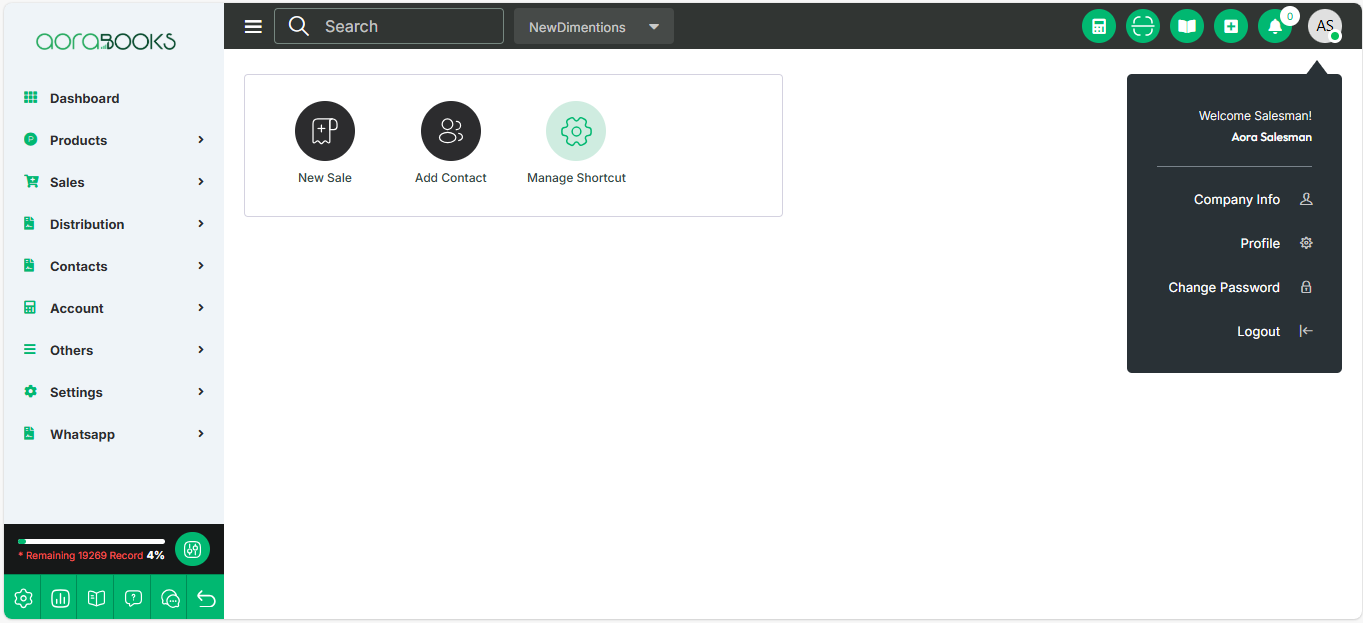
The AoraBook login process differs slightly from standard login procedures. This document outlines the steps required to log into an organization within AoraBook.
Steps to Log into an Organization:
Enter Organization Address it redirected to login page
Enter your registered email address.
Click the 'Find Your Account' button.

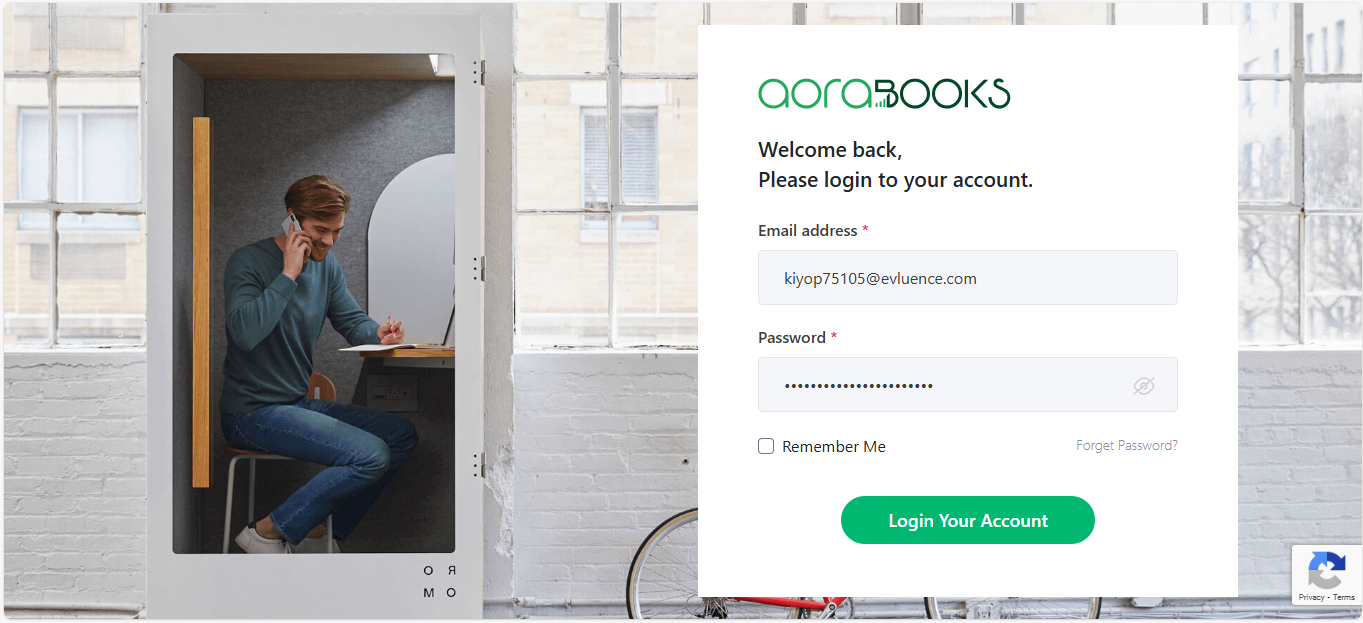
If the email is associated with only one organization, you will be redirected to a page where you can enter the password for that email to access the organization.


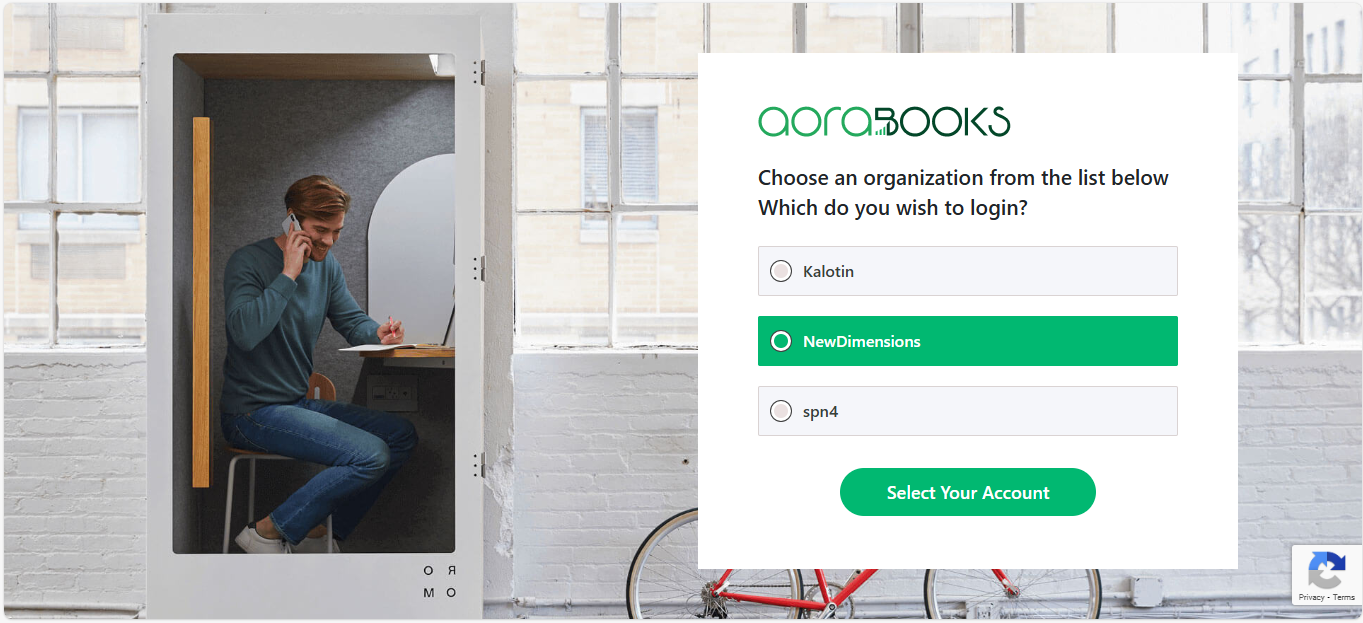
If the email is associated with multiple organizations, you must first select the organization you want to log in to and then enter the password for that email.

Additional Notes:
Ensure you input the correct organization address before entering your email.
If you cannot find your account, check for typos in the email or contact your administrator for assistance.
In case of a forgotten password, use the 'Forgot Password' option to reset it


