7th Jan, 2026
DSR Report
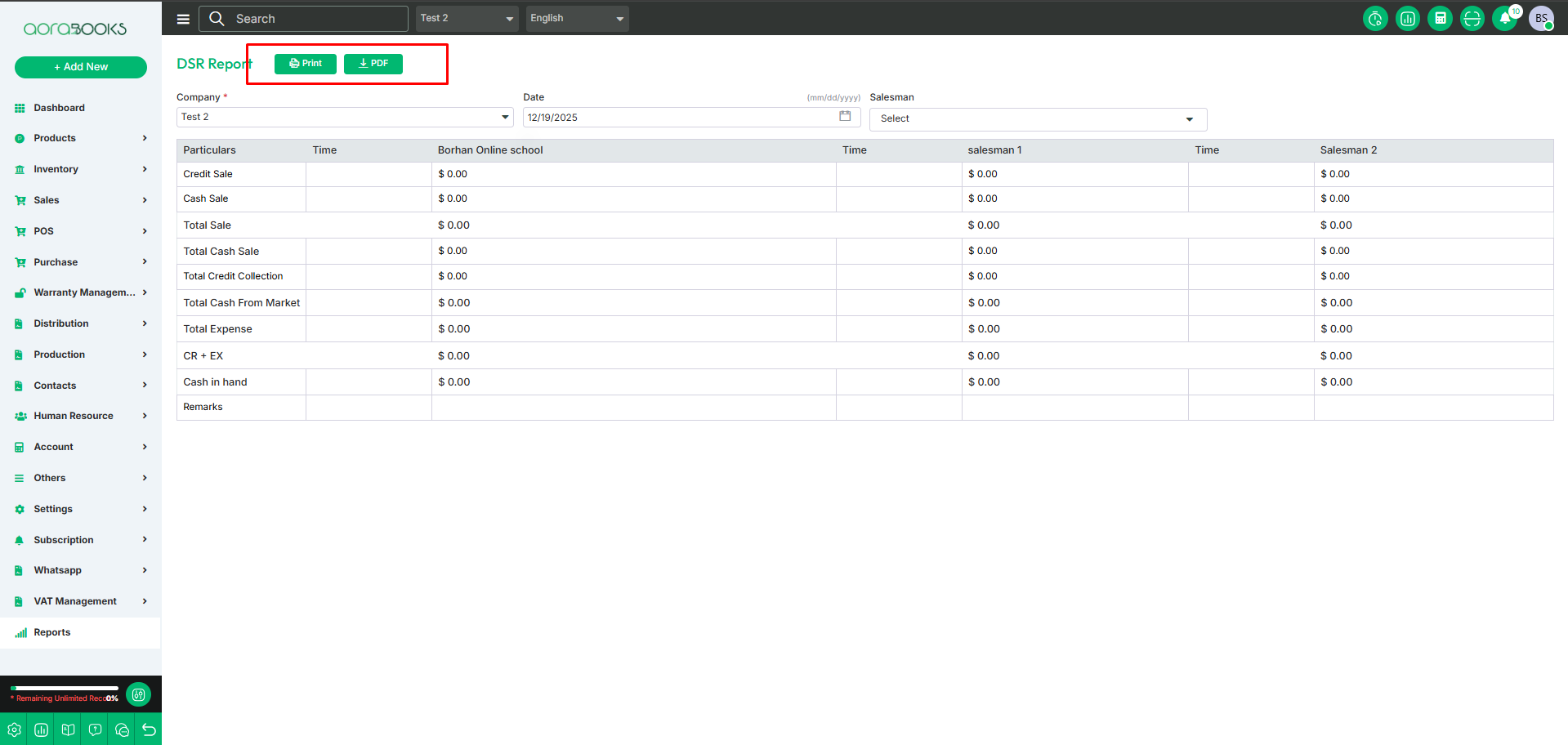
The DSR Report provides a detailed overview of daily sales activities, helping track sales performance, monitor targets, and manage collections on a day-to-day basis.
DSR report with the details of:
Particulars: Description of the sales activity or transaction
Time: Time when the sales activity occurred.
Employee: Sales or activity details specific to this employee.
Credit Sale: Total sales made on credit for the day.
Cash Sale: Total sales made in cash for the day.
Total Sale: Combined total of credit and cash sales.
Total Cash Sale: Total cash collected from sales.
Total Credit Collection: Amount collected from previous credit sales.
Total Cash From Market: Cash collected from market-related activities or outside collections.
Total Expense: Total expenses incurred during the day.
CR + EX: Sum of credit collection and total expenses.
Cash in Hand: Total cash available at the end of the day after accounting for sales and expenses.
Remarks: Additional notes or observations regarding daily sales or collections.
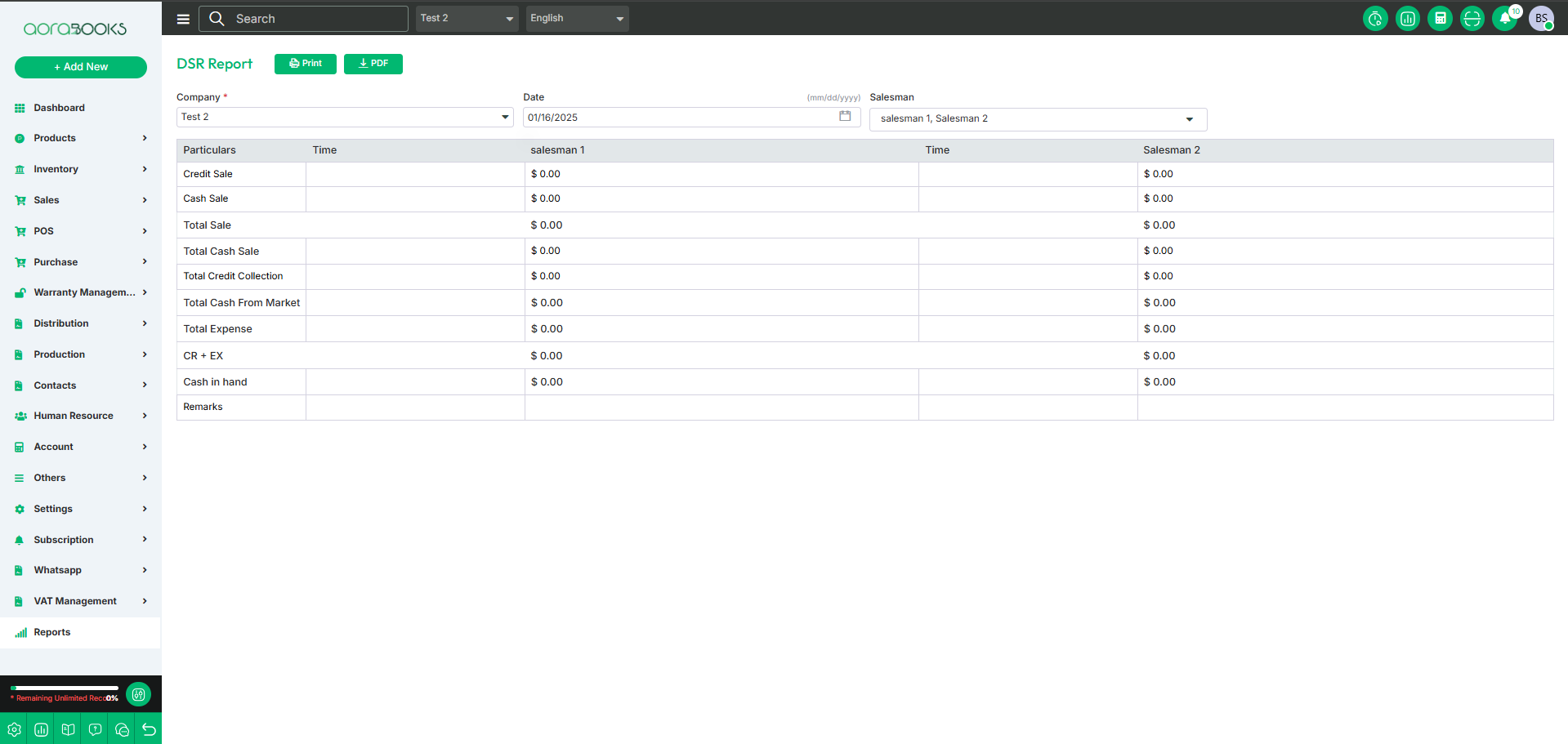
Advance filter:
Company: Select the company for which you want to view the daily sales report.
Date: Specify the date or date range for which the DSR should be generated.
Salesman: Filter records by the salesperson responsible for the sales.
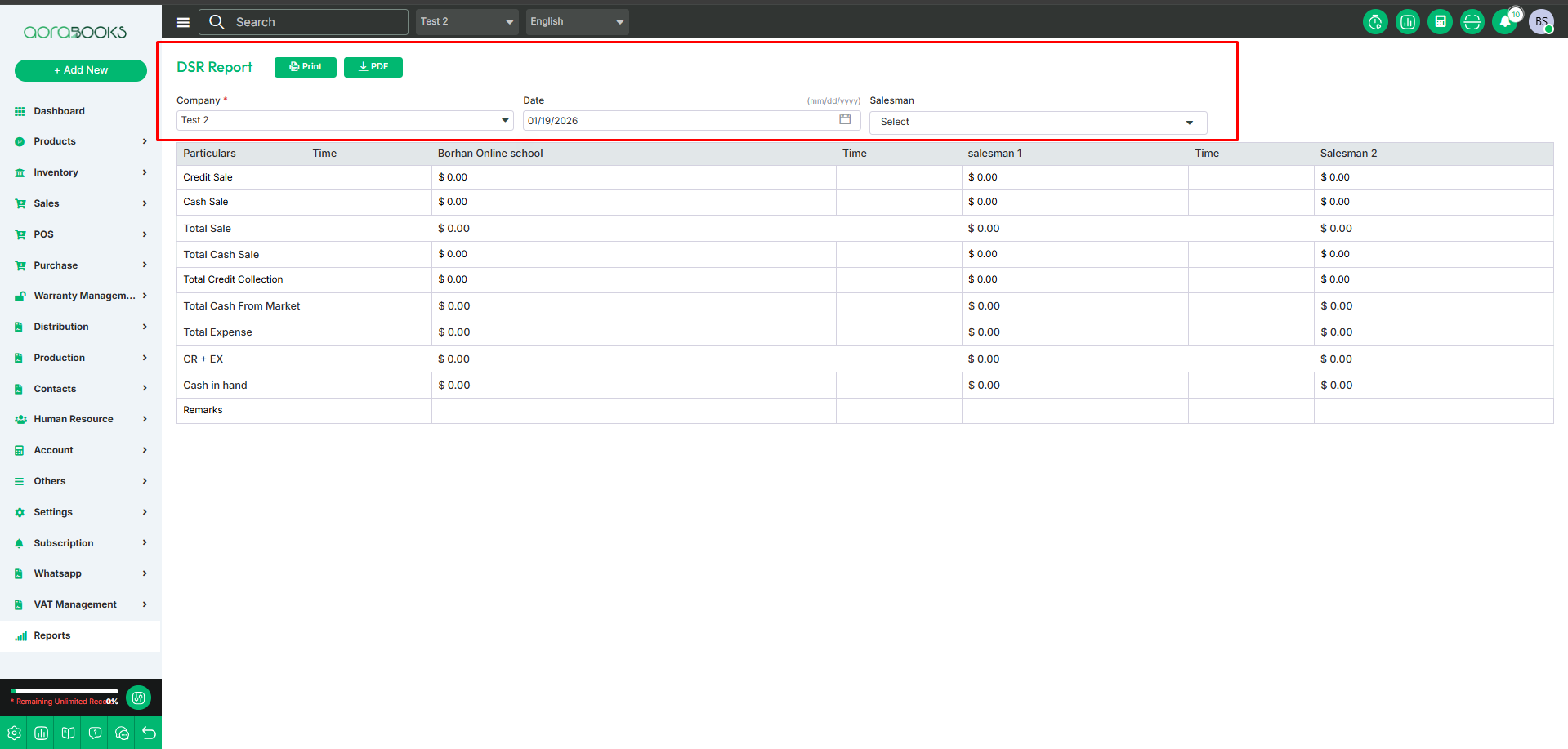
Export report by print and pdf from here