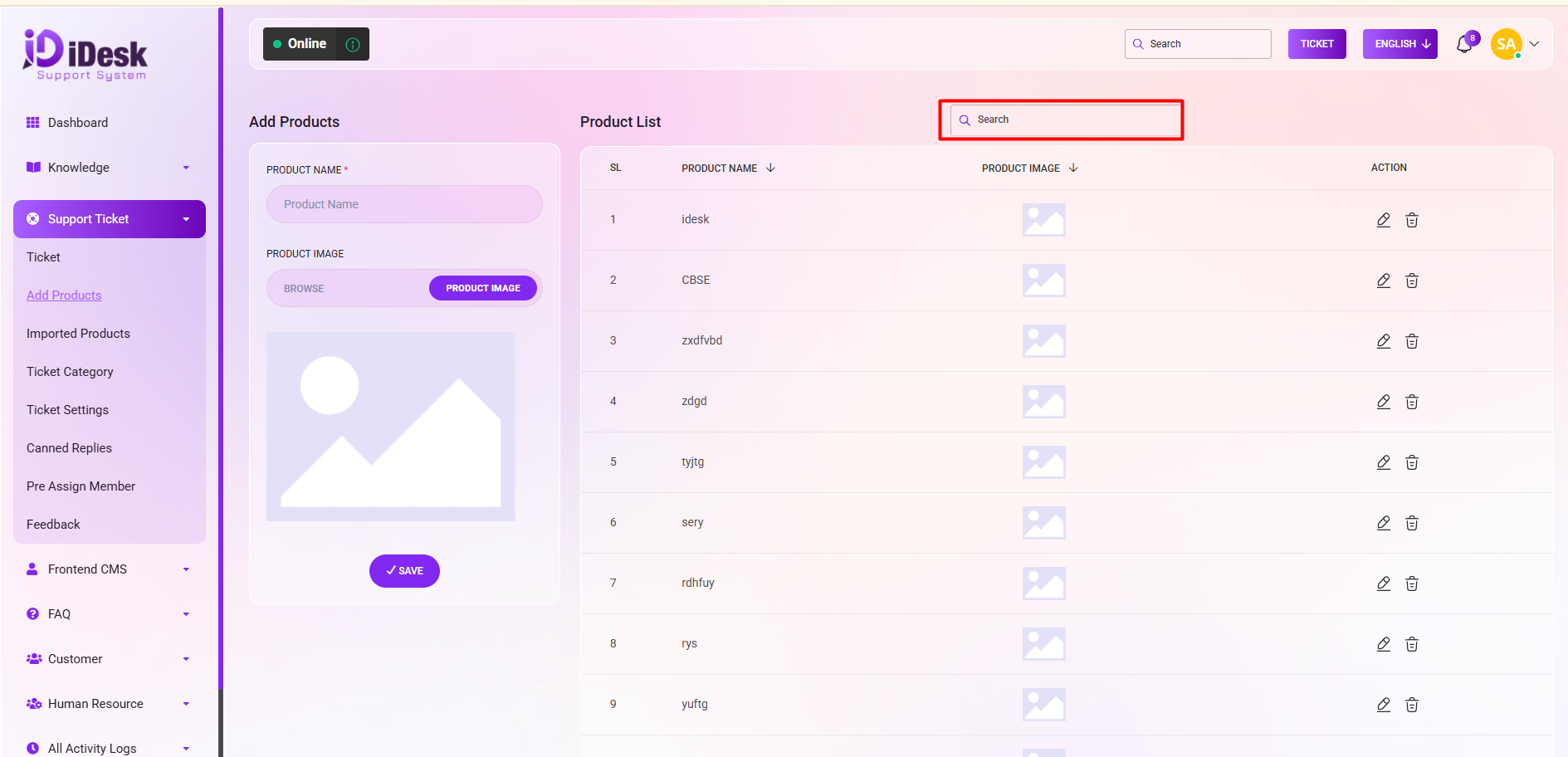
Add Product
To include a new product, follow the below step. Such as:
PRODUCT NAME: Set the name of the product you want to add.
PRODUCT IMAGE: Set the image of the product you want to add.
Save: Click the button to save your product successfully.
On the right side, the product list is conveniently displayed. Here, you can review all existing products with details. Such as:
SL: You can see the serial number of the product.
Product Name: You can see the name of the product.
Product Image: You can see the image of the product.
Action: From here you can perform actions. Such as:
Edit: To make modifications just click on the edit icon.
Delete: If you want to delete the product from the list click on delete icon.
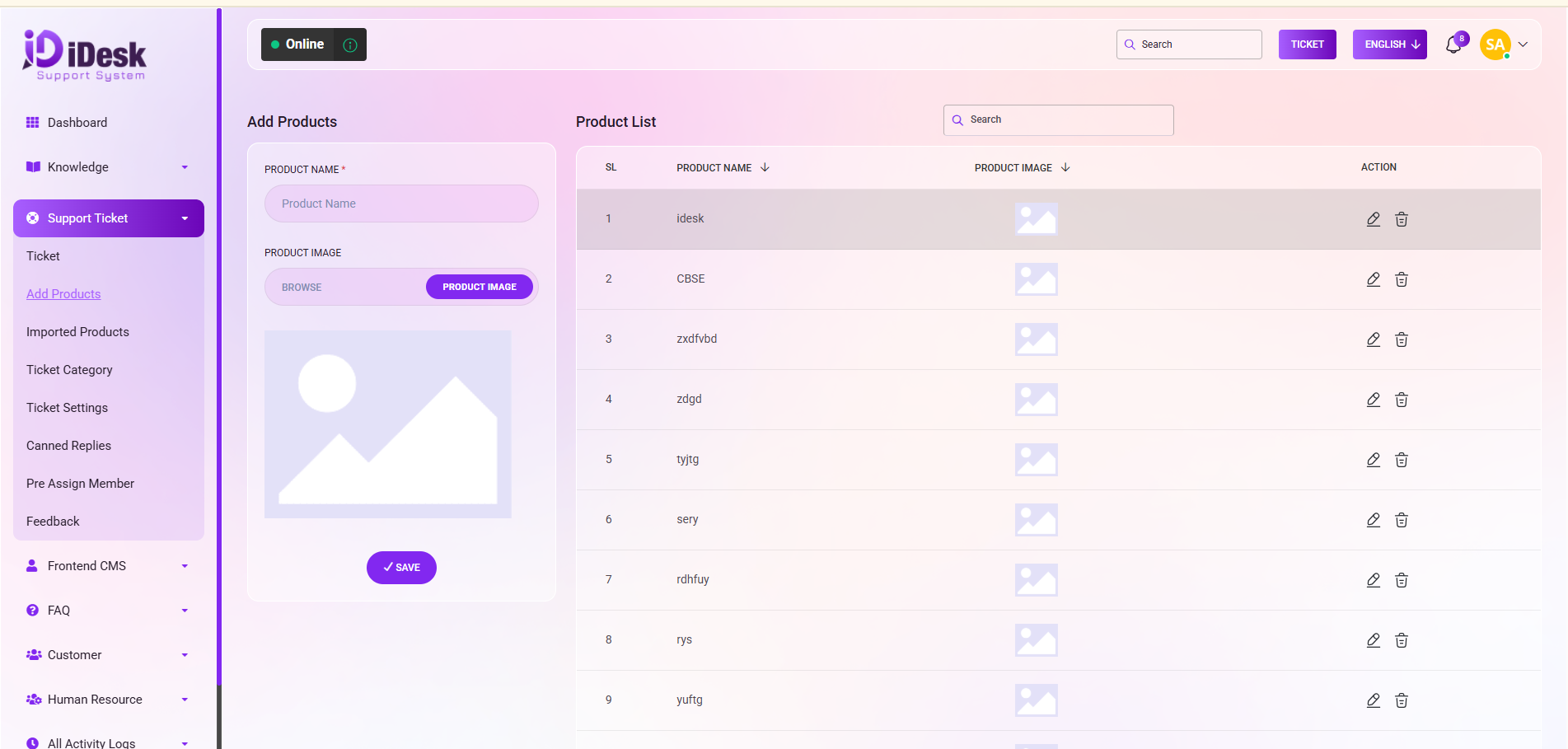
Search: You can find out any specific product from the list using search functionality.