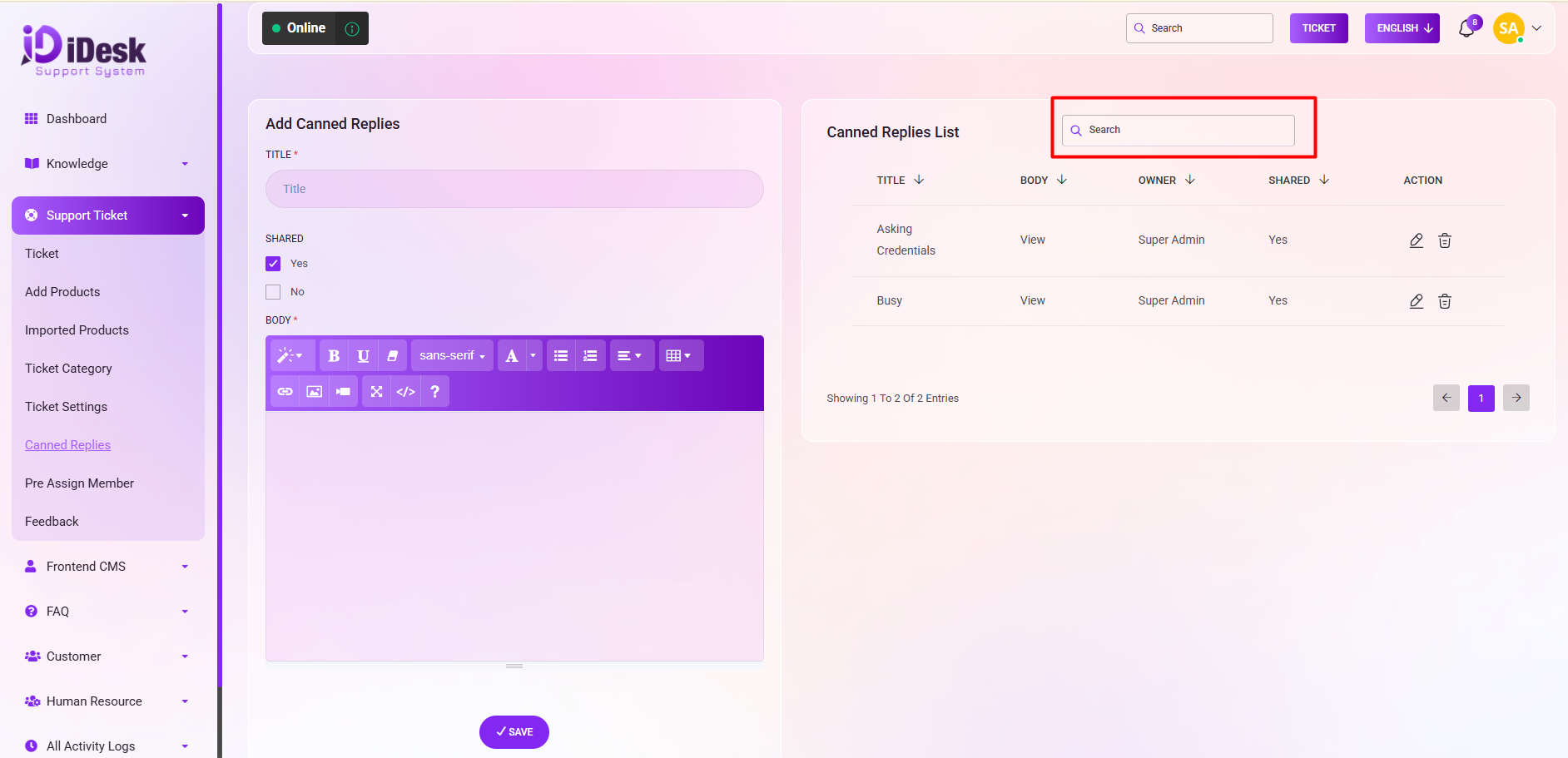
In this section, you have the capability to incorporate predefined responses by adding canned replies.To add the canned replies just follow the below steps:
Title: Set the title of the from here.
Shared: Determine whether they should be shared by selecting "Yes" or "No".
Body: Set the text which you want to save as canned from here.
Save: Click to save your message.
On the right side, an organized list of canned replies is presented, complete with details. Such as:
Title: You can see the title.
Body: You can see the body text of the canned replies.
Owner: You can see who has created it.
Shared: You can see if it is shared or not.
Action: In this column you can see two icons. If you want to modify anything click on edit icon and if you want to remove just click on delete icon.
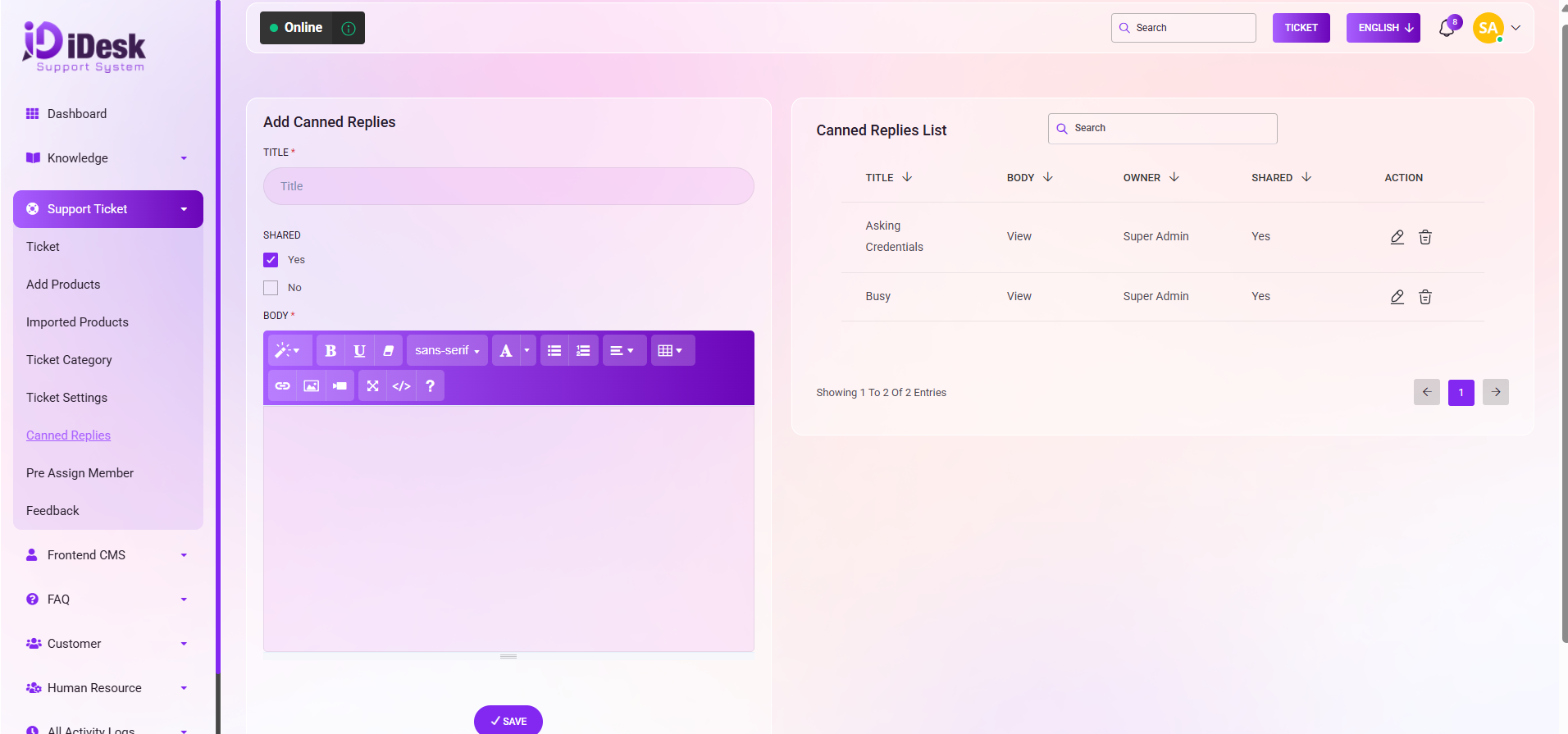
Search: You can find out any specific canned reply from the list using search functionality.