The Imported Products section is a key component of the Support Ticket module, designed to centralize and track products integrated from external sources (e.g., Envato). This allows support agents to easily identify which specific product or service a customer's ticket is related to, ensuring more accurate and specialized assistance.
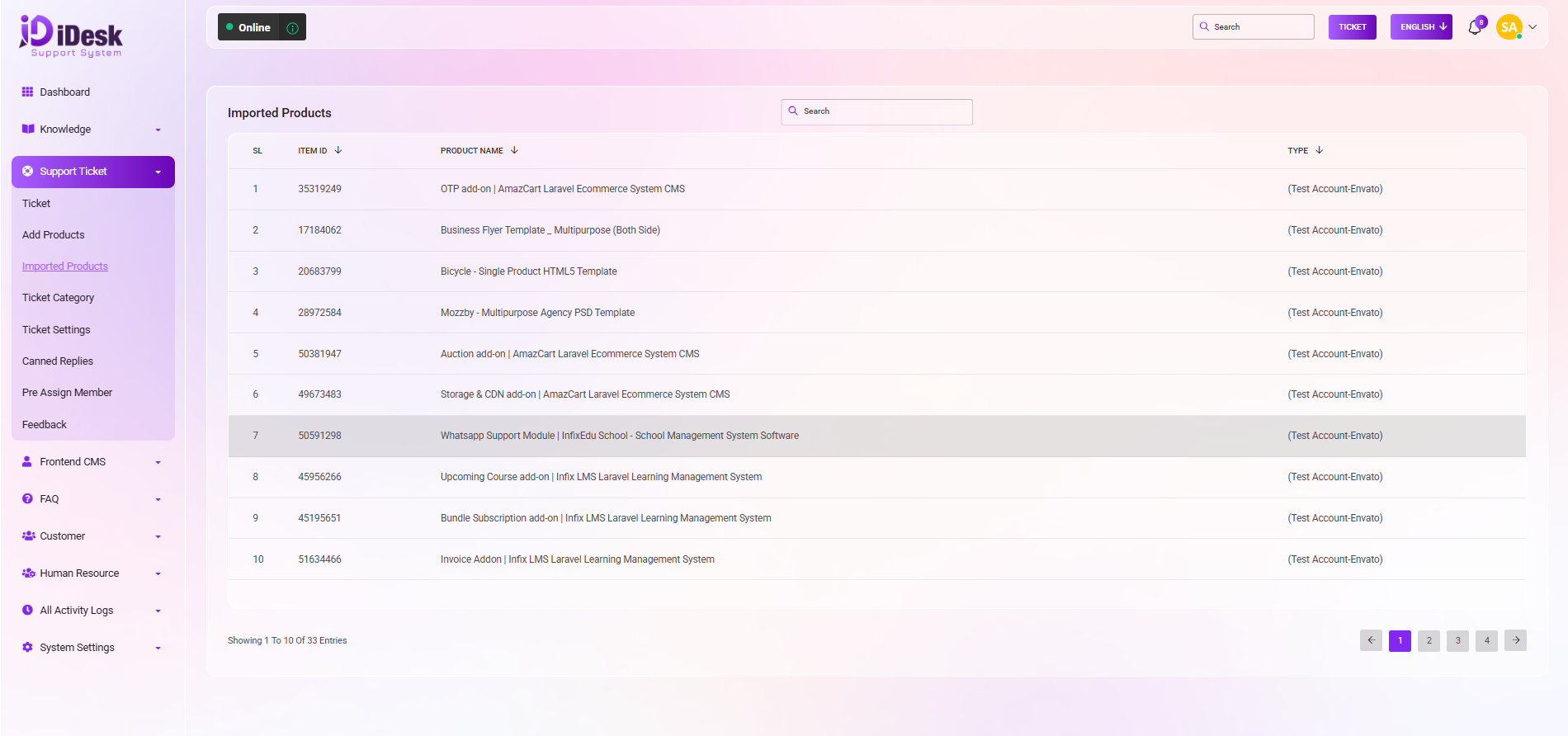
The Imported Products dashboard provides a clean, searchable list of all active items integrated into your support system.
SL (Serial Number): Helps in tracking the total number of entries in your list.
Item ID: The unique identifier for the product, often corresponding to its ID on the source platform.
Product Name: The formal title of the item as it appears to customers and in the system.
Type: Indicates the source or category of the product (e.g., "(Test Account-Envato)").
The system is built for high-volume environments where findability is essential:
Global Search: Located at the top of the product card, the search bar allows you to filter the list instantly by typing any part of the Product Name or Item ID.
Pagination: Easily navigate through large inventories using the arrow buttons and page numbers at the bottom right of the list.
Entry Tracking: The footer displays the total count of entries currently visible (e.g., "Showing 1 To 1 Of 1 Entries") to keep you informed of your product database size.
Imported products are not just static records; they play a vital role in the wider ticketing ecosystem:
Categorization: When customers open tickets, these products can be selected to ensure the ticket is correctly categorized.
Workflow Efficiency: By linking tickets to specific imported products, administrators can use other sub-modules like Pre Assign Member to automatically route technical issues to the specialists who handle those specific items.


